On-device Mac dictation app: hold Option, speak and your words appear in any app, with a voice hook that reads Claude Code replies aloud.
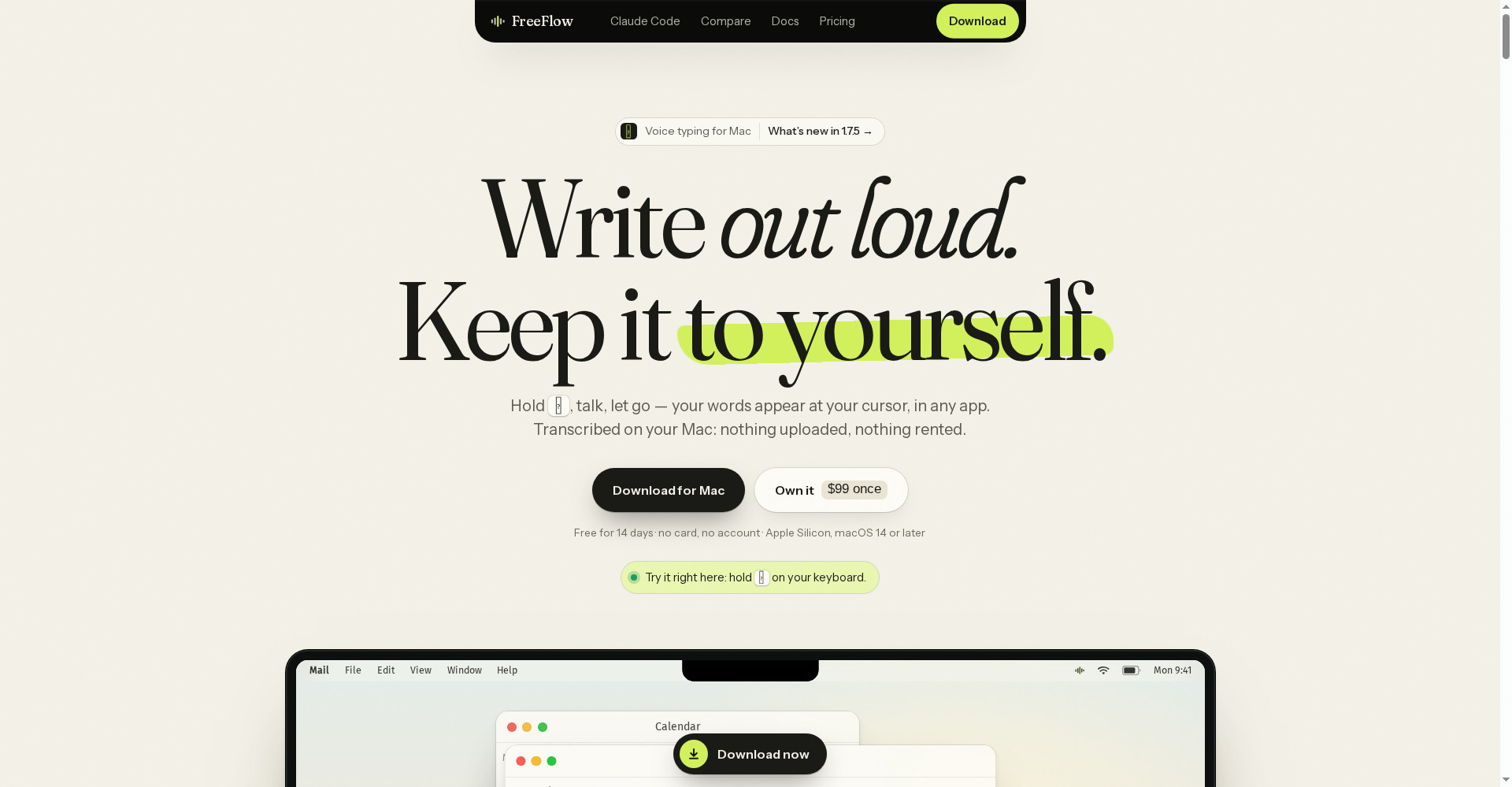
FreeFlow Dictation home — on-device Mac dictation
1 / 2Overview
What is FreeFlow Dictation?
On-device Mac dictation with a Claude Code voice hook
FreeFlow Dictation is on-device Mac dictation. Hold Option, speak, and release to type into any app — no switching windows or copying text. All six speech models run on your Mac and your audio never leaves it, so it works fully offline.
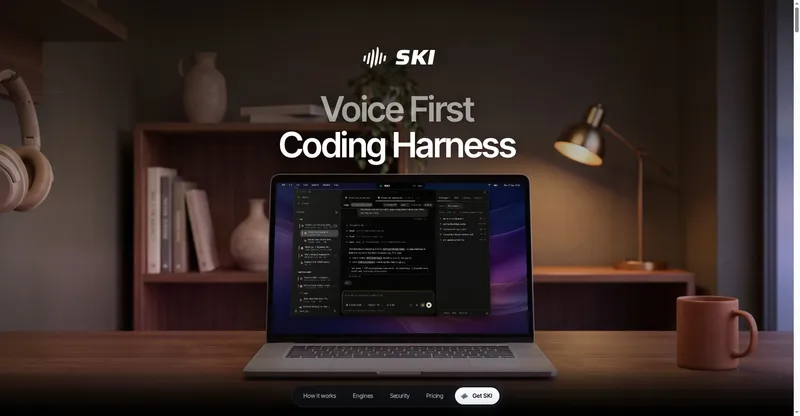
A voice hook for Claude Code reads its replies aloud and lets you dictate prompts in the terminal. Per-scenario modes and dictionaries adapt it for coding, writing or meetings, and you can bring your own WhisperKit models from Hugging Face, including Parakeet models for 25 European languages and Cohere models for 14 languages.
FreeFlow costs $99 once for 3 Macs, including all future updates, with no subscription. A 14-day free trial gives you the full app with no card and no account. It needs an Apple Silicon Mac running macOS 14 or later.
Platforms and languages
FreeFlow Dictation Availability
Platforms
Languages
Capabilities
FreeFlow Dictation Key Features
Hold-to-talk dictation
Hold Option, speak, and release to type into any app — no switching windows or copying text.
Fully on-device
All six speech models run on your Mac and audio never leaves it, so dictation works offline.
Claude Code voice hook
A voice hook for Claude Code speaks its replies aloud and lets you dictate prompts.
Per-scenario modes
Modes and dictionaries tuned for coding, writing or meetings, plus an Incognito mode.
Bring your own models
Load your own WhisperKit models from Hugging Face, including Parakeet and Cohere models.
Best for
Who uses FreeFlow Dictation?
Mac users who write or code by voice
Dictate into any app without sending audio to the cloud
Claude Code users
Hear Claude's replies read aloud and dictate prompts hands-free
Plans and access
FreeFlow Dictation Pricing
Paid
$99 one-time for 3 Macs, all future updates included. 14-day free trial.
Common questions
FreeFlow Dictation FAQs
Is there a free trial?
Yes, a 14-day free trial with the full app, no card and no account needed.
How much does it cost?
$99 once, for 3 Macs, including all future updates. There is no subscription.
Does my audio leave my Mac?
No. Every speech model runs on-device and your audio never leaves your computer.
Which Macs does it need?
Apple Silicon Macs running macOS 14 or later.
Reviews
See what the community thinks and share your experience.
—
Based on 0 ratings
Rating distribution
Community reviews
No reviews
No written reviews yet.