Free desktop AI agent that turns plain-language requests into finished files — decks, sites, logos, videos — using your own Claude, ChatGPT or Gemini account.
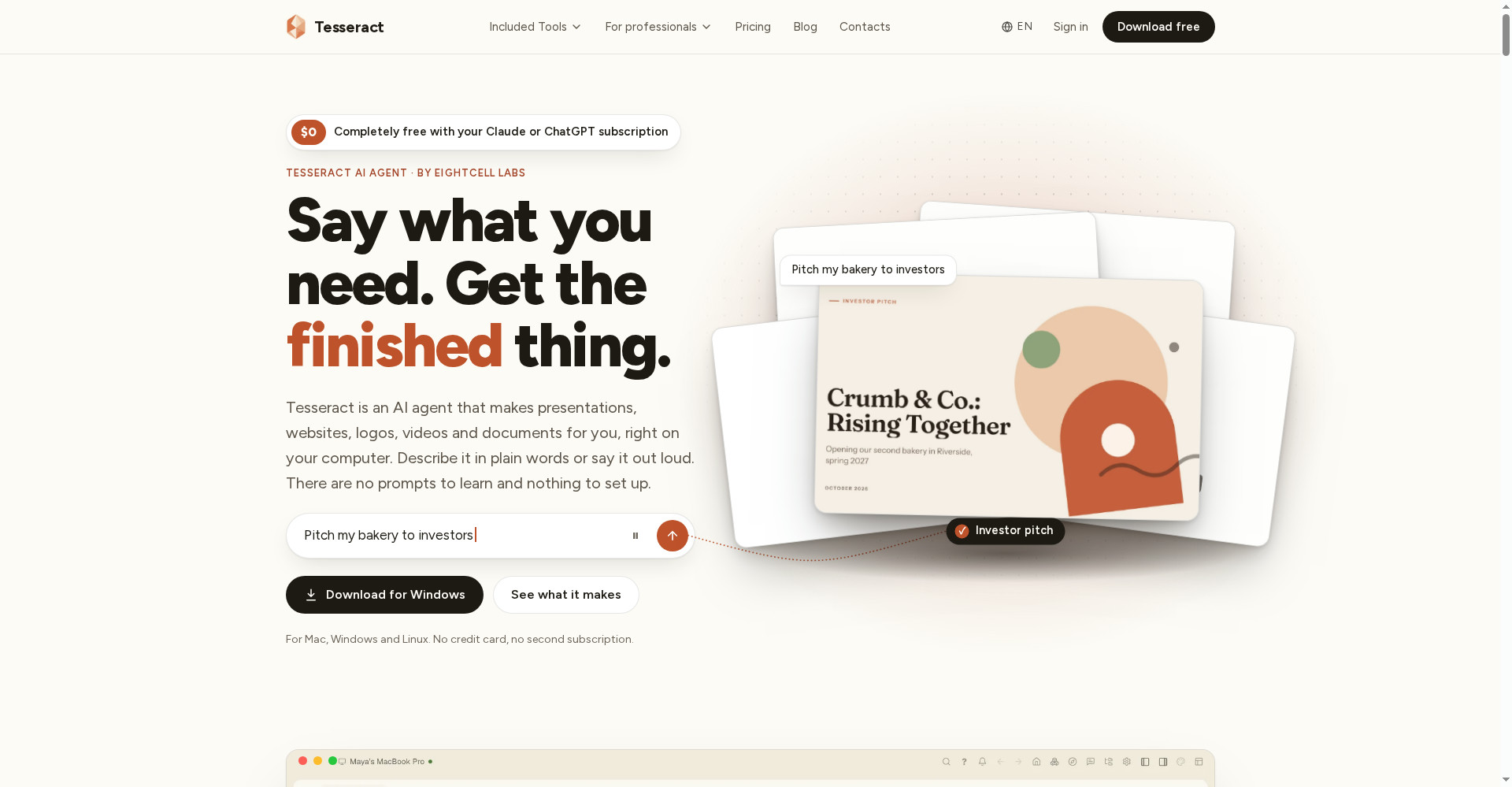
Tesseract home — say what you need, get the finished thing
1 / 2Overview
What is Tesseract?
The free AI agent application with superpowers
Tesseract is a free desktop AI agent that does the work instead of describing it. Say what you need — a website, a slide deck, a video, a logo, a research spreadsheet — and it plans, works on your computer and hands back the finished thing.
It runs on the AI you already pay for: sign in with Claude or ChatGPT, or use a Gemini API key, across 14 agent frameworks, and switch between accounts per conversation. One install includes 77 tools covering documents, video, audio, image design, development and automation, plus remote desktop, a private mesh network and shared files and clipboard across all your computers.
Tesseract itself is free with no subscription. If you have no AI subscription, start on the free allowance and top up from $10 only when you want more. It runs on Mac, Windows and Linux, in the browser, and on iPhone.
Platforms and languages
Tesseract Availability
Platforms
Languages
Capabilities
Tesseract Key Features
Finished files, not drafts
Describe what you need in plain words and get back a real file: a deck, website, logo, video or document.
Bring your own AI
Runs on your existing Claude, ChatGPT or Gemini subscription or API key, across 14 agent frameworks.
77 built-in tools
One install covers documents, video, audio, image design, development and automation.
Works across devices
Remote desktop, a private mesh network and shared files and clipboard link all your computers.
Voice and hotkeys
A global Spotlight hotkey and voice assistant let it work inside any app.
Best for
Who uses Tesseract?
Non-technical users and small business owners
Get finished files — decks, sites, logos, videos — by describing them in plain words
Developers and power users
Run AI agents across 14 frameworks with MCP, CLI and server deployment
Plans and access
Tesseract Pricing
Free
Free app. Bring your own AI ($0) or top up from $10; no subscription.
Common questions
Tesseract FAQs
Is Tesseract free?
Yes. Tesseract itself is free with every tool included; you only pay for the AI behind it, and you can bring your own subscription.
Do I need an AI subscription?
No. If you have Claude or ChatGPT, sign in and use it; otherwise start on the free allowance and top up from $10.
What does it deliver?
Real files such as PPT, PDF and animated web pages that you can export.
Is it related to Tesseract OCR?
No. It is a different product with no connection to the OCR engine.
Reviews
See what the community thinks and share your experience.
—
Based on 0 ratings
Rating distribution
Community reviews
No reviews
No written reviews yet.