Watchflows automates repetitive Mac chores with visual flows: triggers, conditions, actions and AI on a canvas, or describe the task in plain English.
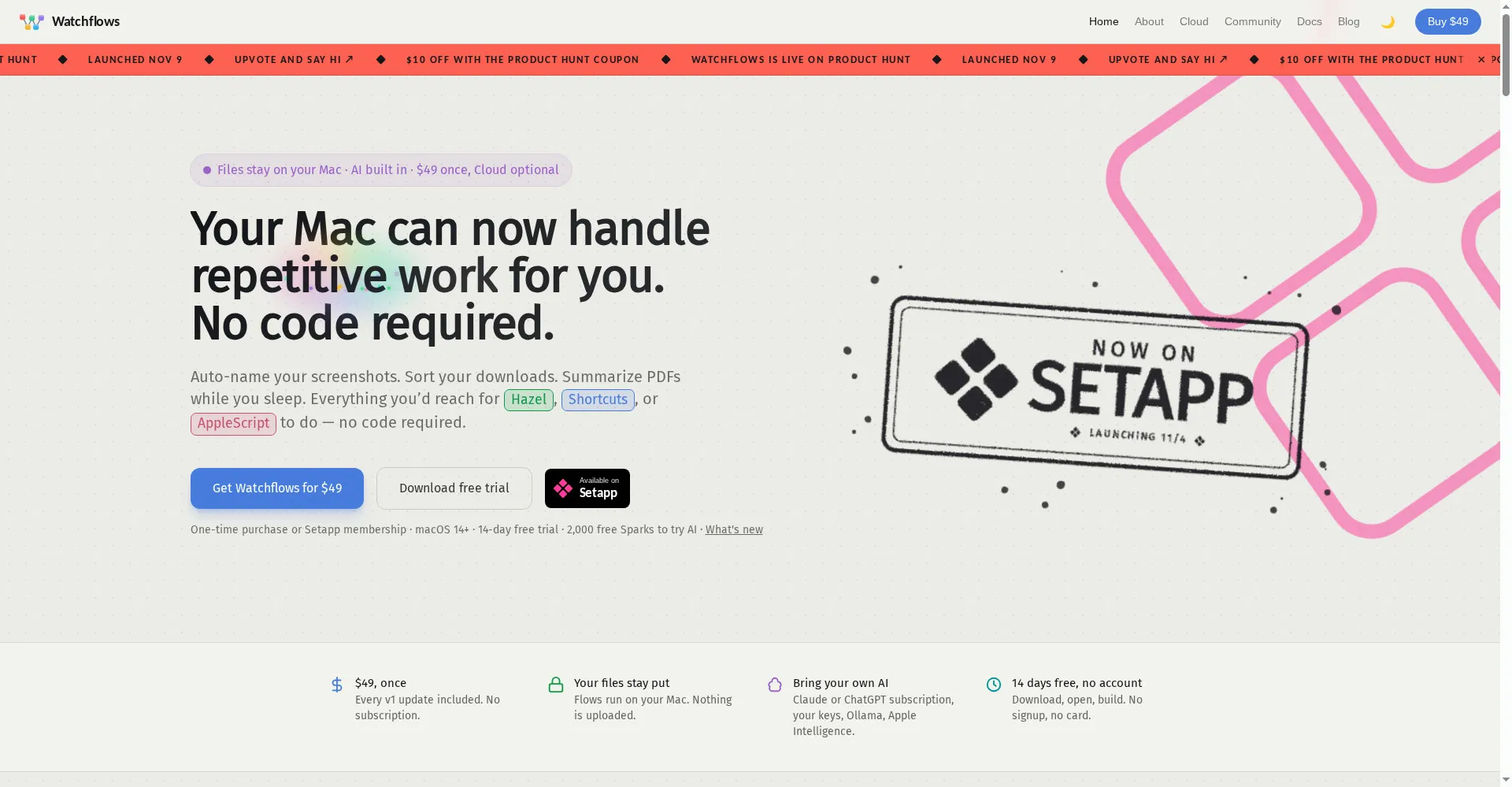
Watchflows homepage
1 / 3Overview
What is Watchflows?
Visual automation for your Mac, with AI built in
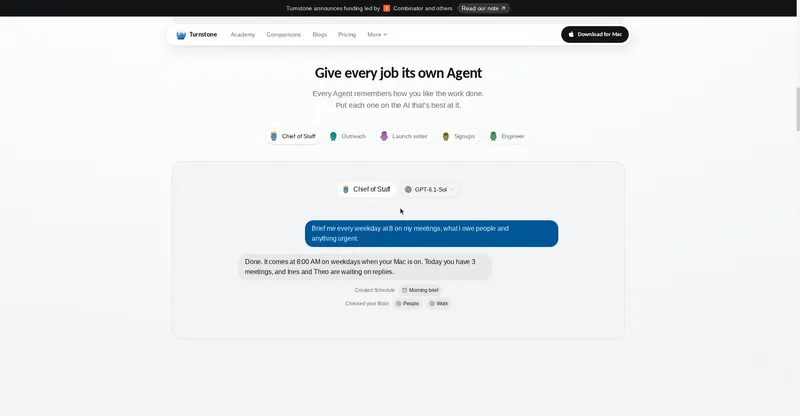
Watchflows is visual automation for your Mac, with AI built in. Stop doing the same chores by hand: flows run the moment something happens — a file lands in Downloads, you press a hotkey, a webhook arrives, or it's 8:30 on a weekday. Wire triggers, conditions, actions and AI on a canvas, or describe it in plain English and the Flow Builder assembles it. AI reads, renames and decides mid-flow, using Watchflows AI, Apple's on-device model, Ollama or your own keys. Local-first, no account.
- Visual canvas for triggers, conditions, actions and AI
- Flow Builder turns plain-English descriptions into flows
- Bring your own AI: Ollama, LM Studio, Apple Intelligence, OpenAI and more
- Public webhooks with no port forwarding
- 14-day free trial, then $49 once — also available on Setapp
The $49 one-time purchase includes v1 updates and public webhooks. Hosted AI uses Sparks: 2,000 free Sparks to start, with Spark packs from $5 or Watchflows Cloud at $12 a month.
Platforms and languages
Watchflows Availability
Platforms
Languages
Capabilities
Watchflows Key Features
Visual flow canvas
Wire triggers, conditions, actions and AI on a canvas; a file landing in Downloads, a hotkey, a webhook or a time can start a flow.
Flow Builder
Describe what you want in plain English and the Flow Builder assembles the flow for you.
AI mid-flow
AI reads, renames and decides mid-flow, using Watchflows AI, Apple's on-device model, Ollama or your own keys.
Local-first, no account
Flows and data stay on your Mac; no account needed.
Public webhooks
Every flow gets a public webhook at hooks.watchflows.app with no port forwarding.
Best for
Who uses Watchflows?
Mac users drowning in repetitive chores
Automate file sorting, screenshots, PDFs and routine tasks without code
Photographers, video creators and developers
Build local AI-powered workflows with their own models
Plans and access
Watchflows Pricing
Paid
$49 one-time (v1 updates included); optional Cloud $12/mo; 14-day free trial.
Common questions
Watchflows FAQs
Do I need a subscription?
No. The $49 one-time purchase includes the full app with v1 updates and public webhooks.
What are Sparks?
Sparks pay for hosted Watchflows AI. If free Sparks run out, flows keep running but steps using Watchflows AI pause until you buy a Spark pack or subscribe.
Can I use my own AI models?
Yes. All plans support Ollama, LM Studio, Apple Intelligence, OpenAI and other models you bring yourself.
What happens if I cancel?
Your flows and data stay on your Mac. Subscriptions can be cancelled anytime; lost licenses can be recovered with your purchase email.
Reviews
See what the community thinks and share your experience.
—
Based on 0 ratings
Rating distribution
Community reviews
No reviews
No written reviews yet.