A Mac app that checks the work your AI agents did at the end of each session and alerts you only about new problems.
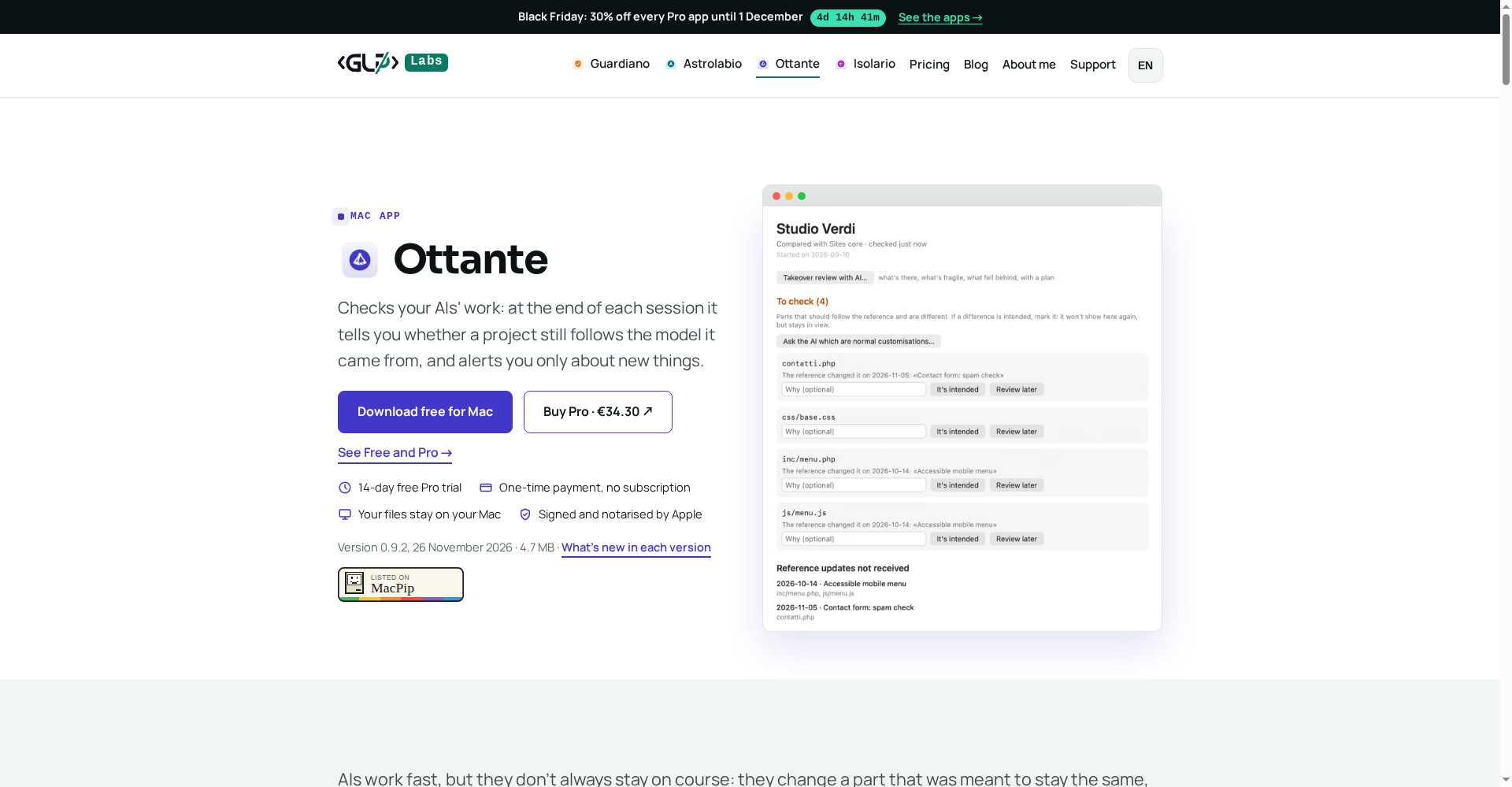
Ottante homepage
1 / 2Overview
What is Ottante?
Checks the work your AI agents did, right on your Mac
Ottante checks your AI's work at the end of each session. It tells you whether a project still follows the model it came from, and alerts you only about new things. It works with ChatGPT or Claude in the browser, runs entirely on your Mac, and sends no personal data or statistics. The free version is free forever, and Pro is a one-time €49 payment, with a 14-day Pro trial on first launch and no signup or card needed. Ottante runs on macOS 14 or newer, on Apple Silicon and Intel.
Platforms and languages
Ottante Availability
Platforms
Languages
Capabilities
Ottante Key Features
Checks your AI's work
At the end of each session, Ottante tells you whether a project still follows the model it came from.
Alerts only about new things
Ottante alerts you only about new problems, so you are not buried in repeat warnings.
Works with ChatGPT or Claude
Checks work done with ChatGPT or Claude in the browser.
Private by design
Ottante sends no personal data or statistics, and only connects to check for updates.
Best for
Who uses Ottante?
Mac users who build with AI agents
Check what their AI agents changed at the end of each session
Plans and access
Ottante Pricing
Freemium
Free forever; Pro €49 one-time for all features.
Common questions
Ottante FAQs
How much does Ottante cost?
The free version is free forever. Pro is a one-time €49 payment for all features.
Is there a free trial?
Yes. The first launch includes a 14-day Pro trial, with no signup or card needed.
Does Ottante fix mistakes on its own?
No. Ottante checks the work and tells you what changed; you decide what to fix.
Do my files leave my Mac?
No. Ottante sends no personal data or statistics, and only connects to check for updates.
Reviews
See what the community thinks and share your experience.
—
Based on 0 ratings
Rating distribution
Community reviews
No reviews
No written reviews yet.