Free YouTube metadata extraction tools for titles, descriptions, thumbnails, and other public video information.
free-youtube-extractor-tool.png
1 / 2Overview
What is YouTube Extractor?
Free YouTube Details Extractor
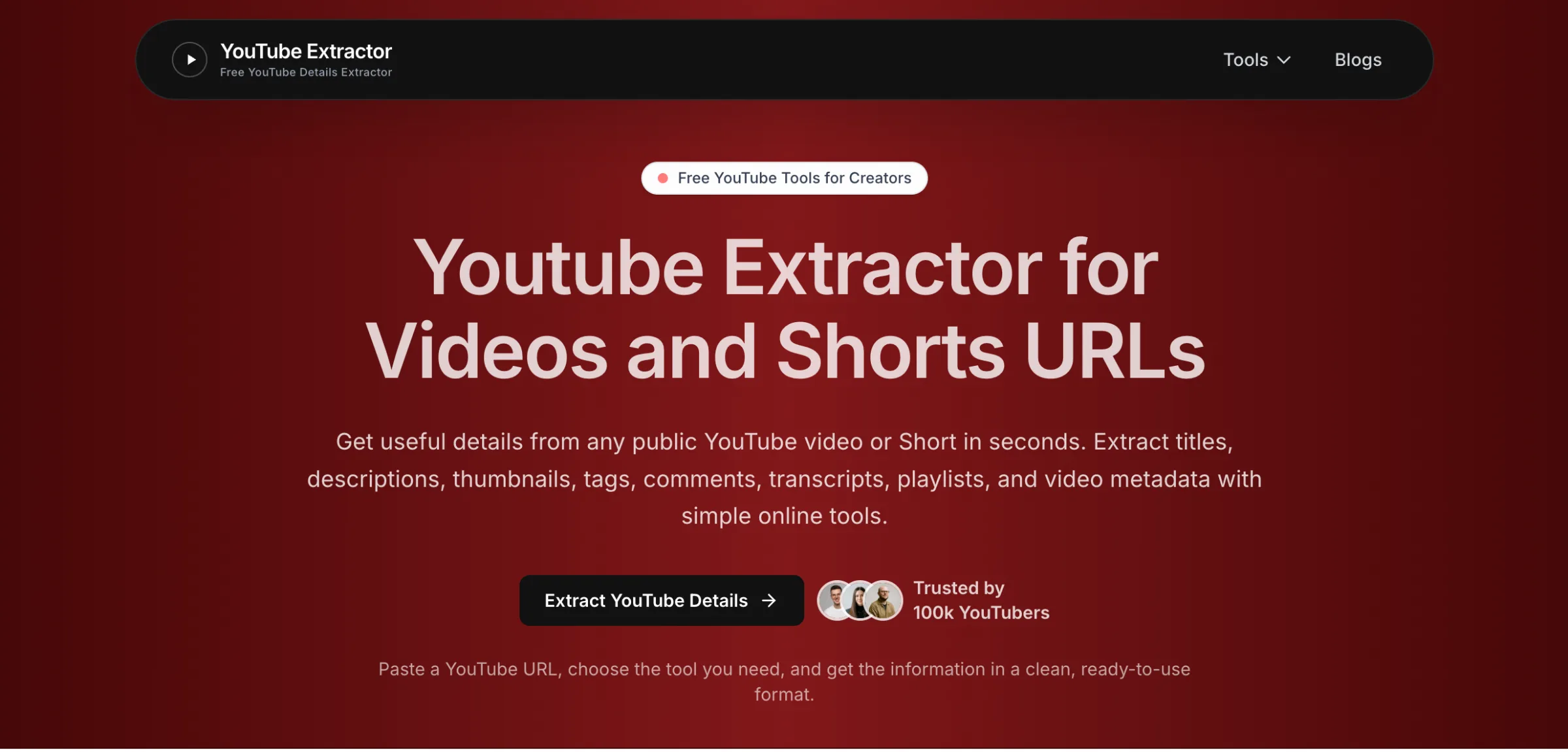
YouTube Extractor is a free collection of tools for researching public YouTube video information. The platform helps creators, marketers, researchers, and other YouTube users quickly extract useful video details from a YouTube URL.
Available tools include YouTube Title Extractor, YouTube Description Extractor, and YouTube Thumbnail Extractor. The tools are designed to make YouTube content research easier by providing quick access to publicly available video information.
The YouTube Title Extractor can retrieve the exact public title of a YouTube video or Short and provides useful character metrics with one-click copying. Other extraction tools help users review descriptions and thumbnails for content research, analysis, and planning.
YouTube Extractor is free to use and does not require users to manually search through a video page to find the information they need.
Platforms and languages
YouTube Extractor Availability
Platforms
Languages
Capabilities
YouTube Extractor Key Features
YouTube Metadata & Channel Info Extractor
Extract comprehensive public YouTube video and channel metadata in one click. Retrieve video titles, descriptions, upload dates, total views, like counts, and core channel details including channel ID, handle, and avatar links. Perfect for content strategists, digital marketers, and video SEO analysts seeking a unified solution to inspect public video and channel data without setting up YouTube API keys or manual data scraping.
YouTube Tags & Keyword Extractor
Uncover hidden tags and video keywords directly from any public YouTube URL or Shorts link. This feature enables video creators, digital marketers, and SEO strategists to inspect competitors' ranking strategies, identify high-volume search tags, optimize video metadata for better search performance, and streamline keyword research to boost video reach and audience discoverability.
YouTube Transcript & Subtitle Generator
Automatically fetch and extract clean, readable transcripts and auto-generated spoken text from YouTube videos. Designed for researchers, blog writers, data analysts, and students to quickly extract speech to text, summarize lengthy videos, create blog posts or social content from video transcripts, and save hours of manual transcription work without needing a YouTube account.
YouTube HD Thumbnail Downloader
Grab and download high-resolution YouTube video thumbnails in multiple formats and quality options (HD, Full HD, and Max Resolution). Ideal for designers, content creators, and social media managers looking to analyze high-performing thumbnail designs, study click-through rate (CTR) trends, or archive visual assets directly from public YouTube videos and Shorts.
YouTube Channel Stats & Analytics Inspector
Perform deep-dive channel audit and competitive analysis by extracting key channel-level performance statistics. Instantly access total subscriber counts, overall channel view metrics, total published video counts, account creation date, and country location. Designed for influencer marketers, talent agencies, and researchers to quickly verify channel growth, engagement scale, and creator credibility.
YouTube Playlist Data Extractor
Extract metadata across entire YouTube playlists seamlessly in a single attempt. Retrieve video titles, sequence positions, durations, individual video IDs, and view counts for every video listed in a public or unlisted playlist. Essential for course creators, educators, and content curators wanting to index video series, audit playlist structures, or export structured learning paths efficiently.
YouTube Title & Description Extractor
Instantly extract complete video titles, structured full descriptions, timestamps, and embedded links from any public YouTube URL. Tailored for bloggers, content strategists, and copywriters looking to analyze top-ranking video copywriting, copy reference links, and examine SEO-optimized title structures to enhance their own video metadata and content strategies.
Free YouTube Comment Extractor
Export public comments, user replies, like counts, and author details from any public YouTube video. Designed for community managers, market researchers, and product teams to perform audience sentiment analysis, gather direct user feedback, monitor brand mentions, and discover popular community questions or video topic requests without manual scrolling.
Best for
Who uses YouTube Extractor?
YouTube Content Creators & Video Strategists
Analyze competitor video tags, SEO titles, descriptions, and thumbnail strategies to optimize video metadata, improve audience engagement, boost search rankings, and uncover trending video topics within any niche.
Digital Marketers & SEO Specialists
Conduct video marketing audits, track competitor keyword strategies, extract high-volume video tags, and streamline client channel reporting without managing YouTube API configurations or manual data entry.
Social Media & Community Managers
Extract video comments, analyze audience sentiment, gather viewer feedback, discover trending community questions, and monitor brand mentions to improve community interaction and video content planning.
Data Analysts & Software Developers
Extract public YouTube video and channel metadata in clean structured formats like JSON and CSV for automated data pipelines, custom web app integrations, research studies, and analytics dashboards.
Bloggers, Educators & Content Researchers
Convert YouTube video transcripts into text to summarize long-form videos, repurpose video content into blog posts or educational guides, and index playlist structures for structured learning paths.
Plans and access
YouTube Extractor Pricing
Free
Common questions
YouTube Extractor FAQs
Is YouTube Extractor completely free to use?
Yes, YouTube Extractor is 100% free to use. All extraction tools, including metadata, tags, transcripts, comments, and thumbnails, can be accessed without any hidden charges or subscription fees.
Can I access creator and channel stats for free?
Absolutely! Channel-level statistics—including total view counts, subscriber stats, published video counts, account creation details, and country information—are completely free for full analysis.
Do I need a YouTube API key or account to use this tool?
No YouTube API key, account creation, or login registration is required. You can simply paste any public video, Shorts, or channel URL to extract data instantly.
What public data can I extract using YouTube Extractor?
You can extract video titles, structured descriptions, tags, keywords, transcripts, public comments, high-res thumbnails, playlist sequences, and creator channel statistics.
In what file formats can I download or export the extracted data?
You can export parsed metadata, video tags, descriptions, and comments in structured formats such as JSON and CSV for easy analysis or reporting.
Can I download high-definition video thumbnails?
Yes, the HD Thumbnail Grabber lets you view and download thumbnails in multiple dimensions and resolutions, including HD, Full HD, and Maximum Resolution (1080p).
Does YouTube Extractor work on private or unlisted videos?
You can extract data from unlisted videos if you have the direct link. However, private videos cannot be extracted as their metadata is not publicly accessible.
Is there any limit on how many videos or channels I can extract?
No, there are no usage limits. You can extract data and channel stats for as many public videos, playlists, and channels as you need completely free of cost.
Compare similar tools
YouTube Extractor Alternatives
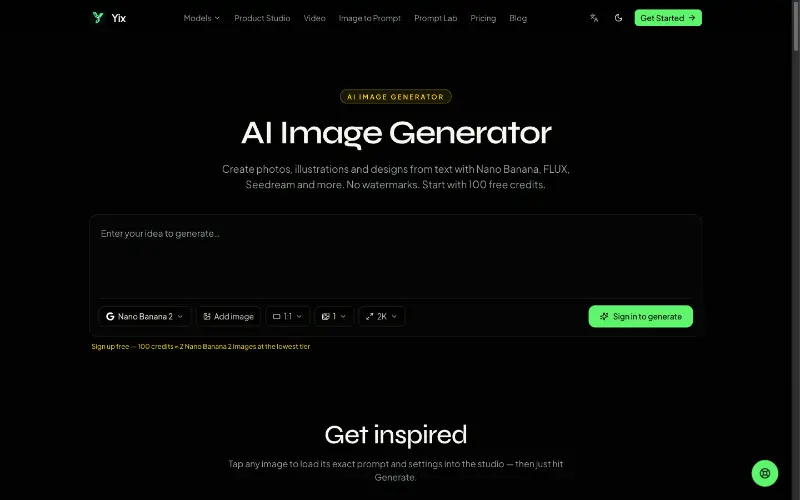 YixYix is a browser-based AI image and video studio with multiple models, reference-image workflows, free prompt tools, and credit-based pricing.AI Image Generation
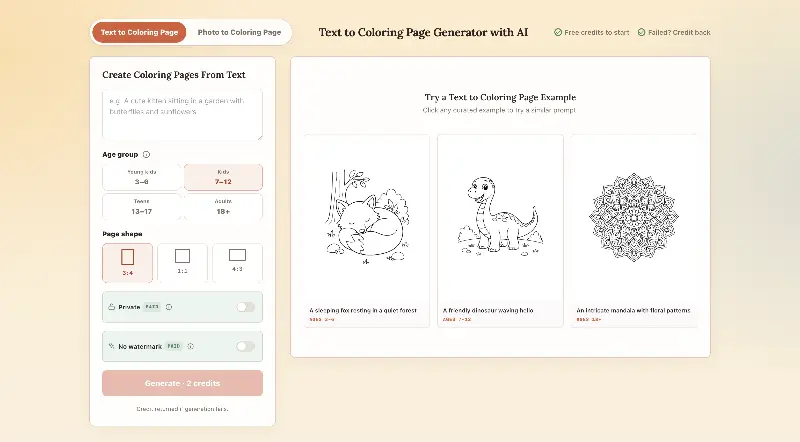 CPagesCPages turns text prompts or photos into printable coloring pages.AI Image GenerationAI Illustration ToolsAI Design Toolscoloring pagesprintable arttext to image
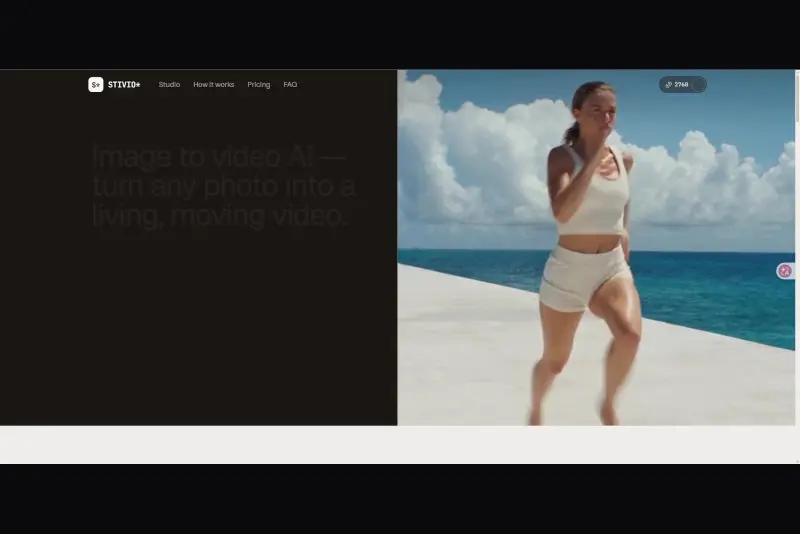 StivioStivio turns a single photo into a moving HD video. Upload an image, describe the motion in plain English, and six leading AI video models render an HD MP4 in one to five minutes.AI Video CreationAI Image GenerationAI Creation Generationimage to videoai video generatorphoto animation
 UGCfy AICreate AI-generated UGC-style video ads from product links, with scripts, hooks, AI actors, captions, and export-ready formats.5.0(1 reviews)AI Video CreationAI Marketing ToolsAI Content Generationugc adsai video adsecommerce marketing
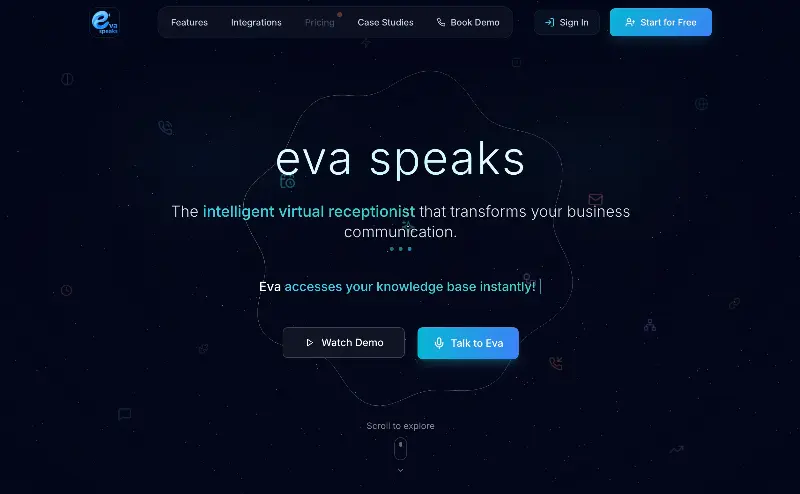 EvaSpeaksEvaSpeaks is an AI-powered virtual receptionist that answers calls 24/7, handles customer inquiries, schedules appointments, captures leads, and routes calls to the right team. It helps businesses improve response times, reduce missed opportunities, automate routine communication, and provide reliable customer support even outside regular business hours.5.0(1 reviews)AI Business SolutionsAI Voice RecognitionAI WorkflowAI receptionist
 LuffyAI employee that gets work done directly in Slack5.0(1 reviews)AI Productivity ToolsAI Personal AssistantsAI WorkflowAI assistantautomationworkflow
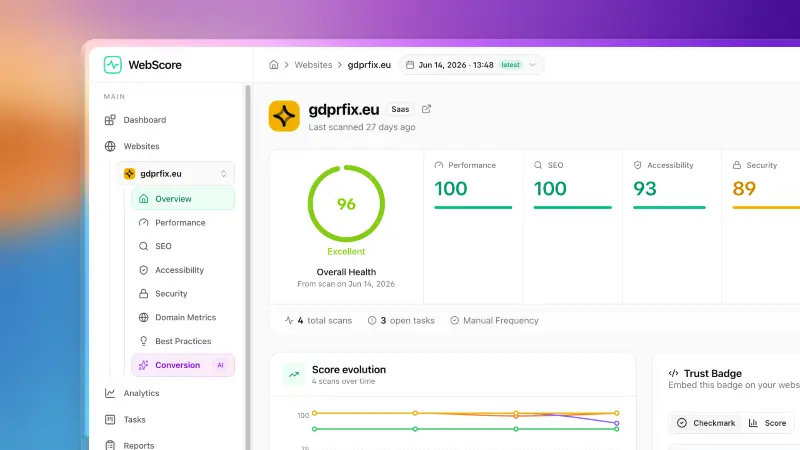 WebScore - Website audit toolWebScore audits any website across performance, SEO, accessibility, security, best practices, domain authority and an AI conversion audit — and hands you prioritized, step-by-step fixes. Now with an MCP server, so your AI (Claude, Cursor, Codex, Grok) can run the audits for you.5.0(2 reviews)AI Coding AssistantsAI Search EnginesAI Marketing Toolswebsite auditconversion auditperformance check
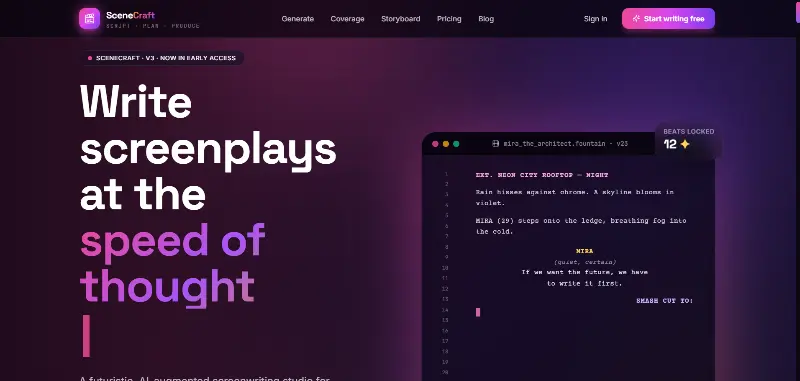 SceneCraft - AISceneCraft is an AI screenwriting studio. Generate full screenplays from an idea, get instant AI script coverage, and turn scenes into storyboards or full comic pages — all in industry-standard format, in 100+ languages. Built for screenwriters, showrunners, and indie filmmakers who want to move from idea to pre-production without switching tools.5.0(1 reviews)AI Image GenerationAI Text WritingAI StorytellingTurn any scene into a comic pagepanel by panel.
 OpuslyOpusly is an AI studio for creators — generate images and videos with auto-picked best models (Nano Banana 2, GPT-Image-2, Seedance 2.0), or use one-click scene templates like Italian Brainrot and MSPaintify. Free signup includes 30 credits.AI Image GenerationAI Video CreationAI Design Art
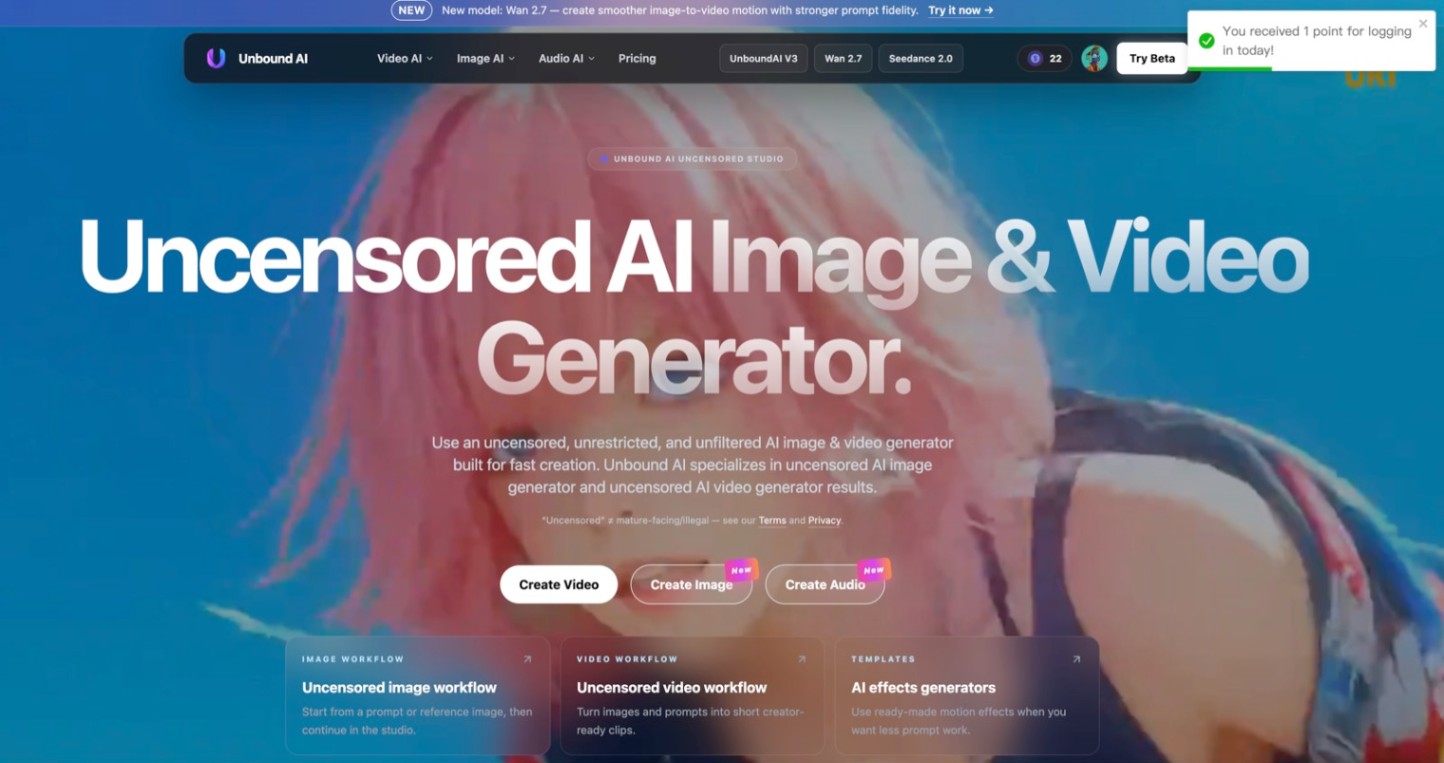 Unbound AICreate uncensored and unrestricted AI images and videos with optional music, voice, and sound effects.AI Image GenerationAI Video CreationAI Audio Tools
Reviews
See what the community thinks and share your experience.
—
Based on 0 ratings
Rating distribution
Community reviews
No reviews
No written reviews yet.