
How to Use Google Deep Review: From Upload to Review Report
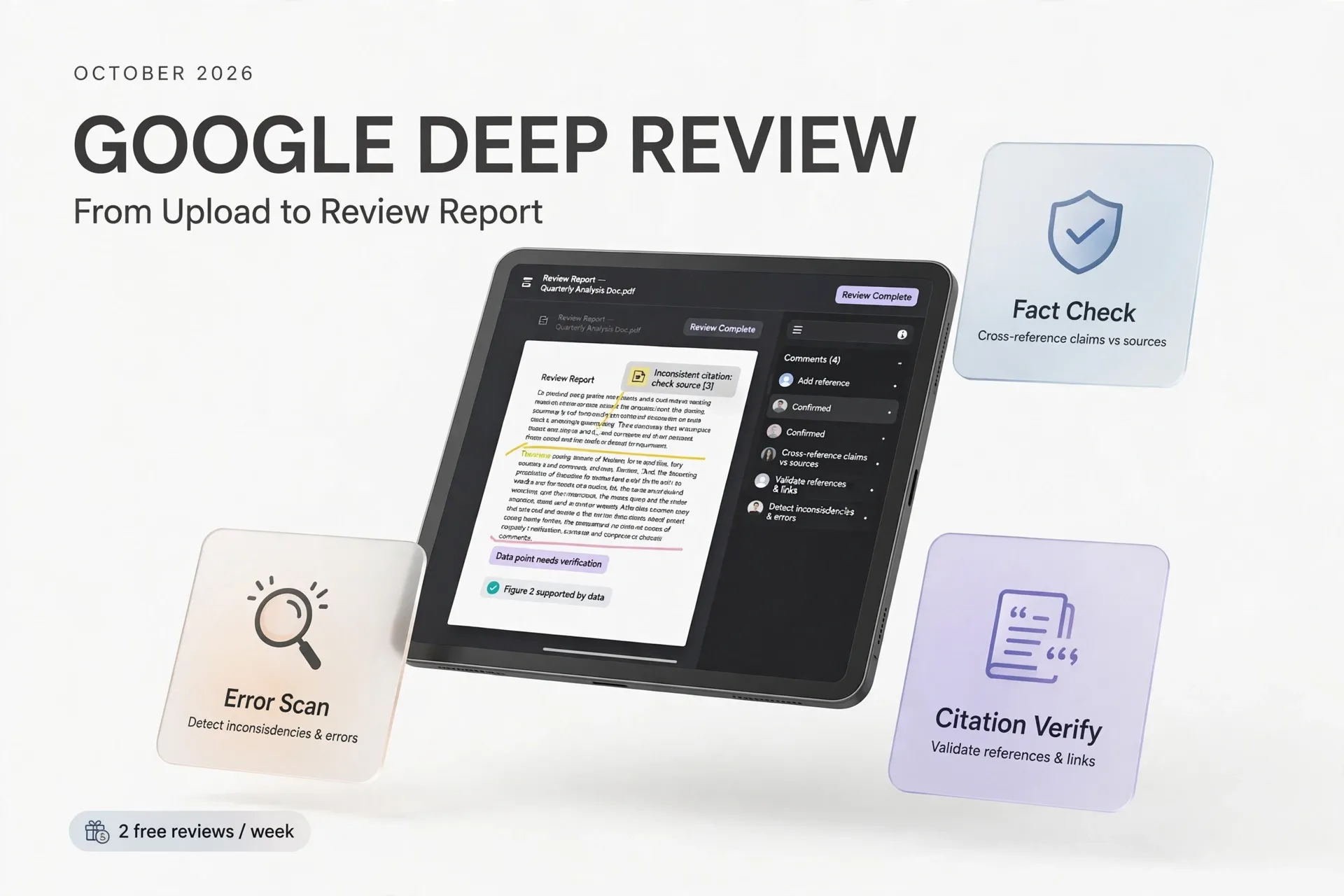
Google has a new kind of AI tool: one that reads your document the way a meticulous reviewer would. Deep Review, publicly released on October 14, 2026, is an agentic system that checks complex documents — research papers, design specs, presentations, even legal and financial documents — for logical gaps, mathematical errors, and unsupported claims. Every user gets two free document reviews per week, which makes it one of the most accessible serious verification tools Google has ever shipped.
This guide walks you through the whole process: what the tool is, how its four-agent pipeline works, how to run your first review, how to read the report it produces, and where its limits are.
What Deep Review Is
Deep Review is built by Google Research in collaboration with Google DeepMind and Google Cloud. It grew out of an experimental program called the Paper Assistant Tool (PAT), which spent the past year quietly giving opt-in, pre-submission feedback to authors at four flagship computer science conferences: STOC 2026, ICML 2026, NeurIPS 2026, and ICLR 2027. More than 16,000 manuscripts received that feedback, completely separate from the official peer review process — all figures here are Google's own reporting.
Google frames the launch as an answer to what it calls a "validation bottleneck": AI has made generating content cheap, while human verification capacity has stayed flat. The company's numbers illustrate the problem — over 74,000 submissions went to ICLR, NeurIPS, and ICML this year, up from roughly 45,000 in 2025. Deep Review is Google's attempt to add reviewing capacity rather than slow the pipeline down.
The public version runs on Google's latest models, including Gemini 4 Argon support, and works worldwide. Two document reviews per user per week are free. If you need more, you can connect your own Gemini API key for higher usage limits and programmatic access through the Deep Review API — Google says there is no additional Deep Review fee on top of standard Gemini API charges. Google's FAQ estimates roughly $3 for a 40-page document at the Low effort setting (with Gemini 3.8 Flash) and about $20 at Extra High (with Gemini 4 Argon); those are Google's own estimates, and actual charges vary with the document and usage.
How the Four-Stage Pipeline Works
A single prompt to a chatbot fails on long documents in predictable ways: it exhausts its reasoning budget, misses dependencies between distant sections, and accepts nuanced claims without scrutiny. Deep Review replaces the single call with four coordinated stages, according to Google:
1. Document segmentation. A segmenter agent ingests your file and decomposes it into logical segments — introduction, methodology, experiments, and so on. Segments may overlap, but together they cover the entire document.
2. Adaptive budgeting. Not every section deserves equal effort. The pipeline inspects information density and allocates compute accordingly, so a dense mathematical proof gets more inference-scaling work than a related-work section.
3. Deep parallel verification. Specialized reasoning agents review each segment in parallel. Each agent sees the full document context, which lets it follow cross-references to distant chapters, while focusing its reasoning power on its assigned section.
4. Global synthesis and agentic grounding. A synthesis agent merges the segment-level reports, runs consistency checks across sections (re-running logic checks where needed), and performs external grounding checks and tool calls as a final guard against hallucinated findings.
The shape will feel familiar if you have used coding agents: fan out to specialists, verify in parallel, then fan back in with a skeptic. Google also introduced a related implementation pattern for its Antigravity platform — the Teamwork Deep Document Review Pattern, invokable with the /teamwork-preview command — but that is a separate developer tool.
Step-by-Step: From Upload to Review Report
Step 1: Open the Deep Review portal and sign in
Start at the official Deep Review portal linked from Google's launch announcement, and sign in with your Google account (per launch coverage, a Google account is how access is managed). This is a web product — there is nothing to install.
Step 2: Upload your document
Choose a file in a supported format. Google's launch post lists PDFs and plain text as the initial input formats, with multi-file input — sets of related documents, spreadsheets, exhibits — promised as "coming soon." Pick a document where an error would be costly: a paper near submission, a design document before a review meeting, a contract clause you want double-checked.
Keep the privacy policy in mind before you click upload: Google states that uploaded documents are never used to train, fine-tune, or improve its models, and that they are stored for one year solely so the Deep Review interface can display them back to you. For most academic and work documents that is a reasonable trade; for genuinely confidential material, check your organization's policy first.
Step 3: Let the pipeline run
Once the upload is accepted, the four stages described above kick in — segmentation, adaptive budgeting, parallel verification, and global synthesis. You do not need to configure anything about this process; the agents fan out, each scrutinizing its section with the full document in context, and the synthesis agent consolidates everything, dedupes overlapping findings, and grounds claims against external sources. How long this takes depends on the document's length and density, so treat this as a background task rather than an instant answer.
Step 4: Read the review report like a list of leads
The output is a structured report rather than a single verdict. Expect flagged issues grouped by type — logical inconsistencies, mathematical statements that do not hold, factual claims that need grounding, suggestions for improvement, and comparisons with existing work. For each finding, ask one question before acting: can I reproduce this by reading the cited section? If you can, it is a genuine catch worth fixing. If you cannot, treat it as a possible false alarm — automated reviewers can flag non-errors, and Google's own framing leaves higher-level judgment with people.
Step 5: Iterate within your weekly allowance
Use the findings to revise the document, then run another review if you have allowance left. Remember the economics: two free reviews per week per user, and a connected Gemini API key for heavier workflows. Spending a review on a revised draft is exactly the iterative-improvement use case Google describes, but budget the allowance against the documents that matter most.
What It Checks — and What It Doesn't
It checks:
- Logical consistency across the document, including between distant sections
- Mathematical statements and theoretical claims (Google's preprint on the predecessor tool reports a 34% improvement over zero-shot recall on mathematical errors in the SPOT benchmark — self-reported, not independently verified)
- Factual grounding, cross-checking claims against external sources to guard against hallucinations
- Comparisons with existing work and concrete suggestions for improvement
- Practical structure beyond papers: unstated assumptions in design documents, slide flow and whether takeaways match charts in presentations, internal consistency across clauses and data tables in legal and financial documents
It doesn't:
- Replace human peer review. The conference pilots were explicitly decoupled from official reviewing, and Google positions the tool as handling the cognitively burdensome checks while people keep higher-level judgment.
- Guarantee correctness. Coverage of the launch noted cases where the tool flagged valid proofs as errors, so expert verification remains the final word.
- Give professional advice. A flagged ambiguity in a contract is a checklist item to raise with a lawyer, not a legal opinion.
- Handle confidential documents comfortably for everyone. A one-year retention window, even for display purposes only, may rule out some organizational use cases.
- Accept every format yet. Per Google's announcement: PDFs and plain text now; multi-file support promised, not shipped.
On the evidence question: the clearest published numbers sit in Google's preprint, Towards Automating Scientific Review with Google's Paper Assistant Tool. Google also shared pilot survey results around the launch — per press coverage of its materials, 35.4% of ICML 2026 pilot respondents said they were flagged for significant theoretical issues, and 31% said they ran new experiments in response. Treat all of these as Google-reported until independent evaluations of the public product exist.
Pros and Limitations
Pros
- Genuinely useful free tier: two real document reviews a week, no credit card dance
- A clear, stated data policy — never used for model training — which is more explicit than many AI products offer
- Multi-agent checks go meaningfully beyond "paste your paper into a chatbot," especially for long documents with cross-section dependencies
- An API path for programmatic use, with cost estimates published up front
Limitations
- Launch formats are narrow (PDF, plain text); multi-file and spreadsheet support is promised but unshipped
- All accuracy evidence is Google-reported; there is no independent benchmark of the public product yet, and pilot participants were opt-in authors, not a random sample
- False positives and false negatives are both possible — silence from the tool is not proof a document is correct
- The one-year display retention may conflict with strict confidentiality requirements
- The weekly free allowance is small for teams; heavier use means wiring up your own Gemini API key and paying API rates
Summary
Deep Review is the most practical AI verification tool Google has put in front of the public: a structured, four-agent review pipeline you can run on a PDF twice a week for free. It will not replace reviewers, and its silence is not a clean bill of health — but as a pre-flight check on documents that matter, it is a genuinely useful second pair of eyes. Upload your highest-stakes document, read the report as a list of leads, verify every flagged issue yourself, and keep a human in the loop for the final judgment.
References
- Google Research, "Analyzing technical documents with Deep Review" (October 14, 2026) — https://www.research.google/blog/analyzing-technical-documents-with-deep-review/
- Deep Review portal — https://research.google/deepreview
- Jayaram, Tyler, Woodruff, Cortes, Matias, Mirrokni, Cohen-Addad, "Towards Automating Scientific Review with Google's Paper Assistant Tool," arXiv:2606.28277 (June 2026) — https://arxiv.org/abs/2606.28277
- ExplainX, "Google Deep Review: 2 Free AI Paper Checks a Week" — https://explainx.ai/blog/google-deep-review-public-two-free-reviews-week-paper-assistant-tool-2026
- NeoTeo, "Google Deep Review launch: how the public tool works" — https://www.neoteo.com/en/google-announced-worldwide-public-access-to-deep-review