A shared AI memory layer that keeps one version of your context across ChatGPT, Claude, Gemini, and other MCP tools.
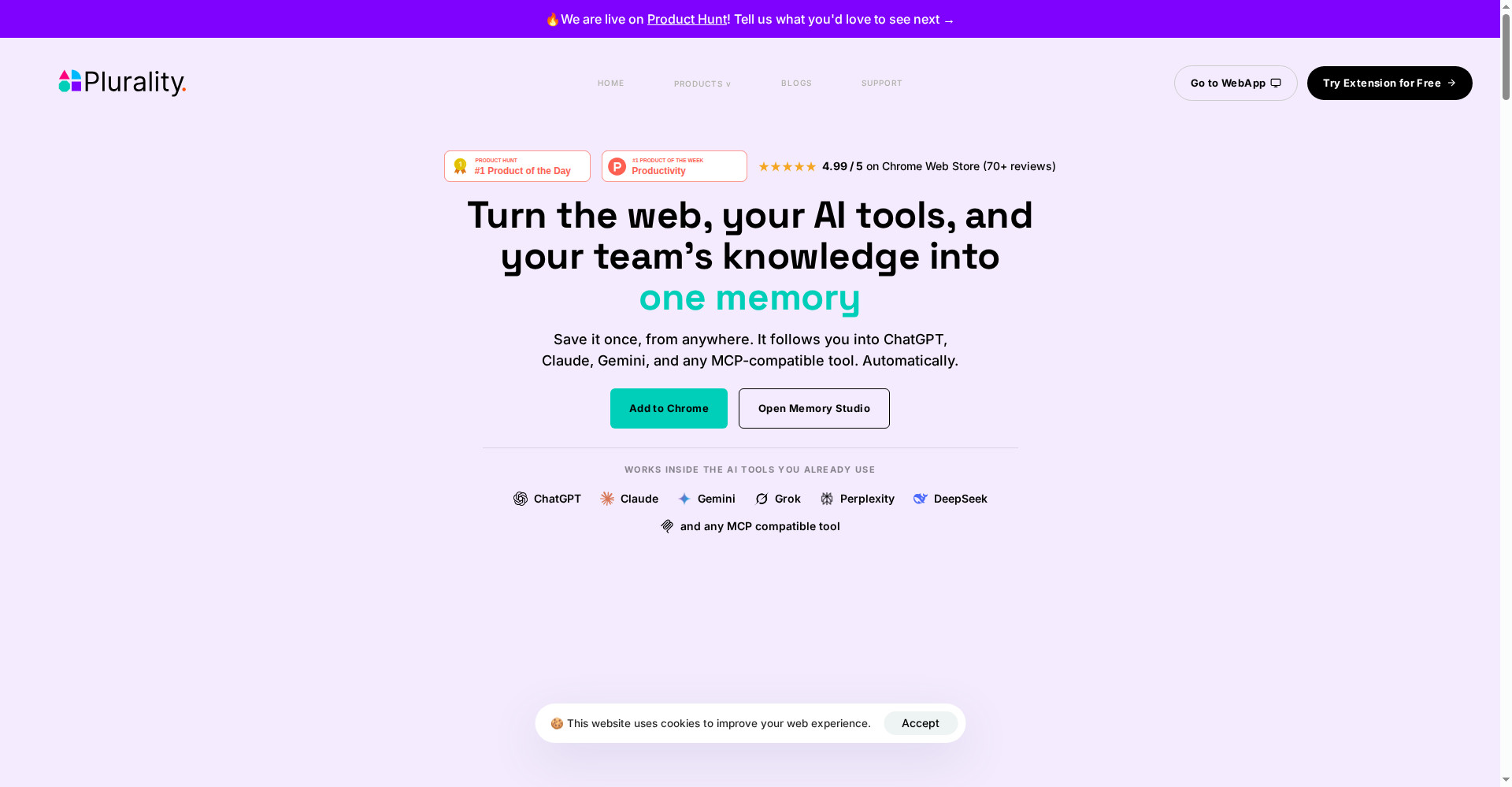
AI Context Flow homepage
1 / 2Overview
What is AI Context Flow?
Memory you control, synced to every agent, tool and team
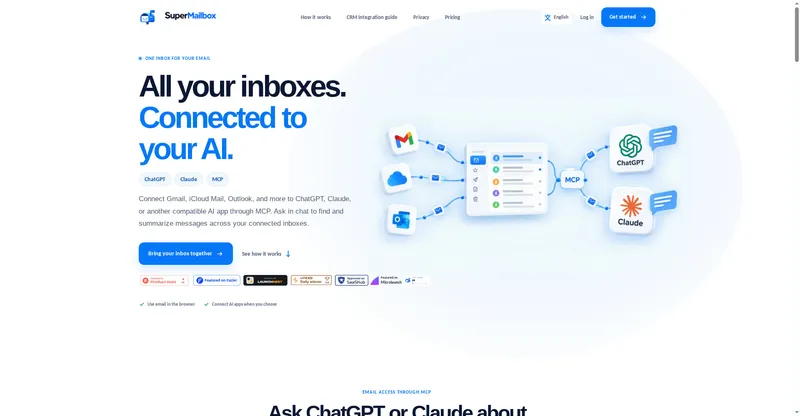
AI Context Flow is one shared memory for all your AI tools, connected over MCP. Save a client brief in Claude and tomorrow your ChatGPT, Grok, and your teammate's Cursor all work from the same version. Organize memory into buckets by project or client, choose who can access each one, and see every edit in full version history, so an overwritten memory can be rolled back. Memory Studio lets you view, edit, sort, and filter all your context in one place, and a Chrome extension brings it into the browser. It works with ChatGPT, Claude, Gemini, Perplexity, Grok, DeepSeek, Cursor, and any MCP-compatible tool. Free plan available; Plus is $99 a year and Pro is $199 a year.
Platforms and languages
AI Context Flow Availability
Platforms
Languages
Capabilities
AI Context Flow Key Features
Shared memory across AIs
Save context once and call it from ChatGPT, Claude, Gemini, Cursor, and other MCP tools.
Buckets with access control
Organize memory by project or client and choose who can access each bucket.
Version history and rollback
Every edit is recorded, so a wrong memory can be rolled back to an earlier version.
Memory Studio
View, edit, sort, and filter all your context in one place.
MCP server and tokens
Connect once over MCP, or use personal access tokens for CLI and scripts.
Best for
Who uses AI Context Flow?
Heavy AI users, consultants, and agencies serving many clients
Keep one shared, versioned memory across every AI tool and teammate
Plans and access
AI Context Flow Pricing
Freemium
Free plan available; Plus $99/year, Pro $199/year. 7-day free trial.
Common questions
AI Context Flow FAQs
What is AI Context Flow?
It is a shared memory layer for your AI tools: save context once and every connected AI works from the same version.
Which AI tools does it work with?
ChatGPT, Claude, Gemini, Perplexity, Grok, DeepSeek, Cursor, and any MCP-compatible tool.
How is my memory stored?
Memory is stored encrypted, organized into buckets you control, with a full edit history you can review and roll back.
Can I export my memory?
Yes. You can export memories as Markdown, bucket by bucket.
What is the difference between Free and paid plans?
The free plan covers personal use; Plus and Pro add more memory, buckets, and team sharing.
Reviews
See what the community thinks and share your experience.
—
Based on 0 ratings
Rating distribution
Community reviews
No reviews
No written reviews yet.