Turn screen recordings into prompts for AI agents, with transcripts and screenshot highlights.
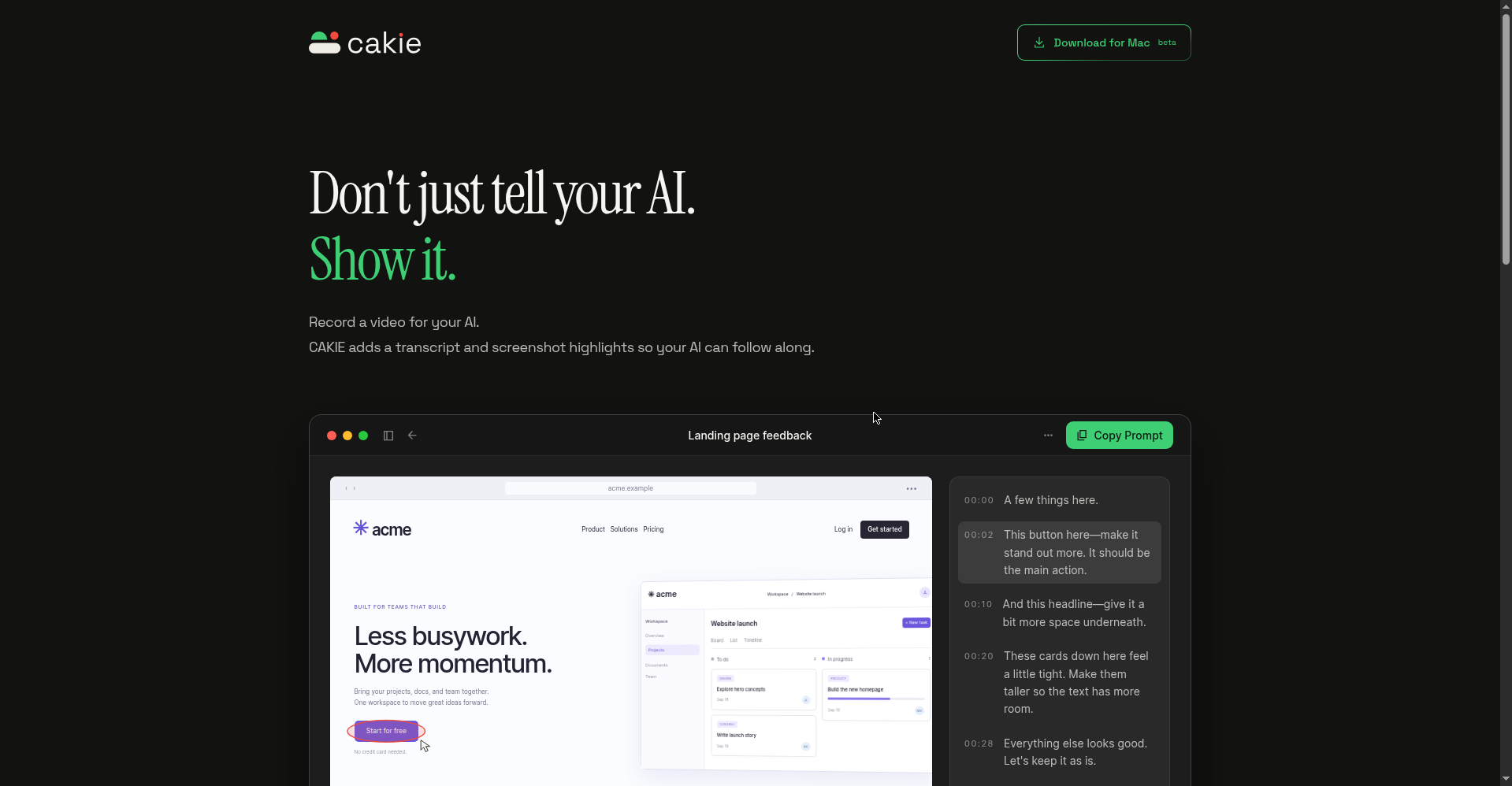
Don't just tell your AI. Show it.
1 / 2Overview
What is Cakie?
Turn screen recordings into prompts for AI agents.
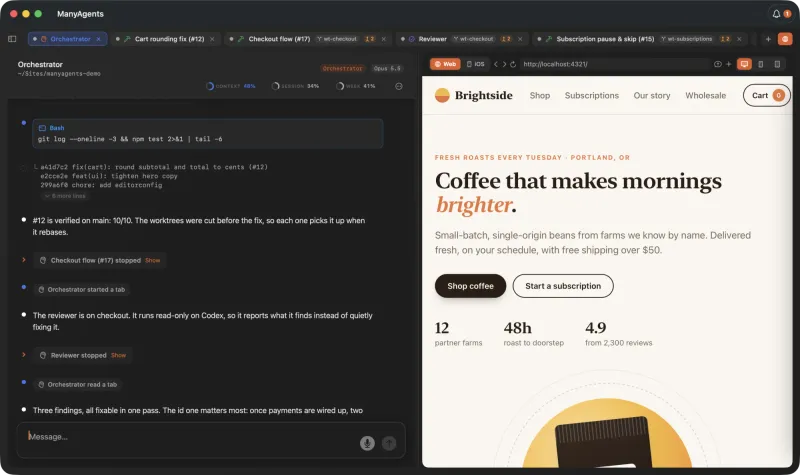
Cakie turns screen recordings into prompts for AI agents. Don't just tell your AI — show it: record a video while talking through what's on your screen, point or draw to highlight details, or let the AI pick screenshots matching your words. Cakie adds a transcript and screenshot highlights so your AI can follow along, then one click on Copy Prompt hands everything to your agent. You can review and edit before sharing, and recordings stay on your Mac. Free in beta for macOS. By Taper Labs (makers of Shadow).
Platforms and languages
Cakie Availability
Platforms
Languages
Capabilities
Cakie Key Features
Record while you talk
Talk through what's on your screen like a teammate is next to you.
Highlight what matters
Point or draw to highlight details, or let AI pick screenshots matching your words.
Transcript and highlights
Every video comes with a transcript and screenshot highlights so your AI can follow along.
Copy Prompt handoff
One click copies the video, transcript, and highlights as a prompt for your AI agent.
Private by default
Recordings stay on your Mac — nothing is uploaded.
Best for
Who uses Cakie?
developers and vibe coders
showing AI coding agents what to build or fix
Plans and access
Cakie Pricing
Free
Common questions
Cakie FAQs
What does Cakie do?
Cakie records your screen while you talk through it, then turns the video into a prompt with transcript and screenshot highlights for AI agents.
Can I review before sharing?
Yes. You can review and edit the recording, transcript, and highlights before sharing or copying the prompt.
Does my recording stay on my Mac?
Yes. Recordings stay on your Mac.
Which AI agents does it work with?
Claude Code, Codex, Cursor, and any AI agent — Copy Prompt hands the video, transcript, and highlights over in one click.
Is it free?
Cakie is free while in beta on macOS.
Reviews
See what the community thinks and share your experience.
—
Based on 0 ratings
Rating distribution
Community reviews
No reviews
No written reviews yet.