A terminal monitor that shows local LLM servers and apps the way top shows processes: GPU, memory, requests, and tokens.
canfit homepage
1 / 2Overview
What is canfit?
The "top" command for people running local LLMs and apps
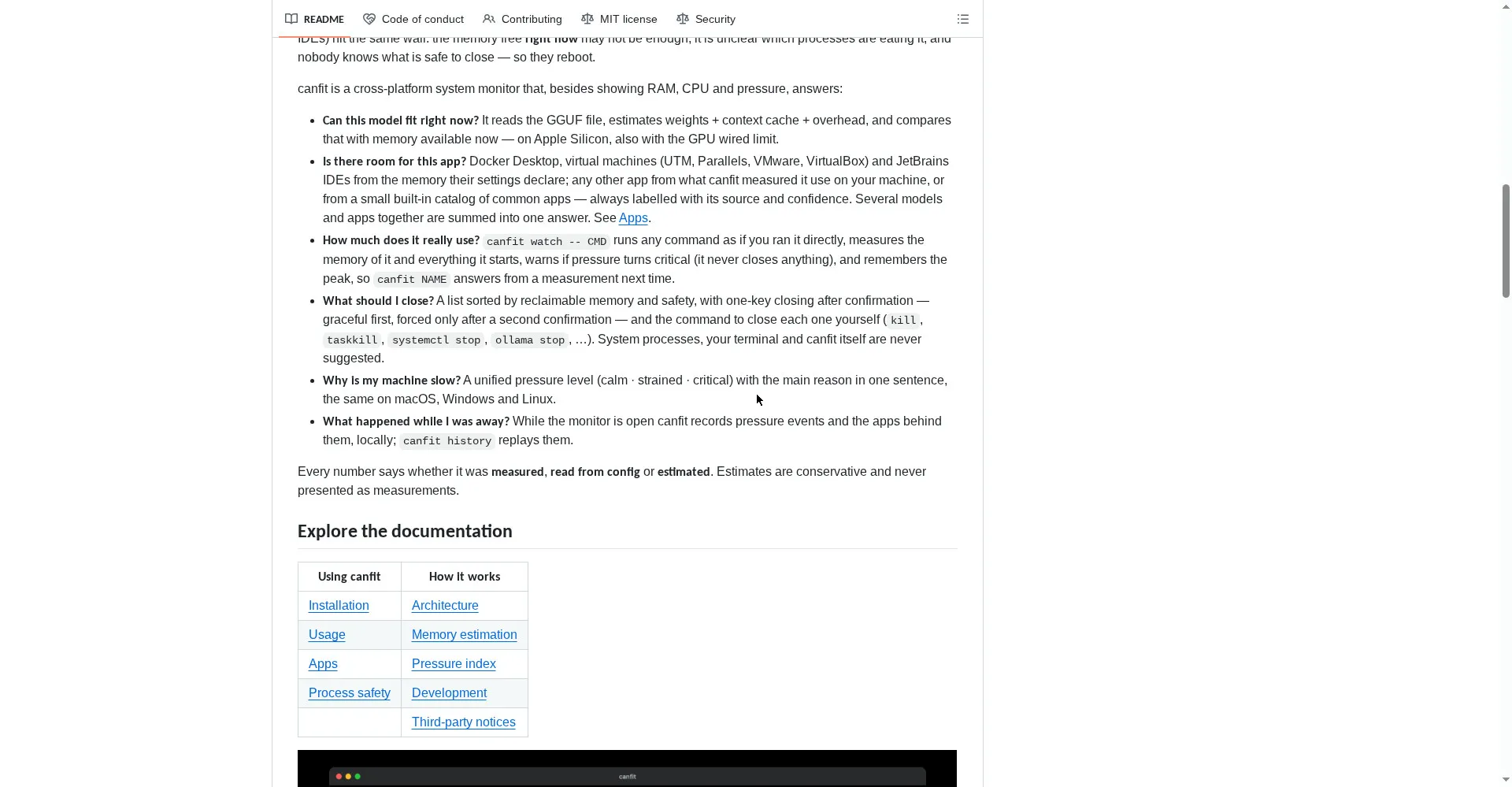
canfit is the "top" command for people running local LLMs and apps. It shows all your local LLM servers and apps in one terminal view — GPU usage, memory, requests, and tokens — the way top shows processes. It works with Ollama, llama.cpp, and LM Studio, plus any OpenAI-compatible server you add manually. Models are discovered automatically, and you can sort, filter, pause, and inspect processes with the keyboard. Installation is one command, and canfit is free and open source under the Apache-2.0 license.
Platforms and languages
canfit Availability
Platforms
Languages
Capabilities
canfit Key Features
Unified monitoring
Shows Ollama, llama.cpp, LM Studio, and any OpenAI-compatible server in one view.
Real-time GPU and token stats
Tracks GPU, CPU, VRAM, RAM, requests, and tokens in real time.
Keyboard interaction
Sort, filter, pause, and inspect processes without leaving the keyboard.
One-command install
Installs with a single command and starts monitoring right away.
Configurable
Configurable refresh rate, sorting, and logging to fit your setup.
Best for
Who uses canfit?
Developers running local LLMs
See GPU, memory, requests, and tokens for every local model server in one terminal view
Plans and access
canfit Pricing
Free
Common questions
canfit FAQs
Does canfit only work with Ollama?
No. It works with Ollama, llama.cpp, and LM Studio, and any OpenAI-compatible server you add manually.
How are models discovered?
canfit discovers local models automatically when it finds a running LLM server.
Is my data uploaded anywhere?
No. canfit runs locally in your terminal and does not upload your data.
Which GPUs does it support?
It reports GPU usage for the GPU your local setup uses; see the project README for details.
Reviews
See what the community thinks and share your experience.
—
Based on 0 ratings
Rating distribution
Community reviews
No reviews
No written reviews yet.