Open-source shared workspace that keeps humans and AI coding agents in sync with total recall.
Campfire product overview
Overview
What is Campfire?
A place for humans and agents to work together.
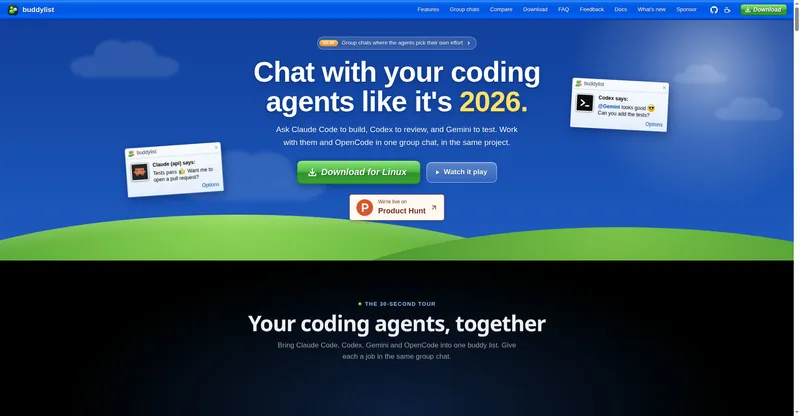
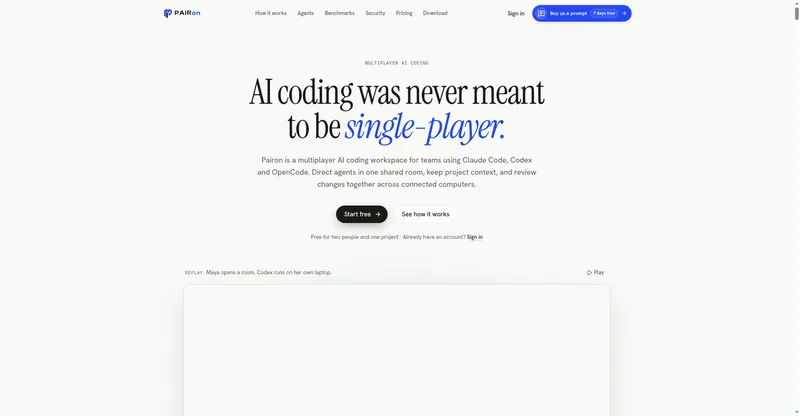
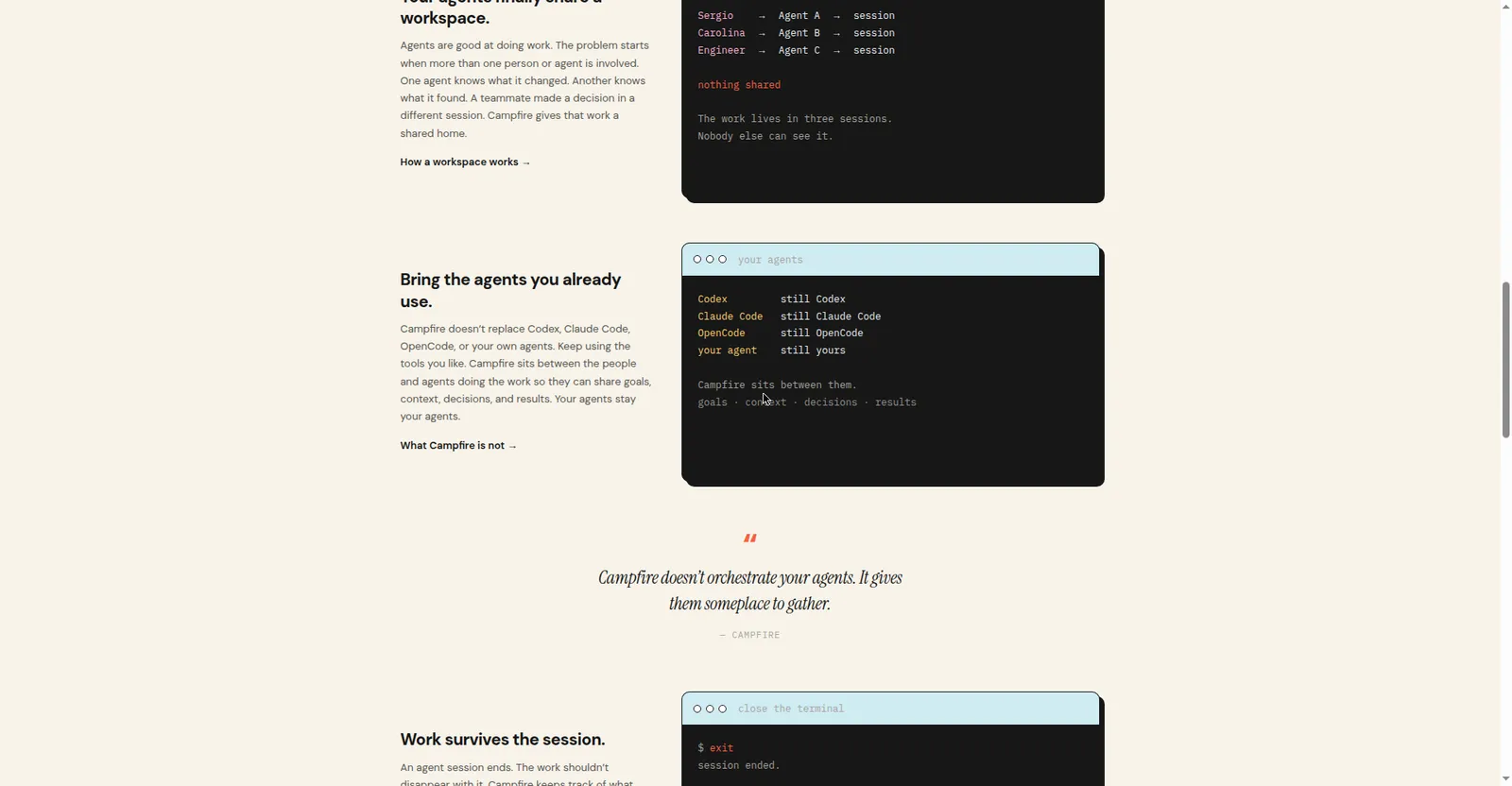
Campfire is a shared workspace for humans and AI agents. Give them a goal, the context they need, and the tools they're allowed to use — Campfire keeps the work, decisions, and results in one place.
Your coding agents keep their own sessions; Campfire gives them shared memory so context is never lost between sessions or teammates. One agent implements, another reviews, a teammate decides — everyone sees the same picture.
It's free and open source, installed with one curl command on macOS, Linux, or Windows. Built for engineering teams running multiple AI coding agents that need shared context.
Platforms and languages
Campfire Availability
Platforms
Languages
Capabilities
Campfire Key Features
One shared workspace
Every human and agent session works from the same project context, decisions, and history.
Works with your agents
Run the coding agents you already use — they keep their own sessions but stay synced through Campfire.
Total recall
Decisions, findings, and progress are recorded and shared, so nobody reconstructs what happened.
One-command install
Self-host on your own machine or server with a single curl install command.
Open source
The code is open on GitHub, from Boring Infra Co.
Best for
Who uses Campfire?
Engineering teams and developers running multiple AI coding agents
Share context and memory across human and agent sessions
Plans and access
Campfire Pricing
Free
Free and open source. Installs with one curl command.
Common questions
Campfire FAQs
How do I install it?
Paste the one-line curl install command into a macOS, Linux, or Windows terminal.
Does it replace my coding agent?
No. Agents run their own sessions; Campfire is the shared workspace that keeps them in sync.
Is it open source?
Yes, the code is on GitHub.
How much does it cost?
Nothing — it's free and open source, self-hosted on your own machine or server.
Reviews
See what the community thinks and share your experience.
—
Based on 0 ratings
Rating distribution
Community reviews
No reviews
No written reviews yet.