chartcastr
data pulses on autopilot - from all your saas tools or google sheets, analysed and now chattable within slack
Product screenshot
Overview
What is chartcastr?
Chartcastr Introduction
Chartcastr is an automated chart and analytics delivery platform that connects your data sources — Google Sheets, HubSpot, Shopify, Notion, Xero, Meta Ads, Google Search Console, and more — and delivers AI-generated chart insights directly to Slack, Google Chat, or email on a recurring schedule. Instead of logging into dashboards, your team gets the right data at the right time, with AI-powered analysis that highlights what matters.
Core Features
- Automated Chart Delivery — Schedule recurring chart snapshots from 20+ data sources, delivered to Slack channels, Google Chat, or email
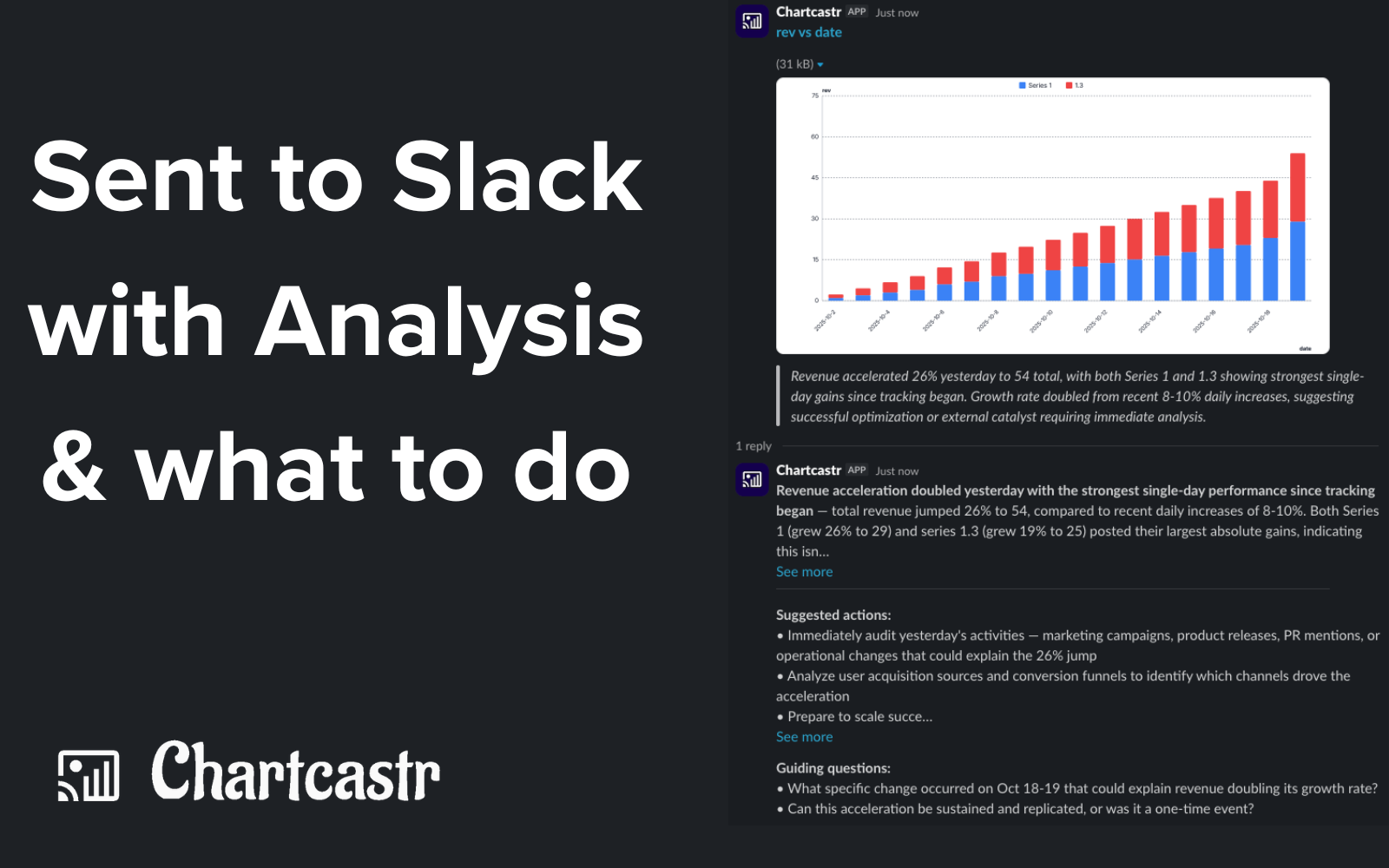
- AI-Powered Analysis — Every chart comes with contextual AI commentary explaining trends, anomalies, and actionable takeaways
- Conversational Follow-ups — Reply to any chart in Slack to ask follow-up questions; the AI responds with deeper analysis using your data
- 20+ Integrations — Google Sheets, HubSpot, Shopify, Notion, Xero, Meta Ads, Google Search Console, Linear, BigQuery, and more
- No-Code Setup — Connect a source, pick your metrics, choose a schedule, and charts start flowing automatically
Usage
- Sign up at chartcastr.com and connect your data sources (Google Sheets, HubSpot, Shopify, etc.)
- Create a "Pulse" — select metrics, chart type, and delivery schedule (daily, weekly, custom cron)
- Choose a destination: Slack channel, Google Chat space, or email recipients
- Charts are automatically generated and delivered on schedule with AI analysis
- Reply in Slack threads to ask follow-up questions about any chart
FAQs
What data sources does Chartcastr support? Google Sheets, HubSpot, Shopify, Notion, Xero, Meta Ads, Google Search Console, Linear, BigQuery, Google Drive, and more — with new integrations added regularly.
Do I need to write code? No. Chartcastr is fully no-code. Connect a data source, configure your chart, and set a schedule.
How does the AI analysis work? Each chart delivery includes AI-generated commentary that identifies trends, anomalies, and key takeaways from your data. You can reply in Slack to ask follow-up questions.
Can I deliver charts to multiple channels? Yes. Each Pulse can target different Slack channels, Google Chat spaces, or email recipients.
Is my data secure? Yes. Chartcastr uses AES-256-GCM encryption for tokens, JWT-based auth via Clerk, and never stores your raw data permanently.
Contact
- Website: https://chartcastr.com
- Email: [email protected]
- Book a Demo: https://chartcastr.com/partners
Platforms and languages
chartcastr Availability
Platforms
Languages
Compare similar tools
chartcastr Alternatives
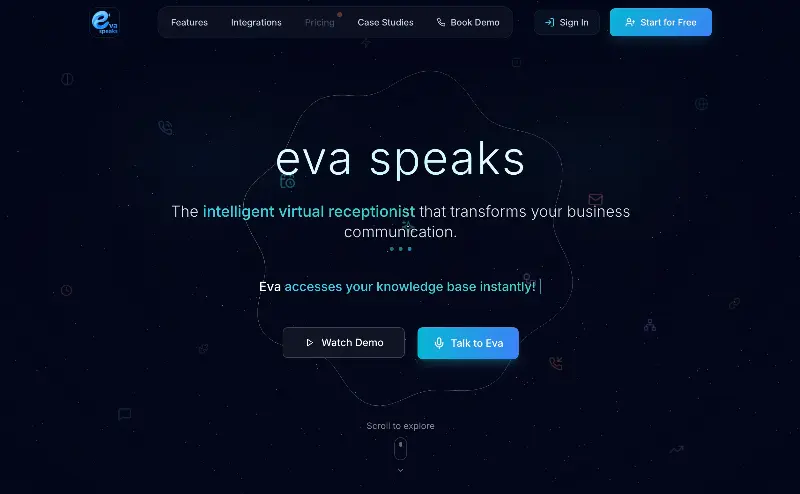 EvaSpeaksEvaSpeaks is an AI-powered virtual receptionist that answers calls 24/7, handles customer inquiries, schedules appointments, captures leads, and routes calls to the right team. It helps businesses improve response times, reduce missed opportunities, automate routine communication, and provide reliable customer support even outside regular business hours.5.0(1 reviews)AI Business SolutionsAI Voice RecognitionAI WorkflowAI receptionist
 LuffyAI employee that gets work done directly in Slack5.0(1 reviews)AI Productivity ToolsAI Personal AssistantsAI WorkflowAI assistantautomationworkflow
 OpuslyOpusly is an AI studio for creators — generate images and videos with auto-picked best models (Nano Banana 2, GPT-Image-2, Seedance 2.0), or use one-click scene templates like Italian Brainrot and MSPaintify. Free signup includes 30 credits.AI Image GenerationAI Video CreationAI Design Art
 ImgfreeImgfree is a free AI image and video generator that allows users to create stunning visuals from text prompts, offering unlimited access to various AI models without the need for credits.AI Image GenerationAI Video CreationAI Design Art
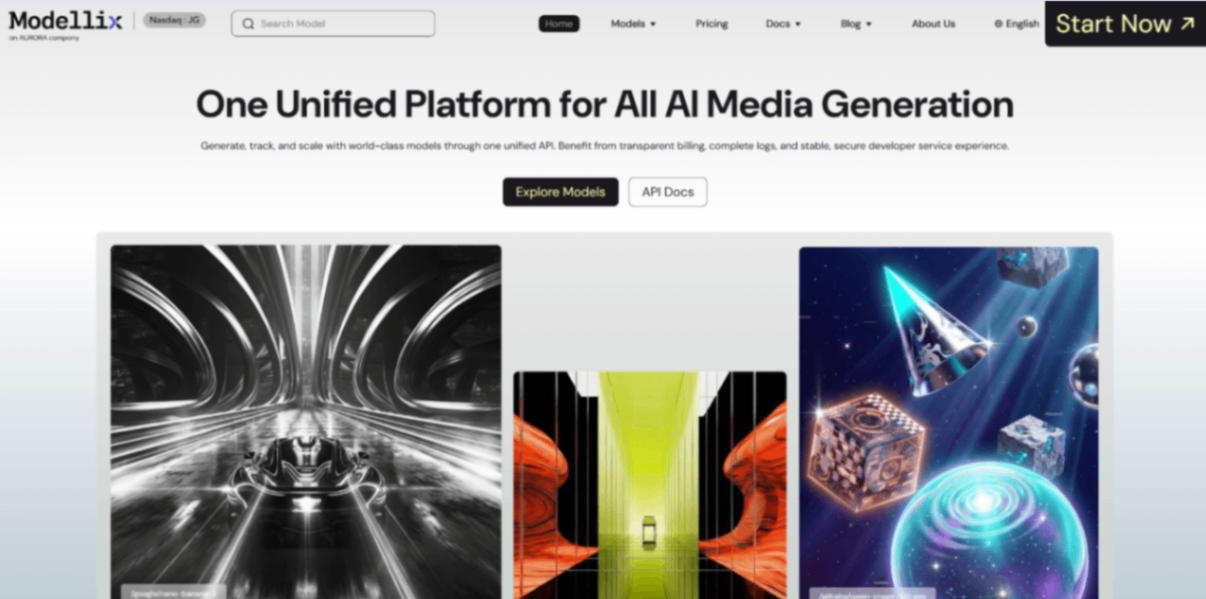 Modellix.aiModellix is a MaaS (Model as a Service) platform that provides unified API access to maintream AI models, covering text-to-image, text-to-video, image-to-image, image-to-video, video editing, and more. Supported models include Nano Banana, Kling, Veo, Seedance, Seedream, Minimax, Qwen, Wanx, GPT, and others.
Whether you’re a developer building AI-powered applications or a creator producing visual content, Modellix provides the tools you need through a single API.AI Video CreationAI Marketing ToolsAI Image Generation
Modellix.aiModellix is a MaaS (Model as a Service) platform that provides unified API access to maintream AI models, covering text-to-image, text-to-video, image-to-image, image-to-video, video editing, and more. Supported models include Nano Banana, Kling, Veo, Seedance, Seedream, Minimax, Qwen, Wanx, GPT, and others.
Whether you’re a developer building AI-powered applications or a creator producing visual content, Modellix provides the tools you need through a single API.AI Video CreationAI Marketing ToolsAI Image Generation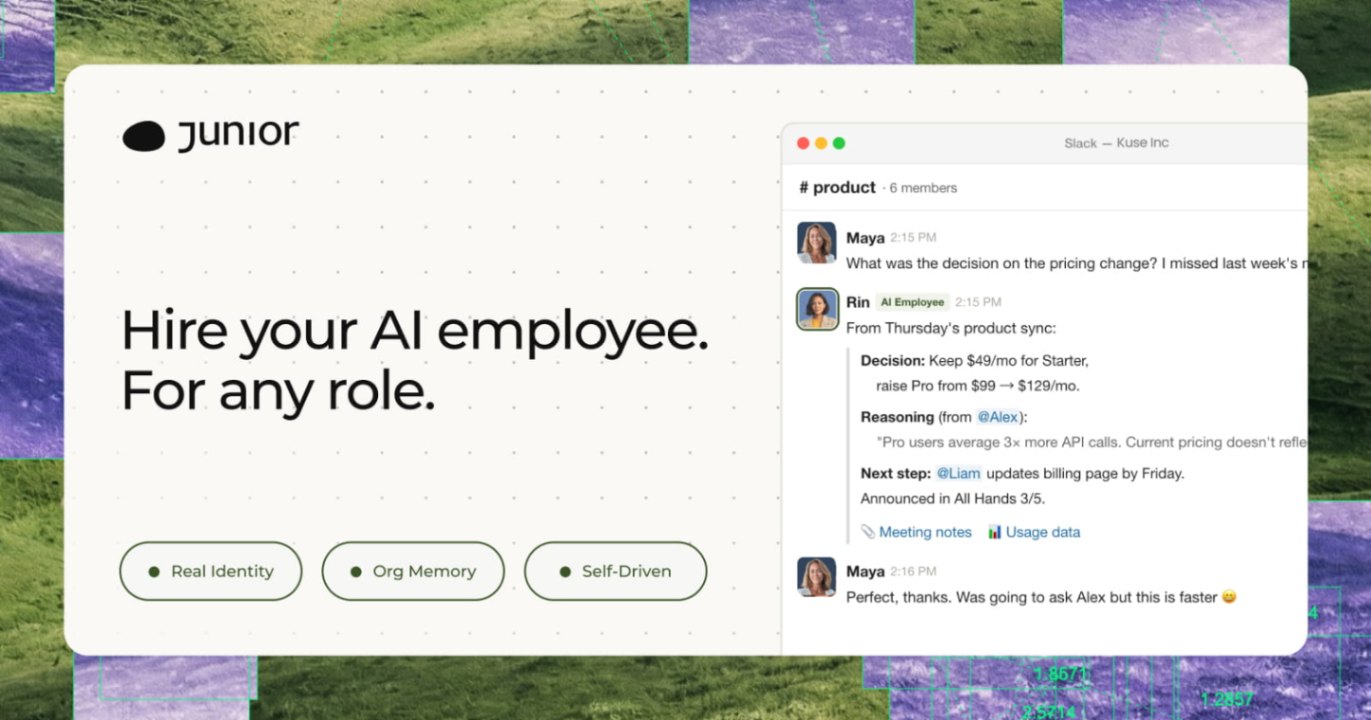 JuniorJunior is an AI employee that works inside your Slack, Teams, Lark, or Telegram. It connects to 3,000+ tools and handles sales ops, from outreach and CRM updates to follow-ups and pipeline reports. Built-in approval gates keep your team in control of every outbound action. Featured in Bloomberg, Business Insider, and LinkedIn News.AI Productivity ToolsAI Text WritingAI WorkflowAI
 YouMindYouMind is an innovative creation agent that harnesses the power of generative AI to transform diverse materials into inspired creations.5.0(1 reviews)AI Image GenerationAI Text WritingAI Workflow
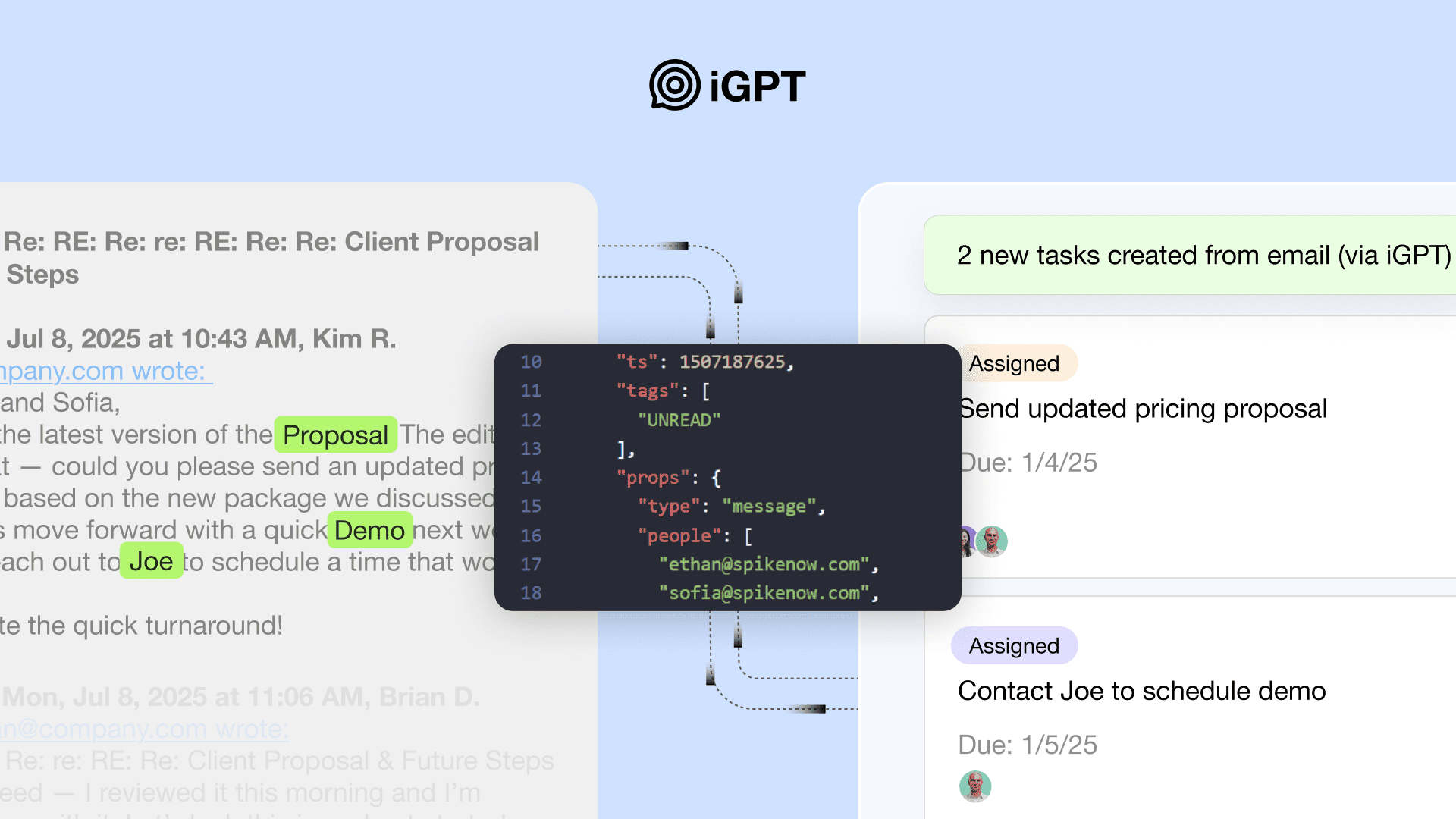 iGPTiGPT provides enterprises with a secure, auditable API gateway for agents to safely access and interpret email and communication data.5.0(1 reviews)AI Business Solutions
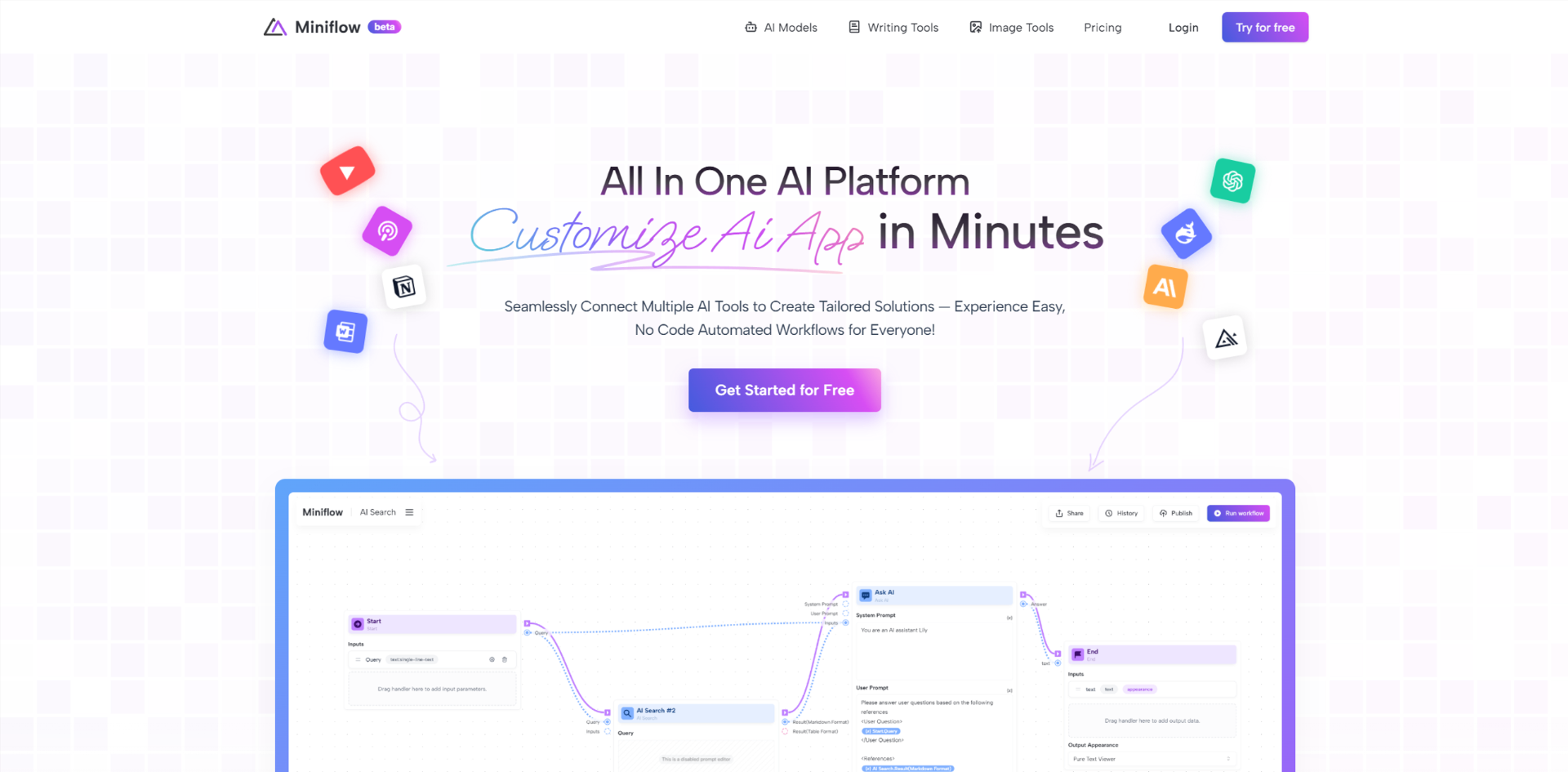 Miniflow AISeamlessly Connect Multiple AI Tools to Create Tailored Solutions — Experience Easy, No Code Automated Workflows for Everyone!5.0(1 reviews)AI WorkflowAI Productivity Tools
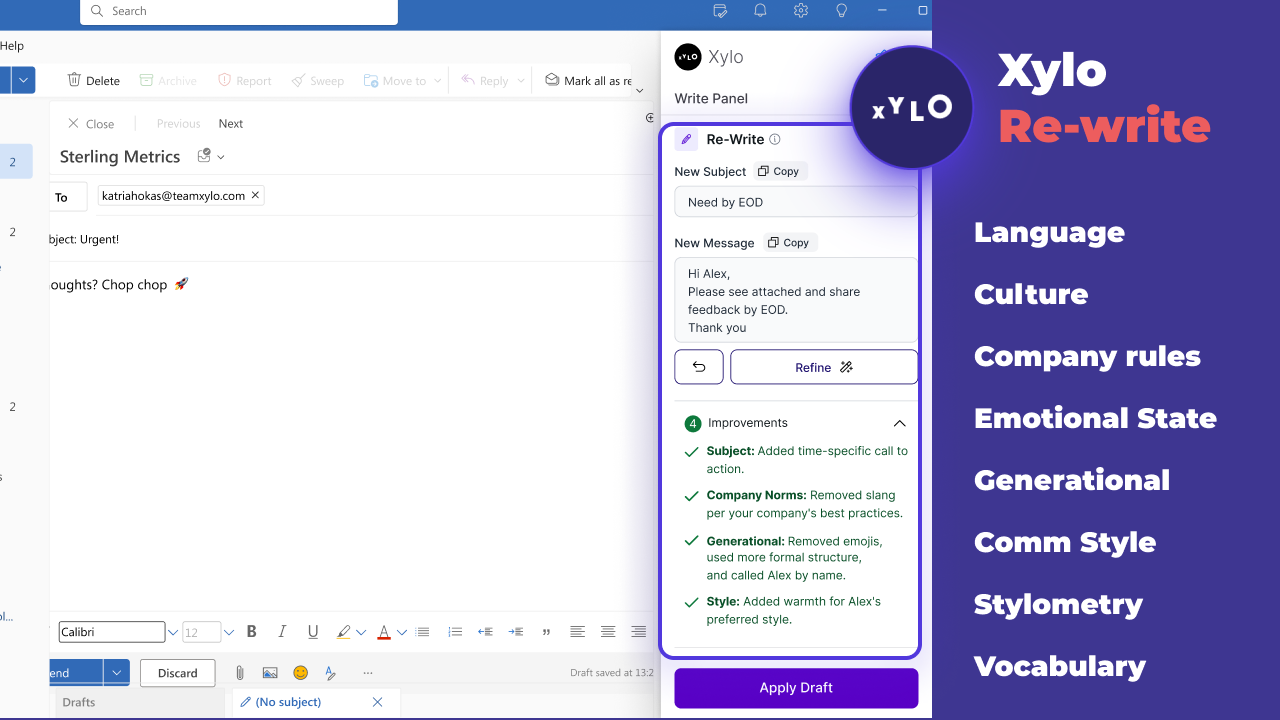 Xylo AISupporting productive working relationships and written communication with emotionally intelligent AI email assistant.AI Business SolutionsAI WorkflowAI Productivity Tools
Reviews
See what the community thinks and share your experience.
—
Based on 0 ratings
Rating distribution
Community reviews
No reviews
No written reviews yet.