Anthropic's agentic coding tool that plans, writes, tests, and ships code from your terminal, IDE, Slack, or web.
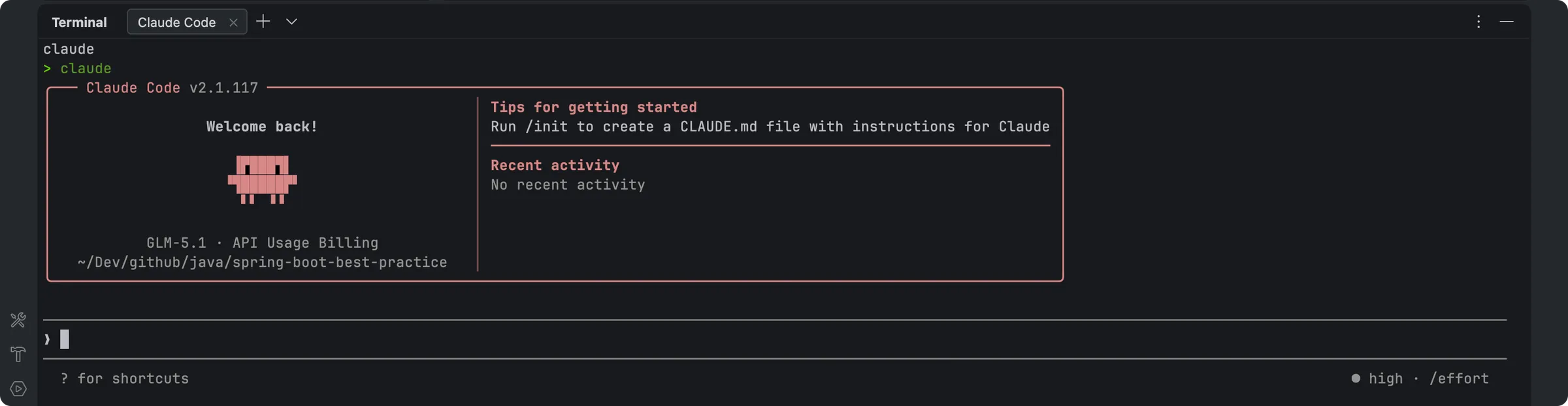
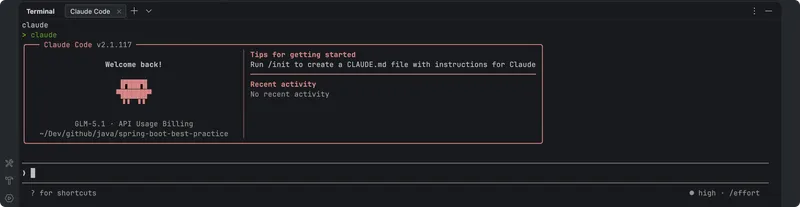
Claude Code terminal interface
1 / 2Overview
What is Claude Code?
Hand Claude a bug fix, test, or multi-day migration.
What it is
Claude Code is Anthropic's agentic coding tool. Instead of autocompleting lines, you hand it a bug fix, a test, or a multi-day migration and it plans the work, writes the code, runs the tests, and opens pull requests — you steer and review from your terminal, IDE, Slack, or web. It runs on macOS, Linux, and Windows, and works alongside your existing tools rather than replacing them.
Why it matters
Claude Code closes the loop between describing a change and shipping it: it maps unfamiliar codebases in seconds with agentic search, turns GitHub or GitLab issues into tested PRs, and keeps multi-hour refactors moving when something breaks, surfacing only the decisions it needs from you. Claude Haiku 5.5 (released October 7, 2026) is available in Claude Code, giving fast, low-cost small-model power for high-volume coding tasks. Fast mode — a high-speed configuration for Opus 5.5 that is 2.5x faster at $8/$40 per million tokens — is in research preview on Claude Code.
Access and plans
Claude Code has no standalone price: it is included in all paid Claude plans (Pro, Max, Team, Enterprise) and shares your plan's usage limits, or you can use it with a Claude Console account and pay per API token at standard API rates. Max, Pro, Team, and Enterprise users can also access it in the Claude desktop app. It runs locally in your terminal and asks permission before changing files or running commands.
Platforms and languages
Claude Code Availability
Platforms
Languages
Capabilities
Claude Code Key Features
Agentic coding in your terminal
Describe the task and Claude Code plans, writes code, runs tests, and opens pull requests; it can work on several tasks at once.
Codebase onboarding
Maps and explains entire codebases in seconds with agentic search, without you manually selecting context files.
Issues to pull requests
Works with GitHub, GitLab, and your command line tools to read issues, write code, run tests, and open PRs.
Long-running refactors
Follows imports across the repo, runs your tests, and keeps multi-hour refactors and migrations moving when something breaks.
Meets you where you code
Runs in your terminal alongside your preferred IDE and dev tools; steer and review from terminal, IDE, Slack, or web, plus the Claude desktop app.
Permission-first security
Runs locally and talks directly to model APIs with no backend server or remote code index; asks permission before changing files or running commands.
Best for
Who uses Claude Code?
Software developers
delegate bug fixes, tests, refactors, and migrations to an agent working in the terminal or IDE
Engineering teams
turn issues into tested, reviewed pull requests with GitHub, GitLab, and CLI integrations
Plans and access
Claude Code Pricing
Paid
No standalone price: included in Pro/Max/Team/Enterprise plans, or pay per API token via a Claude Console account.
Common questions
Claude Code FAQs
How do I get started with Claude Code?
You can access it with a Claude Pro or Max plan, a Team or Enterprise plan, or a Claude Console account. Download Claude Code and sign in with your Claude or Console credentials.
What tasks can Claude Code handle?
Routine work like bug fixes and testing, plus larger, long-running jobs like refactors and new features. You set the direction as architect and orchestrator; it plans, writes code, runs tests, and opens pull requests.
How much does Claude Code cost?
There is no standalone price. It is included in all paid Claude plans and shares your plan's usage limits, or you can use it with a Console account and pay per API token at standard API rates.
Is Claude Code secure?
Yes. It runs locally in your terminal and talks directly to model APIs without a backend server or remote code index, and it asks for permission before making changes to your files or running commands.
Does Claude Code work with my IDE?
Yes. It runs in your terminal and works alongside your preferred IDE and development tools, plus command line tools like Git and MCP servers. Max, Pro, Team, and Enterprise users can also access it in the Claude desktop app.
Reviews
See what the community thinks and share your experience.
—
Based on 0 ratings
Rating distribution
Community reviews
No reviews
No written reviews yet.