ClipLumi helps people revise images they already have with natural-language instructions and visual references. Start from a source photo, request a focused change, compare the generated result with the original, and use task-specific workflows for image-to-image editing, uncropping, upscaling, backgrounds, retouching, product photos, and portraits.
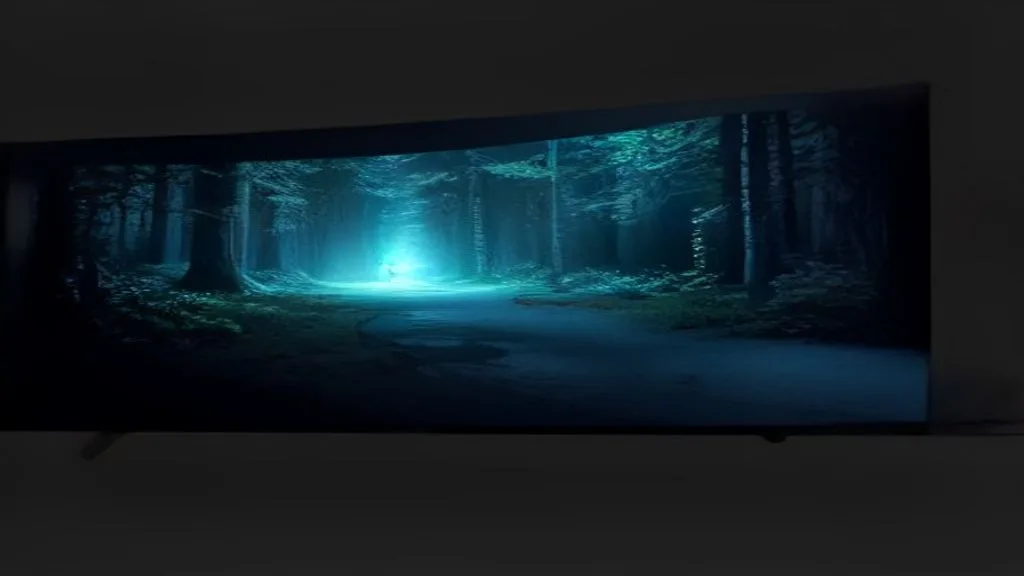
Product screenshot
Overview
What is ClipLumi?
ClipLumi is a browser-based AI photo editor built for a specific kind of creative work: the user already has an image worth keeping and wants to revise it without rebuilding the entire visual from scratch. Instead of starting every task from a blank prompt, ClipLumi begins with the source image. The user uploads a photo, describes the intended change in natural language, can add visual references when text is not enough, generates a revision, and then compares that result with the original before deciding what to keep.
This source-first approach is useful because many everyday image tasks are revisions rather than new creations. A product photo may show the right object but need a cleaner environment. A portrait may have the right subject but need a different presentation. A social image may need more room around the edges for another aspect ratio. A campaign visual may need a variation while preserving the central object and general composition. In each case, the important context is already present in the source, so asking an AI system to invent the whole image again can introduce unnecessary drift.
ClipLumi is designed to keep the revision request focused. The user can say what should change instead of describing everything that should remain the same. The source image carries the existing composition and visual context, while the prompt communicates the intended edit. This makes the result easier to evaluate because the user has a known reference point. The question is not simply whether the output looks attractive; it is whether the requested change happened while the important parts of the original remained stable enough.
Visual references add another layer of direction. Some creative intentions are difficult to express precisely in text. A reference image can communicate a material, framing idea, atmosphere, visual relationship, or style cue more efficiently than a long written explanation. ClipLumi supports reference-guided workflows so the source remains the object being revised while additional images help steer the desired result. That is particularly useful for creators and marketers who want controlled exploration rather than unrelated random variations.
Product photography is one practical use case. Small ecommerce teams often already have a real product photo but want to explore different surroundings, cleaner presentations, or alternate compositions for store pages and campaigns. Starting from the existing product image means the workflow can focus on presentation rather than asking a generator to recreate the product identity. The team can compare each result with the original and reject outputs that change important details.
Portrait and creator workflows follow the same principle. The useful task may be a visual variation around an existing person, a change in the surrounding scene, or a new framing for another format. A source-first workflow gives the user something concrete to compare against. This matters because faces, product details, logos, text, and other identity-sensitive elements deserve closer review than background scenery or decorative context.
ClipLumi also exposes separate task-oriented workflows instead of forcing every image problem through one generic prompt box. Image-to-image editing handles generative revisions. Uncropping or image expansion is for cases where the composition is too tight and the user needs additional visual context around the existing frame. Upscaling addresses resolution when the content is already correct. Background removal and retouching target narrower editing needs. Text-to-image is available for cases where generating from a new idea is appropriate.
That separation helps clarify intent. A user who needs a larger image should not have to think about the same controls as someone changing scene content. A user who wants more canvas around a source photo has a different goal from someone replacing a background. Task-specific entry points make it easier to understand what a tool is meant to do and reduce the chance that the user applies a generative operation where a simpler transformation would be better.
Uncropping is a good example. A photo may work in its original shape but become too tight when adapted for a banner, landscape layout, presentation slide, ecommerce card, or social post. Instead of stretching the source pixels, an AI expansion workflow can generate plausible surroundings outside the original frame while keeping the source image central. The result still requires human judgment, but the workflow can reduce the manual reconstruction needed to create new space around the image.
Upscaling solves a different problem. If the composition and content are already right, the user may only need more resolution or a more usable output size. Separating that task from image-to-image editing avoids unnecessary content changes. In the same way, background removal is useful when the goal is isolation rather than generation, and retouching is useful when the task is a focused cleanup rather than a new scene.
The product is intended for creators, ecommerce operators, marketers, founders, designers, and small teams that repeatedly work with existing visual assets. For people who do not use complex image software every day, natural-language direction lowers the interface cost of expressing a first revision. For experienced designers, ClipLumi can work as an exploration or first-pass tool: generate several promising directions quickly, select the strongest one, and move into a precision editor if exact finishing work is necessary.
ClipLumi is not presented as a universal replacement for professional layer-based editing. Conventional software remains more appropriate when a project requires deterministic masking, exact typography, pixel-level restoration, print color management, legal-grade visual evidence, or a fully reproducible sequence of manual operations. Generative outputs can vary between runs. ClipLumi is most useful when the user can describe a desired change, compare the result with a known source, and accept controlled variation as part of the editing process.
A practical way to evaluate the tool is to choose a source image with one element that must stay recognizable and one element that clearly needs to change. Give ClipLumi a specific instruction, add a reference only if it improves the direction, and review the result on two criteria: did the requested revision happen, and did the important source content remain stable enough? That test measures the product's intended workflow better than a gallery of preselected generated images.
The public site at https://cliplumi.com/ exposes the current image workflows and live product behavior. Because AI image products evolve quickly, model choices, generation controls, pricing, and costs should be checked on the live site rather than assumed from an old directory description. The durable product idea is simpler: start from an image worth keeping, state the revision in plain language, use visual references when useful, and keep a human responsible for the final visual decision.
Another useful part of a source-first workflow is accountability during review. Because the original image remains available, a creator or team can compare the proposed revision against a concrete baseline instead of judging the output in isolation. This makes it easier to catch product drift, identity changes, altered text, or other details that look plausible at first glance but are not acceptable for the intended use. The product therefore works best with deliberate inspection rather than automatic acceptance of every generated image.
For teams, that comparison can also improve handoff. A marketer can define the intended change, a designer can inspect the generated direction, and both can discuss the result with reference to the same source. The AI step becomes part of an iterative creative process rather than a black box that replaces visual judgment. That is the practical role ClipLumi aims to fill: reduce reconstruction effort, expose useful revision options quickly, and preserve a clear human decision point before any generated asset is treated as final.
Platforms and languages
ClipLumi Availability
Platforms
Languages
Plans and access
ClipLumi Pricing
Freemium
Compare similar tools
ClipLumi Alternatives
 YixYix is a browser-based AI image and video studio with multiple models, reference-image workflows, free prompt tools, and credit-based pricing.AI Image Generation
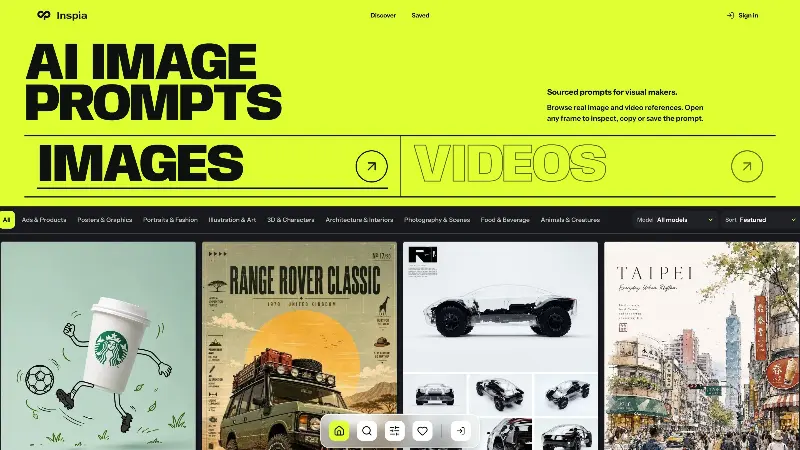 InspiaInspia is a curated AI image and video prompt library where creators can discover real visual references, inspect the prompts behind them, and reuse ideas in their own work.AI Design ToolsAI Prompt EngineeringDesignPhotography
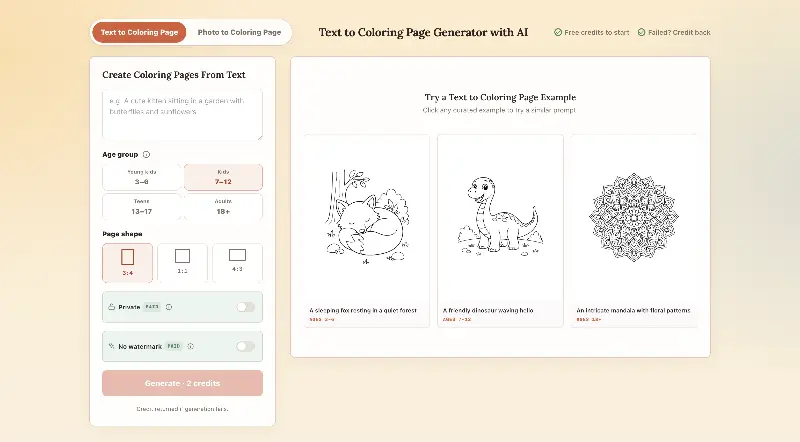 CPagesCPages turns text prompts or photos into printable coloring pages.AI Image GenerationAI Illustration ToolsAI Design Toolscoloring pagesprintable arttext to image
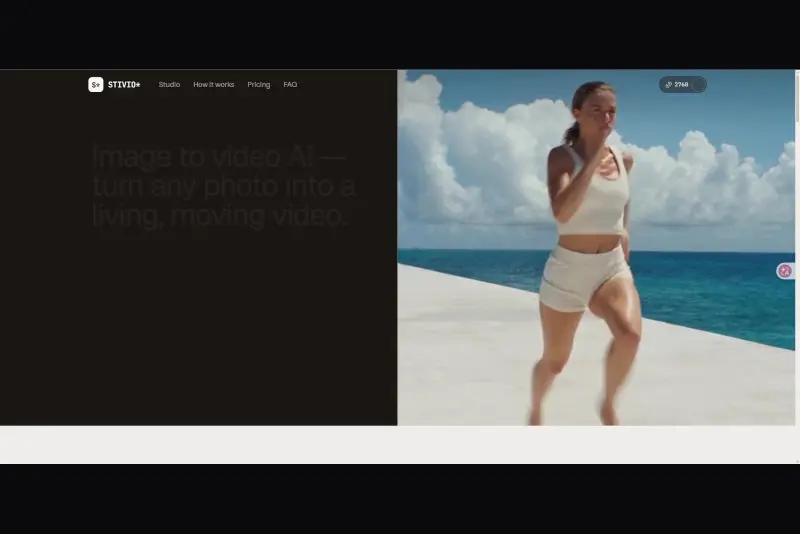 StivioStivio turns a single photo into a moving HD video. Upload an image, describe the motion in plain English, and six leading AI video models render an HD MP4 in one to five minutes.AI Video CreationAI Image GenerationAI Creation Generationimage to videoai video generatorphoto animation
 UGCfy AICreate AI-generated UGC-style video ads from product links, with scripts, hooks, AI actors, captions, and export-ready formats.5.0(1 reviews)AI Video CreationAI Marketing ToolsAI Content Generationugc adsai video adsecommerce marketing
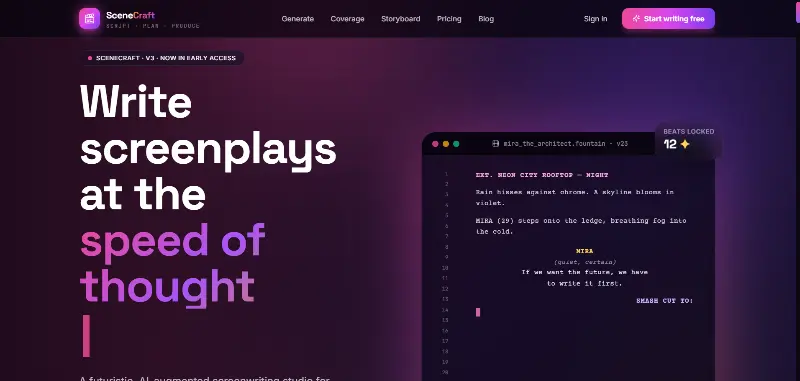 SceneCraft - AISceneCraft is an AI screenwriting studio. Generate full screenplays from an idea, get instant AI script coverage, and turn scenes into storyboards or full comic pages — all in industry-standard format, in 100+ languages. Built for screenwriters, showrunners, and indie filmmakers who want to move from idea to pre-production without switching tools.5.0(1 reviews)AI Image GenerationAI Text WritingAI StorytellingTurn any scene into a comic pagepanel by panel.
 OpuslyOpusly is an AI studio for creators — generate images and videos with auto-picked best models (Nano Banana 2, GPT-Image-2, Seedance 2.0), or use one-click scene templates like Italian Brainrot and MSPaintify. Free signup includes 30 credits.AI Image GenerationAI Video CreationAI Design Art
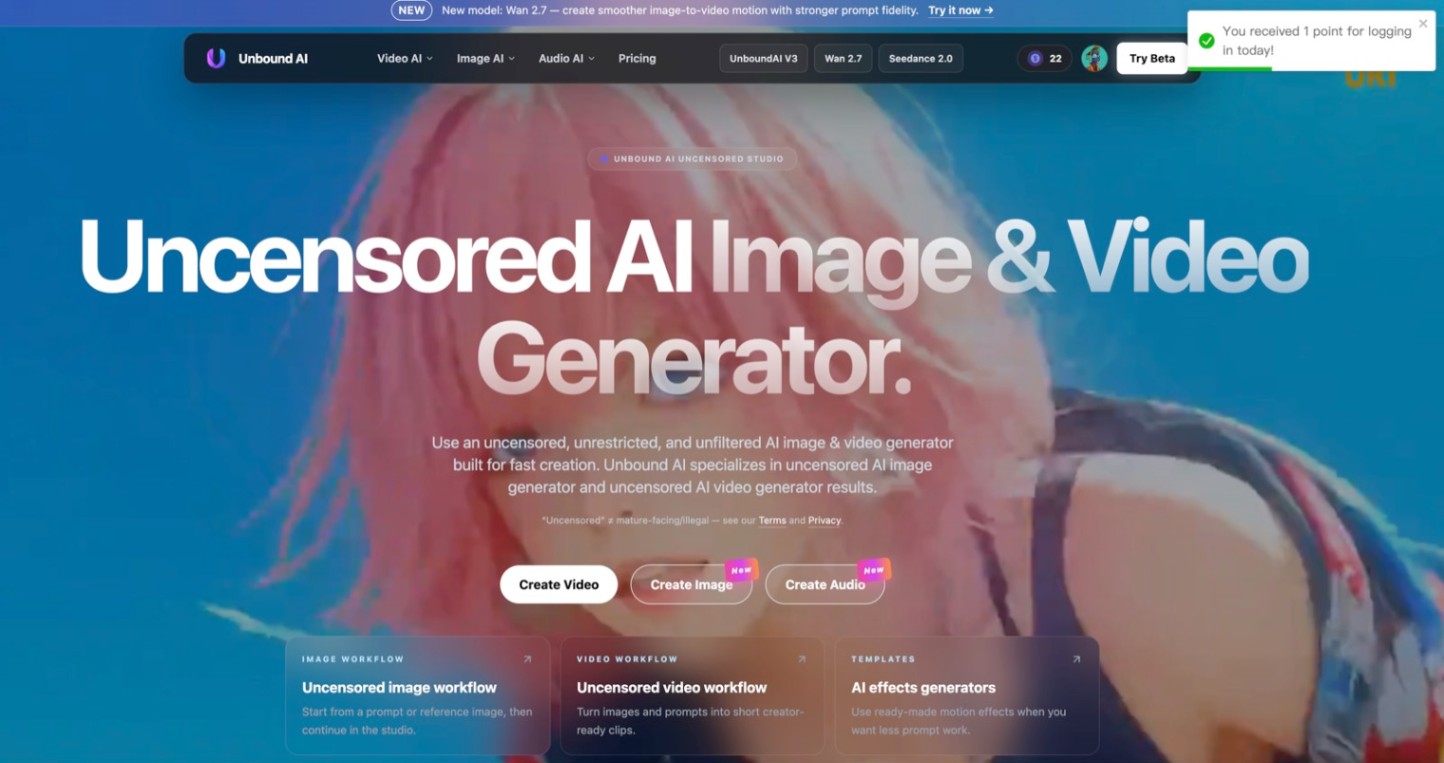 Unbound AICreate uncensored and unrestricted AI images and videos with optional music, voice, and sound effects.AI Image GenerationAI Video CreationAI Audio Tools
 ImgfreeImgfree is a free AI image and video generator that allows users to create stunning visuals from text prompts, offering unlimited access to various AI models without the need for credits.AI Image GenerationAI Video CreationAI Design Art
 Modellix.aiModellix is a MaaS (Model as a Service) platform that provides unified API access to maintream AI models, covering text-to-image, text-to-video, image-to-image, image-to-video, video editing, and more. Supported models include Nano Banana, Kling, Veo, Seedance, Seedream, Minimax, Qwen, Wanx, GPT, and others.
Whether you’re a developer building AI-powered applications or a creator producing visual content, Modellix provides the tools you need through a single API.AI Video CreationAI Marketing ToolsAI Image Generation
Modellix.aiModellix is a MaaS (Model as a Service) platform that provides unified API access to maintream AI models, covering text-to-image, text-to-video, image-to-image, image-to-video, video editing, and more. Supported models include Nano Banana, Kling, Veo, Seedance, Seedream, Minimax, Qwen, Wanx, GPT, and others.
Whether you’re a developer building AI-powered applications or a creator producing visual content, Modellix provides the tools you need through a single API.AI Video CreationAI Marketing ToolsAI Image GenerationReviews
See what the community thinks and share your experience.
—
Based on 0 ratings
Rating distribution
Community reviews
No reviews
No written reviews yet.