Chat with an AI agent to turn prompts, PPTs, PDFs, links and media into videos with voiceovers and captions
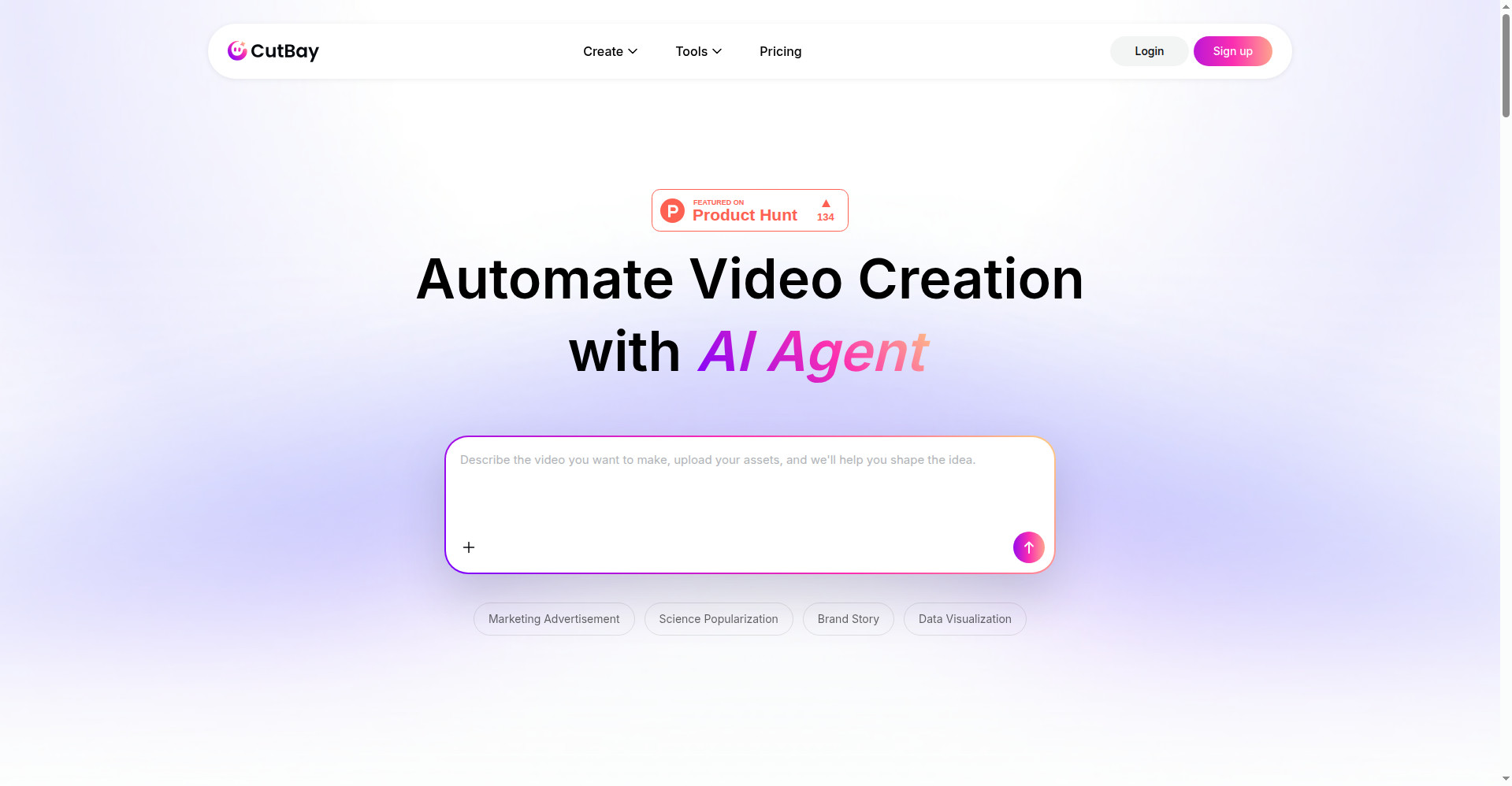
Homepage
1 / 3Overview
What is CutBay?
AI Video Agent: Turn Anything into Videos via Chat
CutBay is an AI video agent that turns anything into videos through chat. Start from a prompt, a PPT, a PDF or spreadsheet, a blog/news/Amazon link, your own media or a screen recording, and describe what you want - the agent handles planning, script, visuals, voiceover, captions and editing automatically.
You can keep refining by chatting: change colors, graphics, layout and scenes in natural language, or tweak manually. Talking-head footage gets filler words and retakes removed automatically with enriched subtitles. Exports are available in MP4, MOV and WebM up to 1080p.
Pricing is freemium and credit-based. The free plan includes 10 credits (roughly one video) with 720p watermarked downloads. Pro costs $21-$29/month for 500 monthly credits (~25 videos), and Ultra $49-$69/month for 1,400 credits (~70 videos); annual billing saves 30%. Paid plans remove the watermark, unlock 1080p exports and priority support.
Platforms and languages
CutBay Availability
Platforms
Languages
Capabilities
CutBay Key Features
Start from anything
Turn prompts, PPTs, blog or news links, Amazon product links, PDFs, spreadsheets and personal media into videos.
Edit by chatting
Make natural-language edits to colors, graphics, layout and scenes through simple conversation.
Full AI agent workflow
The agent automates planning, script writing, visuals, voiceover, captions and editing end to end.
Refine and export
Tweak by chat or manually, then export MP4, MOV or WebM in up to 1080p.
Talking-head editing
Automatically removes filler words and retakes, and enriches subtitles in talking-head videos.
Best for
Who uses CutBay?
Marketers, ecommerce sellers and educators
Create marketing videos, product demos and course content by chatting with an AI agent
Plans and access
CutBay Pricing
Freemium
Free plan with 10 credits (~1 video, 720p, watermarked); Pro $21-$29/mo; Ultra $49-$69/mo.
Common questions
CutBay FAQs
Can I try CutBay for free?
Yes. The free plan includes 10 credits - roughly one video - with 720p downloads and a watermark. During the Product Hunt launch they also offered a PH100 code for 100 free credits.
What can I turn into a video?
Prompts, PPTs, PDFs, spreadsheets, online docs, blog or news links, Amazon product links, your own media and screen recordings. Popular uses include marketing videos, product demos, presentations, course content and social posts.
How do the paid plans work?
Plans are credit-based: Pro ($21-$29/month) gives 500 credits a month (~25 videos), Ultra ($49-$69/month) gives 1,400 credits (~70 videos). Annual billing saves 30%. Paid plans remove the watermark and unlock 1080p exports.
What video formats can I export?
You can export MP4, MOV and WebM files, in up to 1080p on paid plans (720p on the free plan).
Reviews
See what the community thinks and share your experience.
—
Based on 0 ratings
Rating distribution
Community reviews
No reviews
No written reviews yet.