Private Mac app that records your screen and meetings into an encrypted, on-device searchable memory - with a local MCP server so your AI agents can use it too.
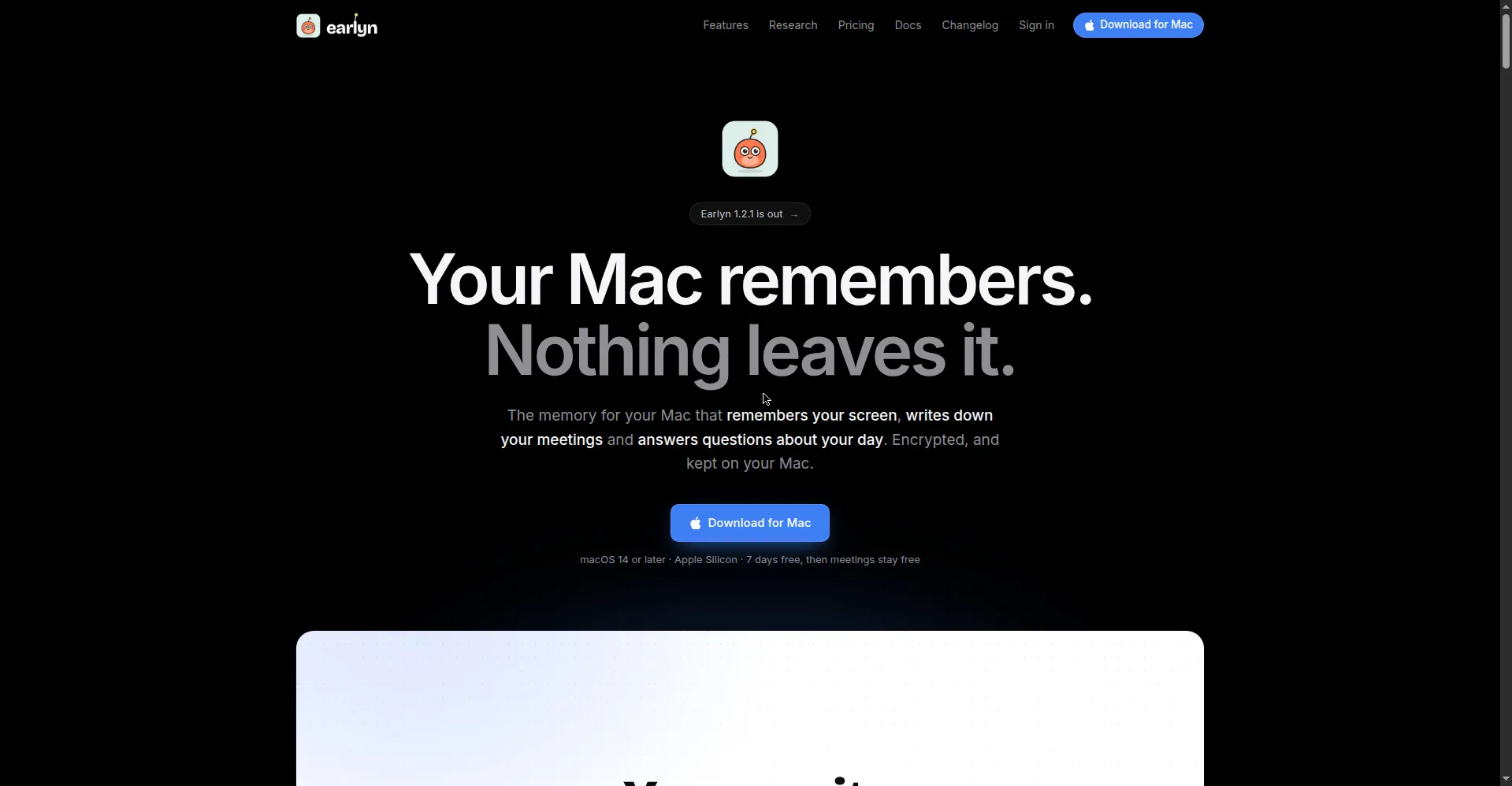
Earlyn homepage hero
1 / 3Overview
What is Earlyn?
Your Mac remembers. Nothing leaves it.
Earlyn is a Mac app that gives your computer a private, searchable memory. It records your screen and your meetings on-device, then lets you scrub back through your day on a timeline, search everything by word or by meaning, and ask questions in plain language - with answers that cite the exact moments they came from.
Key capabilities: Rewind, a scrubbable timeline that keeps a picture and extracted text of every screen moment, with find-on-screen, text mode for copying, and document comparison between two moments. Ask, a search and question box over screen, meetings and chosen documents, in any language. Meetings, with on-device transcription in about a hundred languages, live translation, speaker recognition, summaries and action items - it asks before recording any call.
Privacy is the core design: everything is encrypted and stays on the Mac (SQLCipher 256-bit text, AES-GCM sealed pictures); excluded apps, incognito windows, password fields and secrets like API keys or card numbers are never captured, and there is no analytics or crash reporting. A local MCP server (localhost only) also gives your AI agents - Claude Code, Codex, Cursor, Windsurf, Gemini CLI - a memory of your work, with trigger-based agents, plugins, skills and output to Slack, Notion, Linear, GitHub, HubSpot or webhooks.
Free tier is $0 forever (meetings stay free with 7 days of searchable history). Pro is $19/month or $149/year: 90 days of screen memory, meeting audio replay, unlimited agents/plugins/skills, local API + MCP server, and an offline-capable license key. Requires Apple Silicon and macOS 14 or later.
Platforms and languages
Earlyn Availability
Platforms
Languages
Capabilities
Earlyn Key Features
Rewind - screen timeline
A scrubbable timeline of your screen keeps a picture and extracted text of every moment, with find-on-screen, text mode for copying, and document comparison between two moments.
Ask - semantic search and Q&A
Search by word or by meaning across screen, meetings and chosen documents, in any language; answers cite the exact source moments.
Meeting capture and transcription
On-device transcription in about a hundred languages with live translation, speaker recognition, summaries and action items; it asks before recording any call.
Private by design
Everything encrypted and kept on the Mac; excluded apps, incognito windows, password fields and secrets are never captured; no analytics or crash reporters.
Memory for AI agents
A local MCP server gives Claude Code, Codex, Cursor, Windsurf and Gemini CLI a memory of your work, plus trigger-based agents, plugins, skills and output to Slack, Notion, Linear, GitHub or webhooks.
Best for
Who uses Earlyn?
Mac users who want a private, on-device, searchable memory of their screen and meetings
Recall anything seen or heard on their Mac, search meetings, and give AI agents local context - without data leaving the machine
Plans and access
Earlyn Pricing
Freemium
Free $0 forever (meetings stay free, 7 days history); Pro $19/mo or $149/yr - screen memory, agents, MCP
Common questions
Earlyn FAQs
What is Earlyn?
A Mac app that keeps an encrypted, searchable memory of your screen and meetings: scrub back through your day on a timeline, search by word or meaning, and ask questions - all on your Mac.
Does anything leave my Mac?
Not unless you start it. Extraction, search, transcripts, summaries and translation all run locally; model files download only on request. No analytics, no crash reporters.
What does Earlyn never capture?
Excluded apps (dropped at source), private/incognito windows, password fields, and moments containing secrets like API keys, tokens or card numbers are never captured.
What happens after the 7-day trial?
No card is needed. Meetings stay free with 7 days of history; screen memory, agents and MCP need Pro ($19/month or $149/year). Nothing is deleted instantly.
Does it work on Intel Macs or Windows?
No. It requires Apple Silicon and macOS 14 or later; Intel Macs and Windows are explicitly not supported.
Reviews
See what the community thinks and share your experience.
—
Based on 0 ratings
Rating distribution
Community reviews
No reviews
No written reviews yet.