gameartify
Instantly transform your photos into iconic art from the games you love. No skills needed.
AI Gamingnon ai
Product screenshot
Overview
What is gameartify?
CyberpunkAiGeneratorPage Component - Full Description A comprehensive Cyberpunk AI Image Generator React component that provides complete cyberpunk-style image generation and transformation capabilities.
🎯 Core Features
- Dual Generation Modes Text-to-Image: Generate cyberpunk-style images from text descriptions Image-to-Image: Transform uploaded images into cyberpunk style
- Intelligent Configuration Options Character Type Selection: 8 cyberpunk character types (Hacker, Netrunner, Corporate Agent, etc.) Style Selection: 5 classic cyberpunk styles (Cyberpunk 2077, Blade Runner, etc.) Smart Prompts: Support for detailed descriptions up to 500 characters
- Image Processing Capabilities Drag & Drop Upload: Supports PNG, JPG, WEBP formats, max 10MB Real-time Preview: Instant preview and file information display for uploaded images Batch Generation: Support for generating multiple images with history tracking HD Download: One-click download of generated cyberpunk artwork 🎨 Visual Design Features
- Immersive Cyberpunk Interface Gradient Backgrounds: Dark theme with purple/cyan gradients Dynamic Effects: Pulsing neon glow background elements Grid Patterns: Tech-inspired grid textures Glassmorphism: Semi-transparent backdrop blur effects
- Responsive Layout Three-Column Layout: Sidebar + Form Area + Results Display Mobile Adaptation: Fully responsive design supporting all screen sizes Card-Based Design: Modern card layouts with clear information hierarchy
Platforms and languages
gameartify Availability
Platforms
Web
Languages
English
gameartify Alternatives
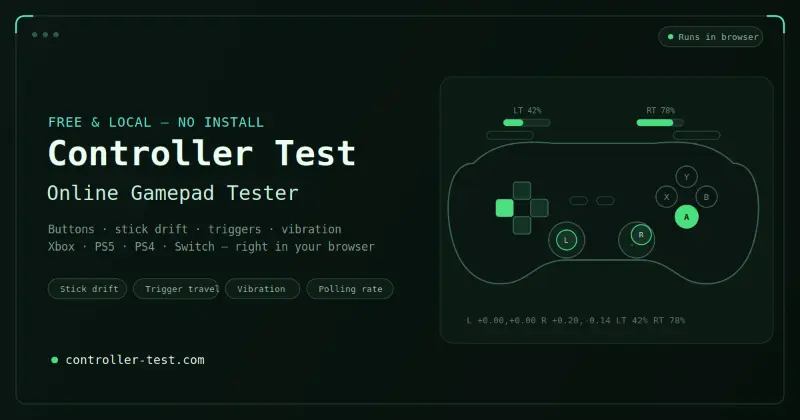 Controller TestTest your gaming controllers online with free, easy-to-use tools for checking buttons, sticks, triggers, vibration, and overall controller functionality.
AI Gamingcontrollertest
 LinkedIn Pinpoint AnswerGet today's LinkedIn Pinpoint answer with detailed explanations, clues, and strategies. Browse our complete archive of past answers and improve your game.
AI GamingAI Education Platformsgamespuzzle
 Stardew Valley PlannerPlan, design, and visualize your Stardew Valley farm layout before making changes in the game.
AI GamingTPRG
 Stat SniperAI-powered sports betting research with player props, Daily Picks, live odds, and explainable insights across 14+ sports.4.0(1)
AI Productivity ToolsAI Business SolutionsSports BettingSports Analytics
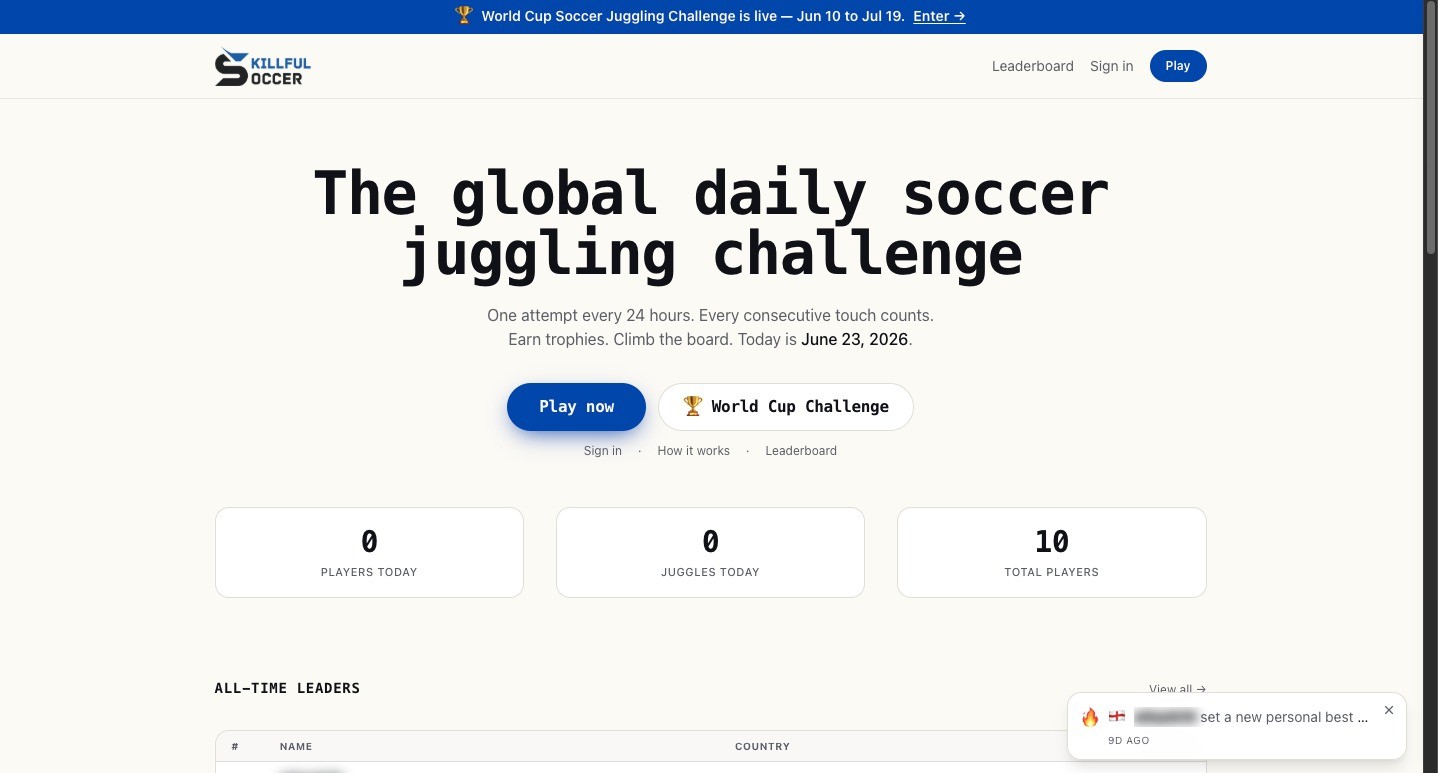 Skillful SoccerSkillful Soccer is a daily soccer juggling challenge where players record an attempt to climb a global leaderboard.
AI Gaming
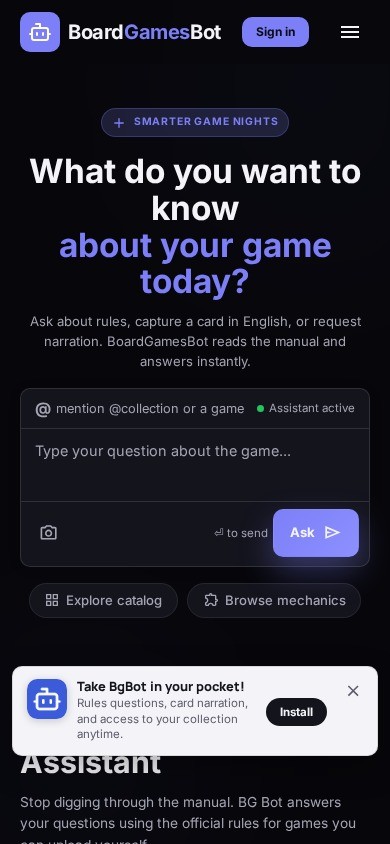 Board Games BotBoardGameBot is a free AI assistant for board game players. Ask any rules question in plain language, scan physical cards with OCR to get instant explanations, and explore a catalog of 300+ games with mechanics, ratings, and prices. Works in English and Brazilian Portuguese.
AI Gaming
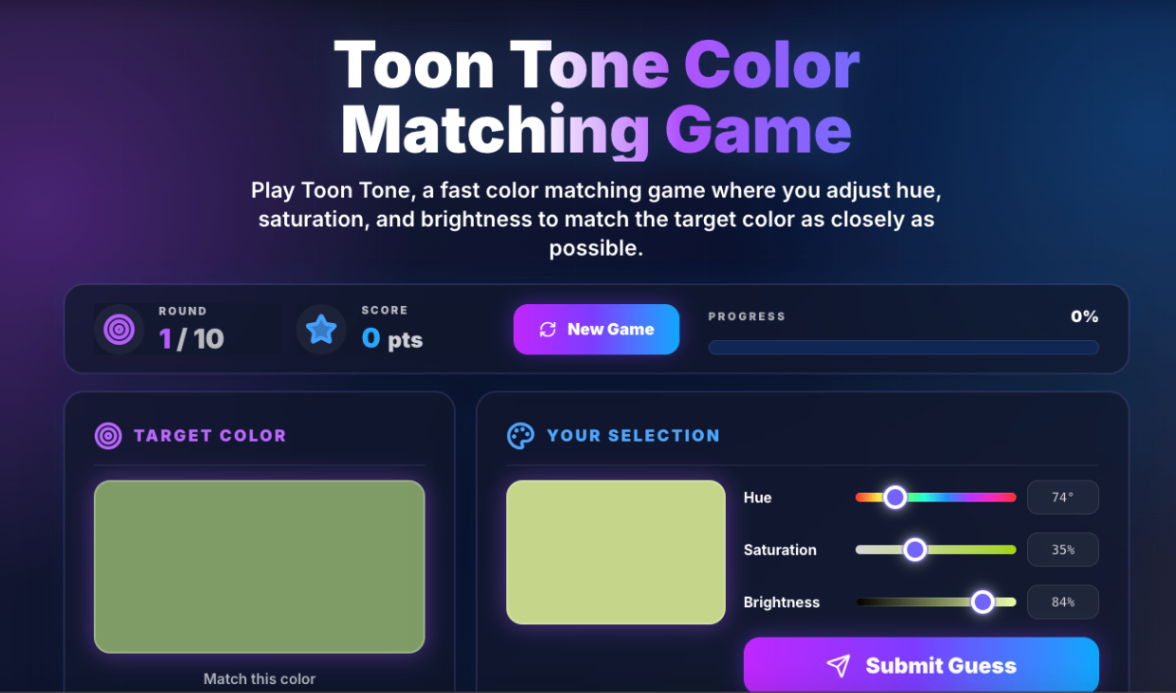 toontoneToon Tone is a fast online color matching game where players adjust hue, saturation, and brightness sliders to match a target color across quick 10-round challenges.
AI Gamingcolor matching game hue saturation brightness
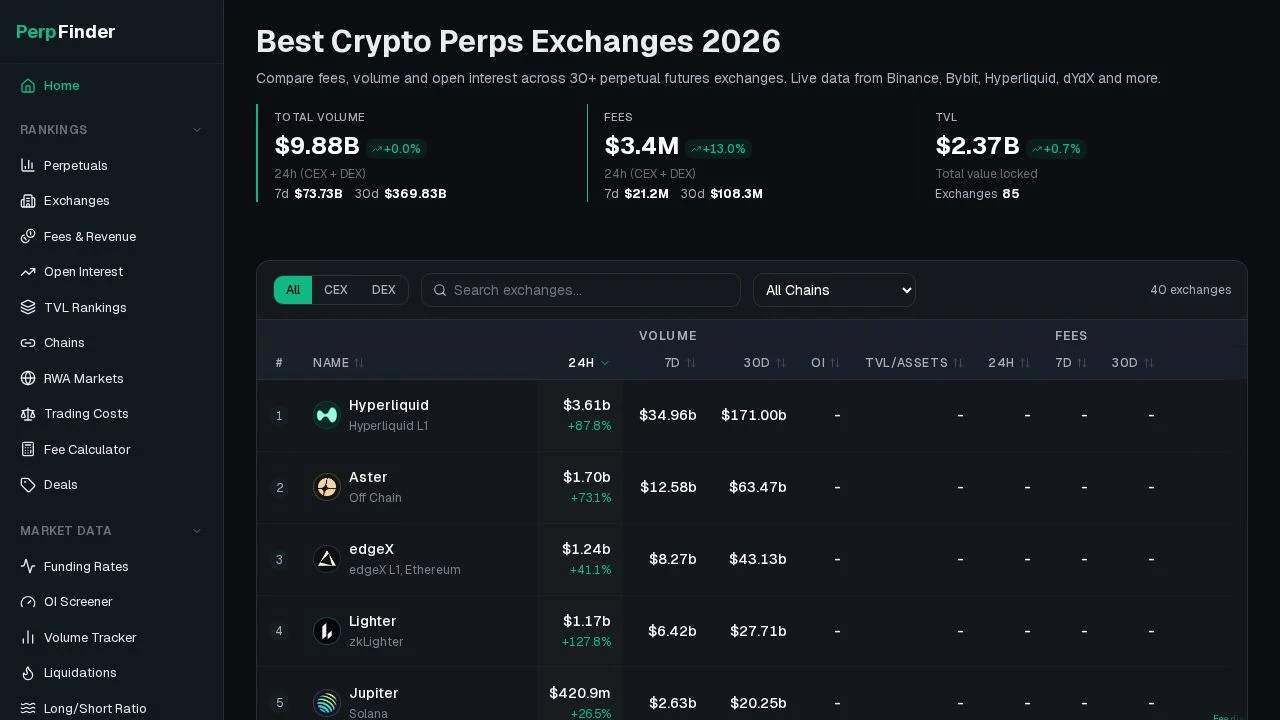 PerpfinderPerpfinder - Overview of crypto perpetual data
AI Gaming
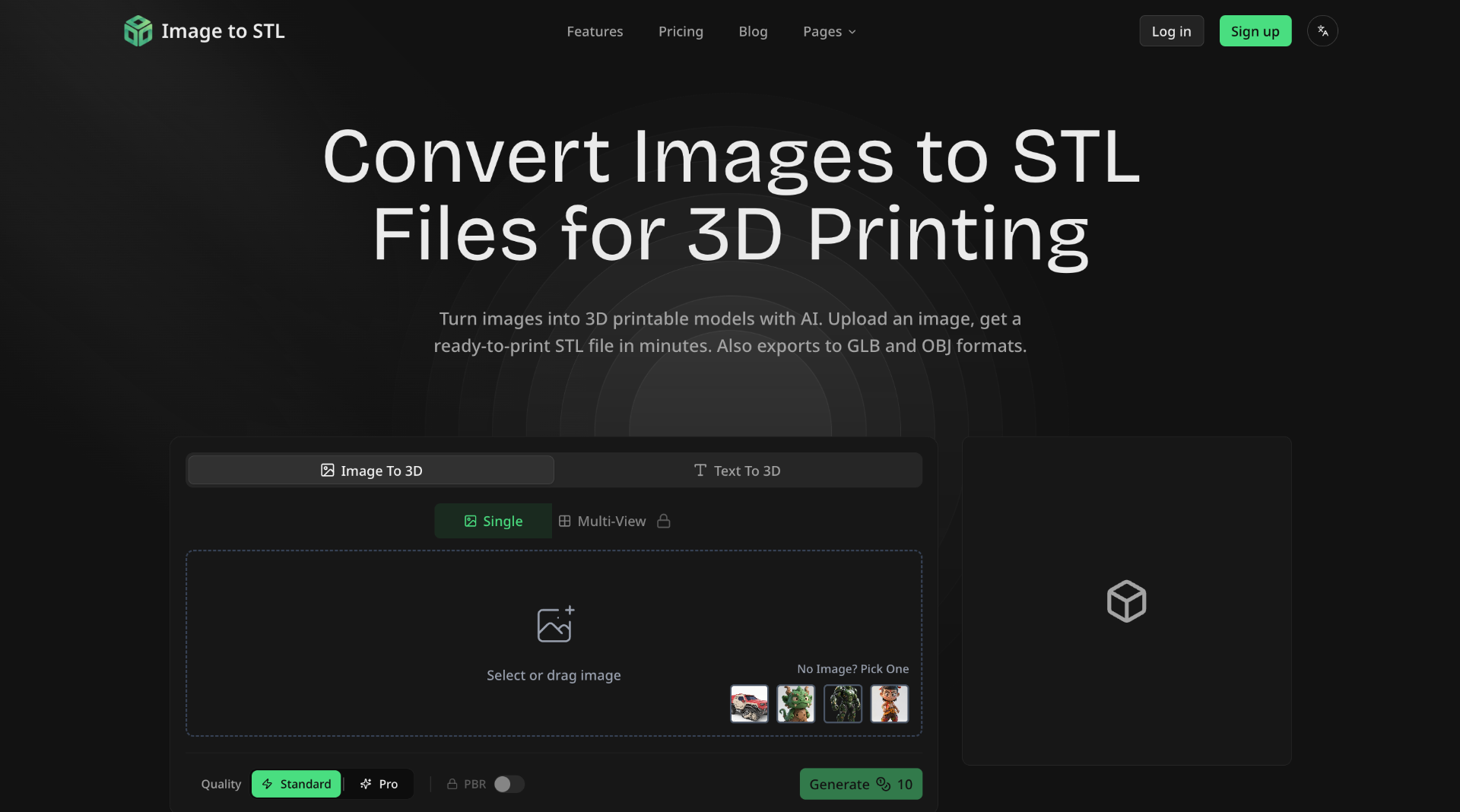 IMAGE TO STL## What is Image to STL
Image to STL is an AI-powered online platform that converts 2D images into 3D printable models. It allows users to upload images or describe their desired 3D model using text, and then generates a 3D mesh that can be downloaded in various formats.
## How to Use Image to STL
1. **Upload or Describe:** Upload an image (JPG, PNG, WebP) or describe what you want to create with text.
2. **AI Processing:** The AI analyzes your input and generates a 3D mesh. Choose between Standard or Pro mode.
3. **Preview & Refine:** Preview the 3D model in the interactive viewer. Rotate
AI Image GenerationAI 3D Modeling
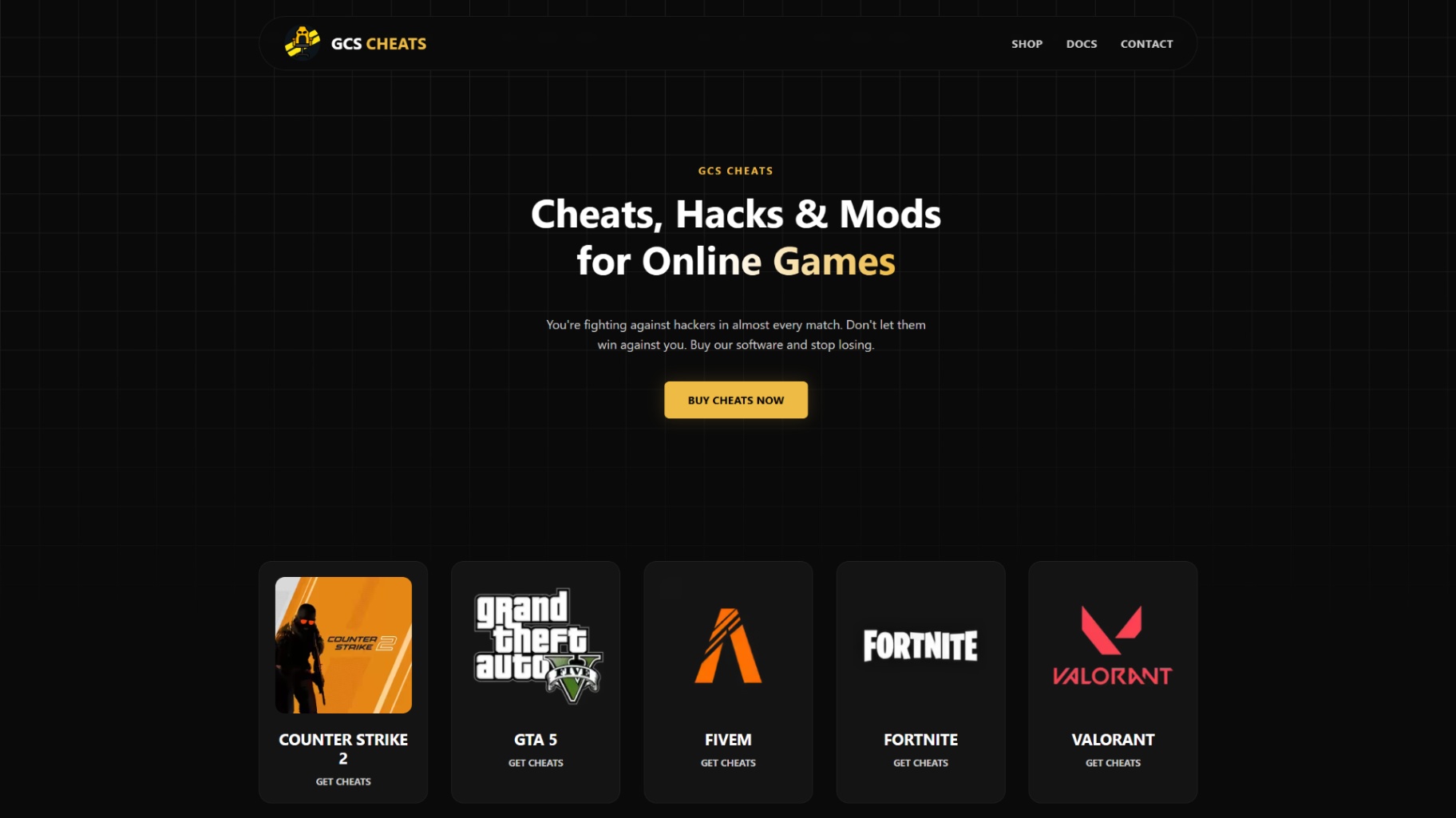 GCS Cheats100% undetected AI game hacks and external + internal PC cheats. Dominate with computer vision aimbots, pixel-perfect triggerbots, and built-in HWID spoofers for extra safety.5.0(1)
Other AI ToolsAI Security Toolsgaming game cheats
Reviews
See what the community thinks and share your experience.
—
Based on 0 ratings
Rating distribution
0
0
0
0
0
Community reviews
No reviews
No written reviews yet.