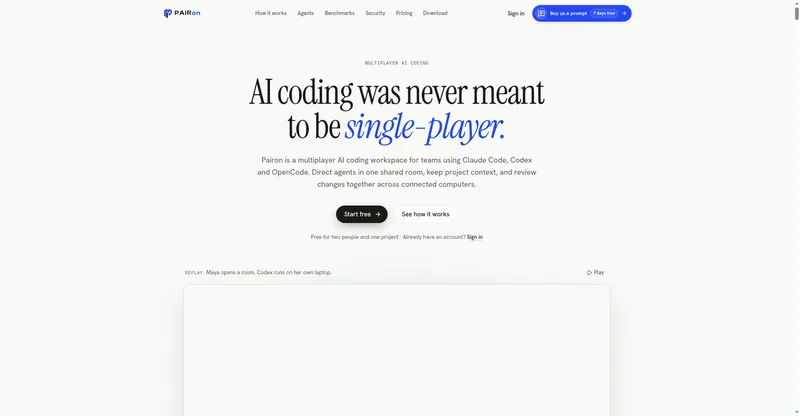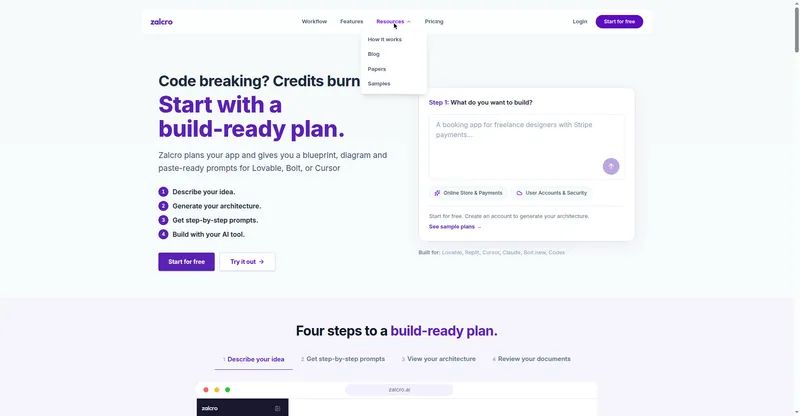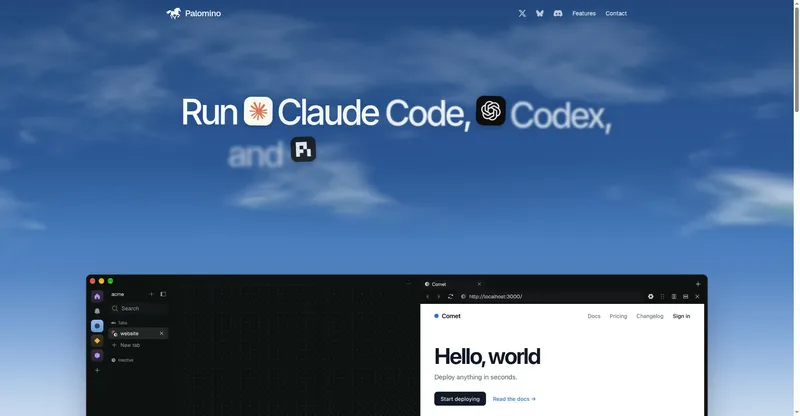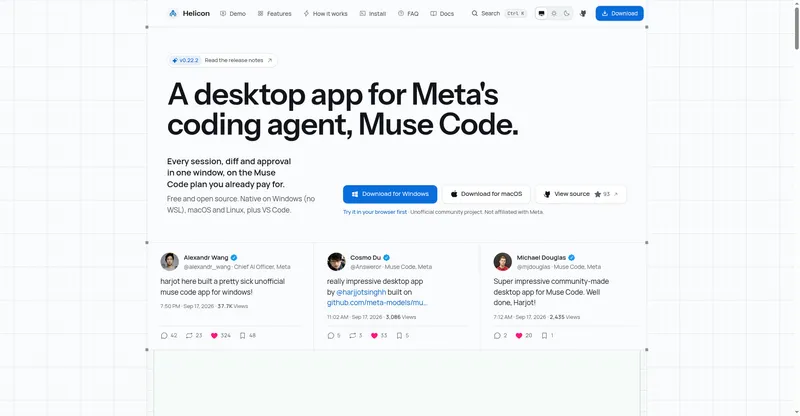
GenCode is a multi-model AI coding agent that works directly on code in a directory you choose, with chat and terminal UIs and no API keys to manage.
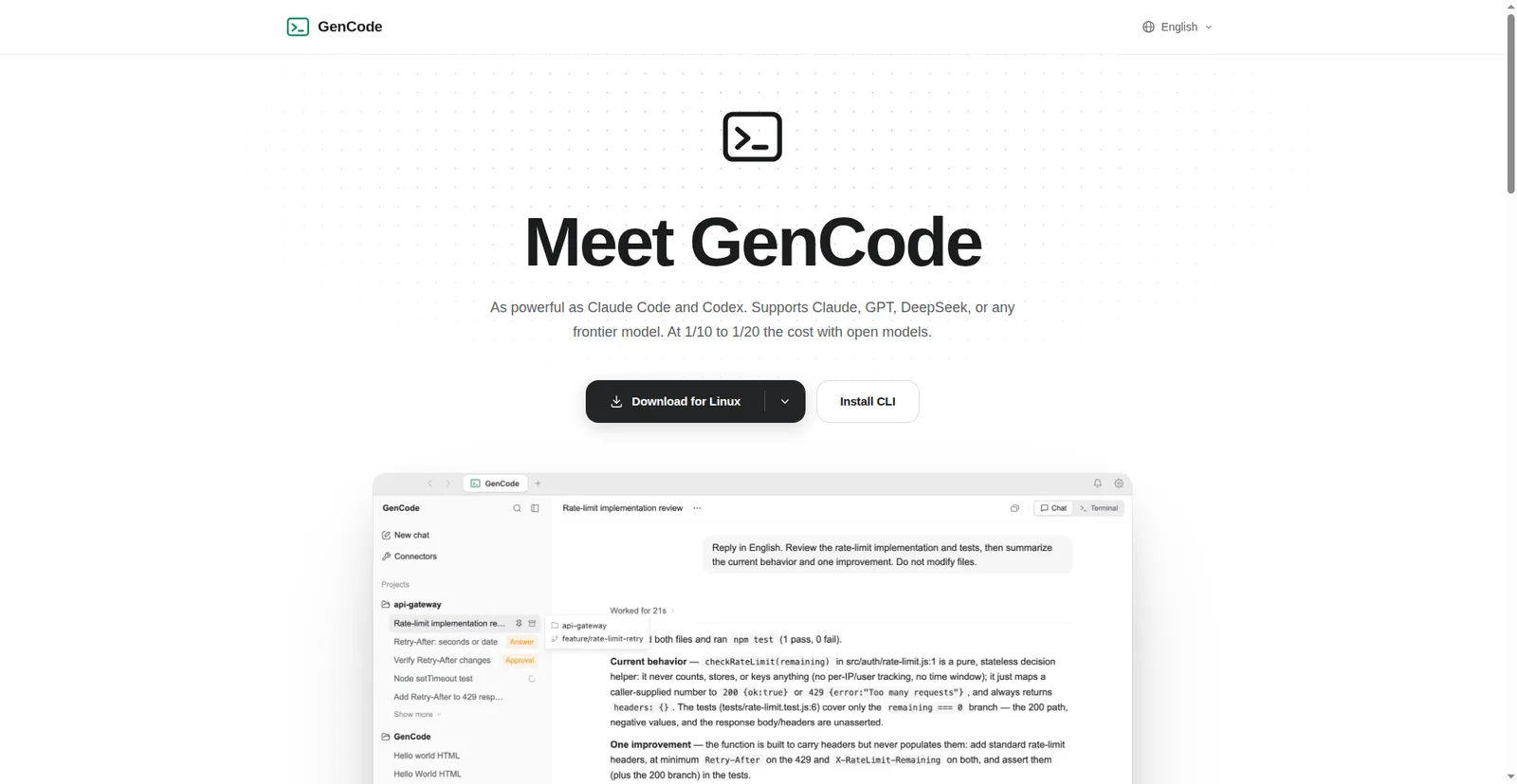
GenCode product page hero
1 / 2Overview
What is GenCode?
A coding agent inside the Genspark Super App.
GenCode is Genspark's coding agent with Chat and Terminal UIs. It supports models from Claude, GPT, Gemini, DeepSeek, and more, and works directly on code in a directory you choose.
One Genspark-hosted model catalog spans nine model families with zero API key setup — open-weight models cost 1/10 to 1/20 of frontier models. Use the Super App chat workspace or the standalone CLI; both run the same engine, same catalog, and same billing. It's built on Genspark's fork of OpenCode with separate config directories, so it never touches an existing OpenCode install.
GenCode has no separate subscription — it uses your existing Genspark account and credits. The free plan includes 100 daily credits, and the Super App is a free download for macOS, Windows, and Linux.
Platforms and languages
GenCode Availability
Platforms
Languages
Capabilities
GenCode Key Features
Nine model families, zero API keys
Use Claude, GPT, Gemini, DeepSeek, GLM, MiniMax, Kimi, Grok, and Nemotron from one Genspark-hosted catalog, with open-weight models at 1/10 to 1/20 the cost.
Chat UI and terminal CLI
Work in the Super App chat workspace or the standalone CLI (npm i -g @genspark/gencode); both run the same engine on the code directory you choose.
Brings your rules with you
Integrates your Genspark skills and connectors and respects your existing Claude Code instructions, rules, and memory.
Sub-agents and CI scripting
Delegate bigger tasks to bounded sub-agents, or run scriptable CI-friendly operations with gencode run --format json.
Transparent credit billing
Usage appears as 'GenCode' in your credit history, billed straight to credits — no separate subscription or wallet.
Best for
Who uses GenCode?
Software developers and teams
Code with a multi-model AI agent in chat or terminal without managing API keys
Plans and access
GenCode Pricing
Freemium
Billed to Genspark credits (no separate subscription); free plan: 100 daily credits; Plus & Pro add monthly credits
Common questions
GenCode FAQs
Is GenCode the same as Genspark Code?
No — Genspark Code is the browser agent that builds complete apps from a prompt, while GenCode is the coding agent that works directly on code in a directory you choose.
Do I need the Super App to use it?
No — you can use the Super App workspace or the standalone CLI; both run the same agent with the same capabilities.
Do I need a paid plan?
No — there's no separate GenCode subscription; it uses your existing Genspark account and credits, and the free plan includes 100 daily credits.
Which models can I use?
Nine families — Claude, GPT, Gemini, DeepSeek, GLM, MiniMax, Kimi, Grok, and Nemotron — subject to the live catalog and your organization's AI-vendor policy.
Will it clash with my OpenCode setup?
No — GenCode uses a separate binary and its own config directories, so it never touches an existing OpenCode install.
Compare similar tools
GenCode Alternatives

Reviews
See what the community thinks and share your experience.
—
Based on 0 ratings
Rating distribution
Community reviews
No reviews
No written reviews yet.