Img2threejs converter online
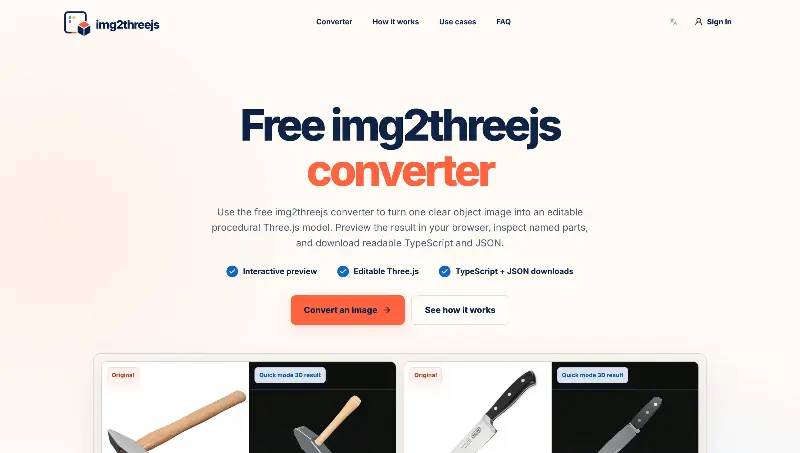
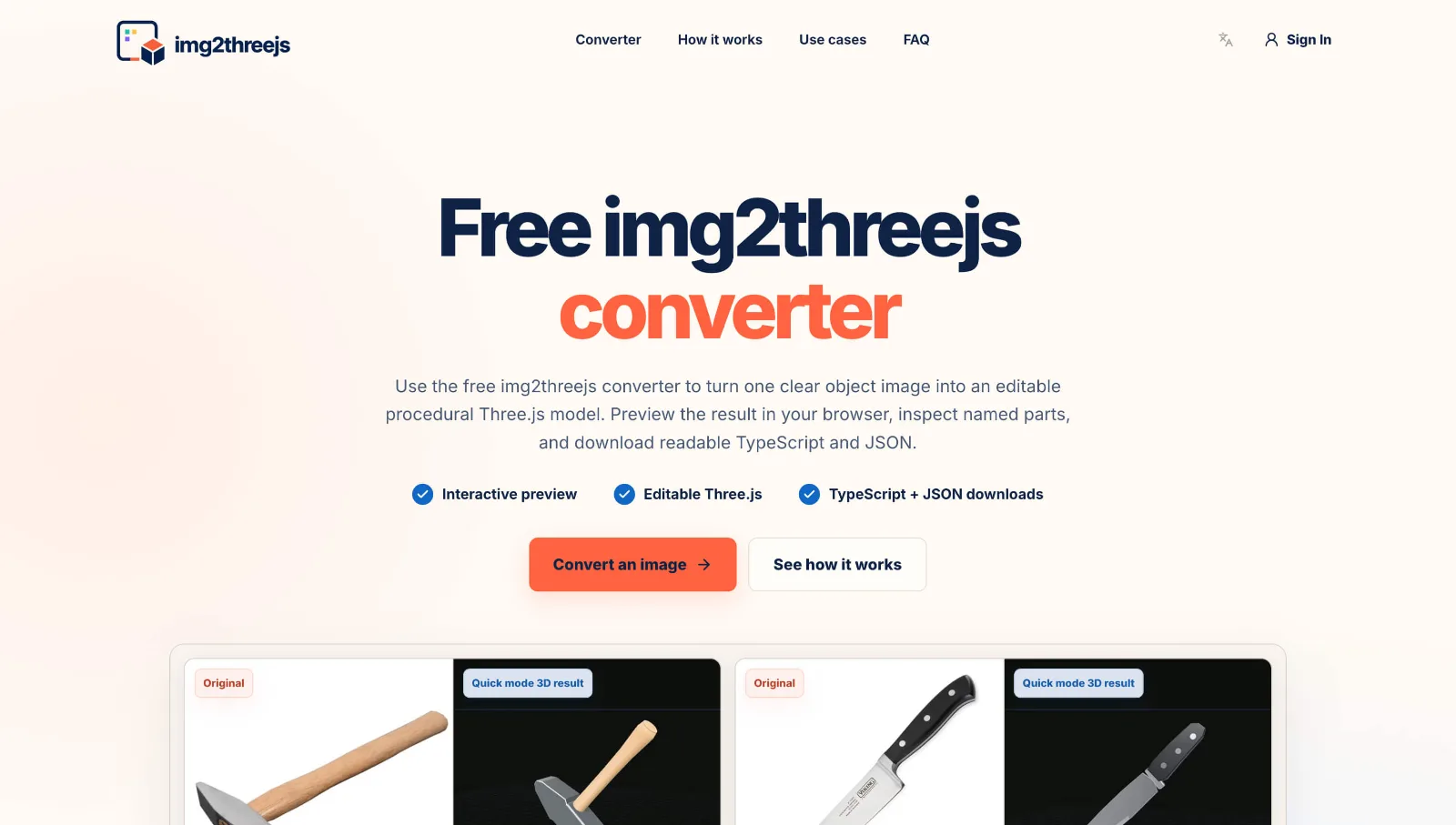
img2threejs is a online image to Three.js converter. Create editable web 3D models, preview named parts, and download TypeScript and JSON.
Product screenshot
Overview
What is Img2threejs converter online?
img2threejs: Convert Images into Editable Three.js Models
Introduction
img2threejs is an image-to-Three.js converter that turns reference images into editable procedural 3D models.
Upload a clear image of an object, preview the generated model in your browser, and export readable Three.js TypeScript code and a structured JSON specification.
Unlike many image-to-3D tools that return a single opaque mesh, img2threejs creates named components, materials, geometry, and transforms. This makes the result easier to inspect, modify, animate, and integrate into a web application.
img2threejs is designed for developers, designers, indie makers, and product teams that need a fast starting point for browser-based 3D.
What Can You Use It For?
Interactive Product Previews
Convert a product photo into an initial interactive 3D model for e-commerce pages, product explainers, landing pages, and configurators.
Because the output contains named parts, developers can change materials, highlight features, rotate components, or connect individual parts to clicks and application state.
Game Prop Prototypes
Create a structured draft of a tool, appliance, weapon, furniture item, or mechanical object before investing in final 3D modeling, texturing, collision geometry, and animation.
Three.js Creative Coding
Use the generated TypeScript as a foundation for WebGL experiments, educational projects, technical demonstrations, interactive storytelling, and browser-based visualization.
The dimensions, materials, colors, components, lighting, and animation can all be modified with a normal Three.js and Git workflow.
Technical and Educational Models
Named components make it easier to explain how an object is assembled, highlight individual parts, and build interactive technical diagrams or educational experiences.
How Does It Work?
- Upload a Reference Image
Upload a PNG or JPG containing one complete, clearly visible object.
For better results, use an image with:
A simple background Clear edges and silhouette Stable lighting Limited obstruction Enough resolution to show important details
Product photos and isolated hard-surface objects usually work better than people, animals, hair, fabric, glass, smoke, or crowded scenes.
Agent mode supports up to three reference images. Extra angles can help clarify hidden connections, controls, attachments, and smaller details.
- Analyze the Object
img2threejs examines the object’s silhouette, components, proportions, orientation, materials, repeated elements, and recognizable details.
Visible parts can be reconstructed with greater confidence. Surfaces or connections that are not shown in the images must be approximated.
- Build the Three.js Model
The visible structure is converted into a validated procedural specification containing named parts, geometry, materials, dimensions, positions, rotations, and component relationships.
A deterministic builder then assembles the specification into a structured Three.js scene.
- Preview and Export
The result appears in an interactive browser preview. You can orbit around the model, zoom in, inspect its structure, and compare it with the reference image.
You can then export:
Editable Three.js TypeScript A structured JSON model specification
The TypeScript factory returns a reusable THREE.Group, allowing you to adjust dimensions, replace geometry, modify materials, attach events, or add animation.
img2threejs currently focuses on editable code rather than GLB, OBJ, FBX, or STL export.
Quick Mode and Agent Mode
Quick Mode
Quick mode is designed for fast experimentation and simple procedural drafts.
It is useful for testing reference images, exploring ideas, previewing results, and downloading editable Three.js code.
Quick mode includes three free generations per day. After the daily free allowance, each Quick generation costs 1 credit.
Agent Mode
Agent mode is intended for more detailed or complex objects.
It uses a longer cloud workflow involving reference analysis, procedural construction, rendering, visual review, and refinement. Multiple reference images can be used to reduce uncertainty.
Agent jobs continue running in the cloud even if you close the browser. Sign in again with the same Google account and open Generation history to check the progress or view the result.
Agent mode is not free because it consumes significantly more AI model capacity and cloud computing resources.
Pricing
Agent jobs are priced according to their estimated complexity and usually cost 35–50 credits.
The quote may consider:
Object complexity Number of visible components Number of reference images Repeated details Material variety Hidden or ambiguous connections Expected rendering and review effort
The exact price is shown and locked before generation begins.
If the system produces a saved, viewable result, the quoted credits are consumed even if the model still needs manual refinement. If no viewable result is produced, the reserved credits are returned in full.
Credit Plans
| Plan | Price | Permanent Credits |
|---|---|---|
| Starter Monthly | $14.99/month | 300 |
| Starter Yearly | $149/year | 3,600 |
| Pro Monthly | $39.99/month | 800 |
| Pro Yearly | $399/year | 9,600 |
Purchased credits do not expire. The number of Agent generations available depends on the complexity quote for each job.
What Results Should You Expect?
img2threejs creates a real, multi-part Three.js scene, but the result is a procedural approximation—not a photo-grade 3D scan.
A single image cannot reveal exact depth, real-world scale, hidden surfaces, internal structures, or obscured connections. Additional views reduce uncertainty but do not turn the workflow into photogrammetry.
The strongest results usually come from isolated hard-surface objects with clear structure. Organic subjects, hair, fabric, transparent materials, highly reflective surfaces, complex vehicle bodies, and exact human likeness still require specialist 3D tools.
img2threejs is not intended to replace Blender, Maya, or professional 3D artists. It provides a fast, readable, browser-native starting point that developers can continue improving.
Get Started
Upload a clear image of one object. Use Quick mode for a fast draft. Add extra views when hidden details matter. Choose Agent mode for a more detailed reconstruction. Review the credit quote before confirming. Preview and export the generated TypeScript and JSON. Continue editing the model in your own Three.js project.
img2threejs helps developers convert images into editable Three.js models, turning static references into structured and interactive web 3D.
Platforms and languages
Img2threejs converter online Availability
Platforms
Languages
Plans and access
Img2threejs converter online Pricing
Freemium
Img2threejs converter online Alternatives
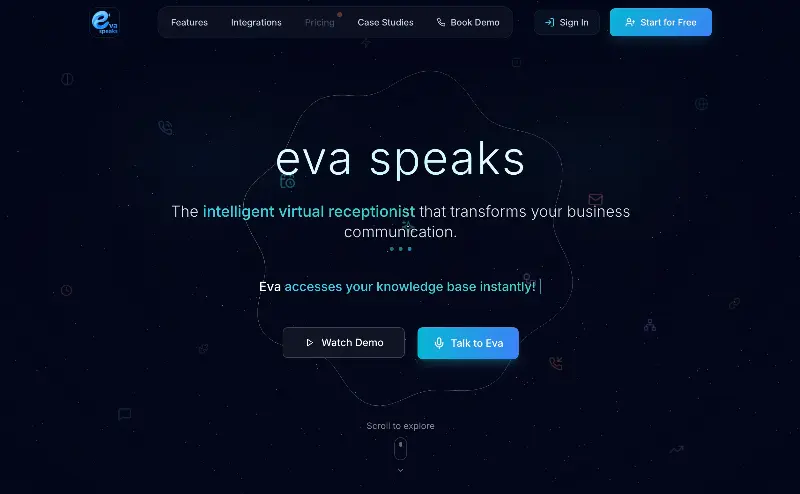 EvaSpeaksEvaSpeaks is an AI-powered virtual receptionist that answers calls 24/7, handles customer inquiries, schedules appointments, captures leads, and routes calls to the right team. It helps businesses improve response times, reduce missed opportunities, automate routine communication, and provide reliable customer support even outside regular business hours.5.0(1)
 LuffyAI employee that gets work done directly in Slack5.0(1)
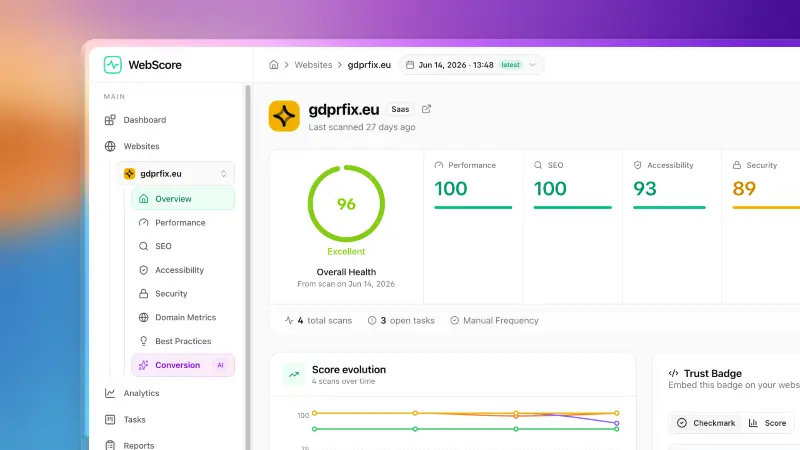 WebScore - Website audit toolWebScore audits any website across performance, SEO, accessibility, security, best practices, domain authority and an AI conversion audit — and hands you prioritized, step-by-step fixes. Now with an MCP server, so your AI (Claude, Cursor, Codex, Grok) can run the audits for you.5.0(2)
 OpuslyOpusly is an AI studio for creators — generate images and videos with auto-picked best models (Nano Banana 2, GPT-Image-2, Seedance 2.0), or use one-click scene templates like Italian Brainrot and MSPaintify. Free signup includes 30 credits.
 ytzoloYTZolo is an AI-powered YouTube content generator that helps creators produce engaging scripts, SEO-friendly titles, descriptions, tags, and content ideas quickly to grow their channels more efficiently.
 ImgfreeImgfree is a free AI image and video generator that allows users to create stunning visuals from text prompts, offering unlimited access to various AI models without the need for credits.
 Modellix.aiModellix is a MaaS (Model as a Service) platform that provides unified API access to maintream AI models, covering text-to-image, text-to-video, image-to-image, image-to-video, video editing, and more. Supported models include Nano Banana, Kling, Veo, Seedance, Seedream, Minimax, Qwen, Wanx, GPT, and others.
Whether you’re a developer building AI-powered applications or a creator producing visual content, Modellix provides the tools you need through a single API.
Modellix.aiModellix is a MaaS (Model as a Service) platform that provides unified API access to maintream AI models, covering text-to-image, text-to-video, image-to-image, image-to-video, video editing, and more. Supported models include Nano Banana, Kling, Veo, Seedance, Seedream, Minimax, Qwen, Wanx, GPT, and others.
Whether you’re a developer building AI-powered applications or a creator producing visual content, Modellix provides the tools you need through a single API.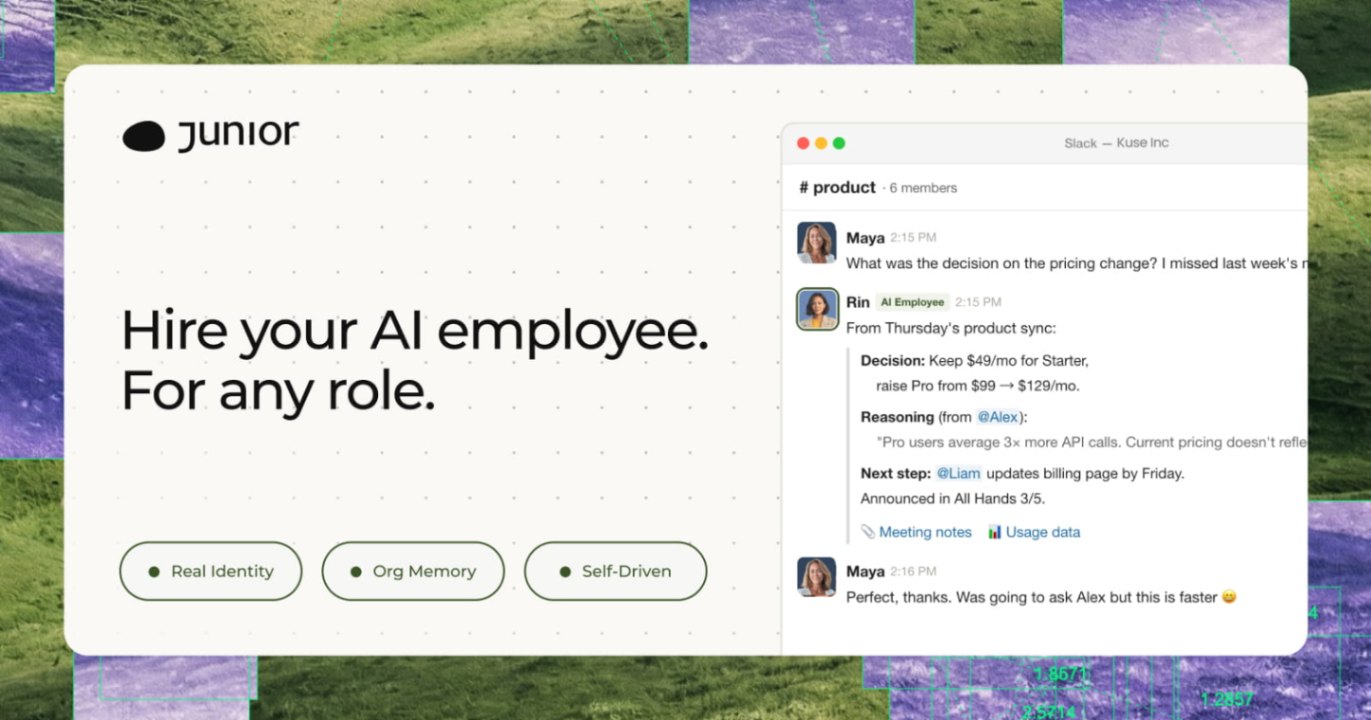 JuniorJunior is an AI employee that works inside your Slack, Teams, Lark, or Telegram. It connects to 3,000+ tools and handles sales ops, from outreach and CRM updates to follow-ups and pipeline reports. Built-in approval gates keep your team in control of every outbound action. Featured in Bloomberg, Business Insider, and LinkedIn News.
 TaxiCloudAI-powered taxi dispatch platform that helps operators automate bookings, driver allocation, pricing, airport transfers and customer communication.
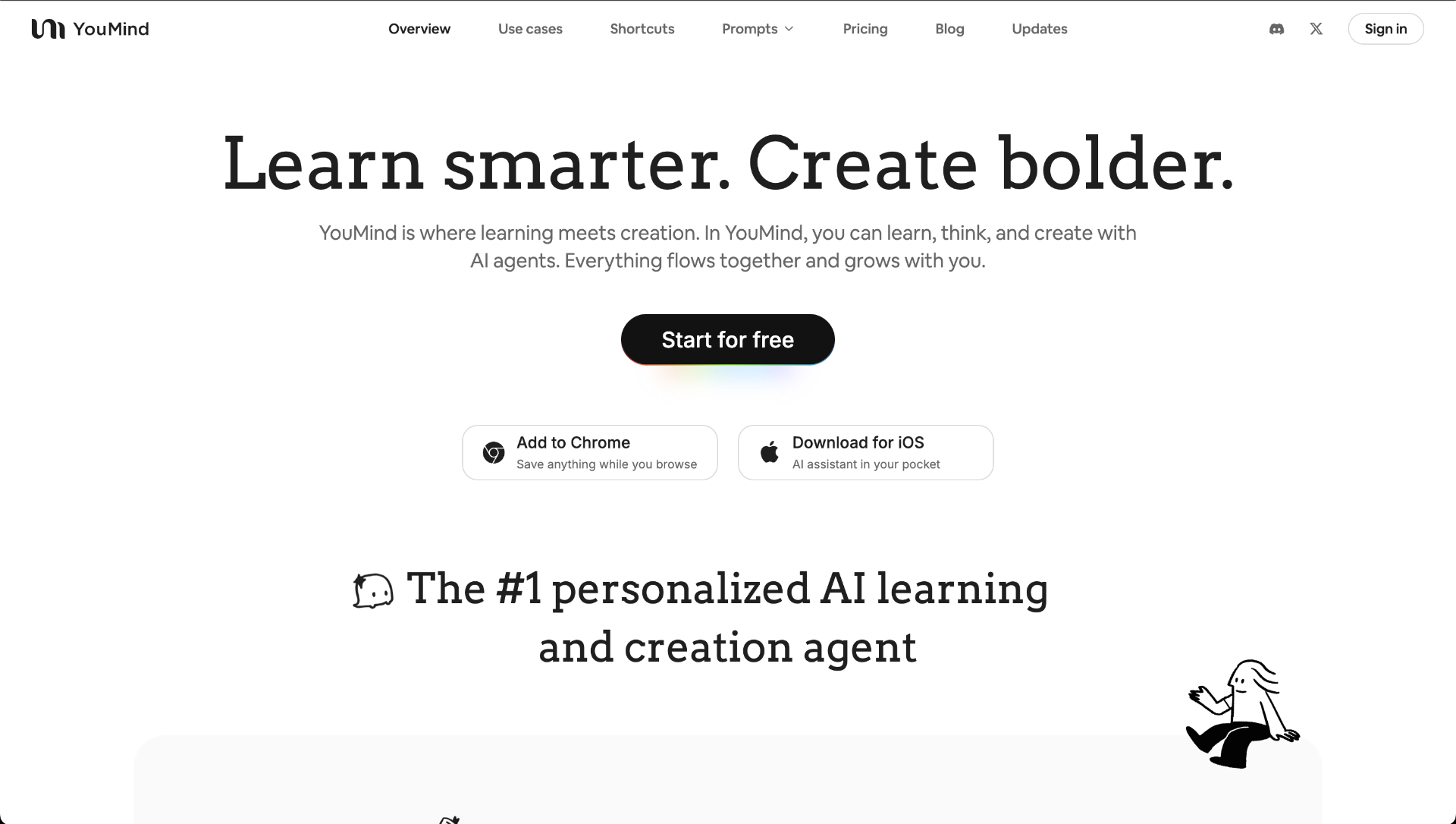 YouMindYouMind is an innovative creation agent that harnesses the power of generative AI to transform diverse materials into inspired creations.5.0(1)
Reviews
See what the community thinks and share your experience.
5.0
Based on 1 ratings
Rating distribution
Community reviews
No reviews
No written reviews yet.