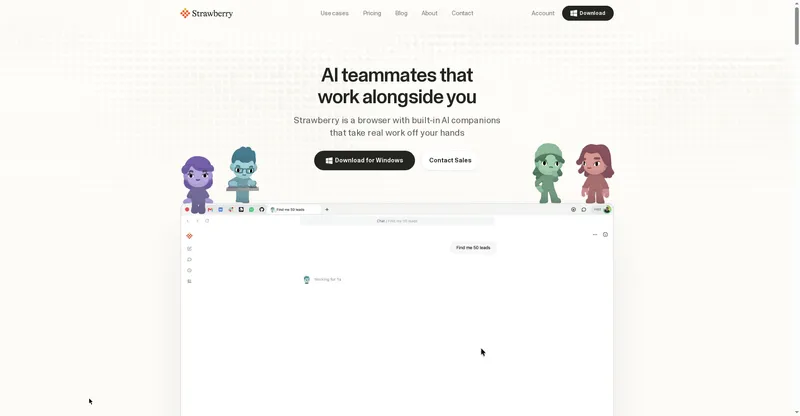
Desktop AI assistant for Mac and Windows that clicks, types and works across your apps to finish busywork for you.
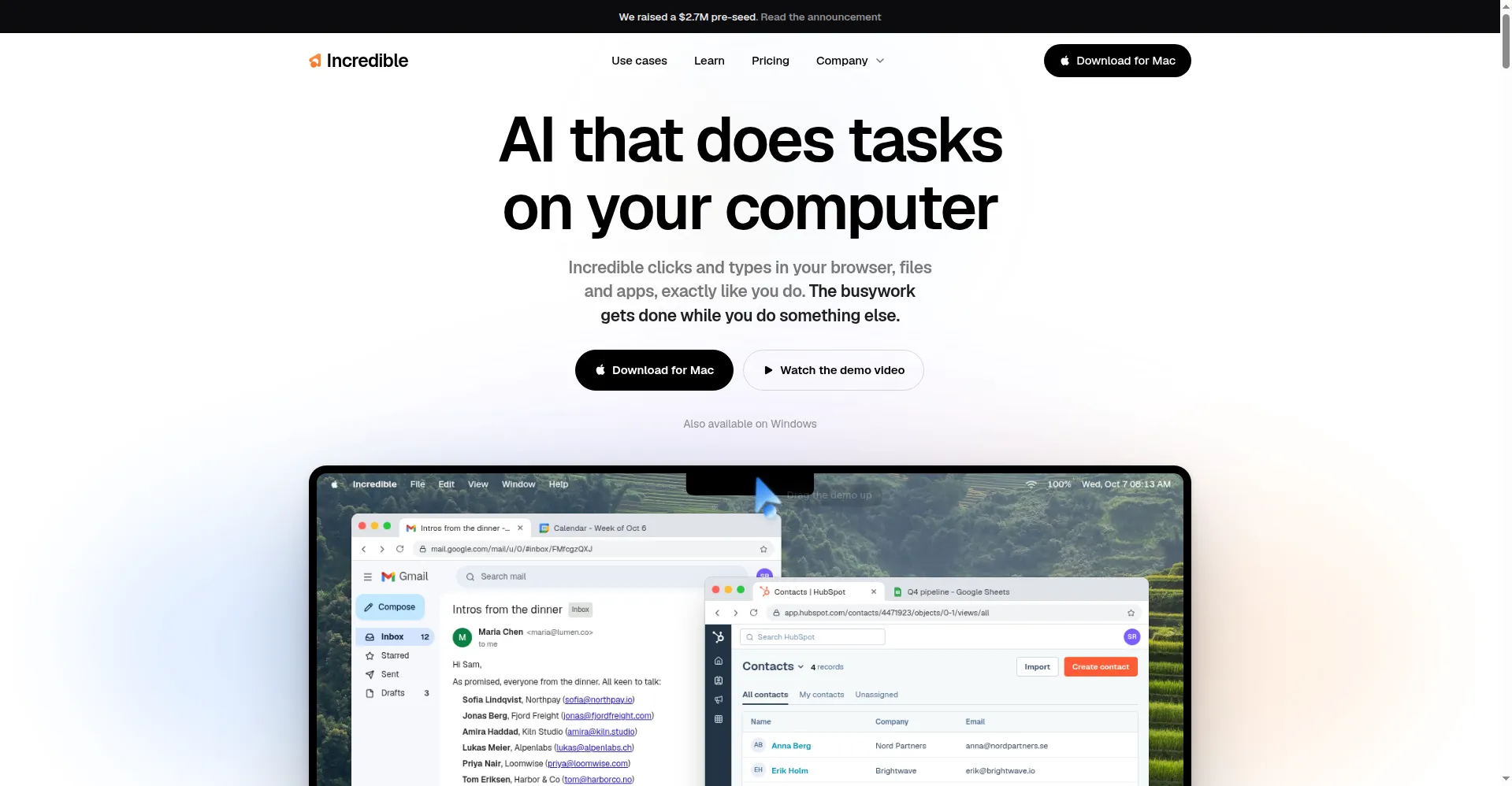
Homepage hero
1 / 3Overview
What is Incredible?
Vibe computing. Control your computer with your voice.
Incredible is a desktop AI assistant for Mac and Windows that does computer busywork for you. Instead of clicking through browsers, files and apps yourself, you hold a key and say what you need, or type it, and Incredible carries it out: it sees what is on your screen, understands references like "this email", and operates across 3,000+ applications including Gmail, Slack, Teams and Salesforce.
It is built for teams and professionals who want repetitive computer work handled in the background. Incredible asks for permission before sending anything, can be stopped at any time, and only looks at your screen while it is active. The company reports SOC 2 Type 2 auditing and GDPR compliance, and says it does not train on user data.
Pricing is subscription-based per seat: Pro at $50/month, Max at $179/month with about 3x the usage, and Ultra at $500/month with about 10x. A 7-day free trial of Pro is available with no credit card required; nothing is charged automatically when the trial ends.
Platforms and languages
Incredible Availability
Platforms
Languages
Capabilities
Incredible Key Features
Voice control
Hold a key and speak your request, or just type it, and Incredible starts the task right away.
Sees your screen
Understands the page or document in front of you, so saying 'reply to this email' needs no extra explanation.
Works across 3,000+ apps
Operates directly in your browser and apps like Gmail, Slack and Salesforce, removing manual copy-paste.
Completes tasks for you
Sends emails, fills in forms and finishes multi-step work, then tells you when it is done.
Reminders
Tell it what to remind you about and when; it follows up on time with the details.
Permission and privacy controls
Asks for approval before sending anything and can be stopped at any time; it only views your screen while active.
Best for
Who uses Incredible?
Teams and professionals
Hand repetitive computer tasks such as email triage, form filling and cross-app busywork to a voice-controlled AI assistant
Plans and access
Incredible Pricing
Paid
Pro $50/mo/seat, Max $179/mo, Ultra $500/mo; 7-day free trial, no card needed.
Common questions
Incredible FAQs
What do I get in the free trial?
You get everything in the Pro plan for 7 days, with no credit card required. The trial starts inside the app after you download it.
What happens when the trial ends?
Nothing is charged automatically. Incredible asks you to pick a plan, and you only enter a card at that point.
How do the plans differ?
The main difference is usage allowance: Max offers roughly 3 times the usage of Pro, and Ultra roughly 10 times.
What if I reach my usage limit?
You can pay for additional usage as you go, or upgrade to a plan with a higher allowance.
Reviews
See what the community thinks and share your experience.
—
Based on 0 ratings
Rating distribution
Community reviews
No reviews
No written reviews yet.