Jovoscope
Change the pose in your photo with a reference, sketch, or written directions.
Change the pose in a photo. Try a new outfit, generate images, combine photos, or make GIFs.
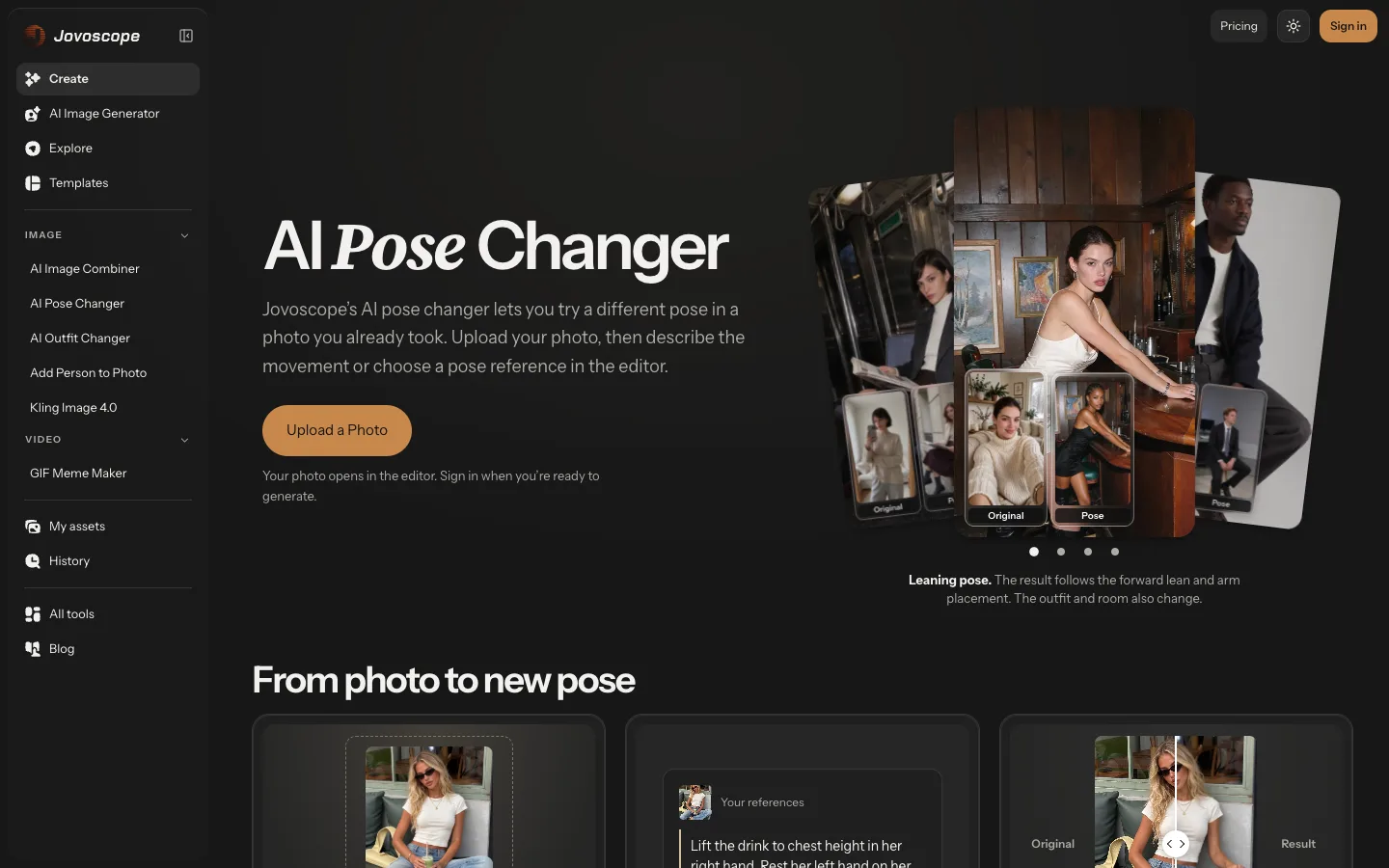
Jovoscope’s homepage with a photo upload button and a carousel of pose change examples.
1 / 3Overview
What is Jovoscope?
Change the pose in your photo with a reference, sketch, or written directions.
What makes Jovoscope useful
Jovoscope is a browser-based AI photo editor centered on changing the pose in an existing photo. Upload the original photo, then guide the edit with written directions, a pose reference photo, or a drawing from the Sketch Poses library.
The AI Pose Changer can also create a sequence of up to four still action shots. When both the pose and clothing need to change, users can add separate pose and outfit references and use @ in the prompt to explain what each image should control.
Jovoscope also provides tools for changing outfits, combining elements from multiple photos, adding a person to a group photo, generating images from prompts or templates, and trimming and captioning GIFs.
Before generating, users can review the credit estimate. After generating, the result should be compared with the original, especially the face, hair, hands, clothing edges, background, scale, and lighting.
AI image generation and editing require sign-in and paid credits. Action sequences produce still images and are limited to four images. Generated results may change details that the user intended to preserve, so manual review is recommended before downloading.
Platforms and languages
Jovoscope Availability
Platforms
Languages
Capabilities
Jovoscope Key Features
AI Pose Changer
Change a pose in an existing photo with text, a pose photo, or a sketch. See a real before-and-after example before you start. Change the pose in an existing photo. Describe the movement, upload a pose photo, or choose a reference from Poses or Sketch Poses. Create a sequence of action shots. Set a different action for each of up to four still photos. Guide the pose and outfit separately. Add a clothing reference alongside a pose reference and tell the editor what to use from each image.
AI Outfit Changer
Change a photo outfit using a clothing reference or a written description. Start with a photo of the person whose outfit you want to edit. Add a clothing reference to show the cut, color, or fabric, or describe the look in your own words. You can also use both and tell the editor which details to follow. Generating an edit uses credits. Compare the edited photo with the original, paying attention to the clothing edges around the shoulders, waist, and hands.
Kling Image 4.0
Create images from text, edit with photo references, make a related image series, or design a tall product graphic with Kling Image 4.0.
AI Image Combiner
Combine two or more photo references into one AI-generated composition. Use @ in your prompt to tell the editor what to take from each image.
AI Image Generator
Create from a prompt, an uploaded image, or a reusable template. Add pose sketches or outfit references, choose a model, and see the credit estimate as you change output settings.
Sketch Poses and Outfits
Browse 280 groups of pose sketches with 1,212 views, or browse outfit references, including historical Chinese clothing. Pick a view and add it as a visual reference for your prompt.
Add Person to Photo
Add one person to a group photo or a scene you describe. Specify where the person should stand and their relative size.
GIF Meme Maker
Trim a GIF or short video, add a caption, adjust its timing, and export an animated GIF.
Travel Photo Editor
Find the right editor for an awkward pose, a composition that needs reworking, or a travel companion missing from the photo.
Explore AI Images
Explore a curated gallery of AI images for ideas on subjects, composition, and visual styles.
Best for
Who uses Jovoscope?
General audience
Content creators, photographers, designers, and people editing everyday or travel photos
Audience segments
Designers E-commerce Creators Social Media Creators
Plans and access
Jovoscope Pricing
Paid
One-time credits from US$4.99; subscriptions from US$12/month.
AI image generation and editing use paid credits. One-time credit packs start at US$4.99. Monthly subscriptions start at US$12/month. Editing an existing GIF or video clip uses 0 credits.
Common questions
Jovoscope FAQs
What is Jovoscope?
Jovoscope is a browser-based workspace for changing poses and outfits in photos, generating images, combining photo references, adding people to photos, and making GIFs.
How can I change the pose in a photo?
Upload the photo you want to edit, then describe the new pose, upload a pose reference photo, or choose a drawing from Sketch Poses. Guide: https://jovoscope.app/blog/change-pose-in-photo
Can I use a reference photo or sketch?
Yes. You can use a real pose photo to guide the body angle and arm position, or choose a drawing and viewing angle from Sketch Poses.
Can I change the pose and outfit in the same edit?
Yes. Add a pose reference and a clothing reference, then use @ in the prompt to tell the editor which image should guide the pose and which should guide the clothing.
How can I change an outfit in a photo?
Upload a photo and guide the clothing edit with a reference image, a written description, or both. Tool: https://jovoscope.app/tools/outfit-changer
Can I combine people, objects, and backgrounds from different photos?
Yes. Upload two or more references and use @ in the prompt to identify which image supplies the subject, setting, lighting, or other details. Guide: https://jovoscope.app/blog/combine-photos-into-one-scene
Can I add someone to an existing photo?
Yes. Upload the original photo and a reference image of the person, then specify where the person should stand and their relative size. Guide: https://jovoscope.app/blog/add-person-to-group-photo
Does Jovoscope support text-to-image and image-to-image generation?
Yes. You can create an image from a written prompt, edit an uploaded image, or start from a reusable template. Jovoscope also provides access to Kling Image 4.0 workflows.
Jovoscope Alternatives
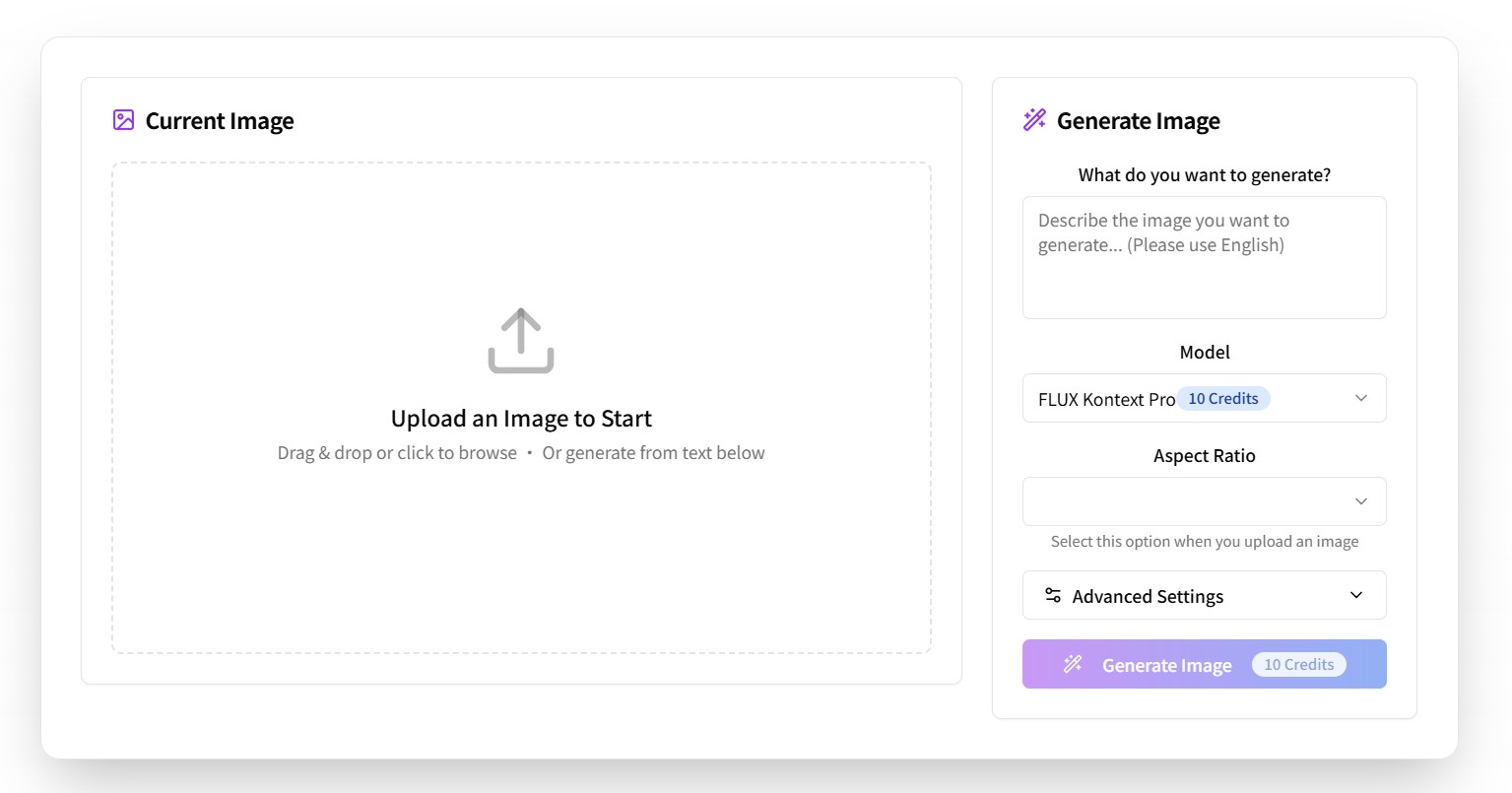 flux.1 kontextExperience the next generation of AI image creation with flux.1 kontext.
 Headshot PhotoHeadshotPhoto.io creates professional AI-generated headshots from your selfies, perfect for LinkedIn, resumes, and corporate profiles. Starting at just $19, get realistic, stylish photos with customizable backgrounds like office, park, or urban settings. Affordable, fast, and secure—transform your image in just 2-3 hours for a polished, professional look
Reviews
See what the community thinks and share your experience.
—
Based on 0 ratings
Rating distribution
Community reviews
No reviews
No written reviews yet.