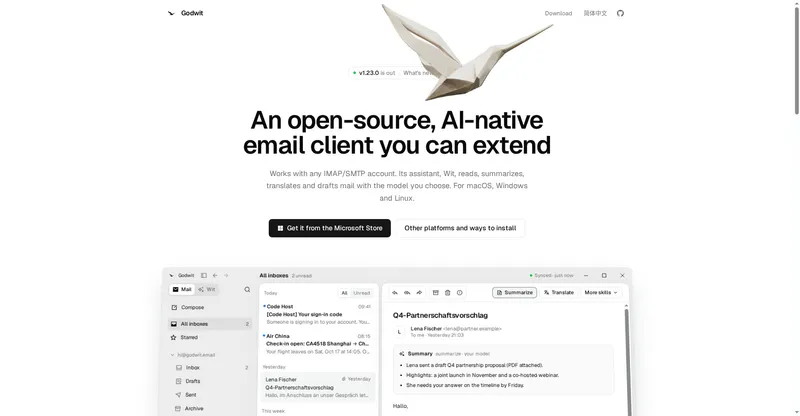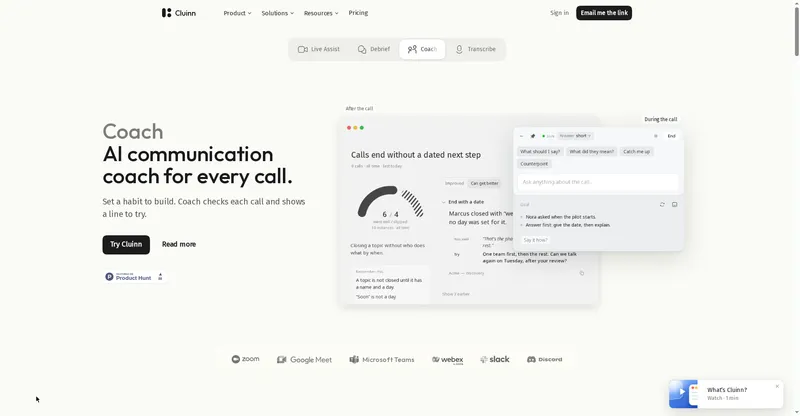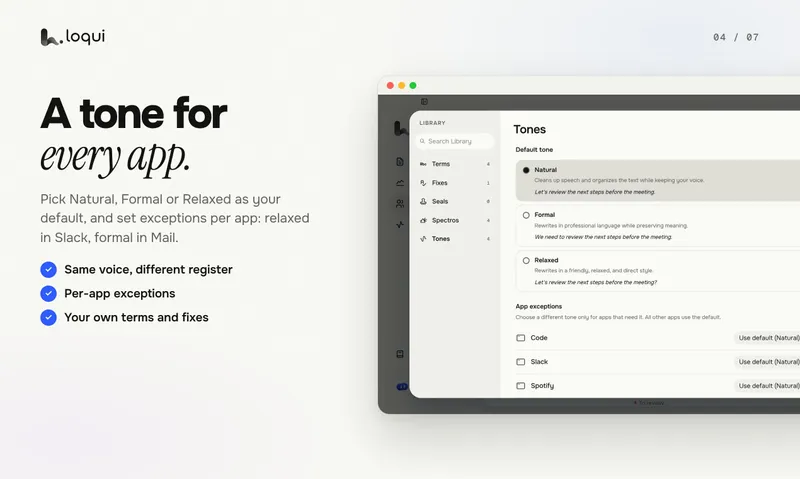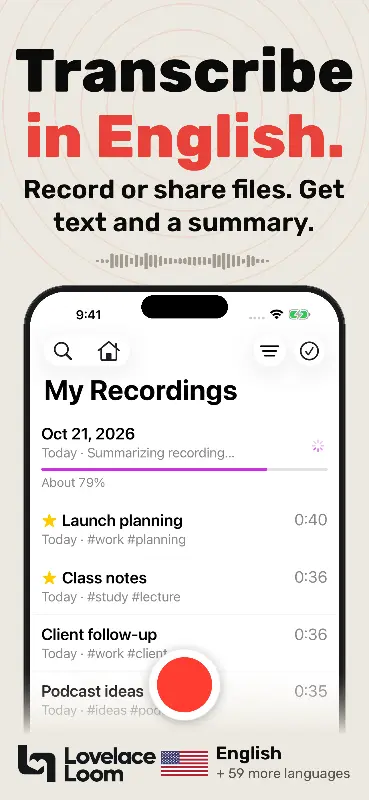
AI executive assistant that triages email, records meetings, and manages tasks and calendar in the background.
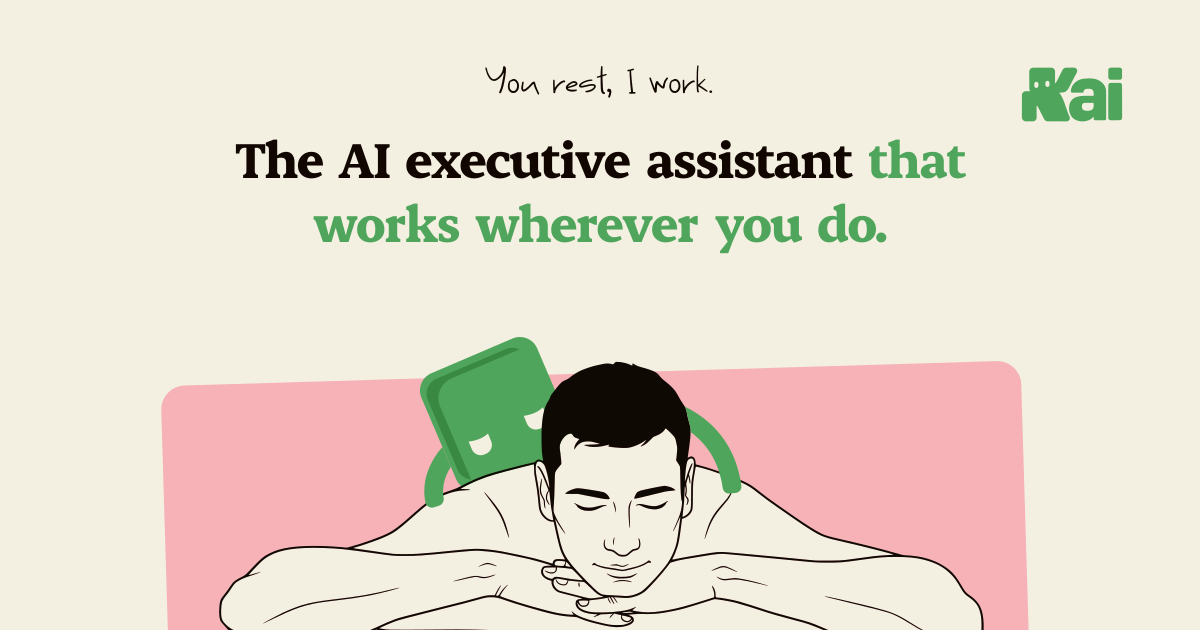
Kai homepage
Overview
What is Kai?
You rest, I work.
Kai is an AI executive assistant for solopreneurs, freelancers, and startup founders. It works across email, calendar, and tasks: it triages the inbox and drafts replies in your voice, schedules around real availability, records and transcribes meetings, then turns them into summaries and action items. Workflows run in the background, and Kai hands tasks to Claude or ChatGPT with the context of the meeting or email they came from. Nothing sends without your approval, and no bot ever joins your calls, since meetings are captured from your own device. Kai is built by the team behind Morgen, the calendar app trusted by 248,000 people.
Platforms and languages
Kai Availability
Platforms
Languages
Capabilities
Kai Key Features
Inbox triage
Sorts Gmail and Outlook by what each thread needs and drafts replies in your voice.
Botless meeting capture
Records and transcribes meetings from your device with no bot joining the call.
Meeting briefs and actions
Briefs you before meetings, then turns recordings into summaries and action items.
Calendar coordination
Schedules around real availability and flags double-bookings and slipping tasks.
Background workflows
Runs scheduled workflows and hands tasks to Claude or ChatGPT with full context.
Best for
Who uses Kai?
Solopreneurs and freelancers
Keep inbox, meetings, and tasks handled without hiring help
Startup founders
Stay on top of follow-ups and scheduling
Team leads
Turn meetings into tracked action items
Plans and access
Kai Pricing
Freemium
Free trial, then from $20/seat/mo
Common questions
Kai FAQs
Does Kai send email without my approval?
No. Nothing sends, syncs, or becomes a task without your approval. You review everything in a triage workspace first and can edit or reject any suggestion.
Does Kai join my meetings as a bot?
No. Kai captures meetings from your own device, so no bot participant joins your calls.
Which accounts and tools does Kai connect to?
Kai connects to Google and Microsoft email and calendars, plus Zoom, Google Meet, and Teams calls, and can hand tasks to Claude or ChatGPT with full context.
How much does it cost to start?
Kai starts free with a one-time usage allowance that covers every feature, then moves to paid plans starting at $20 per seat per month. No credit card is required to start.
Reviews
See what the community thinks and share your experience.
—
Based on 0 ratings
Rating distribution
Community reviews
No reviews
No written reviews yet.