Lisen
Free read aloud for any article with your Cartesia voices. No subscription on top of your Cartesia plan.
A free Chrome extension that reads any web article aloud using your own Cartesia voices, with word-by-word highlighting.
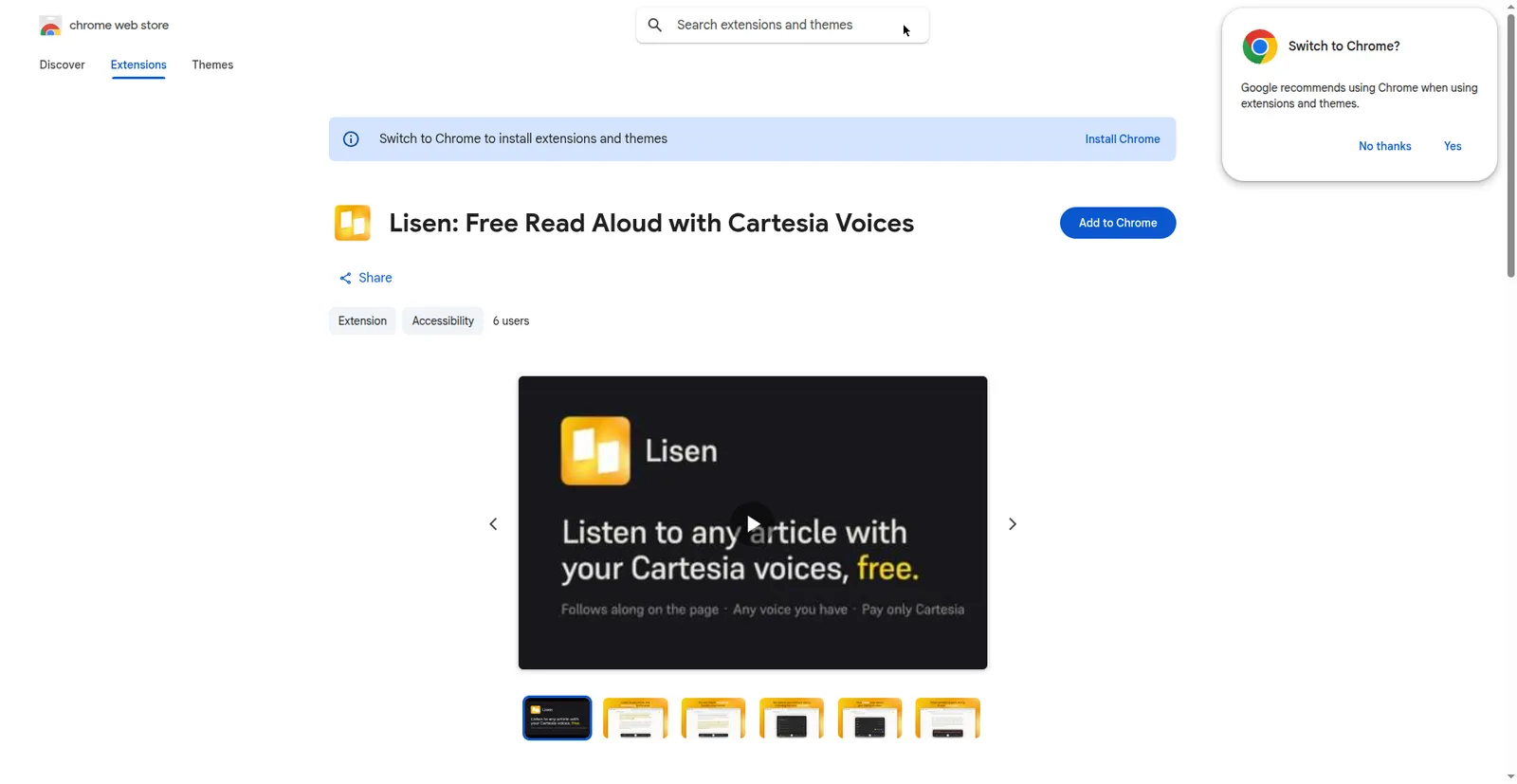
Chrome Web Store listing
1 / 2Overview
What is Lisen?
Free read aloud for any article with your Cartesia voices. No subscription on top of your Cartesia plan.
Lisen is a free Chrome extension that reads web pages aloud with your Cartesia voices. There is no subscription and no account to create — you pay Cartesia for the speech you generate, on whatever plan you have with them.
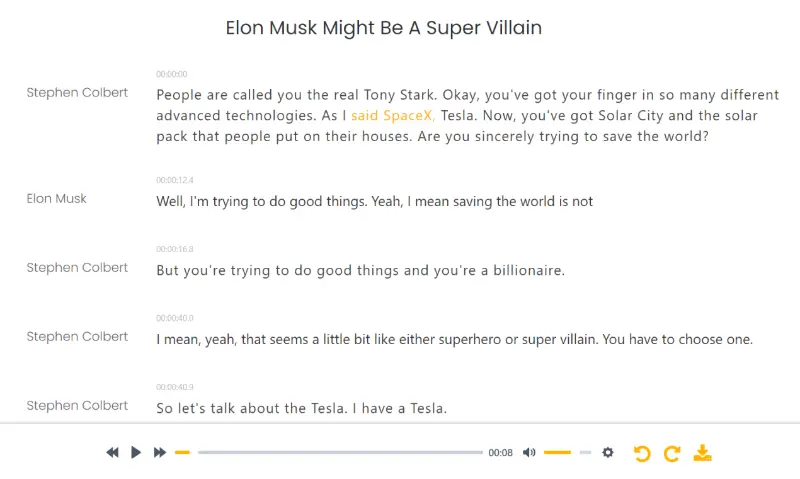
Click the extension icon on any article and a small player appears that reads the page with word-by-word highlighting, so you never lose your place. It works in streaming mode or full-article mode, and you can download any article as a WAV with word timings.
Install the extension, paste your Cartesia API key, and pick any voice in your library. Lisen is local and private by design: there is no Lisen server, your key and settings stay in Chrome on your device, and page text goes to Cartesia only when you press play.
Platforms and languages
Lisen Availability
Platforms
Languages
Capabilities
Lisen Key Features
Read-aloud player on any article
Click the extension icon on an article — articles, blog posts, newsletters, documentation, Substack, Medium, long threads — and a small player appears that reads the page aloud.
Word-level read-along highlighting
As it reads, the current passage is tinted and the spoken word is marked, so you never lose your place.
Streaming or full-article modes
Streaming starts speaking as soon as you press play; full-article mode generates the whole article first, shows the exact measured length, and gives a scrubbable bar.
Your own Cartesia voices
Paste your Cartesia API key and pick any voice in your library, including voices you have cloned or designed there.
Save as audio (WAV)
Download any article as a WAV with word timings stored in the file, so read-along works when you reopen it.
Local and private by design
No Lisen server — your key and settings stay in Chrome on your device; page text goes to Cartesia only when you press play, with no analytics or telemetry.
Best for
Who uses Lisen?
Readers
Have any article read aloud with their own Cartesia voices while commuting or resting their eyes
Accessibility users
Listen to web content with adjustable playback speed down to 0.6x
Plans and access
Lisen Pricing
Free
Extension is free; you pay Cartesia for TTS on your own plan (free tier available)
Common questions
Lisen FAQs
Do I need a Cartesia account?
Yes — Lisen speaks through Cartesia, so you need a Cartesia account and API key.
What does it cost?
Lisen itself is free. You only pay Cartesia for the speech you generate, on whatever plan you have with them, which starts with a free tier.
Does Lisen send my data to a server?
No — there is no Lisen server. Your key and settings stay in Chrome on your device, and page text goes to Cartesia only when you press play. No analytics, no telemetry.
Can I keep the audio?
Yes — download any article as a WAV with word timings stored in the file, so read-along works when you open it again.
How slow can the playback go?
It supports down to 0.6x speed.
Reviews
See what the community thinks and share your experience.
—
Based on 0 ratings
Rating distribution
Community reviews
No reviews
No written reviews yet.