llama.cpp
LLM inference in C/C++: minimal setup, state-of-the-art performance on a wide range of hardware.
Open-source C/C++ engine for running LLMs locally on CPUs and GPUs with minimal setup.
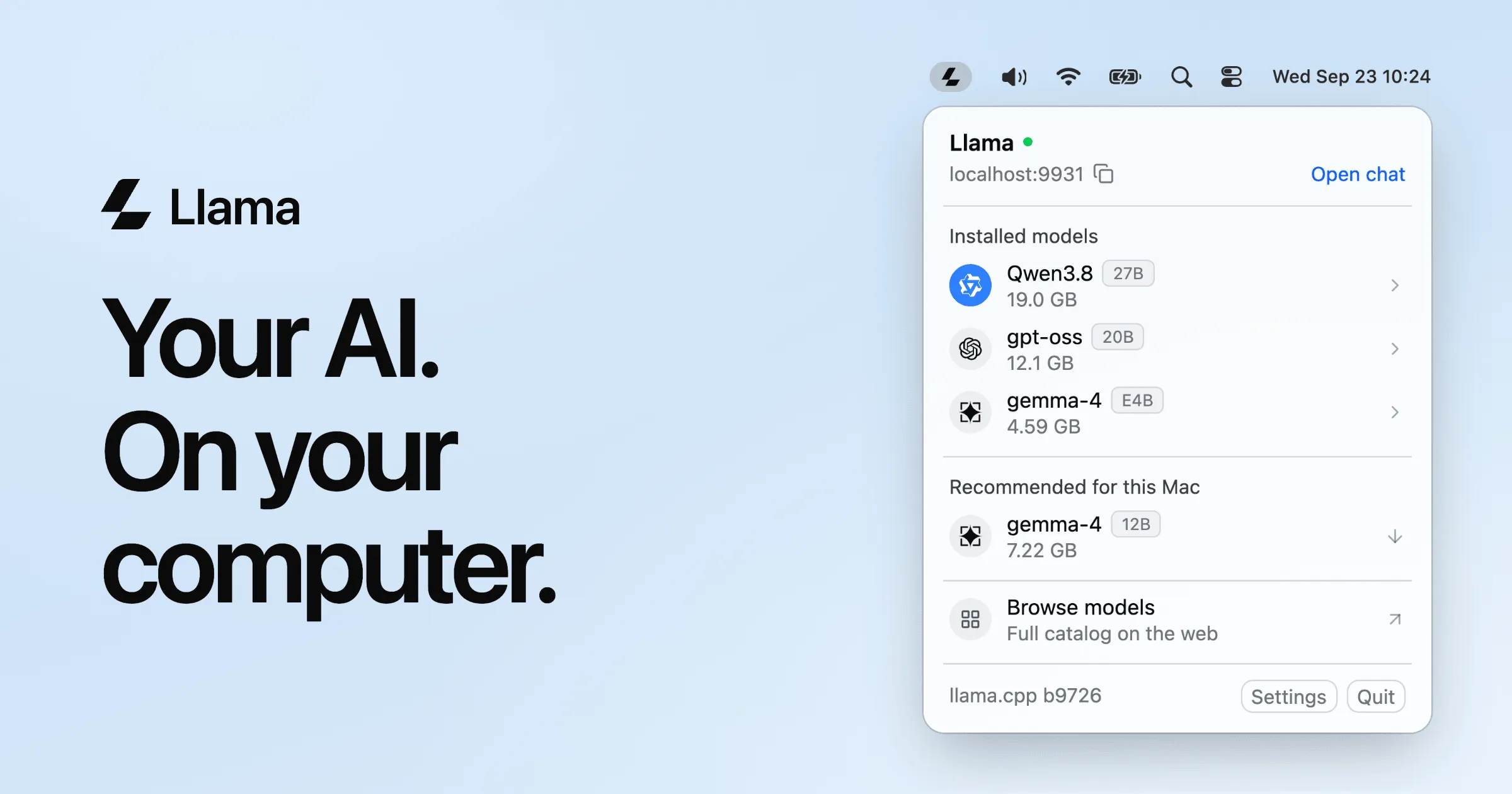
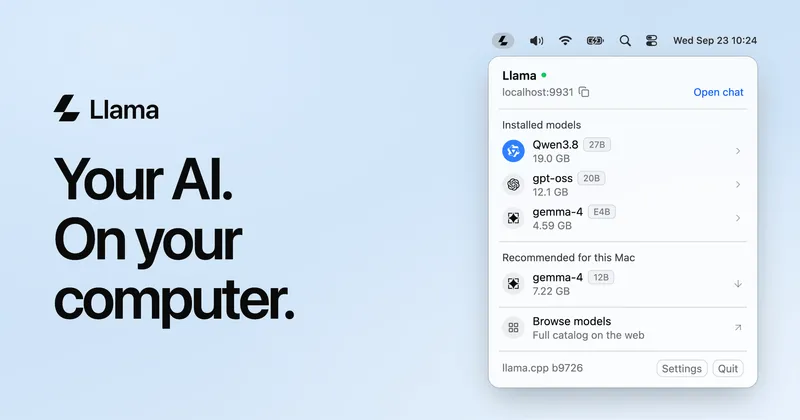
Llama app built on llama.cpp — installed models on macOS
Overview
What is llama.cpp?
LLM inference in C/C++: minimal setup, state-of-the-art performance on a wide range of hardware.
llama.cpp is the open-source C/C++ engine that powers most of the local-AI ecosystem. Its goal is LLM (and vision-language) inference with minimal setup and state-of-the-art performance on a wide range of hardware, locally and in the cloud. It is a plain C/C++ implementation with no dependencies, treats Apple silicon as a first-class citizen (ARM NEON, Accelerate, Metal), supports AVX/AVX2/AVX512/AMX on x86, and ships custom CUDA kernels for NVIDIA GPUs alongside HIP (AMD), Vulkan, and SYCL backends. Quantization from 1.5-bit to 8-bit keeps memory footprints small, and CPU+GPU hybrid inference accelerates models larger than total VRAM. The llama serve command exposes an OpenAI-compatible API server with a built-in web UI, so existing agent harnesses can point at local models with minimal changes. NVIDIA's October 2026 Nemotron 3.5 Bolt 74B-A9B release lists llama.cpp as a day-one supported runtime. MIT licensed, free, and installable with a single command from llama.app.
Platforms and languages
llama.cpp Availability
Platforms
Languages
Capabilities
llama.cpp Key Features
Dependency-free inference engine
Plain C/C++ implementation with zero dependencies, running on CPUs, NVIDIA/AMD GPUs, Apple silicon, and more.
Aggressive quantization options
1.5-bit through 8-bit integer quantization for faster inference and dramatically reduced memory use.
Hardware-optimized backends
Apple silicon is a first-class citizen via ARM NEON, Accelerate, and Metal; AVX/AVX2/AVX512/AMX on x86; custom CUDA kernels for NVIDIA, HIP for AMD, plus Vulkan and SYCL.
llama serve API server
Launch an OpenAI-compatible REST API server with a built-in web UI, so existing apps and agent harnesses can connect with minimal changes.
CPU+GPU hybrid inference
Partially accelerate models larger than total VRAM by splitting work between CPU and GPU.
Plans and access
llama.cpp Pricing
Free
Common questions
llama.cpp FAQs
What is llama.cpp?
llama.cpp is an open-source engine for running large language models (and vision-language models) locally. It is written in plain C/C++ with no dependencies and is optimized for a wide range of hardware: Apple silicon, x86 CPUs, NVIDIA GPUs (CUDA), AMD GPUs (HIP), and more.
How do I install and run llama.cpp?
Install from llama.app with a single curl/PowerShell command, download pre-built binaries from the GitHub releases page, run it with Docker, or build from source. Once installed, `llama cli -hf <model>` runs a model straight from Hugging Face and `llama serve` starts an OpenAI-compatible API server.
Is llama.cpp free and open source?
Yes. llama.cpp is MIT licensed and completely free, including for commercial use. It is maintained by the ggml-org open-source community.
Can llama.cpp run NVIDIA's Nemotron 3.5 models?
Yes. llama.cpp was one of the launch-day runtimes NVIDIA named for its Nemotron 3.5 Bolt 74B-A9B model (October 2026) — the 2-bit quantized build that fits in 24 GB of memory runs through llama.cpp.
Reviews
See what the community thinks and share your experience.
—
Based on 0 ratings
Rating distribution
Community reviews
No reviews
No written reviews yet.