An AI voice companion for Windows that watches your screen and shows you exactly what to click next.
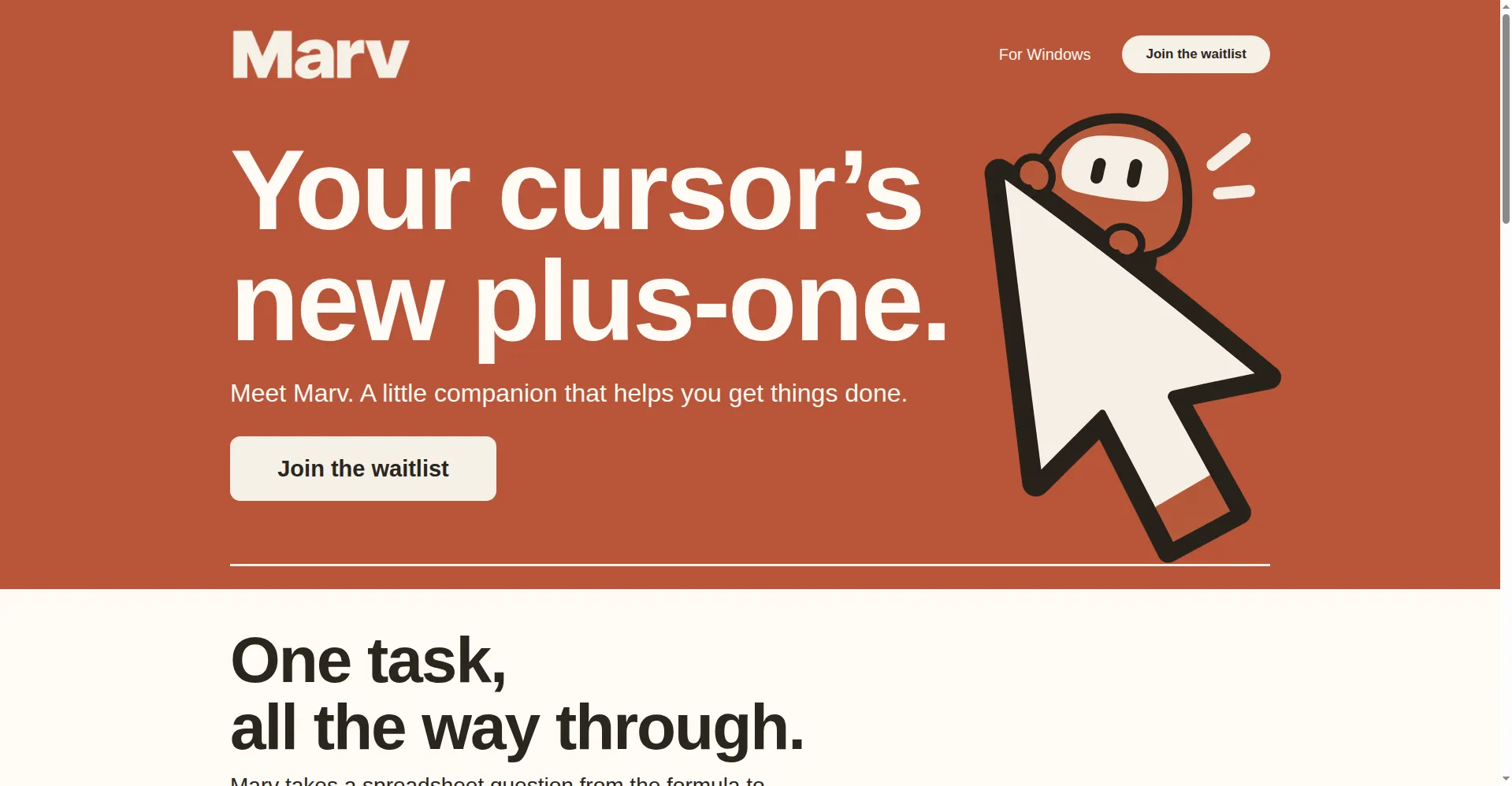
Homepage hero
1 / 2Overview
What is Marv?
Your cursor's new plus-one.
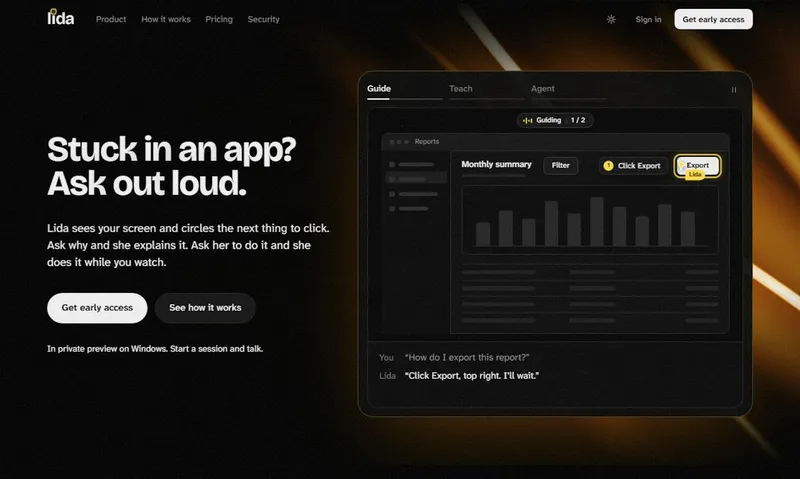
Marv is an AI companion for Windows that sees your screen, answers out loud, and shows you the next step. Instead of typing into a chatbot, you hold a hotkey and just talk — Marv replies by voice while you keep working, and circles, arrows and highlights point to exactly where to click.
It can carry one task across applications, for example from a spreadsheet formula into the next tool, so a multi-step job gets done in one flow. Screen access only captures when you allow it — helpful when you need it, quiet when you don't — and you can pause it or clear local data at any time.
Marv is currently in early access via a waitlist; no pricing has been published yet.
Platforms and languages
Marv Availability
Platforms
Languages
Capabilities
Marv Key Features
Voice-first interaction
Hold a hotkey and just talk — ask Marv anything without typing or switching windows.
Spoken answers
Marv replies out loud with a clear answer while you keep working.
On-screen guidance
Circles, arrows and highlights point to exactly where to click next.
Cross-app follow-through
Carries one task across apps, e.g. from a spreadsheet formula into the next tool.
Privacy switch
Screen access captures only when you allow it, and can be paused or turned off anytime.
Best for
Who uses Marv?
Windows users who juggle many apps
Get hands-free, voice-driven guidance that points to the next click
Common questions
Marv FAQs
Which platforms does Marv support?
Windows only for now — early access is explicitly for Windows.
How much does Marv cost?
No pricing has been published; the site is currently an early-access waitlist.
Is my screen data safe?
Screen capture runs only when you hold the hotkey or enable it; images are encrypted in transit, only minimal snippets are kept to finish tasks, and you can clear local data and disable microphone and screen access. Data is not sold to advertisers.
How do I get access?
Join the early-access waitlist on the official site; no trial or pricing details have been announced.
Reviews
See what the community thinks and share your experience.
—
Based on 0 ratings
Rating distribution
Community reviews
No reviews
No written reviews yet.