ModelSnap
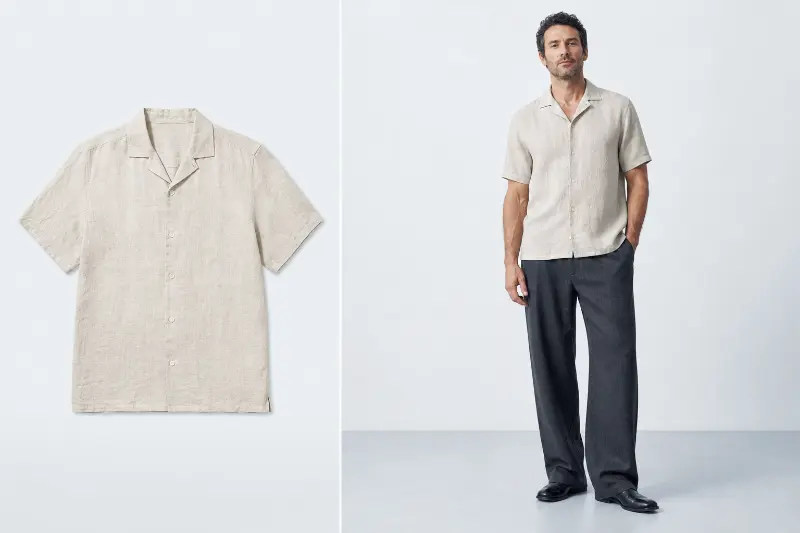
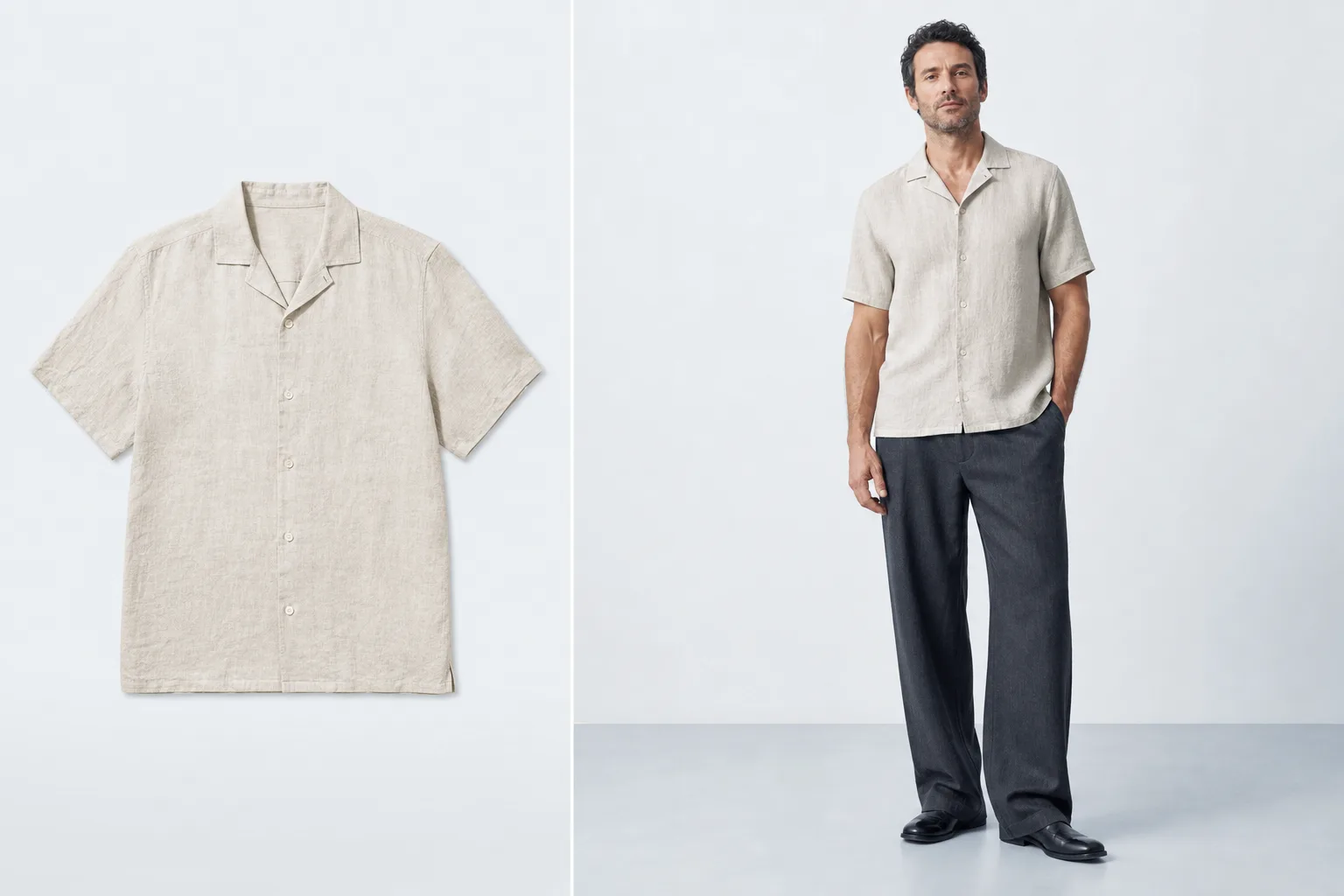
Create marketplace-ready fashion model images from flat-lay or mannequin clothing photos.
Product screenshot
Overview
What is ModelSnap?
ModelSnap is an AI fashion model image generator for clothing sellers and ecommerce teams. It helps turn a clear product photo into a model-style listing image without arranging a traditional studio shoot. The starting image can be a flat-lay garment, a mannequin photo, or another clean product-focused clothing image. The user uploads the source, chooses the presentation they want, and generates images that can be reviewed before use in a storefront or campaign.
The tool is designed for common marketplace and direct-to-consumer workflows. Amazon, Etsy, Shopify, and independent store sellers can use it to create consistent visual material for product listings, catalog updates, landing pages, and social posts. It is also useful for small fashion brands, resellers, print-on-demand operators, and marketing teams that need to test visual directions without coordinating a full production crew for every garment.
ModelSnap focuses on the garment as the source of truth. A clean upload gives the system the information needed to present the clothing on an AI-generated fashion model while preserving the recognizable product. This workflow is especially practical when a seller has many SKUs, frequent inventory changes, or limited access to models, photographers, locations, and retouching resources. The generated results can support faster creative iteration, but users should still review every image for fit, garment details, and marketplace requirements before publishing.
The product runs in the browser, so the workflow begins from the ModelSnap website rather than requiring desktop editing software. Its purpose is not to replace the seller’s product data; it is to help create clearer, more engaging presentation images from assets the seller already owns. By reducing the setup work around fashion imagery, ModelSnap gives small teams a practical way to prepare listing visuals and compare different presentation options while keeping the process centered on the actual clothing photo.
Platforms and languages
ModelSnap Availability
Platforms
Languages
Plans and access
ModelSnap Pricing
Freemium
Compare similar tools
ModelSnap Alternatives
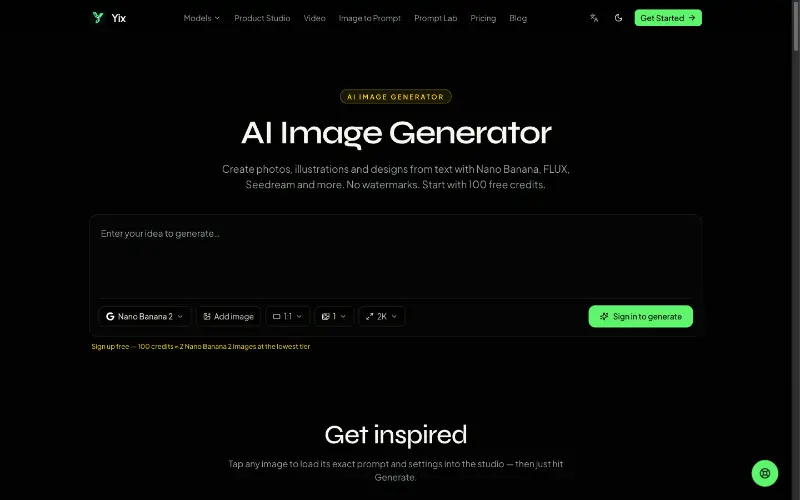 YixYix is a browser-based AI image and video studio with multiple models, reference-image workflows, free prompt tools, and credit-based pricing.AI Image Generation
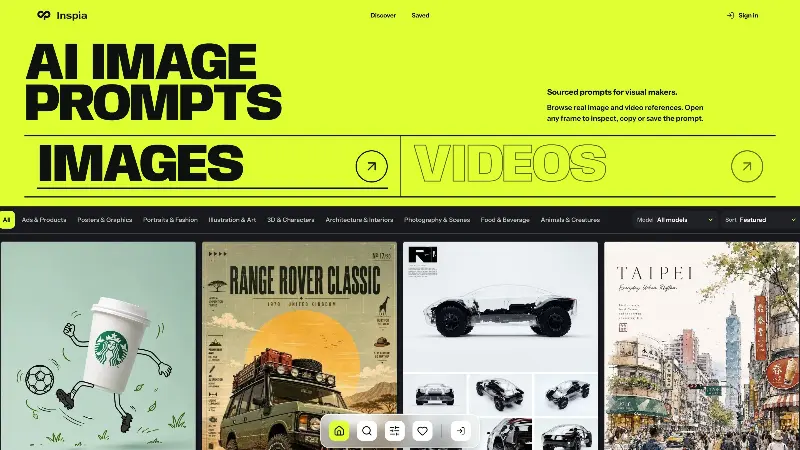 InspiaInspia is a curated AI image and video prompt library where creators can discover real visual references, inspect the prompts behind them, and reuse ideas in their own work.AI Design ToolsAI Prompt EngineeringDesignPhotography
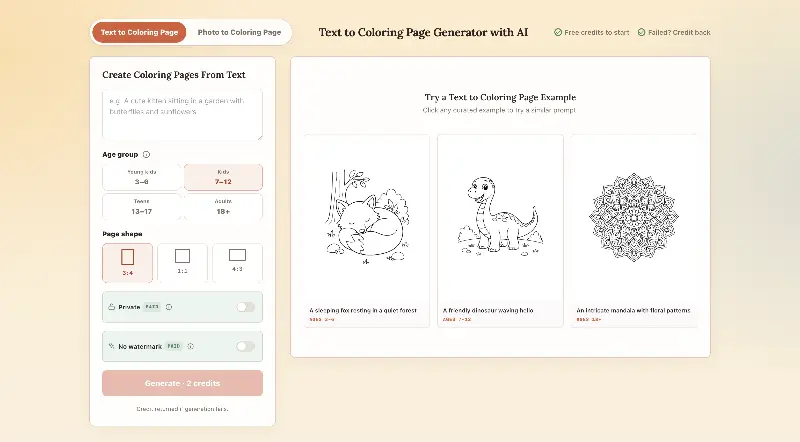 CPagesCPages turns text prompts or photos into printable coloring pages.AI Image GenerationAI Illustration ToolsAI Design Toolscoloring pagesprintable arttext to image
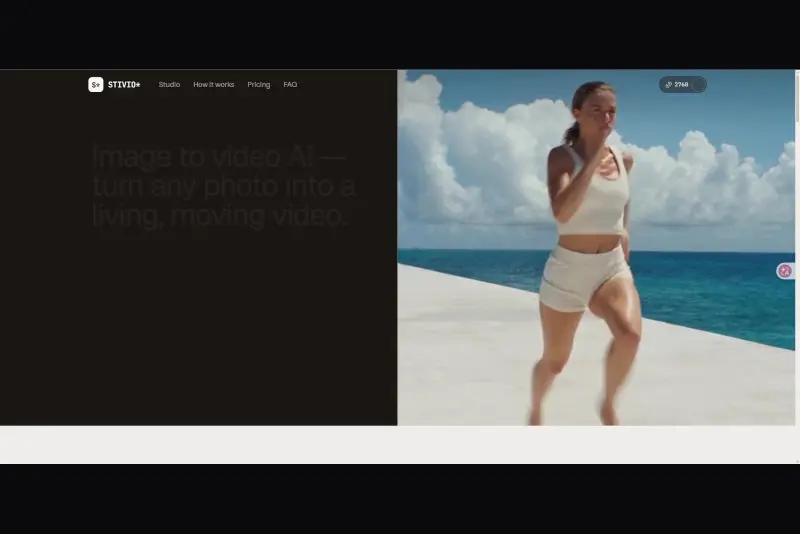 StivioStivio turns a single photo into a moving HD video. Upload an image, describe the motion in plain English, and six leading AI video models render an HD MP4 in one to five minutes.AI Video CreationAI Image GenerationAI Creation Generationimage to videoai video generatorphoto animation
 UGCfy AICreate AI-generated UGC-style video ads from product links, with scripts, hooks, AI actors, captions, and export-ready formats.5.0(1 reviews)AI Video CreationAI Marketing ToolsAI Content Generationugc adsai video adsecommerce marketing
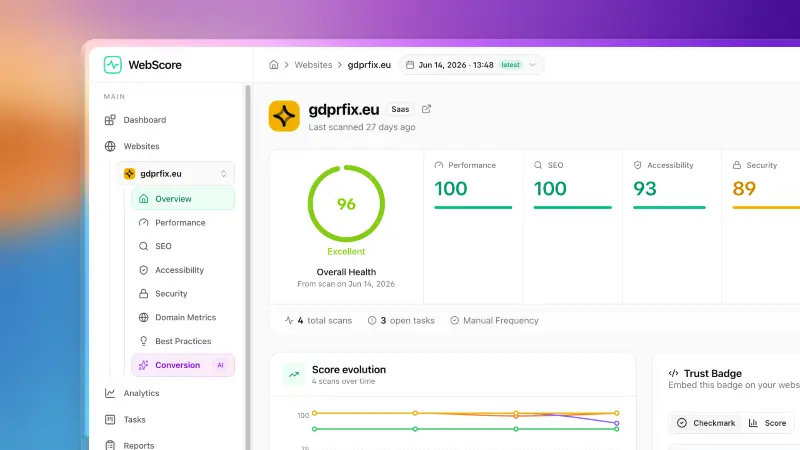 WebScore - Website audit toolWebScore audits any website across performance, SEO, accessibility, security, best practices, domain authority and an AI conversion audit — and hands you prioritized, step-by-step fixes. Now with an MCP server, so your AI (Claude, Cursor, Codex, Grok) can run the audits for you.5.0(2 reviews)AI Coding AssistantsAI Search EnginesAI Marketing Toolswebsite auditconversion auditperformance check
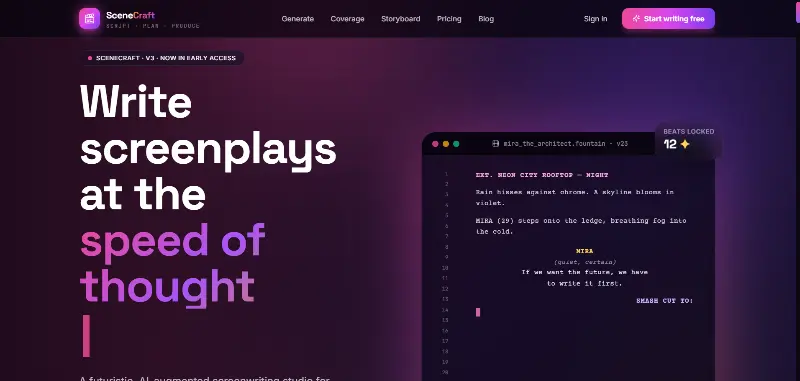 SceneCraft - AISceneCraft is an AI screenwriting studio. Generate full screenplays from an idea, get instant AI script coverage, and turn scenes into storyboards or full comic pages — all in industry-standard format, in 100+ languages. Built for screenwriters, showrunners, and indie filmmakers who want to move from idea to pre-production without switching tools.5.0(1 reviews)AI Image GenerationAI Text WritingAI StorytellingTurn any scene into a comic pagepanel by panel.
 OpuslyOpusly is an AI studio for creators — generate images and videos with auto-picked best models (Nano Banana 2, GPT-Image-2, Seedance 2.0), or use one-click scene templates like Italian Brainrot and MSPaintify. Free signup includes 30 credits.AI Image GenerationAI Video CreationAI Design Art
 Unbound AICreate uncensored and unrestricted AI images and videos with optional music, voice, and sound effects.AI Image GenerationAI Video CreationAI Audio Tools
 ytzoloYTZolo is an AI-powered YouTube content generator that helps creators produce engaging scripts, SEO-friendly titles, descriptions, tags, and content ideas quickly to grow their channels more efficiently.AI Text WritingAI Marketing ToolsOther AI Toolsai ytzolo youtube script
Reviews
See what the community thinks and share your experience.
—
Based on 0 ratings
Rating distribution
Community reviews
No reviews
No written reviews yet.