Turns any website URL into a ready-to-post marketing video, with script, voiceover, captions, and music generated automatically.
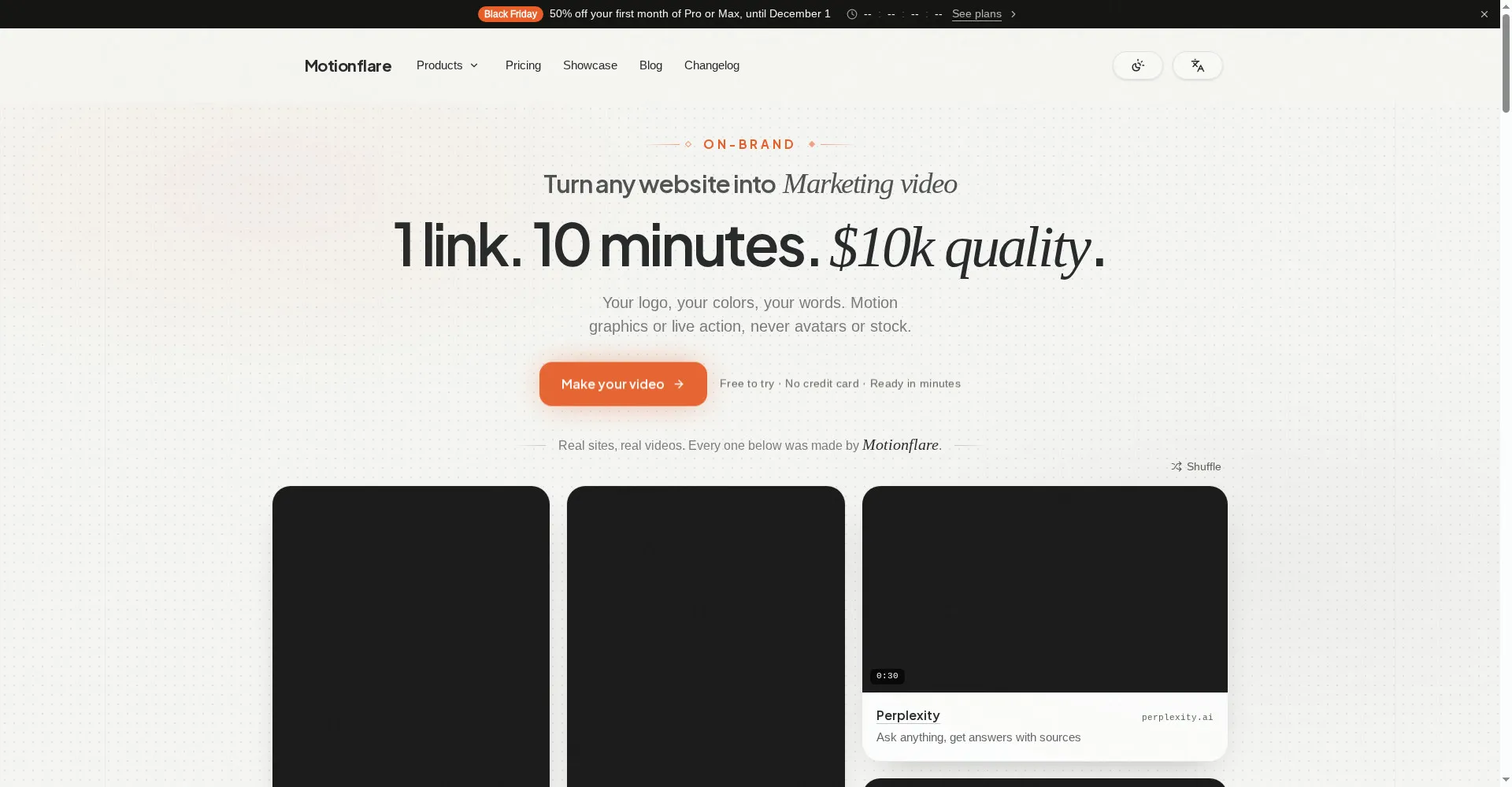
Motionflare homepage
1 / 3Overview
What is Motionflare?
Turn your website into a stunning launch video in minutes
Motionflare turns any website URL into a ready-to-post video in minutes. Paste a link and the AI analyzes the page, writes a script, and generates scenes, a voiceover, subtitles, and music, so there is no filming, editing, or scriptwriting. You can pick the style, length, aspect ratio, and voiceover voice, then edit scenes, redo takes, or change the music. It can generate variants from different pages, such as the landing page or pricing page, and exports vertical 9:16 video and MP4 for TikTok, Instagram Reels, YouTube Shorts, X, and Product Hunt. The free plan includes 6 credits (about 1 credit per second of video), pay-as-you-go packs start at $15, and Pro is $29/month with 4K export, no watermark, and a commercial license. The first video can be previewed free with no credit card required.
Platforms and languages
Motionflare Availability
Platforms
Languages
Capabilities
Motionflare Key Features
URL to video
Paste any website URL and get a finished video in minutes, with no filming, editing, or scriptwriting.
Automatic script and voiceover
Analyzes the website content and generates the script, scenes, voiceover, subtitles, and sound effects.
Style and format controls
Choose the style, length, aspect ratio, and voiceover voice, and edit scenes, redo takes, or swap the music.
Vertical and MP4 export
Exports vertical 9:16 video and MP4 for TikTok, Instagram Reels, YouTube Shorts, X, and Product Hunt.
Free preview
Preview the first video in low resolution before paying for the full version.
Best for
Who uses Motionflare?
Founders, marketers, and indie developers launching products
Turn a landing page into a launch video for social media and Product Hunt
Agencies and e-commerce sellers
Produce short video ads from existing web pages without a video team
Plans and access
Motionflare Pricing
Freemium
Free plan with 6 credits; pay-as-you-go from $15; Pro $29/month.
Common questions
Motionflare FAQs
What is Motionflare?
An AI tool that turns a website URL into a marketing video, generating the script, scenes, voiceover, subtitles, and music from the page content.
How long are the videos?
About 15 seconds to 2 minutes, depending on the plan. One credit covers roughly one second of video.
Which languages are supported?
Voiceovers support multiple languages, including Japanese, and the video language follows the website by default.
Can I use it for ads?
Yes. The videos work for ads on any platform, and for app store previews in 9:16 and MP4.
Can I get high-resolution exports?
Yes. Pro and Agency plans support 4K export with no watermark.
Reviews
See what the community thinks and share your experience.
—
Based on 0 ratings
Rating distribution
Community reviews
No reviews
No written reviews yet.