Free Photoshop alternative in your browser, with full PSD support
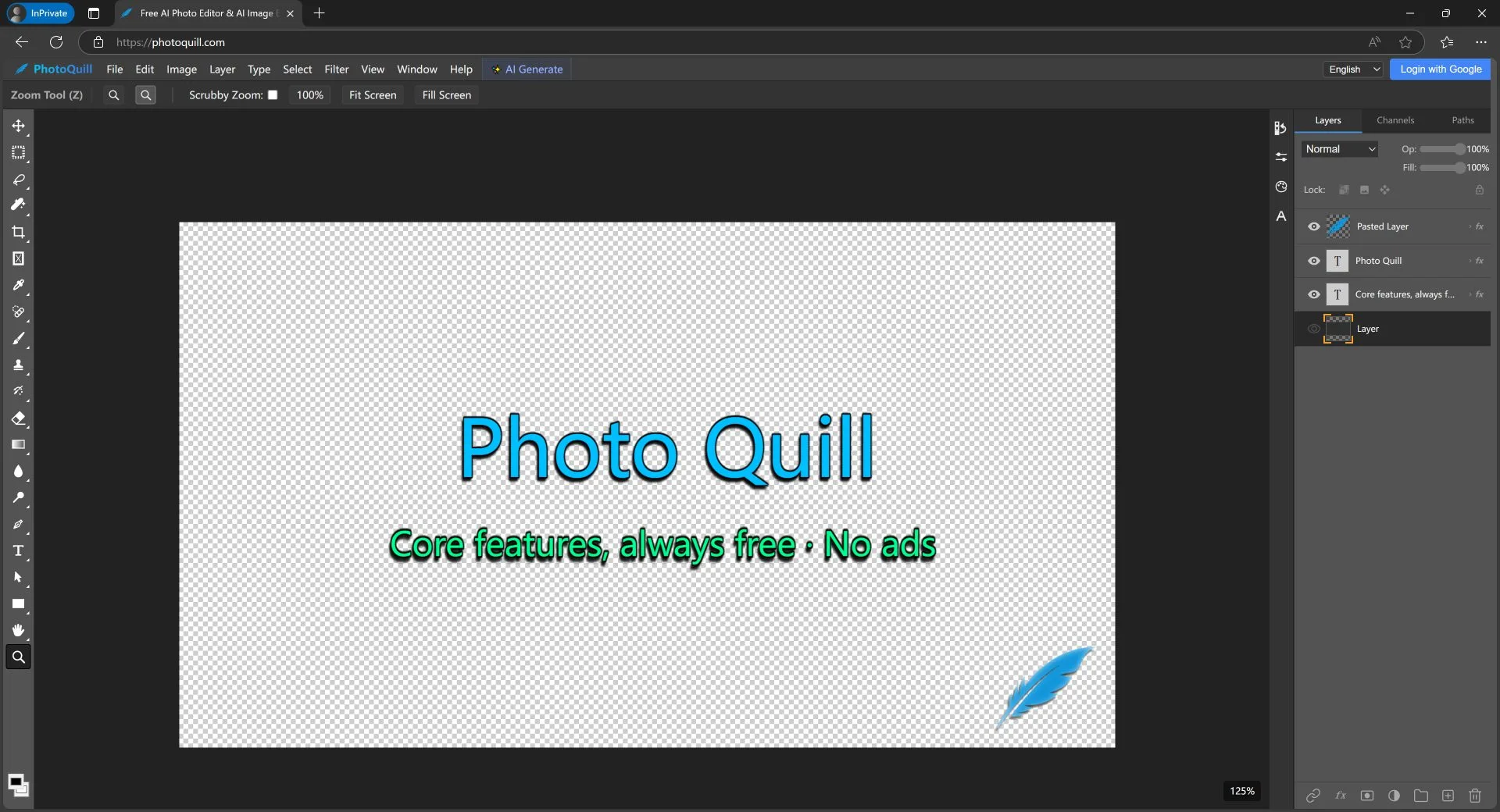
maininterface_01.jpg
Overview
What is PhotoQuill?
Free Photoshop alternative in your browser, with full PSD support
What makes PhotoQuill useful
PhotoQuill brings a full layer-based image editor into the browser, with native PSD support so you can open, edit and re-export Photoshop files without installing anything.
Key capabilities
- Open, edit and export PSD files with layers and masks
- Selection, retouching and compositing tools
- Blend modes, adjustment layers and non-destructive filters
- Integrated AI image generation
- Multi-format support: PSD, PNG, JPG, WebP, SVG, BMP and GIF
Privacy and performance
Rendering runs on WebGPU hardware acceleration and all processing happens client-side, so your images are never uploaded to a server. That makes it practical for quick edits on locked-down or shared machines, and fast enough for large multi-layer documents.
Platforms and languages
PhotoQuill Availability
Platforms
Languages
Product video
PhotoQuill in action
Capabilities
PhotoQuill Key Features
PSD editing with layers
Open, edit and export layered PSD files with masks and blend modes, no desktop install required.
WebGPU acceleration
Hardware-accelerated rendering keeps large multi-layer documents responsive in the browser.
Client-side processing
All editing happens locally, so images are never uploaded to a server.
AI image generation
Generate and composite AI images directly inside the editor canvas.
Multi-format export
Export to PSD, PNG, JPG, WebP, SVG, BMP and GIF.
Plans and access
PhotoQuill Pricing
Free
Free to use. All core editing features including PSD support and AI generation are available at no cost.
Compare similar tools
PhotoQuill Alternatives
 AI Image Editoran online AI-powered tool offering enhancement, watermark removal, background editing, style transfer, and more.5.0(1 reviews)AI Text WritingAI Image GenerationAI Remaker
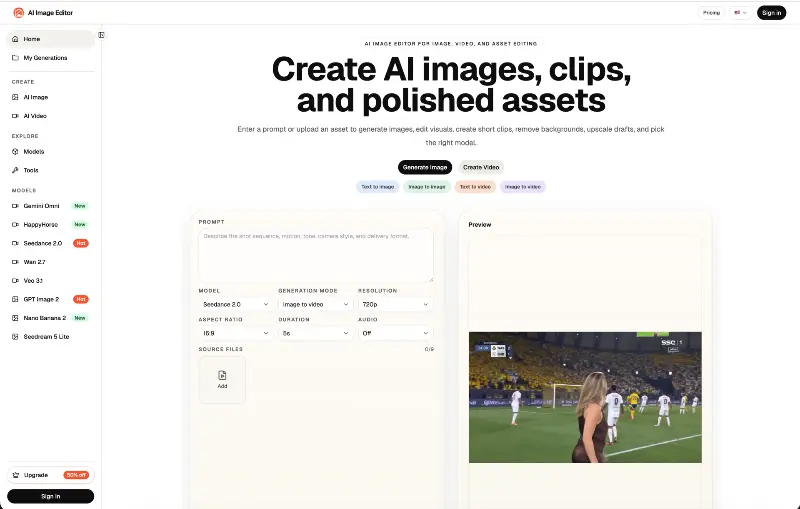 AI Image EditorGenerate, edit, and optimize images online with AI.AI Image GenerationAI Design ArtAI Content Creationimage editingbackground removalimage generation
Reviews
See what the community thinks and share your experience.
—
Based on 0 ratings
Rating distribution
Community reviews
No reviews
No written reviews yet.