PhotoTextEdit
Edit text in photos with AI — change words, dates and details while keeping fonts, lighting and perspective natural.
Online AI photo text editor that lets you change and replace text in images easily.
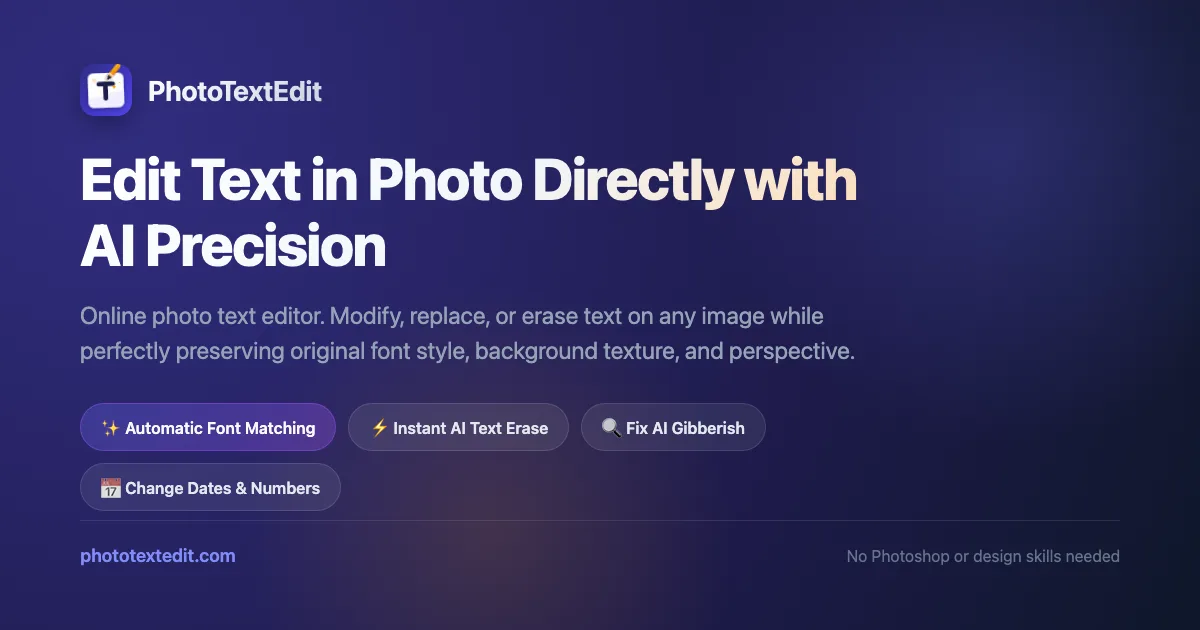
phototextedit-og.png
Overview
What is PhotoTextEdit?
Edit text in photos with AI — change words, dates and details while keeping fonts, lighting and perspective natural.
What makes PhotoTextEdit useful
PhotoTextEdit is an online AI photo text editor that lets you change and replace text directly in images. Edit words, dates and details while the AI matches fonts, perspective and lighting, so the edits blend in naturally.
Key capabilities
- Edit text directly in photos
- AI matches original fonts, perspective and lighting
- Works online — no downloads or design skills required
Who is it for
Anyone who needs to fix typos, update information or translate text in pictures quickly.
Platforms and languages
PhotoTextEdit Availability
Platforms
Languages
Capabilities
PhotoTextEdit Key Features
Edit text directly in photos
Change words, dates and details in your photos while the AI preserves fonts, lighting and perspective for a natural result.
AI font and lighting matching
Replaced text automatically matches the original font style, perspective and lighting so edits blend in naturally.
Online editing, no downloads
Edit text in images right in your browser — no installs or design skills required. Fix typos, update info or translate text in pictures.
PhotoTextEdit Alternatives
 AI Photo EditorEdit photos with a prompt. Upload a photo or start from text, generate a draft in the browser, and download it. Sign in for 5 credits a day.
Reviews
See what the community thinks and share your experience.
—
Based on 0 ratings
Rating distribution
Community reviews
No reviews
No written reviews yet.