Pragma is an AI tool that offers a knowledge assistant to organizations for accelerating knowledge discovery and sharing.
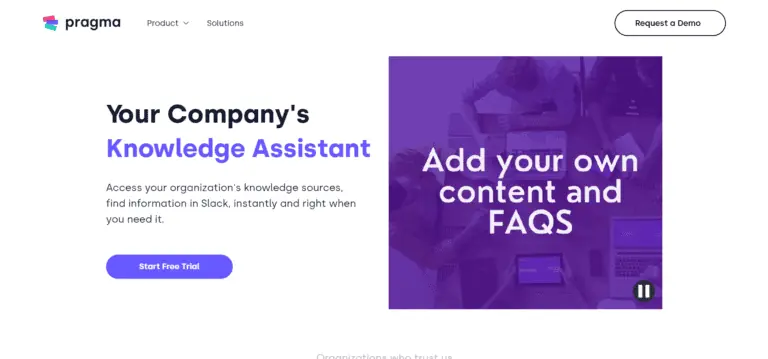
Product screenshot
Overview
What is Pragma?
Your Company's Knowledge Assistant: Streamlining Access to Organizational Knowledge
Your Company's Knowledge Assistant is a cutting-edge solution designed to revolutionize how organizations access and utilize their knowledge sources. Whether you're looking to find information in Slack instantly, create custom chatbots for your business, or integrate AI capabilities across multiple platforms, this tool offers a comprehensive suite of features to enhance productivity and efficiency.
Key Features
- Instant Information Access in Slack: Quickly find the information you need directly within Slack, saving time and effort.
- Multi-Platform Assistant: Seamlessly integrates with various apps, allowing for multi-platform actions triggered by a single command.
- Personalized Privacy Options: Offers flexible integration options with a privacy-first approach, allowing users to customize privacy settings.
- Continuous Learning through User Feedback: Enhances the knowledge base by refining responses based on user feedback.
- CRM Assistant for Sales Teams: Empowers sales teams by retrieving important customer details and interactions.
- Competitor Insights: Loads competitor websites into the platform for analysis and insights.
- Content Generation: Utilizes organizational knowledge to generate up-to-date content that resonates with clients.
Main Use Cases
- Automating Customer Support: Embed an AI chatbot on your website to automate customer support.
- Empowering Sales Teams: Provides sales teams with the tools to retrieve crucial customer information and insights.
- Enhancing Internal Knowledge Management: Streamlines access to organizational knowledge, improving decision-making and productivity.
User Experience
Users praise the tool for its ability to increase autonomy among agents, save managers' time, and provide exceptional support. Reviews highlight the efficiency gains in customer support, sales enablement, and content generation.
How to Use
- Request a Demo: Start by requesting a demo to explore the features and benefits tailored to your organization's needs.
- Integrate with Slack: Begin using the Slack bot to instantly access information within your workspace.
- Customize Privacy Settings: Configure privacy options to align with your organization's data protection policies.
Potential Limitations
While the tool offers numerous benefits, some users may need to invest time in configuring privacy settings and training the AI on specific data to fully leverage its capabilities. Continuous feedback and updates are crucial for maintaining optimal performance and relevance.
Platforms and languages
Pragma Availability
Platforms
Languages
Compare similar tools
Pragma Alternatives
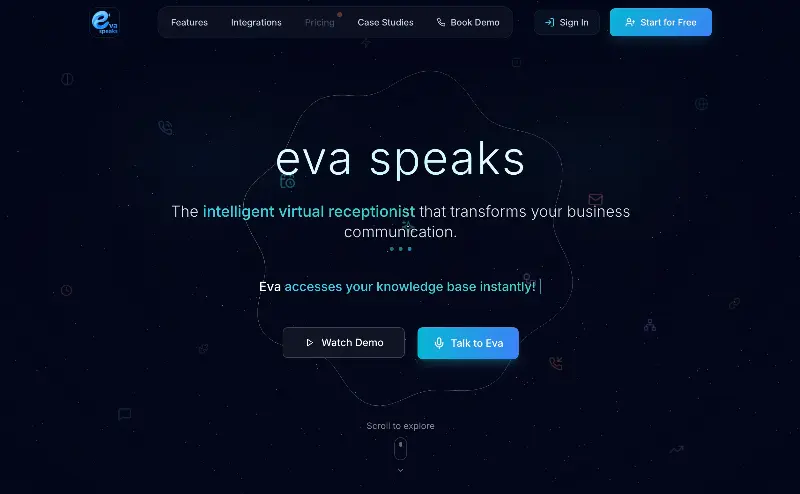 EvaSpeaksEvaSpeaks is an AI-powered virtual receptionist that answers calls 24/7, handles customer inquiries, schedules appointments, captures leads, and routes calls to the right team. It helps businesses improve response times, reduce missed opportunities, automate routine communication, and provide reliable customer support even outside regular business hours.5.0(1 reviews)AI Business SolutionsAI Voice RecognitionAI WorkflowAI receptionist
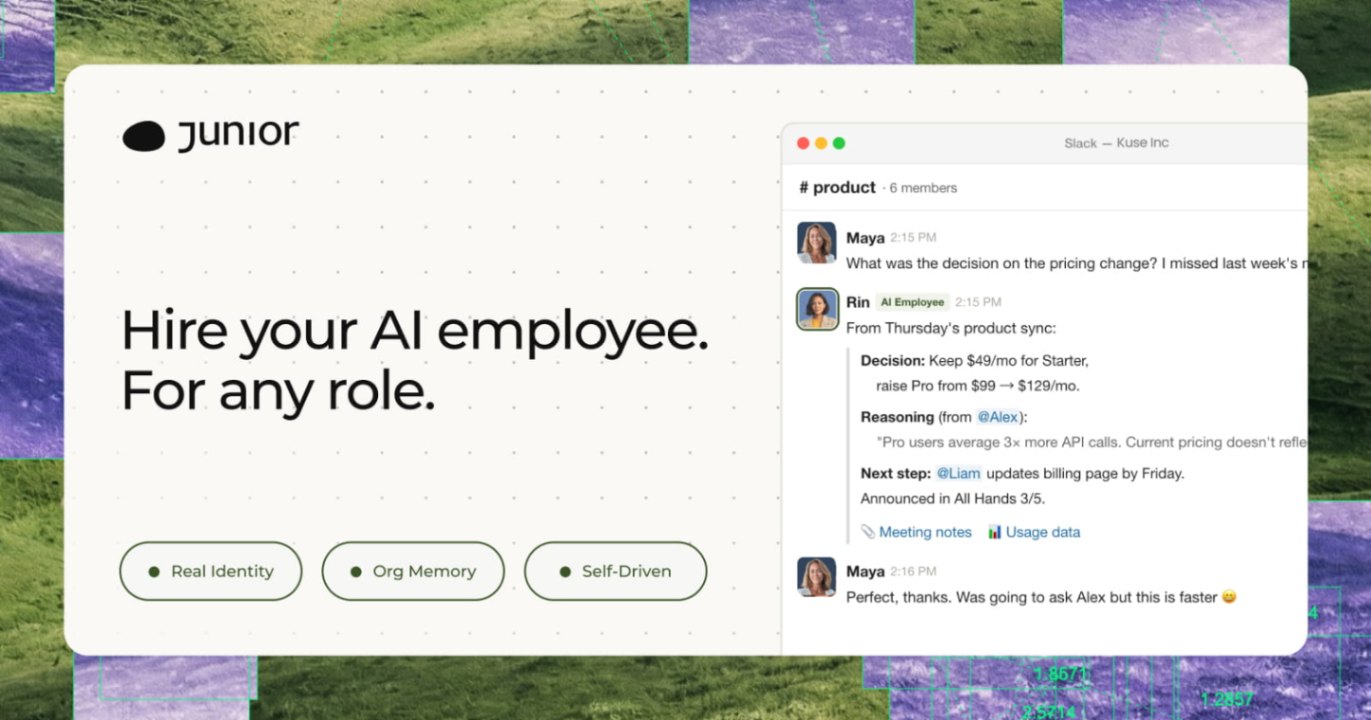 JuniorJunior is an AI employee that works inside your Slack, Teams, Lark, or Telegram. It connects to 3,000+ tools and handles sales ops, from outreach and CRM updates to follow-ups and pipeline reports. Built-in approval gates keep your team in control of every outbound action. Featured in Bloomberg, Business Insider, and LinkedIn News.AI Productivity ToolsAI Text WritingAI WorkflowAI
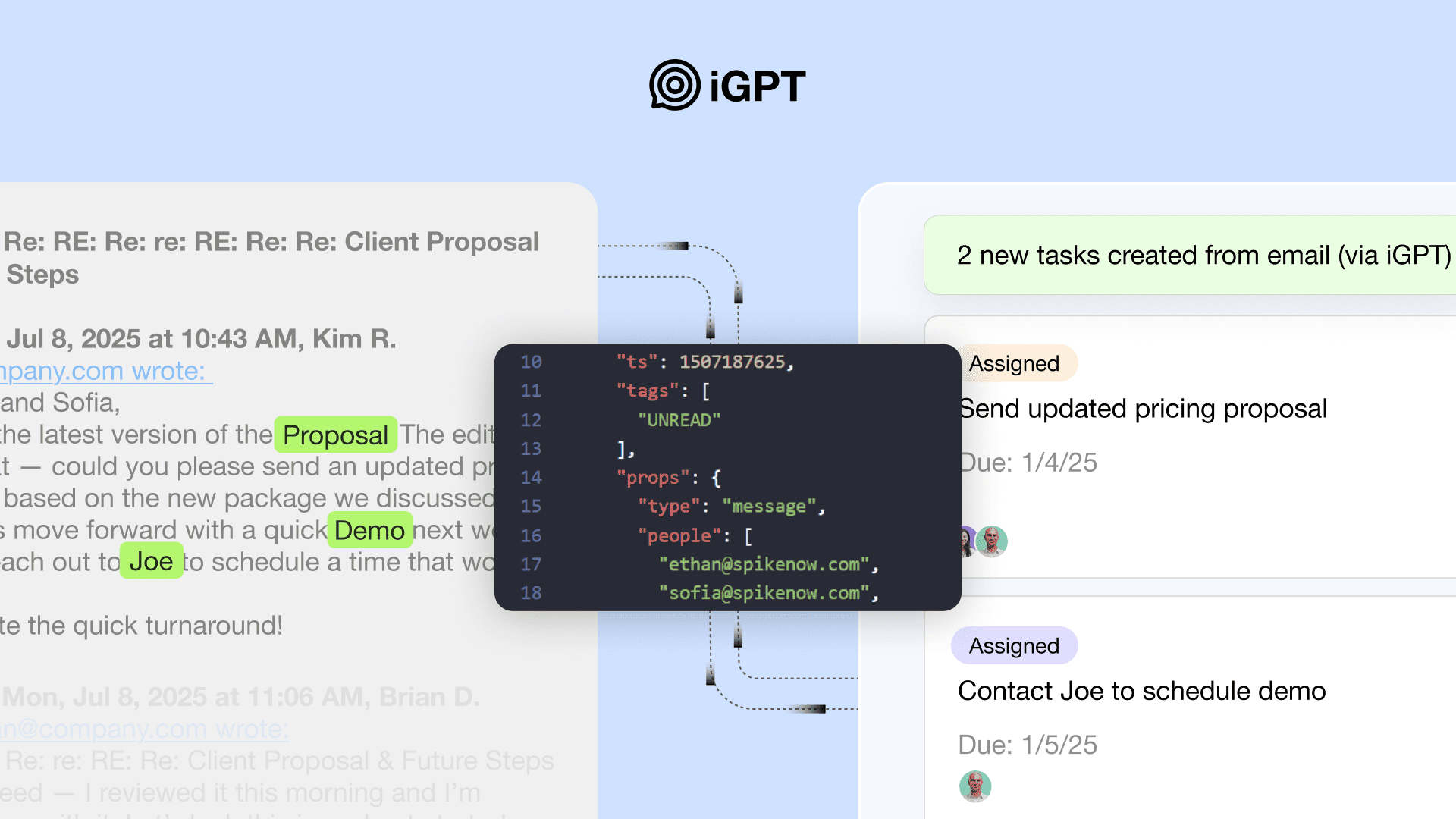 iGPTiGPT provides enterprises with a secure, auditable API gateway for agents to safely access and interpret email and communication data.5.0(1 reviews)AI Business Solutions
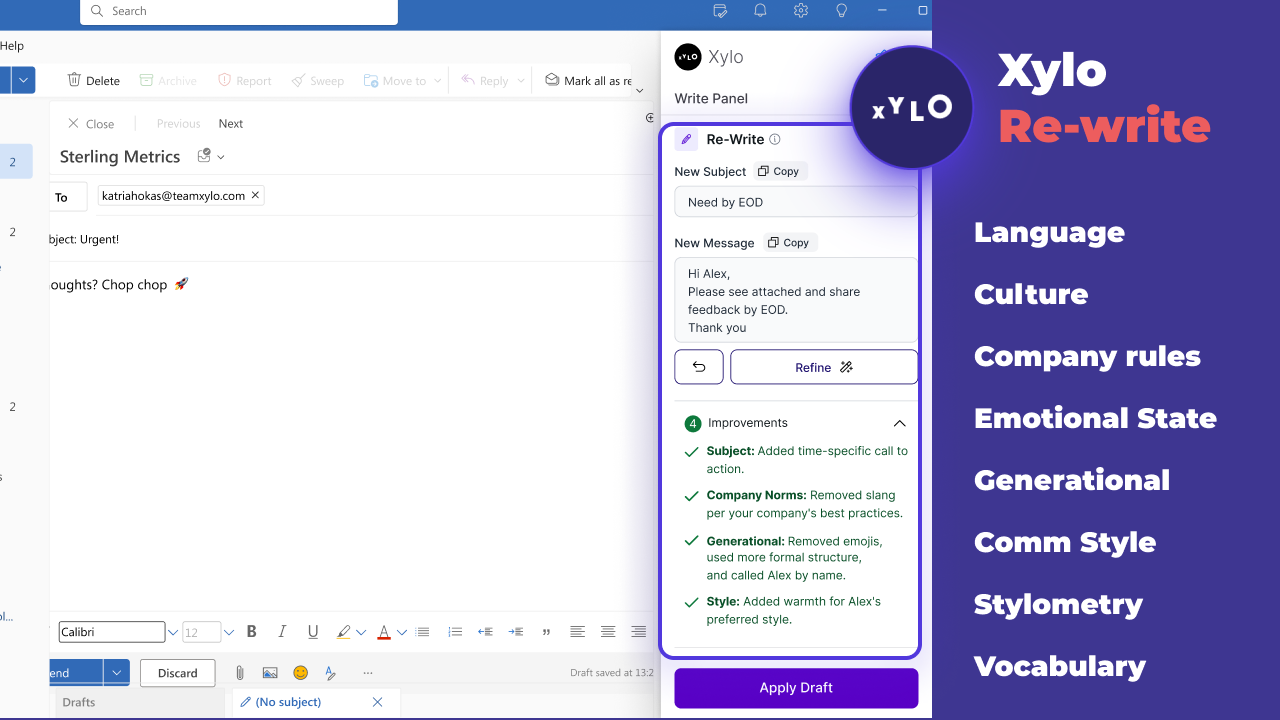 Xylo AISupporting productive working relationships and written communication with emotionally intelligent AI email assistant.AI Business SolutionsAI WorkflowAI Productivity Tools
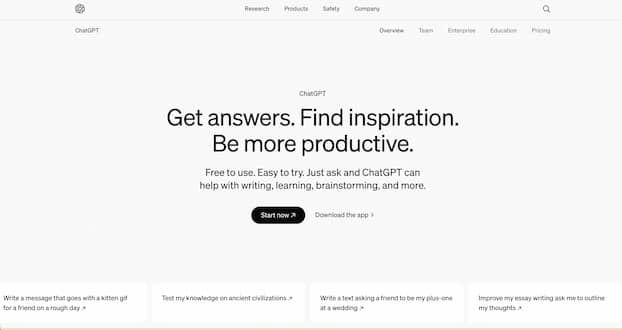 ChatGPTChatGPT helps you get answers, find inspiration and be more productive. It is free to use and easy to try. Just ask and ChatGPT can help with writing, learning, brainstorming and more.5.0(2 reviews)AI ChatbotsAI Personal AssistantsAI-poweredconversationproductivity
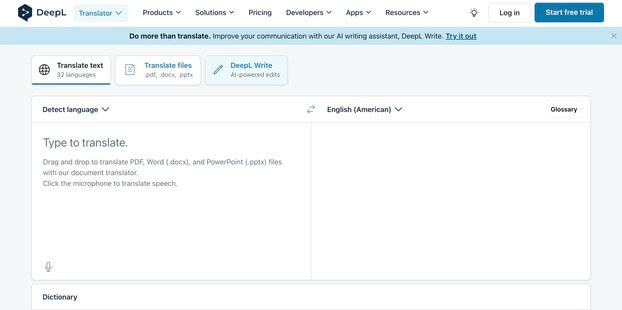 DeepL TranslateTranslate texts & full document files instantly. Accurate translations for individuals and Teams. Millions translate with DeepL every day.4.0(1 reviews)AI TranslationAI Business Solutionstranslationdocument-translationlanguage-translation
 Viston AITurning enterprise data into practical, scalable AI outcomesAI Chatbotsvistonaiaiautomation
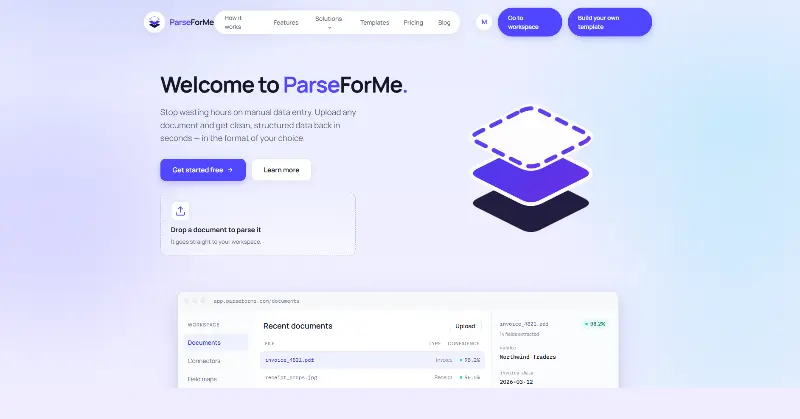 ParseForMeParseForMe helps people turn invoices, receipts, contracts, and other documents into structured data instantly — no manual data entry required.AI Business SolutionsAI Productivity ToolsAI Business Intelligence
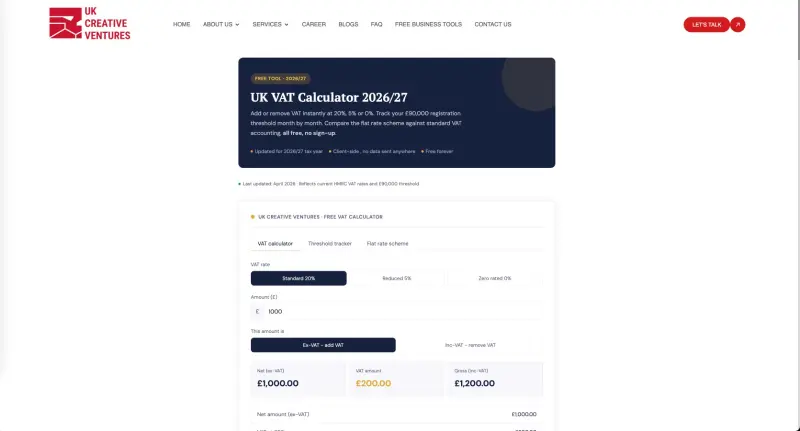 UK VAT CalculatorQuickly calculate VAT-inclusive and VAT-exclusive amounts using current UK VAT rates. Whether you're a business owner preparing invoices, a freelancer managing client billing, or a consumer checking prices, this tool helps you accurately calculate VAT and understand the impact of tax on transactions.AI Business ProductivityAI Productivity ToolsAI Business SolutionsVAT calculatorUK VATtax calculator
 Chat Bots ComparedFind Your Perfect AI Chat Bot, Answer six quick questions and get a recommendation based on the features that matter most to you.AI Chatbot BuildersAI ChatbotsAI Chat BotsAI CompanionsTech Reviews
Reviews
See what the community thinks and share your experience.
—
Based on 0 ratings
Rating distribution
Community reviews
No reviews
No written reviews yet.