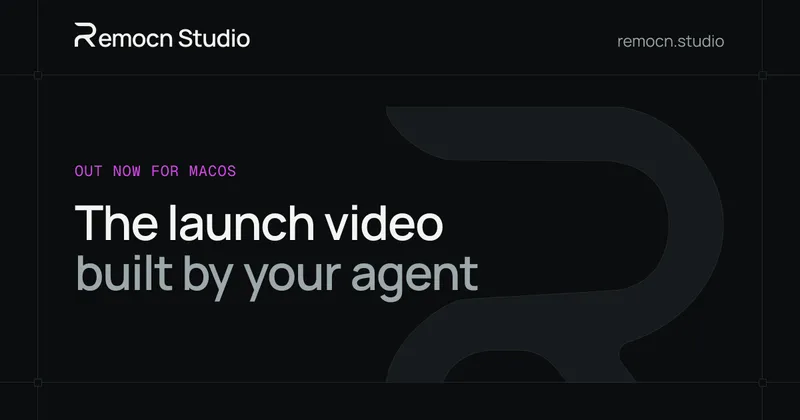
A free desktop app where your coding agent builds launch videos as editable Remotion code.
Launch video built by your agent
Overview
What is Remocn Studio?
Launch videos, built by your AI agent
Remocn Studio is a free, open-source desktop app for macOS and Linux where your own coding agent (Claude Code, Codex, GitHub Copilot or Grok Build, signed in with the subscription you already pay for) makes launch videos. Describe the video you want and the agent runs a seven-stage pipeline - analysis, brand, script, motion, build, choreography and review - writing a readable document at each stage so you can overrule any decision. You direct by pointing at elements in the live preview or dragging Snapshot crops into the chat, and the result is a real Remotion project you own. Export MP4, WebM, GIF or ProRes up to 4K with presets for YouTube, Shorts, Reels and TikTok. There is no timeline, no keyframes, no API key and no separate token bill.
Platforms and languages
Remocn Studio Availability
Platforms
Languages
Capabilities
Remocn Studio Key Features
Agent-built videos
Describe the video and your coding agent builds it as a real Remotion project through a seven-stage pipeline.
Direct on the preview
Click any element in the live preview to change its type, spacing or easing, or drag a Snapshot box into the chat.
Brand control
Drop in a DESIGN.md or set colours once so videos stay on brand.
Own the output
Every video is a plain Remotion project in a folder on your disk, with no lock-in.
Flexible export
Export MP4, WebM, GIF or ProRes up to 4K, with presets for YouTube, Shorts, Reels and TikTok.
Best for
Who uses Remocn Studio?
Founders and indie makers
Ship a product launch video without hiring a motion designer or learning After Effects
Marketers and small teams
Produce on-brand promo videos quickly and keep the editable project files
Plans and access
Remocn Studio Pricing
Free
Free and open source; requires a coding-agent subscription you already pay for.
Common questions
Remocn Studio FAQs
Is Remocn Studio another AI video generator?
No. Pixel generators hand you a clip you cannot change. Remocn Studio writes motion design as code, so every scene stays editable and text stays crisp at any resolution.
Do I need to know how to code to use it?
No. You talk to the agent, point at elements on the video and approve what it does. The code is there for anyone who wants it, but you never have to open it.
What is Remotion?
A framework for making videos with React. It is what makes the output a real project instead of a proprietary file - anything Remotion can render, your agent can build.
Can I use my own footage and brand assets?
Yes. Save clips, images, audio and finished animations to the library once, then tell the agent to use them in any project.
What do I need to run it?
A Mac or Linux computer and a subscription for a coding agent you already use. There is no API key and no separate token bill.
Reviews
See what the community thinks and share your experience.
—
Based on 0 ratings
Rating distribution
Community reviews
No reviews
No written reviews yet.