An agentic cloud desktop with built-in AI that does research, writing and code for you, opened in any browser.
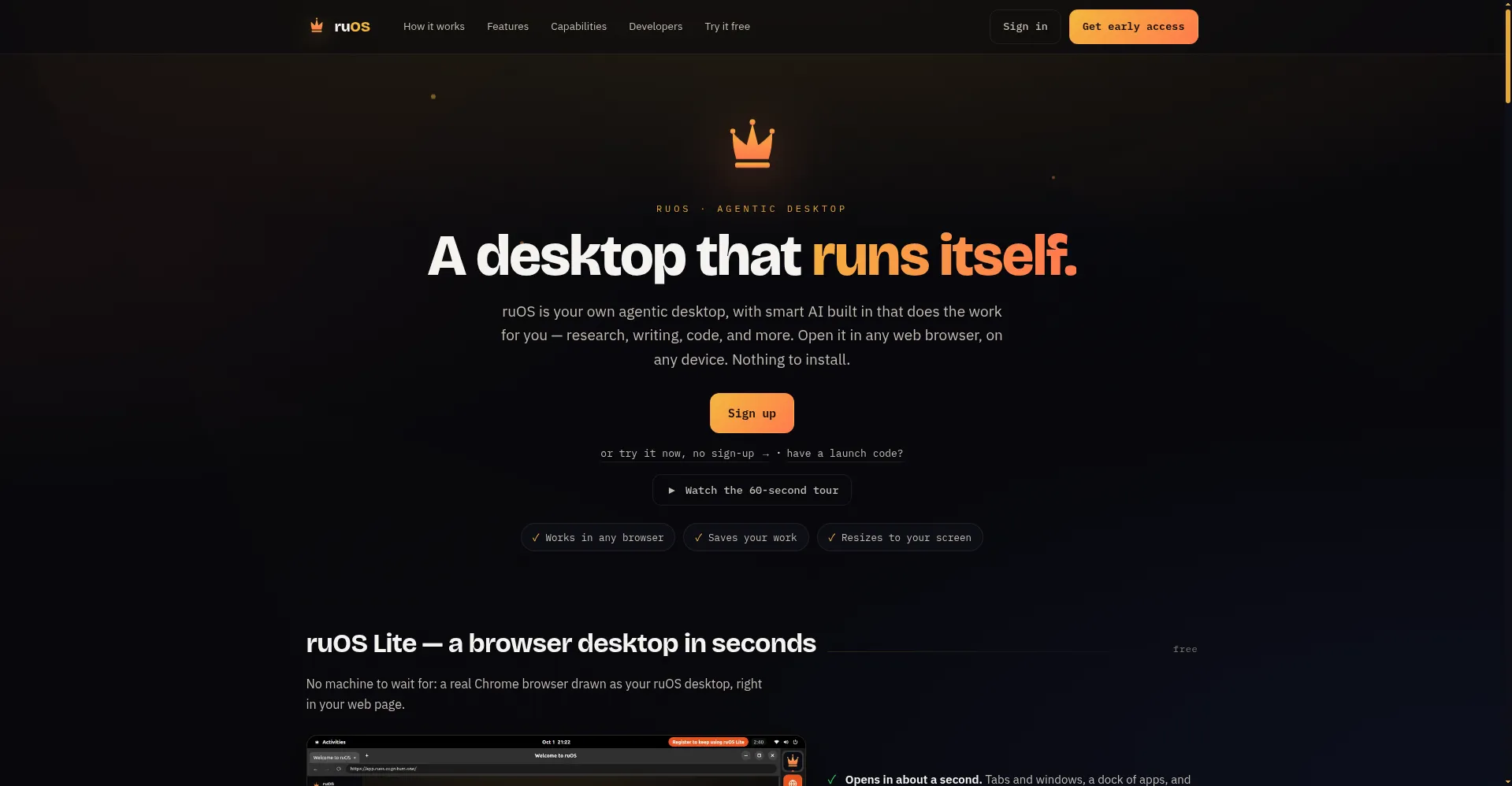
Homepage hero
1 / 3Overview
What is ruOS?
A desktop that runs itself.
ruOS is an agentic desktop: your own cloud computer with smart AI built in that does the work for you, from research and writing to code. You open it in any web browser on any device, with nothing to install.
ruOS Lite is the free entry point: a real Chrome desktop that opens in the browser in about a second, no sign-up required, with sessions and login state saved encrypted. The full version is a private cloud desktop that spins up in seconds with a complete AI stack preinstalled (Claude Code, Codex, VS Code and more); files and AI memory persist across sessions. A team of AI helpers can write and run code, research online, draft documents and understand screen content, working together as multi-agent teams.
Everything runs in the browser, so it works on Mac, iPad, Chromebook and Linux laptops, adapting to your screen and picking up where you left off when you switch devices. Developers get programmatic control through an MCP server that lets ChatGPT and Claude drive the desktop directly (screenshots, clicks, typing, shell commands), plus terminal commands.
ruOS is currently in early access: Lite is free to try now, and full private desktops require an email signup or launch code. No public pricing has been announced; the site mentions metered entitlements, suggesting usage-based billing ahead.
Platforms and languages
ruOS Availability
Platforms
Languages
Capabilities
ruOS Key Features
ruOS Lite, free in the browser
A real Chrome desktop that opens in the browser in about a second, free with no sign-up; sessions and logins saved encrypted.
Private cloud desktops
Seconds-to-start personal cloud desktops with a full AI stack preinstalled; files and AI memory persist across sessions.
AI helper team
Built-in AI assistants write and run code, research online, draft documents and understand screen content, collaborating as teams.
Open in any browser
Runs on Mac, iPad, Chromebook and Linux laptops with no install; adapts to screen size and resumes across devices.
MCP programmatic control
ChatGPT and Claude drive the desktop via MCP (screenshots, clicks, typing, shell); terminal commands included for power users.
Best for
Who uses ruOS?
General users and developers
Get an AI-powered cloud desktop that does research, writing and coding from any browser
Plans and access
ruOS Pricing
Unknown
ruOS Lite free, no sign-up; full desktops in early access, pricing not published.
Common questions
ruOS FAQs
How do I get started?
Enter your email for early access to a private desktop, or try ruOS Lite instantly in the browser with no sign-up.
What is the difference between Lite and the full version?
Lite is a lightweight in-browser desktop (real Chrome) that opens in about a second; the full version is a private cloud desktop with the complete AI stack preinstalled.
How does AI control the desktop?
Through the ruos-computeruse MCP server, ChatGPT and Claude can see the screen, click, type and run shell commands. Payments always require your personal confirmation.
Is my data private?
Desktops are private and isolated from others; Lite login state is saved encrypted, and the connector never touches your browser extensions.
Does using ruOS inside ChatGPT cost extra?
No. Inside ChatGPT it only uses your account's existing quota; no prices, subscriptions or upsells are shown in the app.
Reviews
See what the community thinks and share your experience.
—
Based on 0 ratings
Rating distribution
Community reviews
No reviews
No written reviews yet.