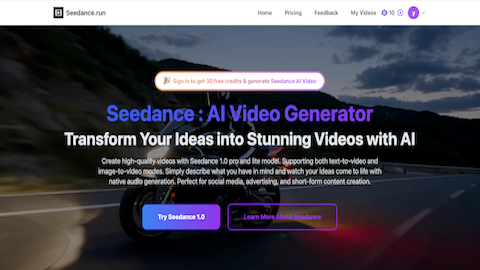
Generate videos in seconds using Seedance’s Pro and Lite models. No editing skills required—just describe your vision and watch it happen.
Product screenshot
Overview
What is Seedance?
Seedance Introduction
Seedance is an advanced AI video generator that empowers anyone to create stunning videos from text prompts or images. Powered by ByteDance’s cutting-edge technology, Seedance offers both Pro and Lite models to suit different creative needs. Whether you’re a content creator, marketer, or simply want to bring your ideas to life, Seedance makes video creation fast, easy, and accessible to everyone.
Seedance Core Feature
- Text-to-Video & Image-to-Video: Instantly turn your ideas or images into high-quality videos.
- Multiple AI Models: Choose between Pro for advanced quality or Lite for faster results.
- No Editing Skills Needed: Just describe your vision—Seedance does the rest.
- Optimized for Social Media: Perfect for ads, short-form content, and creative projects.
- User-Friendly Interface: Simple, intuitive workflow for all experience levels.
- Powered by ByteDance AI: Ensures realistic visuals and smooth motion.
Seedance Usage
- Sign Up: Create a free account at seedance.run.
- Select a Model: Pick Pro or Lite based on your project needs.
- Input Your Idea: Enter a text prompt or upload an image.
- Generate Video: Click to create your video in seconds.
- Download & Share: Instantly download or share your video on social media.
Seedance Price
- Free Credits: 30 free credits for all new users.
- Flexible Pricing: Purchase additional credits as needed.
- No Subscription Required: Pay only for what you use.
Seedance FAQs
Q: What makes Seedance different from other AI video generators?
A: Seedance combines ByteDance’s advanced AI with a user-friendly interface, supporting both text-to-video and image-to-video, and offers multiple models for different needs.
Q: Can I use Seedance for commercial projects?
A: Yes, videos generated with Seedance can be used for social media, advertising, and other commercial purposes.
Q: What input formats are supported?
A: You can use text prompts or upload images to generate videos.
Q: Do I need video editing experience?
A: No editing skills are required—Seedance is designed for everyone.
Q: How long does it take to generate a video?
A: Most videos are generated within seconds, depending on the model and input.
Q: Is there a free trial?
A: Yes, all new users receive 30 free credits upon sign-up.
Platforms and languages
Seedance Availability
Platforms
Languages
Compare similar tools
Seedance Alternatives
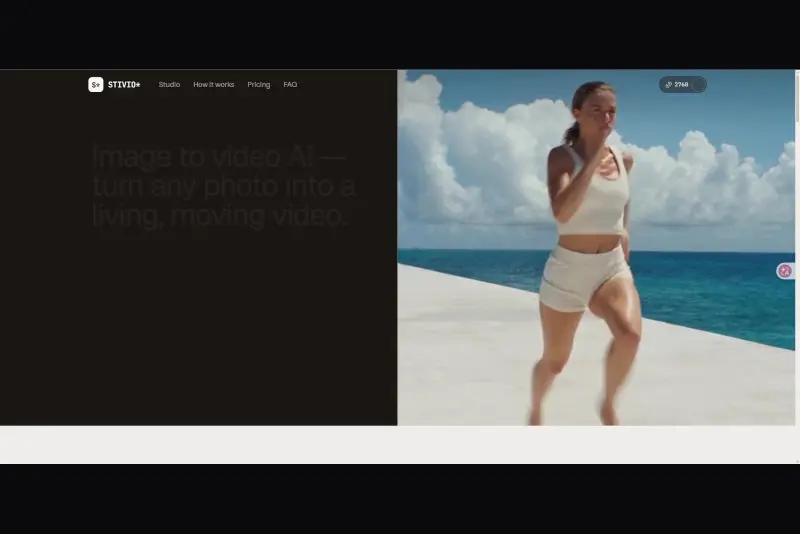 StivioStivio turns a single photo into a moving HD video. Upload an image, describe the motion in plain English, and six leading AI video models render an HD MP4 in one to five minutes.AI Video CreationAI Image GenerationAI Creation Generationimage to videoai video generatorphoto animation
 UGCfy AICreate AI-generated UGC-style video ads from product links, with scripts, hooks, AI actors, captions, and export-ready formats.5.0(1 reviews)AI Video CreationAI Marketing ToolsAI Content Generationugc adsai video adsecommerce marketing
 OpuslyOpusly is an AI studio for creators — generate images and videos with auto-picked best models (Nano Banana 2, GPT-Image-2, Seedance 2.0), or use one-click scene templates like Italian Brainrot and MSPaintify. Free signup includes 30 credits.AI Image GenerationAI Video CreationAI Design Art
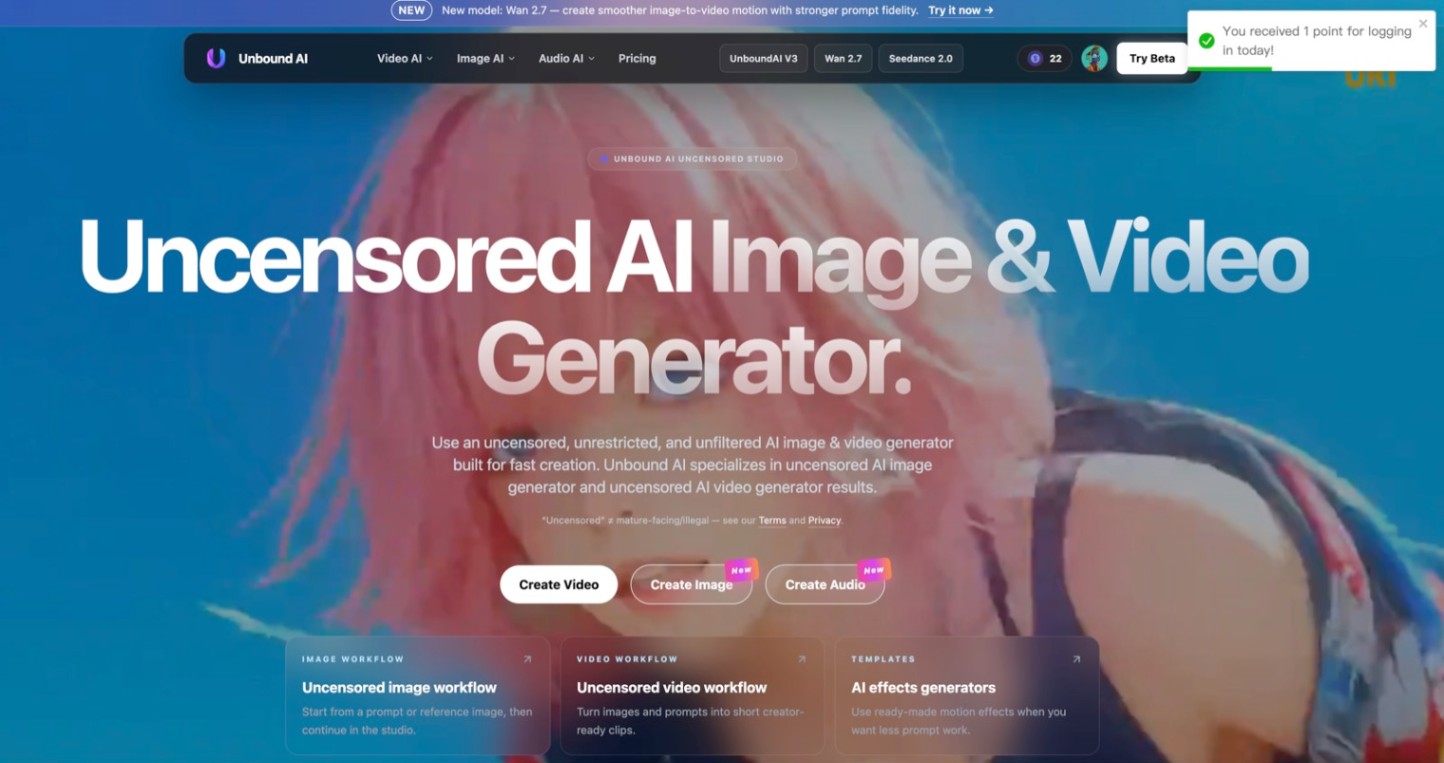 Unbound AICreate uncensored and unrestricted AI images and videos with optional music, voice, and sound effects.AI Image GenerationAI Video CreationAI Audio Tools
 ImgfreeImgfree is a free AI image and video generator that allows users to create stunning visuals from text prompts, offering unlimited access to various AI models without the need for credits.AI Image GenerationAI Video CreationAI Design Art
 Modellix.aiModellix is a MaaS (Model as a Service) platform that provides unified API access to maintream AI models, covering text-to-image, text-to-video, image-to-image, image-to-video, video editing, and more. Supported models include Nano Banana, Kling, Veo, Seedance, Seedream, Minimax, Qwen, Wanx, GPT, and others.
Whether you’re a developer building AI-powered applications or a creator producing visual content, Modellix provides the tools you need through a single API.AI Video CreationAI Marketing ToolsAI Image Generation
Modellix.aiModellix is a MaaS (Model as a Service) platform that provides unified API access to maintream AI models, covering text-to-image, text-to-video, image-to-image, image-to-video, video editing, and more. Supported models include Nano Banana, Kling, Veo, Seedance, Seedream, Minimax, Qwen, Wanx, GPT, and others.
Whether you’re a developer building AI-powered applications or a creator producing visual content, Modellix provides the tools you need through a single API.AI Video CreationAI Marketing ToolsAI Image Generation IdoliAIIdoliAI for Image & Video GeneratorAI Creation GenerationAI Image GenerationAI Video CreationAI Image GeneratorAI Art GeneratorAI Video Generator
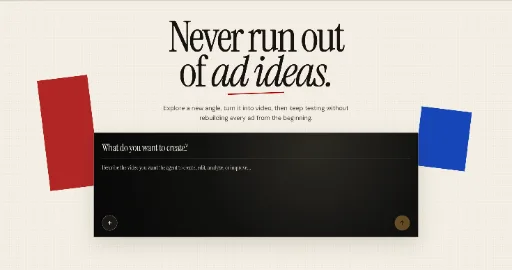 AstreaCreate video ads with AI. Keep new ideas coming.AI Video CreationAI Marketing ToolsAI videovideo adsmarketing
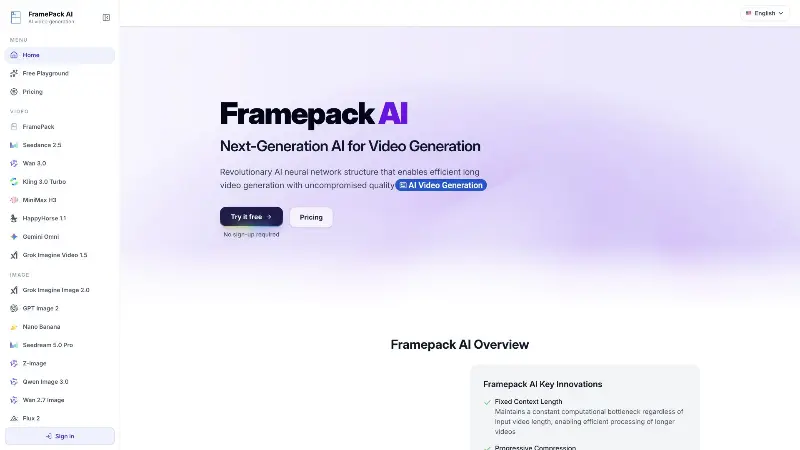 FramePack AIFramePack AI is an online workspace for AI video and image generation, with multiple modelsAI Video CreationAI Design ToolsAI Productivity ToolsDesignAIVideo
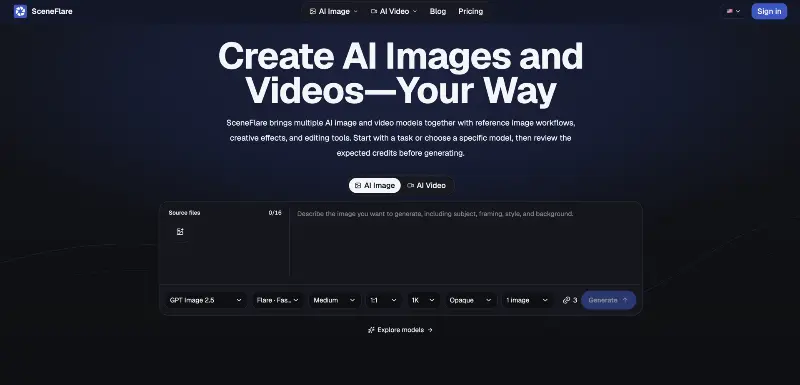 SceneflareGenerate AI images and videos, edit source assets, compare model workflows, and manage credits.AI Creation GenerationAI Image GenerationAI Video Creation
Reviews
See what the community thinks and share your experience.
—
Based on 0 ratings
Rating distribution
Community reviews
No reviews
No written reviews yet.