Mac dictation app that turns speech into text formatted for the app you are typing in, from coding prompts to emails.
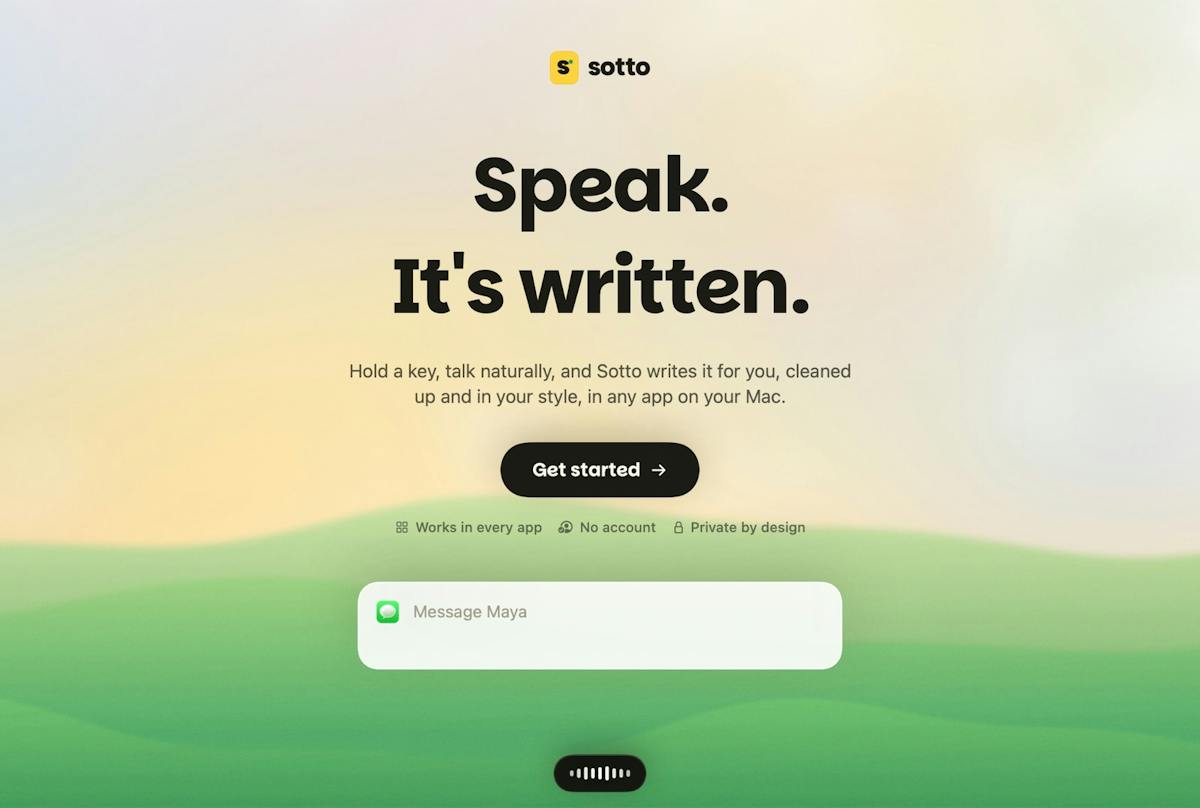
Sotto Voice Product Hunt gallery image 1
1 / 2Overview
What is Sotto Voice?
STT that adapts to every app
Sotto Voice is a voice-to-text app for Mac. Speak naturally and it turns your words into finished text wherever your cursor is, adapting wording, tone, and structure to the app you are in.
Key capabilities:
- Hold a key to dictate and let go: text lands about 0.2 seconds after you stop, punctuated and cleaned up.
- App-aware output: structured, best-practice prompts for coding agents, natural emails that sound like you, and text formatted for where it will go.
- Voice editing: select text and say make this friendlier or turn it into bullets.
- Private by design: run fully on your Mac or bring your own Groq key, with no account, and history stays on your Mac.
Sotto is not on the App Store yet, so macOS asks you to confirm the first time you open it. It is free to download.
Platforms and languages
Sotto Voice Availability
Platforms
Languages
Capabilities
Sotto Voice Key Features
App-aware formatting
Sotto detects the app you are in and rewrites your words for that context, from structured coding-agent prompts to natural emails.
Push-to-talk dictation
Hold a key, speak naturally, and let go: your words appear punctuated and cleaned up, wherever your cursor is.
Voice editing
Select text and say things like make this friendlier or turn it into bullets to edit with your voice.
Private by design
Run fully on your Mac or bring your own Groq key, with no account, and history stays on your Mac.
Personal dictionary and style
Your dictionary, snippets, and style per app are remembered, and filler words are cleaned up for you.
Best for
Who uses Sotto Voice?
Mac users who dictate daily across coding tools, email, and chat
Speak once and get text formatted for the app they are typing in, without retyping or reformatting
Plans and access
Sotto Voice Pricing
Free
Free to download for Mac
Common questions
Sotto Voice FAQs
Which apps does Sotto work with?
Any app you already use: it detects where you are typing and formats output for that app, from coding agents to email and chat.
How do I dictate with Sotto?
Hold the fn key and talk, then let go and your words appear, punctuated and cleaned up. Double-tap fn to keep talking hands-free.
Does my audio leave my Mac?
No, when run fully on your Mac. You can also bring your own Groq key, and there is no account; history stays on your Mac.
Is Sotto free?
Yes, it is free to download for Mac.
Reviews
See what the community thinks and share your experience.
—
Based on 0 ratings
Rating distribution
Community reviews
No reviews
No written reviews yet.