TypingMind
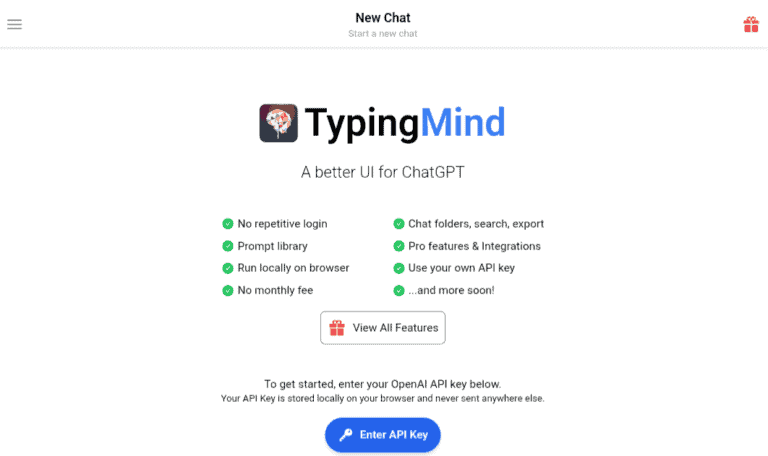
TypingMind is an advanced platform that offers a seamless and intuitive user interface for ChatGPT, now powered by the latest GPT-4 technology. With a host of powerful features such as a chat history search, prompt library, and integrations, TypingMind offers unparalleled flexibility and customization options. The best part? It can be easily run locally on a web browser without any need for logging in. Users also have the option to use their own API key and there are no monthly fees involved, making it an ideal choice for anyone looking for a high-quality chatbot platform.
Product screenshot
Overview
What is TypingMind?
TypingMind: The Ultimate Chat Frontend UI for AI Models
TypingMind is a cutting-edge interface designed to enhance the user experience with AI chat models such as ChatGPT, Gemini, Claude, and more. It offers a range of features that make interacting with AI conversational systems more efficient and organized.
Key Features
- Chat History Search: Quickly find past conversations and messages.
- Folders: Organize your chats into different categories for better management.
- Integrations: Seamlessly connect with other tools and services to enhance functionality.
- Prompt Library: Access a library of predefined prompts to guide your conversations.
Main Use Cases
TypingMind is ideal for professionals, researchers, and enthusiasts who engage frequently with AI chat models. It simplifies the process of managing multiple conversations and finding relevant information quickly.
How to Use
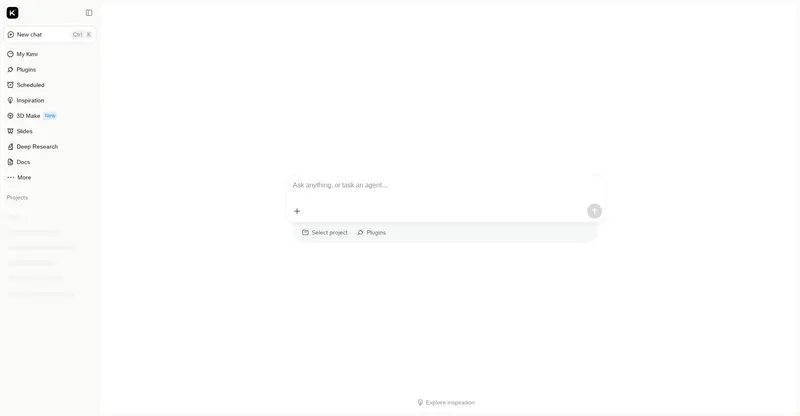
To get started with TypingMind, simply access the interface and start a new chat. You can then utilize the sidebar to manage your chats, search through your history, and take advantage of the prompt library to guide your interactions.
User Experience
Users appreciate TypingMind for its intuitive design and powerful features. The ability to organize chats into folders and search through chat history significantly improves productivity and ease of use.
Potential Limitations
While TypingMind offers a robust set of features, it may require some initial learning to fully leverage all its capabilities. Additionally, the effectiveness of the chat history search and folder organization depends on the user's ability to categorize and label their chats effectively.
Platforms and languages
TypingMind Availability
Platforms
Languages
Compare similar tools
TypingMind Alternatives
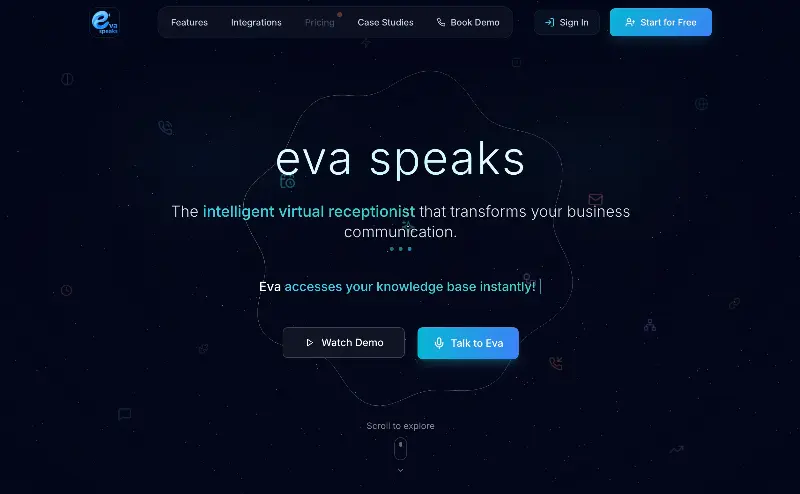 EvaSpeaksEvaSpeaks is an AI-powered virtual receptionist that answers calls 24/7, handles customer inquiries, schedules appointments, captures leads, and routes calls to the right team. It helps businesses improve response times, reduce missed opportunities, automate routine communication, and provide reliable customer support even outside regular business hours.5.0(1 reviews)AI Business SolutionsAI Voice RecognitionAI WorkflowAI receptionist
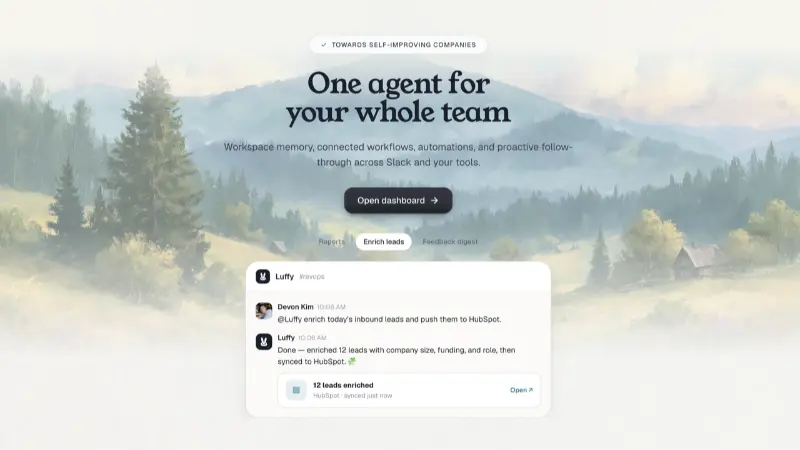 LuffyAI employee that gets work done directly in Slack5.0(1 reviews)AI Productivity ToolsAI Personal AssistantsAI WorkflowAI assistantautomationworkflow
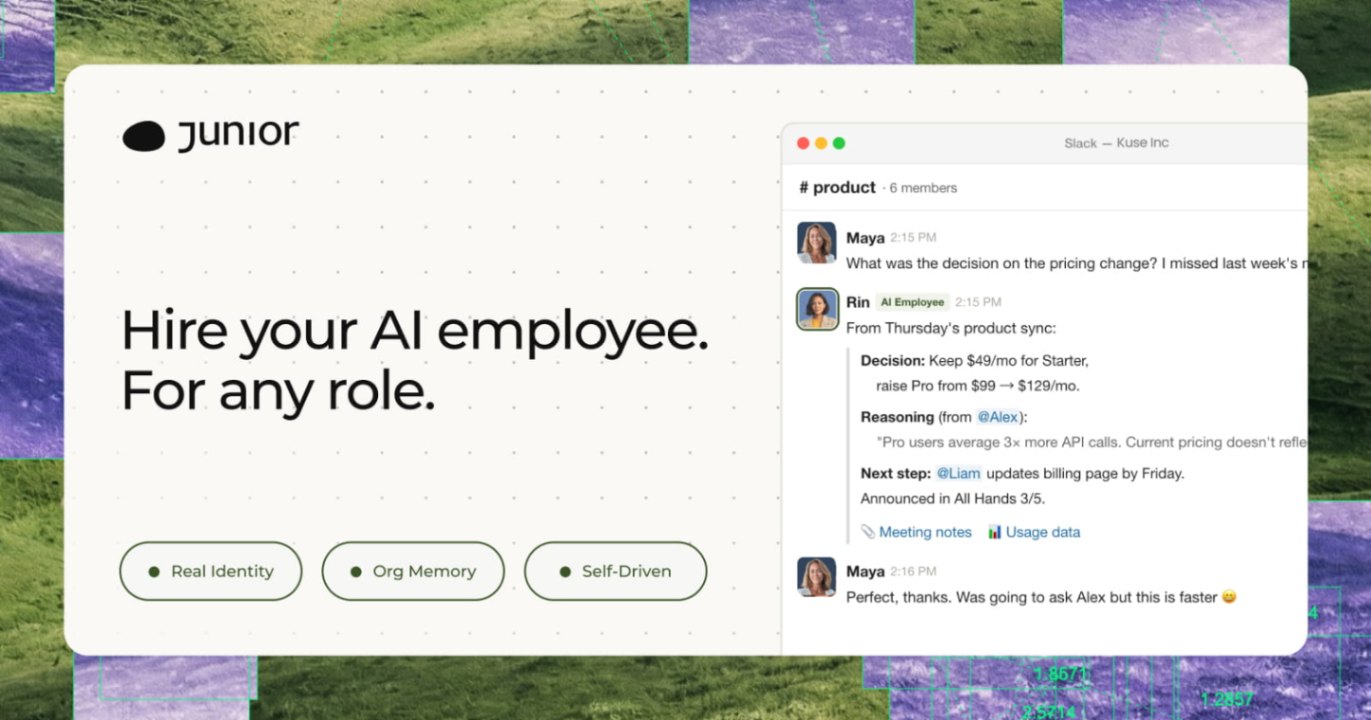 JuniorJunior is an AI employee that works inside your Slack, Teams, Lark, or Telegram. It connects to 3,000+ tools and handles sales ops, from outreach and CRM updates to follow-ups and pipeline reports. Built-in approval gates keep your team in control of every outbound action. Featured in Bloomberg, Business Insider, and LinkedIn News.AI Productivity ToolsAI Text WritingAI WorkflowAI
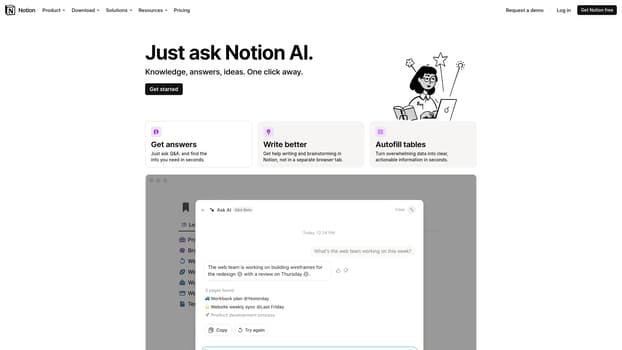 Notion AIGet answers to your urgent questions, using info across your wiki, projects & docs.4.0(1 reviews)AI Personal AssistantsAI Productivity ToolsQ&Awriting-assistancedata-organization
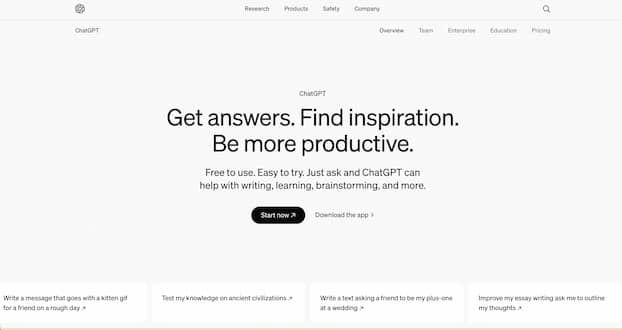 ChatGPTChatGPT helps you get answers, find inspiration and be more productive. It is free to use and easy to try. Just ask and ChatGPT can help with writing, learning, brainstorming and more.5.0(2 reviews)AI ChatbotsAI Personal AssistantsAI-poweredconversationproductivity
 GeminiBard is now Gemini. Get help with writing, planning, learning, and more from Google AI.5.0(1 reviews)AI Personal AssistantsAI Text WritingGoogle AIcreative inspirationtask management
 Viston AITurning enterprise data into practical, scalable AI outcomesAI Chatbotsvistonaiaiautomation
 Chat Bots ComparedFind Your Perfect AI Chat Bot, Answer six quick questions and get a recommendation based on the features that matter most to you.AI Chatbot BuildersAI ChatbotsAI Chat BotsAI CompanionsTech Reviews
 TaroMind AIGuided AI tarot readings blending Eastern wisdom, Western archetypes, and private journaling.Other AI ToolsAI Personal Assistantstarotreflectionpersonal growth
 CalculatorAIAI-powered financial workspace with calculators, trackers, document generators, and smart tools for better financial decisions.AI Personal AssistantsAI Data AnalysisAI Productivity Toolsfinancefinancial calculatorsinvesting
Reviews
See what the community thinks and share your experience.
—
Based on 0 ratings
Rating distribution
Community reviews
No reviews
No written reviews yet.