Free open-source desktop video editor for Windows, macOS and Linux that any AI agent can drive through a built-in MCP server, or use on its own as a full NLE.
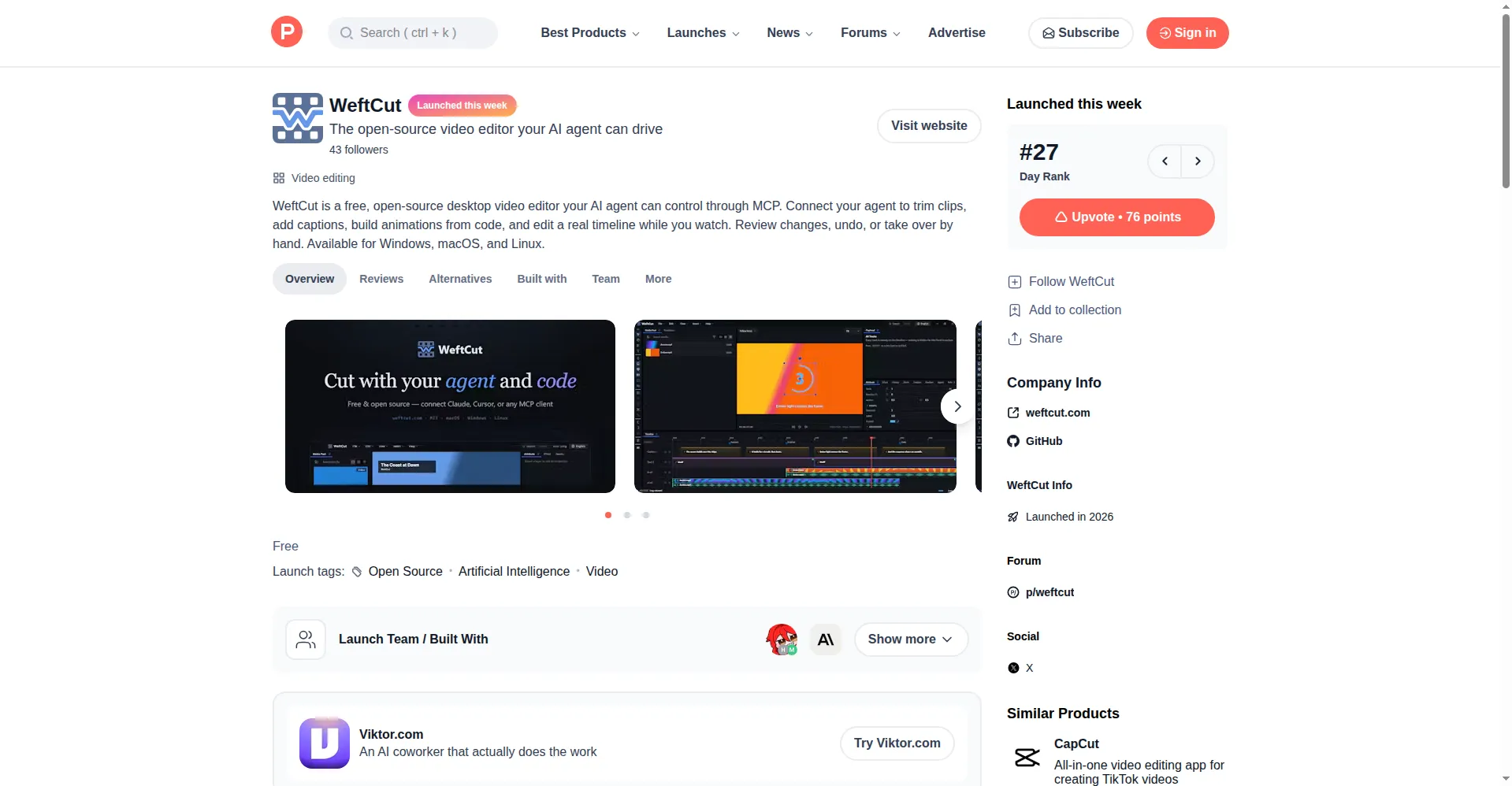
WeftCut on Product Hunt
1 / 2Overview
What is WeftCut?
The open-source video editor your AI agent can drive
WeftCut is a free, open-source desktop video editor built around a simple idea: instead of bolting AI on as a button, it exposes the editor itself as a tool surface. A localhost MCP server publishes all editing tools - place, trim, split, restyle, keyframe, group, caption, mix - and whatever agent you already have open can drive them, with every edit landing in the UI in real time and every agent action recorded.
It is still a full non-linear editor: multi-track timeline, captions, filters, transitions, audio/music and speed control, with exports from MP4 and GIF to ProRes MOV and PNG sequences (720p-4K). Because each agent operation is a regular undoable edit, you can review changes, undo them, or take over by hand at any point.
The app is local-first (Rust + FFmpeg engine, runs offline) and ships no model weights - AI runs with your own API key. The application code is MIT licensed (bundled FFmpeg keeps its own LGPL/GPL terms). Note the project is still in active development ahead of v1.0.0, so features and UI may change. Available for Windows, macOS and Linux.
Platforms and languages
WeftCut Availability
Platforms
Languages
Capabilities
WeftCut Key Features
Agent-driven editing via MCP
A built-in MCP server lets any MCP client (Codex, Claude, Gemini CLI and others) perform real timeline operations - trimming, captions, keyframes, rendering - while you watch edits land in real time.
Complete desktop NLE
Multi-track timeline with cutting, captions, filters, transitions, audio and speed controls; exports MP4, GIF, WebM, MOV ProRes and PNG sequences from 720p to 4K.
Motifs - animations from code
Code-defined animation building blocks: code your agent writes renders as video and becomes editable clips on the timeline.
Non-destructive, reviewable workflow
Every agent operation maps 1:1 to an undoable edit, synced live over WebSocket; pause, undo or take over by hand at any moment.
Local-first performance
Rust + FFmpeg media engine runs locally and can work offline; AI capability uses your own API key, no model weights bundled.
Best for
Who uses WeftCut?
Video creators and developers
Let an AI coding agent perform real, reviewable edits on a desktop timeline, or edit by hand in a complete NLE
Plans and access
WeftCut Pricing
Free
Common questions
WeftCut FAQs
Is WeftCut really free?
Yes. The application code is MIT licensed and the editor itself is free to download and use on Windows, macOS and Linux.
How do I use it with my AI agent?
Download WeftCut from GitHub Releases, then connect any MCP client (Claude Code, Codex, Gemini CLI, Claude App) to its built-in MCP server. The agent's edits appear on the timeline in real time; you can also skip the agent and use it as a normal editor.
Where does the AI run - is my footage uploaded somewhere?
Everything runs on your own machine. The editor is local-first and can work offline; AI features use your own API key.
What platforms are supported?
Desktop only: macOS, Windows and Linux (x64 and Apple Silicon). There is no web, iOS or Android version.
Is it production-ready?
It is under active development and has not reached v1.0.0 yet, so expect features and UI/UX to keep changing. It is a one-maintainer open-source project.
Reviews
See what the community thinks and share your experience.
—
Based on 0 ratings
Rating distribution
Community reviews
No reviews
No written reviews yet.