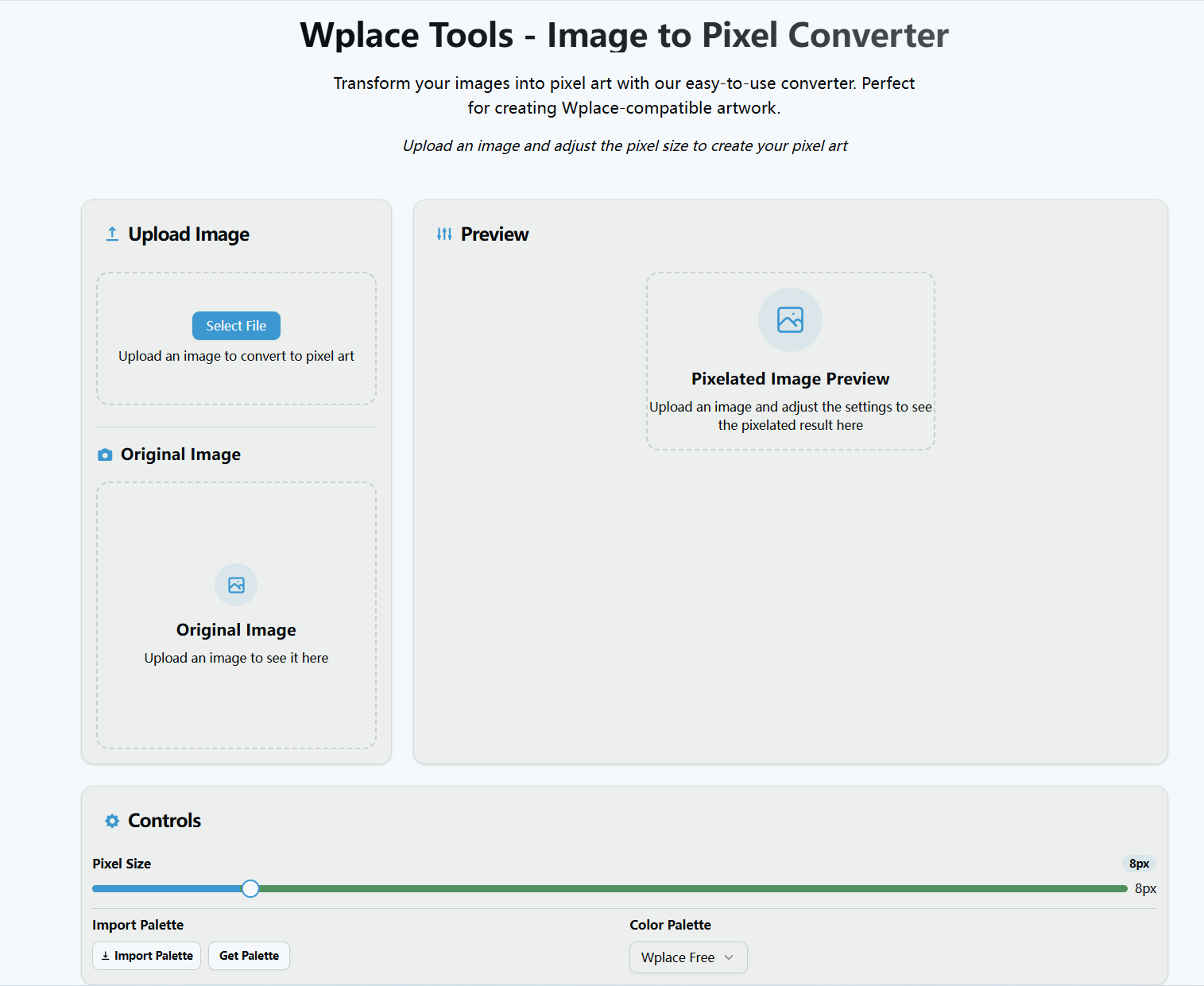
Wplace ToolKit
Wplace.info offers a comprehensive suite of tools designed to enhance your Wplace experience and make creating pixel art easier, more efficient, and more enjoyable.
Product screenshot
Overview
What is Wplace ToolKit?
Discover the Ultimate Wplace Toolkit: Everything You Need for Collaborative Pixel Art
Are you a digital artist looking to explore the exciting world of collaborative pixel art? Look no further than Wplace.info – your comprehensive resource hub for the Wplace platform. Today, I'm excited to introduce you to this powerful suite of tools that will transform your Wplace experience and help you create amazing artwork with the global community.
What is Wplace?
Wplace is a revolutionary collaborative pixel art platform where millions of users from around the world come together in real-time to create massive artworks on a shared digital canvas. Unlike traditional art platforms, Wplace overlays its canvas on an interactive world map, allowing users to paint anywhere from bustling cities to remote islands. This unique approach creates an ever-evolving global masterpiece where every pixel you place contributes to something much larger than yourself.
Inspired by Reddit's famous r/place experiment, Wplace brings together artists, creators, and enthusiasts to express themselves through the simple yet powerful medium of pixels. From detailed cityscapes to abstract representations of landscapes, Wplace offers endless possibilities for artistic expression while fostering a vibrant global community.
The Wplace.info Toolkit: Your Gateway to Enhanced Creation
Wplace.info offers a comprehensive suite of tools designed to enhance your Wplace experience and make creating pixel art easier, more efficient, and more enjoyable. Let's explore the key features:
- Wplace Professor Browser Extension
The crown jewel of our toolkit is the Wplace Professor – a powerful browser extension that transforms how you interact with Wplace. This extension provides:
- Pixel Art Creation: Convert any image into pixel art using wplace.live's official color palette
- Overlay Controls: Place transparent overlays on the canvas to guide your pixel placement
- Location Management: Save your favorite locations with custom names and share them with others
- Advanced Controls: Adjust opacity, zoom levels, and move overlays with precision
- Cross-Browser Compatibility: Works seamlessly on Chrome, Edge, and other major browsers
- Wplace Address Search
Finding specific locations on the massive Wplace world map can be challenging. Our Address Search tool leverages the OpenStreetMap Nominatim API to help you:
- Find any address, city, or landmark worldwide
- Get precise coordinates and optimal zoom levels
- Navigate seamlessly to your desired painting locations
- Discover new spots for your next masterpiece
- Color Palette Exporter
Our Wplace Color Palette Exporter allows you to:
- Select from both free and paid Wplace colors
- Export palettes in multiple formats (JSON, CSV, GPL)
- Create custom palettes for your digital art projects
- Ensure perfect compatibility with Wplace's official color scheme
- Image to Pixel Converter
Transform your favorite images into stunning Wplace-compatible pixel art with our advanced converter:
- Apply the official Wplace color palette for perfect compatibility
- Adjust pixel size to achieve your desired level of detail
- Choose from various color palettes including official Wplace colors
- Download your creations instantly in PNG format
The Wplace Economy: Droplets and Beyond
Wplace operates on a unique economic system centered around Droplets – the platform's core currency. You can earn Droplets through various activities:
- 1 Droplet per pixel painted
- 500 Droplets for each new level achieved
- In-game purchases for immediate access to premium features
These Droplets can be used to enhance your experience by purchasing additional paint charges, custom profile pictures, country flags, and unlocking special colors that aren't available for free.
Community and Collaboration
Wplace thrives on community collaboration. The platform encourages:
- Creative Collaboration: Building upon others' artwork to create something new
- Respectful Interaction: Following community guidelines that ensure a positive environment
- Real-time Participation: Seeing other users' pixels appear instantly as they paint
- Global Connection: Collaborating with artists from different cultures and backgrounds
Getting Started with Wplace
Ready to begin your pixel art journey? Here's how to get started:
- Visit Wplace: Go to wplace.live and choose a location on the world map
- Start Painting: Use the pixel brush tool to create your artwork
- Collaborate in Real-time: Watch as other artists contribute simultaneously
- Share Your Creations: Show off your artwork to the Wplace community
For faster painting, hold the SPACE key and move your cursor across the map. And don't forget to explore the tools at Wplace.info to enhance your creative process!
Join the Community
Wplace.info connects you with a vibrant community through multiple channels:
- Discord: Join the official Wplace Discord server
- Reddit: Participate in discussions on r/WplaceLive
- Social Media: Follow Wplace on Instagram, YouTube, Twitter, and Twitch
- Feedback: Share bug reports and feature requests to help improve the platform
Conclusion
Wplace.info represents your complete resource hub for everything Wplace-related. Whether you're a beginner looking to start your first pixel art project or an experienced artist seeking advanced tools to enhance your workflow, our platform provides everything you need for a successful and enjoyable Wplace experience.
The combination of powerful tools like Wplace Professor, precise location finding with Address Search, perfect color matching with the Palette Exporter, and seamless image conversion makes Wplace.info an indispensable companion for any Wplace artist. The platform's emphasis on community, creativity, and collaboration creates an environment where artistic expression knows no boundaries.
Ready to start creating? Visit Wplace (https://wplace.live/) today and begin your journey on the collaborative canvas that's bringing together millions of artists worldwide. With the tools and resources provided by Wplace.info, you're well-equipped to make your mark on this ever-evolving global masterpiece.
Platforms and languages
Wplace ToolKit Availability
Platforms
Languages
Product video
Wplace ToolKit in action
Compare similar tools
Wplace ToolKit Alternatives
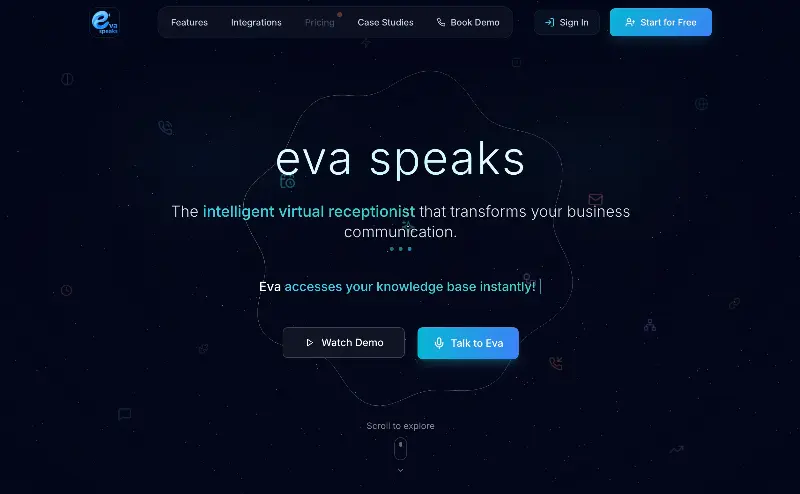 EvaSpeaksEvaSpeaks is an AI-powered virtual receptionist that answers calls 24/7, handles customer inquiries, schedules appointments, captures leads, and routes calls to the right team. It helps businesses improve response times, reduce missed opportunities, automate routine communication, and provide reliable customer support even outside regular business hours.5.0(1 reviews)AI Business SolutionsAI Voice RecognitionAI WorkflowAI receptionist
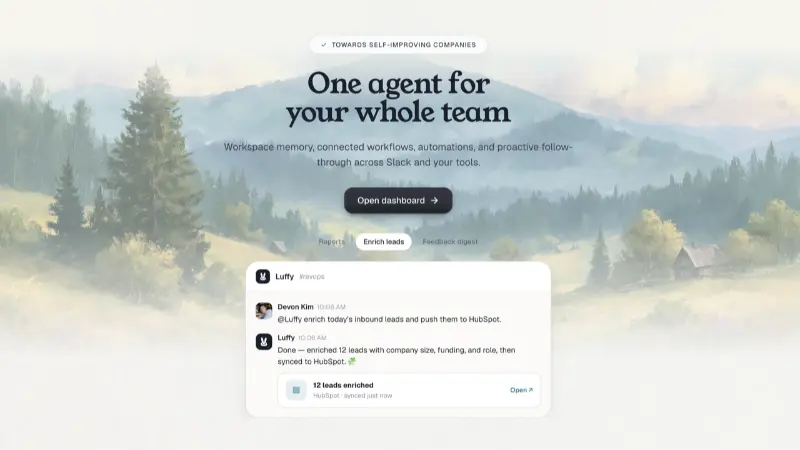 LuffyAI employee that gets work done directly in Slack5.0(1 reviews)AI Productivity ToolsAI Personal AssistantsAI WorkflowAI assistantautomationworkflow
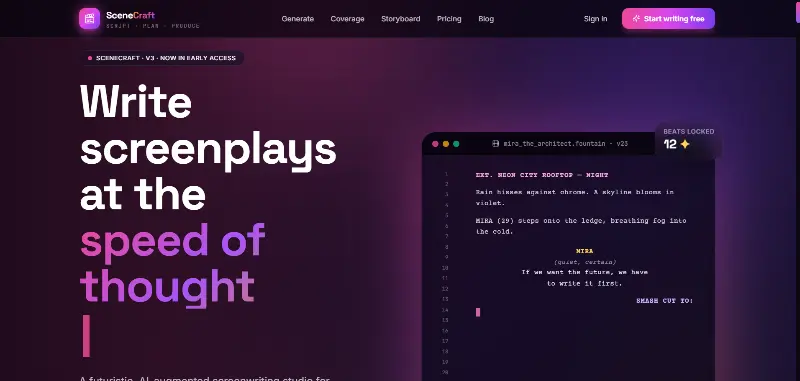 SceneCraft - AISceneCraft is an AI screenwriting studio. Generate full screenplays from an idea, get instant AI script coverage, and turn scenes into storyboards or full comic pages — all in industry-standard format, in 100+ languages. Built for screenwriters, showrunners, and indie filmmakers who want to move from idea to pre-production without switching tools.5.0(1 reviews)AI Image GenerationAI Text WritingAI StorytellingTurn any scene into a comic pagepanel by panel.
 OpuslyOpusly is an AI studio for creators — generate images and videos with auto-picked best models (Nano Banana 2, GPT-Image-2, Seedance 2.0), or use one-click scene templates like Italian Brainrot and MSPaintify. Free signup includes 30 credits.AI Image GenerationAI Video CreationAI Design Art
 ImgfreeImgfree is a free AI image and video generator that allows users to create stunning visuals from text prompts, offering unlimited access to various AI models without the need for credits.AI Image GenerationAI Video CreationAI Design Art
 Modellix.aiModellix is a MaaS (Model as a Service) platform that provides unified API access to maintream AI models, covering text-to-image, text-to-video, image-to-image, image-to-video, video editing, and more. Supported models include Nano Banana, Kling, Veo, Seedance, Seedream, Minimax, Qwen, Wanx, GPT, and others.
Whether you’re a developer building AI-powered applications or a creator producing visual content, Modellix provides the tools you need through a single API.AI Video CreationAI Marketing ToolsAI Image Generation
Modellix.aiModellix is a MaaS (Model as a Service) platform that provides unified API access to maintream AI models, covering text-to-image, text-to-video, image-to-image, image-to-video, video editing, and more. Supported models include Nano Banana, Kling, Veo, Seedance, Seedream, Minimax, Qwen, Wanx, GPT, and others.
Whether you’re a developer building AI-powered applications or a creator producing visual content, Modellix provides the tools you need through a single API.AI Video CreationAI Marketing ToolsAI Image Generation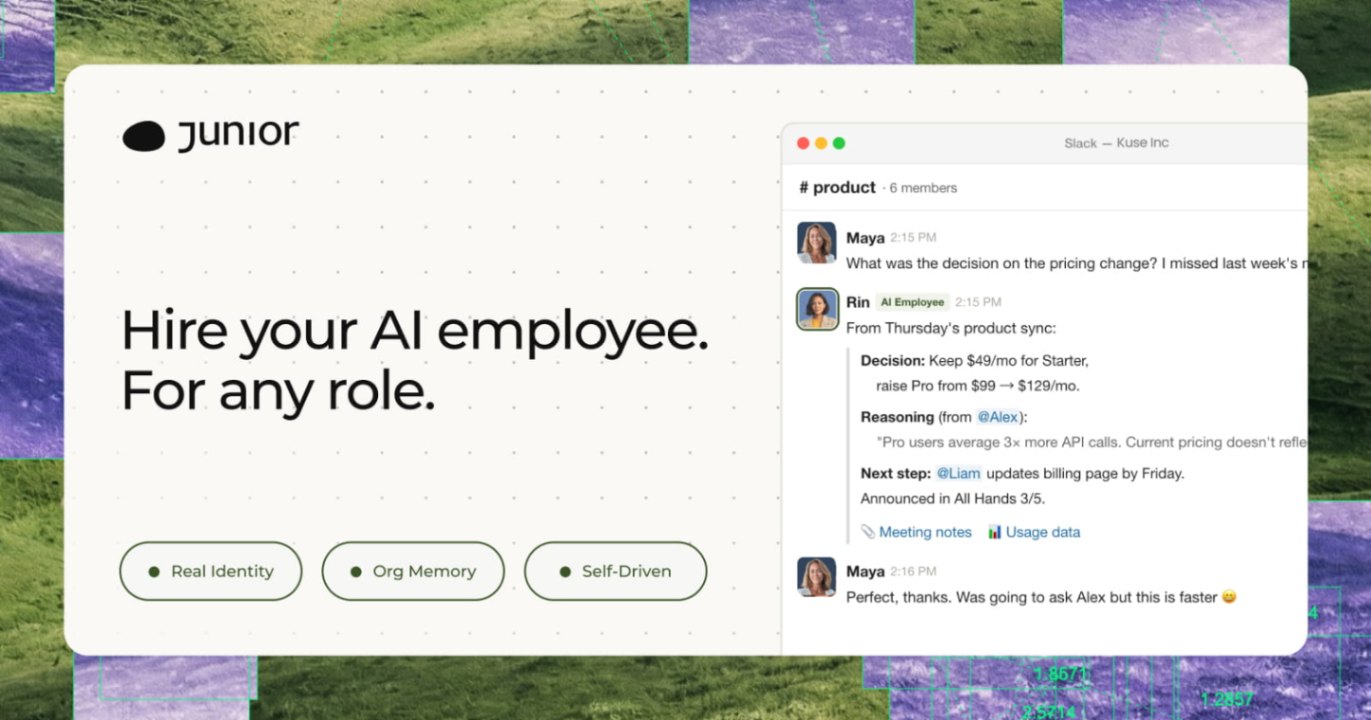 JuniorJunior is an AI employee that works inside your Slack, Teams, Lark, or Telegram. It connects to 3,000+ tools and handles sales ops, from outreach and CRM updates to follow-ups and pipeline reports. Built-in approval gates keep your team in control of every outbound action. Featured in Bloomberg, Business Insider, and LinkedIn News.AI Productivity ToolsAI Text WritingAI WorkflowAI
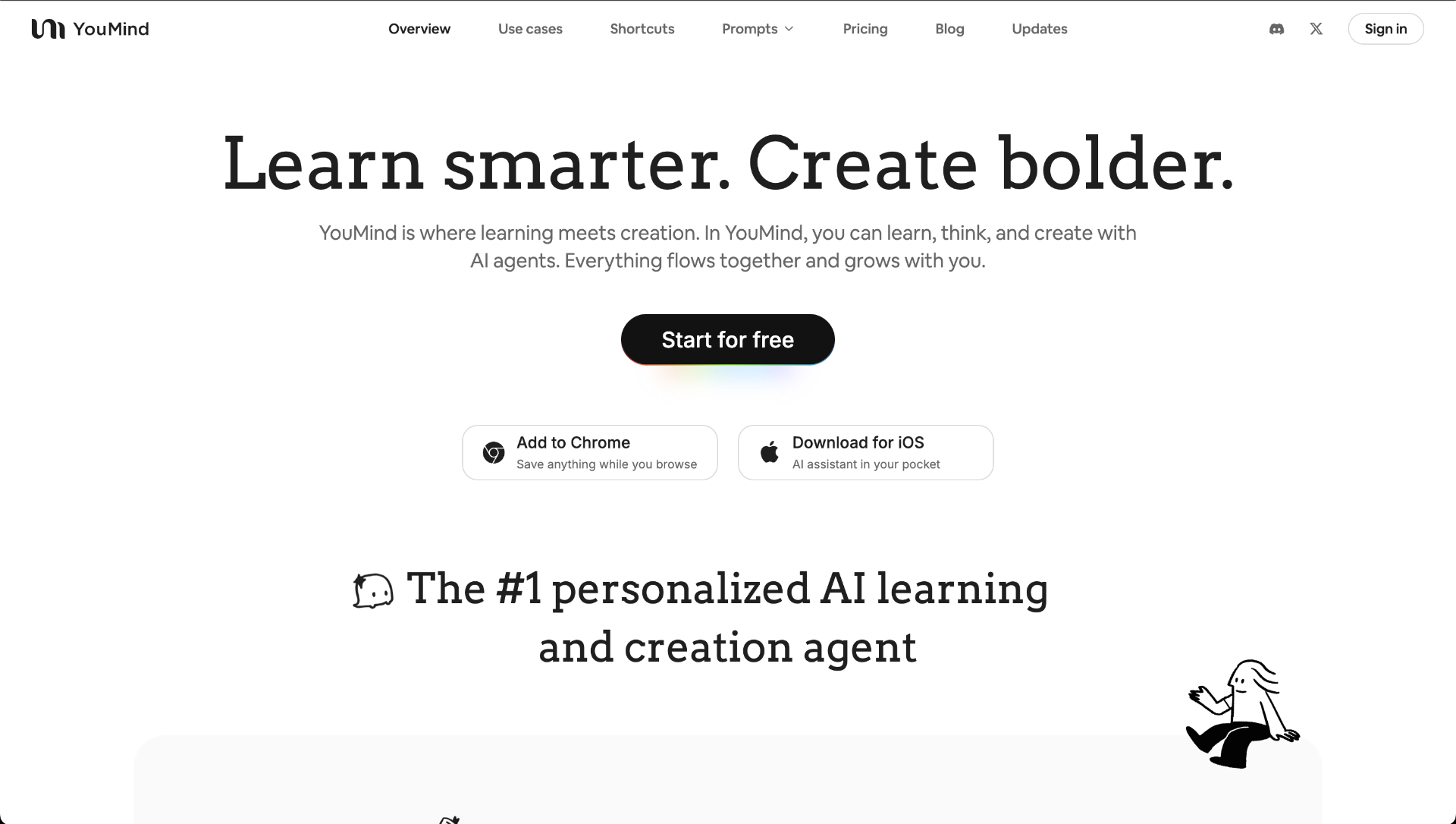 YouMindYouMind is an innovative creation agent that harnesses the power of generative AI to transform diverse materials into inspired creations.5.0(1 reviews)AI Image GenerationAI Text WritingAI Workflow
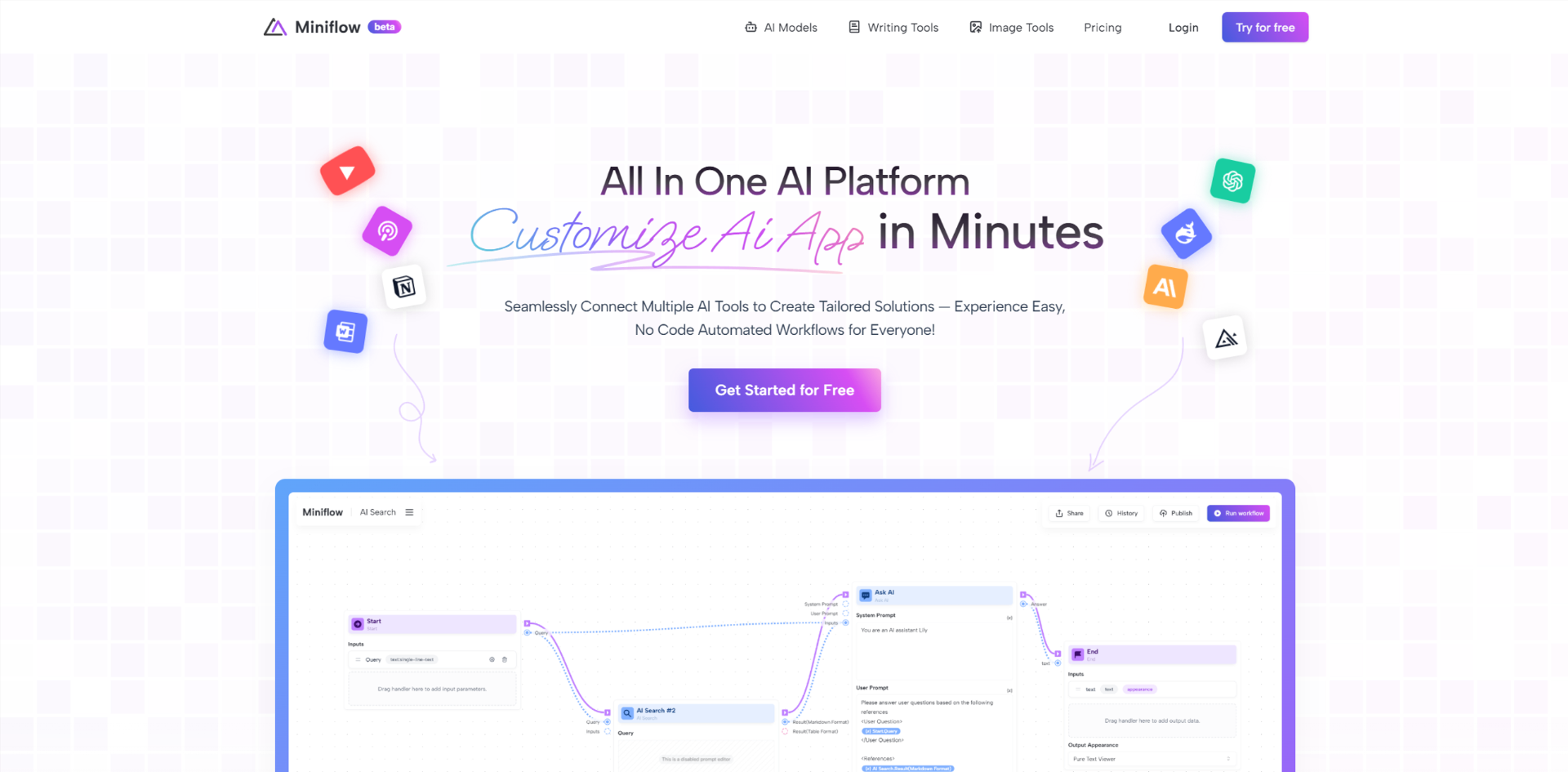 Miniflow AISeamlessly Connect Multiple AI Tools to Create Tailored Solutions — Experience Easy, No Code Automated Workflows for Everyone!5.0(1 reviews)AI WorkflowAI Productivity Tools
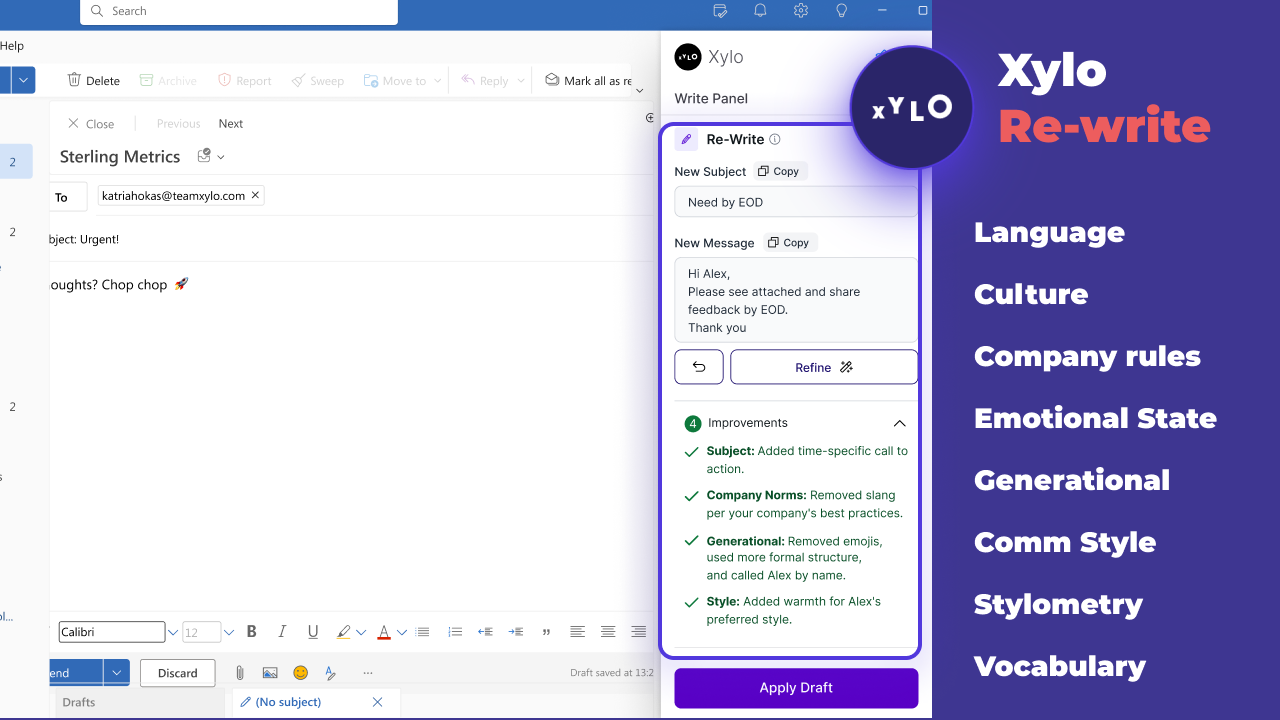 Xylo AISupporting productive working relationships and written communication with emotionally intelligent AI email assistant.AI Business SolutionsAI WorkflowAI Productivity Tools
Reviews
See what the community thinks and share your experience.
—
Based on 0 ratings
Rating distribution
Community reviews
No reviews
No written reviews yet.