
Google Playground vs Roblox Build: Which Prompt-to-Game AI Fits You?
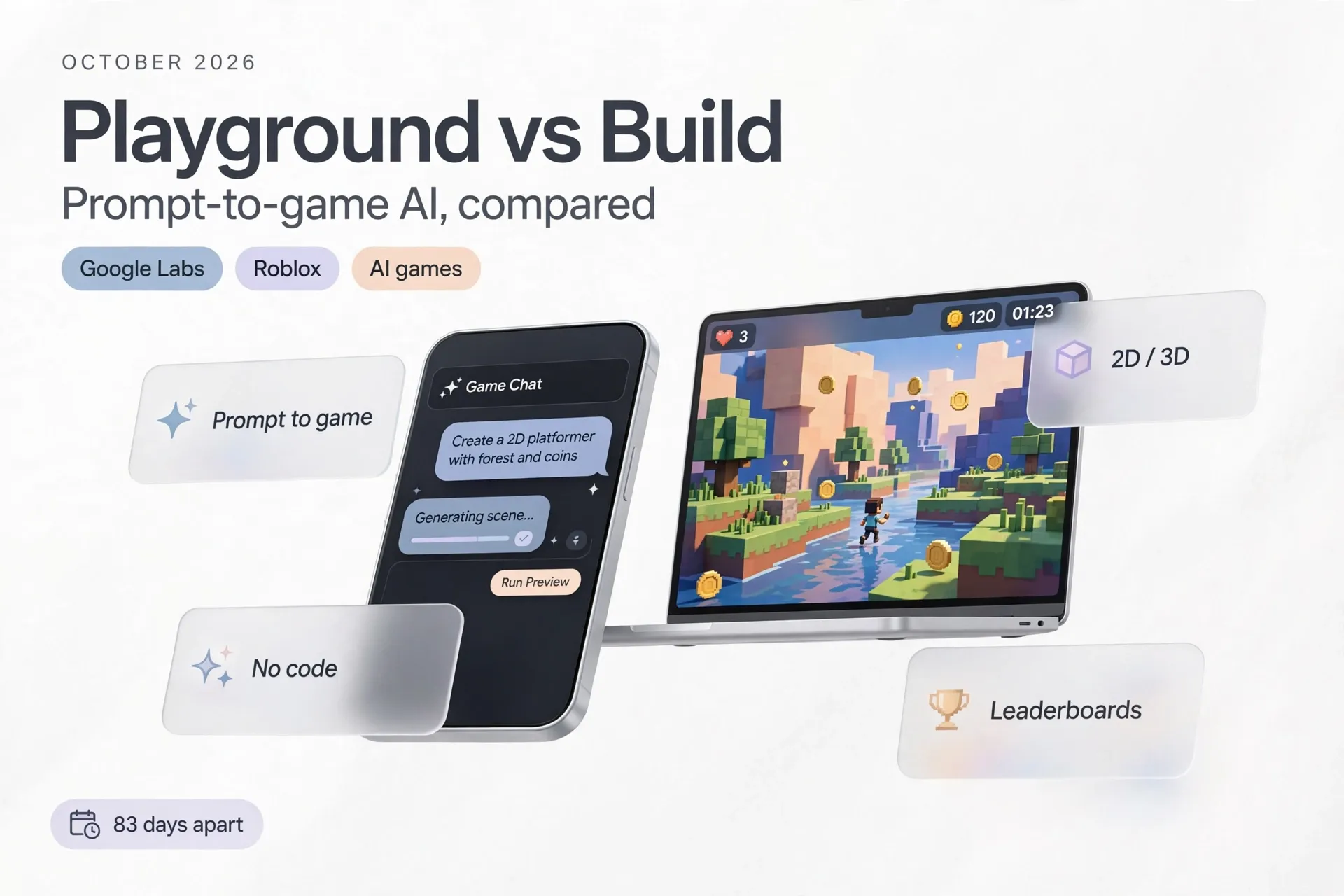
On October 7, 2026, Google Labs opened the doors to Playground, an experimental platform that turns typed prompts into playable browser games. It arrived just 83 days after Roblox announced "Build," a feature that does something strikingly similar inside the Roblox mobile app: describe the game you want, and AI builds a first playable version for you.
Two of the largest tech ecosystems on the planet are now betting that the next game creator doesn't need to code at all. But while the premise sounds identical, Playground and Build are built for different people, different devices, and different endgames. Here's how they actually compare — and how to decide which one deserves your time.
Two Ways to Skip the Code
Google's Playground starts with a chat box. You type what you want — say, a 2D tower defense game with a neon art style — pick between 2D or 3D, single-player or multiplayer, and the platform generates a playable game right in the browser. If you get stuck, starter prompts and guided support help shape the concept. You can upload reference images and have the AI convert them into game assets that match your project's aesthetic, then keep editing with follow-up instructions: tweak the physics, rewrite the rules, swap characters, or overhaul the environment.
Under the hood, Playground leans on Gemini, Nano Banana, and Lyria models wrapped in what Google calls a "custom harness" to make game creation accessible. Finished games run in the browser on phones and laptops, stay private, travel by shareable link, or go public in the Playground Explore gallery, where player ratings and play activity surface the best work. Select titles get leaderboards and multiplayer support, and a Play Games profile gives players a handle, likes, and creator follows.
Roblox Build takes the opposite route into the same idea: instead of a standalone website, it lives as a creation tab inside the Roblox mobile app. Type "Let's make a cozy adventure game set in a dense forest," and Build generates a playable starting point covering gameplay mechanics, environment, characters, visual style, and sound. From there you iterate, playtest, share with friends, or publish directly to Roblox.
Build is powered by a mix of open-source and proprietary Roblox models, including Cube, the company's 3D foundation model, plus Procedural Models that generate parametric 3D assets from text or images. Crucially, Build shares a back end with Roblox Studio, the free desktop creation tool: you can start a project on your phone and continue refining it with the full Studio toolset, or launch agentic helpers from Studio and check their progress from mobile. Roblox is also testing a playtesting agent, an analytics agent, and an experiment agent that flag bugs, answer plain-language questions about your game, and suggest tests to lift engagement.
In short: Playground is Google's bet that game creation should be as easy as chatting and as portable as a URL. Build is Roblox's bet that creation should happen wherever its players already are — and feed straight into the largest user-generated gaming economy on earth.
Head-to-Head: The Key Differences
| Google Playground | Roblox Build | |
|---|---|---|
| Announced | October 7, 2026 | July 16, 2026 |
| Format | Standalone browser platform | Creation tab inside the Roblox app |
| Where games run | Any browser, phone or laptop | Inside Roblox (browser play arriving end of 2026) |
| Who can create | 18+, United States for now | Age-verified 9+ (alpha); 16+ to publish globally |
| Cost | Free with weekly creation limits; higher limits for Google One subscribers | Free base version; paid options for power users |
| AI stack | Gemini, Nano Banana, Lyria + custom harness | Open-source + proprietary Roblox models, incl. Cube 3D |
| Sharing | Private, share link, or Explore gallery | Share with friends or publish to Roblox |
| Discovery | Player ratings and play activity | Retention-based ranking (games nobody plays don't surface) |
| Path to pro | Unity Spark integration (planned, later 2026) | Roblox Studio shared back end |
| Moderation | Safety screening + player reporting | Safety checks; extended review for Kids catalogs |
Where the Philosophies Diverge
Open web vs. closed ecosystem. This is the real fork. Playground games are URLs: anyone with a browser can open them, no Roblox account, no app install, no platform tax. That makes Playground frictionless for sharing — a teacher can drop a link in a classroom chat, a marketer can embed a mini-game in a campaign page. The trade-off is that you're building on Google's experimental infrastructure, with no built-in audience beyond the Explore gallery.
Build goes the other way: everything it generates plugs into Roblox's existing machine — millions of players, a virtual economy, and discovery systems that already know how to surface hits. The cost of that reach is platform lock-in: your game is a Roblox experience, full stop, and it competes for attention inside Roblox's own rankings.
Casual breadth vs. creator ladder. Playground's roadmap points toward Unity Spark, a browser-based Unity product set to arrive inside Playground later in 2026 with professional-level mechanics and high-fidelity 3D. The pitch: start with a sentence, grow into Unity's runtime when you're ready. Build's ladder is already built — the same project that starts as a phone prompt can be opened in Roblox Studio, where the full professional toolset (and a generation of working developers) is waiting.
How they handle the "AI slop" problem. Both companies know that lowering the barrier to creation risks flooding their galleries with forgettable content. Playground leans on player ratings and play activity to spotlight games that are fresh, creative, and fun. Roblox is blunter: its discovery ranks games by long-term retention, and as the company put it, games nobody plays simply won't be found. The industry context is real — a 2026 Game Developers Conference survey found 52% of game professionals believe generative AI is having a negative impact on the industry — so both approaches will be watched closely.
Early traction vs. early experiment. Build has a three-month head start and real numbers: at its RDC26 developer conference in September 2026, Roblox said 71% of people building with Build had never touched Studio, and roughly 9,000 games had already been made on phones. Playground is days old, US-only, and still working through a weekly token allowance that Google hasn't fully detailed — the ceiling is unknown, by design.
Who Should Pick Which
Try Google Playground if you: live in the US and are 18 or older; want to prototype a game idea in minutes and share it as a link; have no interest in joining the Roblox ecosystem; or want a no-install way to make browser games for friends, students, or an audience that won't install an app. The Unity Spark integration makes it the more interesting long-term bet for anyone curious about browser-based 3D.
Try Roblox Build if you: already play or create on Roblox; want your game in front of an enormous existing audience; like the idea of starting on your phone and finishing in a professional desktop tool; or want to experiment with agentic helpers for playtesting and analytics. It's also the only option of the two for younger creators, with access starting at age 9 (verified) and global publishing at 16.
Try both if you: are evaluating prompt-to-game as a workflow rather than a platform. Describing the same game concept in each tool is currently the fastest way to learn what today's AI game generation is actually good at — and where it still falls apart.
Limitations Worth Knowing
Neither tool is a game studio in a box, and both companies are careful — mostly — about what they promise. Playground is an experiment: creation is gated behind weekly token limits that scale with your Google One subscription, access is restricted to the US, and Google is explicit that Unity Spark is a future integration, not a current capability. Don't plan a production pipeline around it yet.
Build's constraints are different. What it generates is a starting point — basic games, by Roblox's own description — and anything ambitious still needs Roblox Studio. The retention-based discovery that keeps "AI slop" off the homepage also means most AI-generated games will quietly disappear, which is healthy for the platform but sobering for creators. And while a free base tier exists, the paid power-user options suggest serious iteration will eventually cost money.
Both tools also inherit the open questions around AI-generated game assets: who owns what, and how original the output really is. Neither company has fully answered those yet.
The Verdict
Google Playground and Roblox Build agree on the future — game creation through conversation — but they disagree on where that future lives. Playground bets on the open web: maximum portability, minimum friction, and a growth path toward Unity's professional tooling. Build bets on the platform: your prompt becomes a Roblox game, with an audience, an economy, and a professional editor one click away.
If you want the fastest path from idea to a link you can send anyone, start with Playground. If you want the fastest path from idea to players, start with Build. The 83 days between their announcements suggest this race is just getting started — and the real winner may be whichever tool teaches a generation that they can make games at all.
Sources
- Gadget Review, "Google Labs Launches an AI Tool for Building Browser Games" — https://www.gadgetreview.com/google-labs-launches-an-ai-tool-for-building-browser-games
- 9to5Google, "Google announces Playground for prompt-based game creation" — https://9to5google.com/2026/10/07/google-labs-playground/
- Gaming.net, "Google Launches Playground AI Game Platform With Unity Spark to Follow" — https://www.gaming.net/google-launches-playground-ai-game-platform-with-unity-spark-to-follow/
- Roblox Corporation (via Business Wire), "Roblox Introduces Build: A New Way to Create on the Platform" — https://www.businesswire.com/news/home/20260716034347/en/Roblox-Introduces-Build-A-New-Way-to-Create-on-the-Platform
- TechCrunch, "Roblox launches an AI-powered game-creation feature in its mobile app" — https://techcrunch.com/2026/07/16/roblox-launches-an-ai-powered-game-creation-feature-in-its-mobile-app/
- TechDefused, "Roblox brings games to the browser and doubles down on AI creation" — https://techdefused.com/a/AGmJHUf/roblox-brings-games-to-the-browser-and-doubles-down-on-ai-creation