
How to Turn Your Photos into an Explorable 3D World with World Labs Atlas
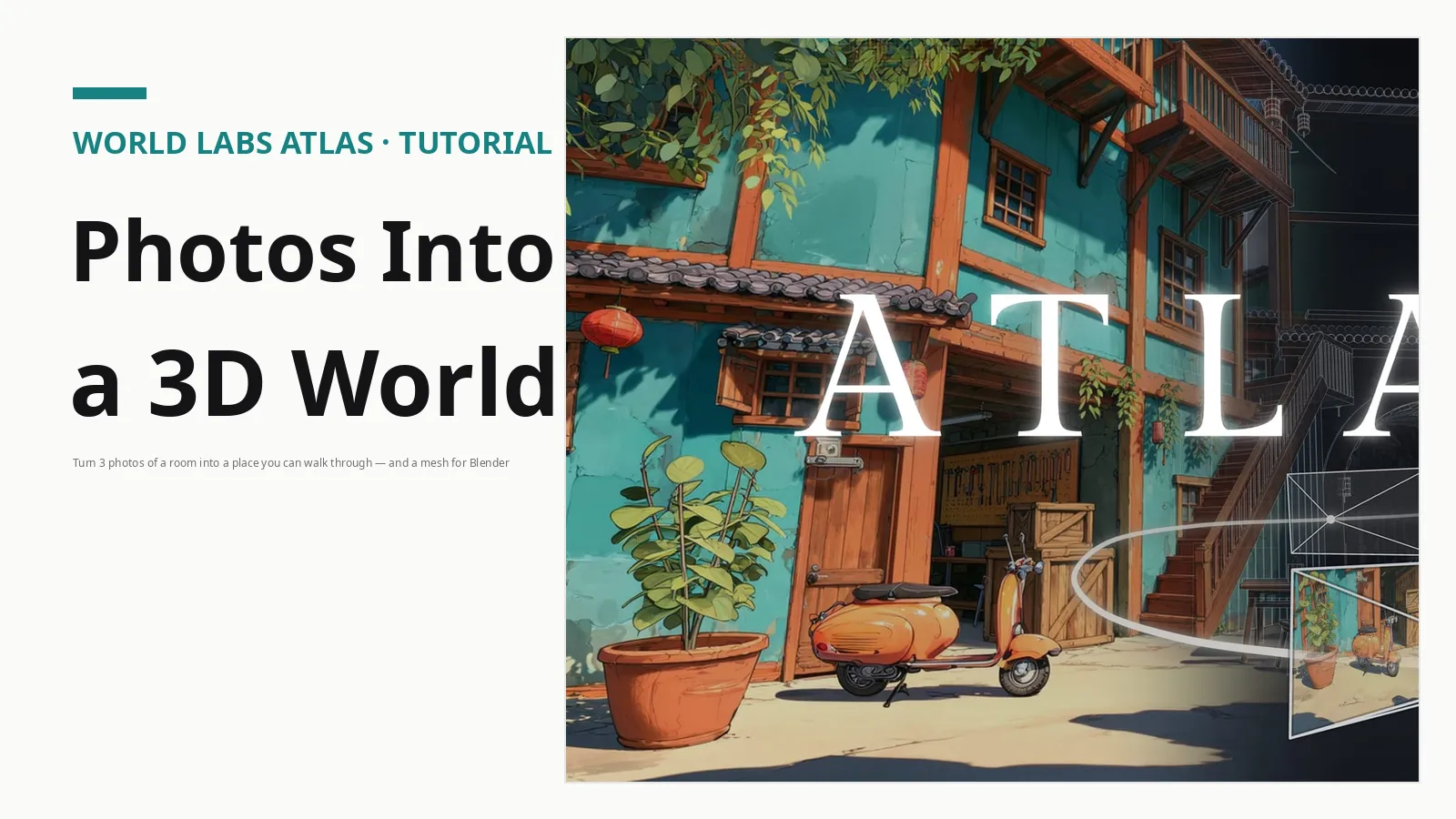
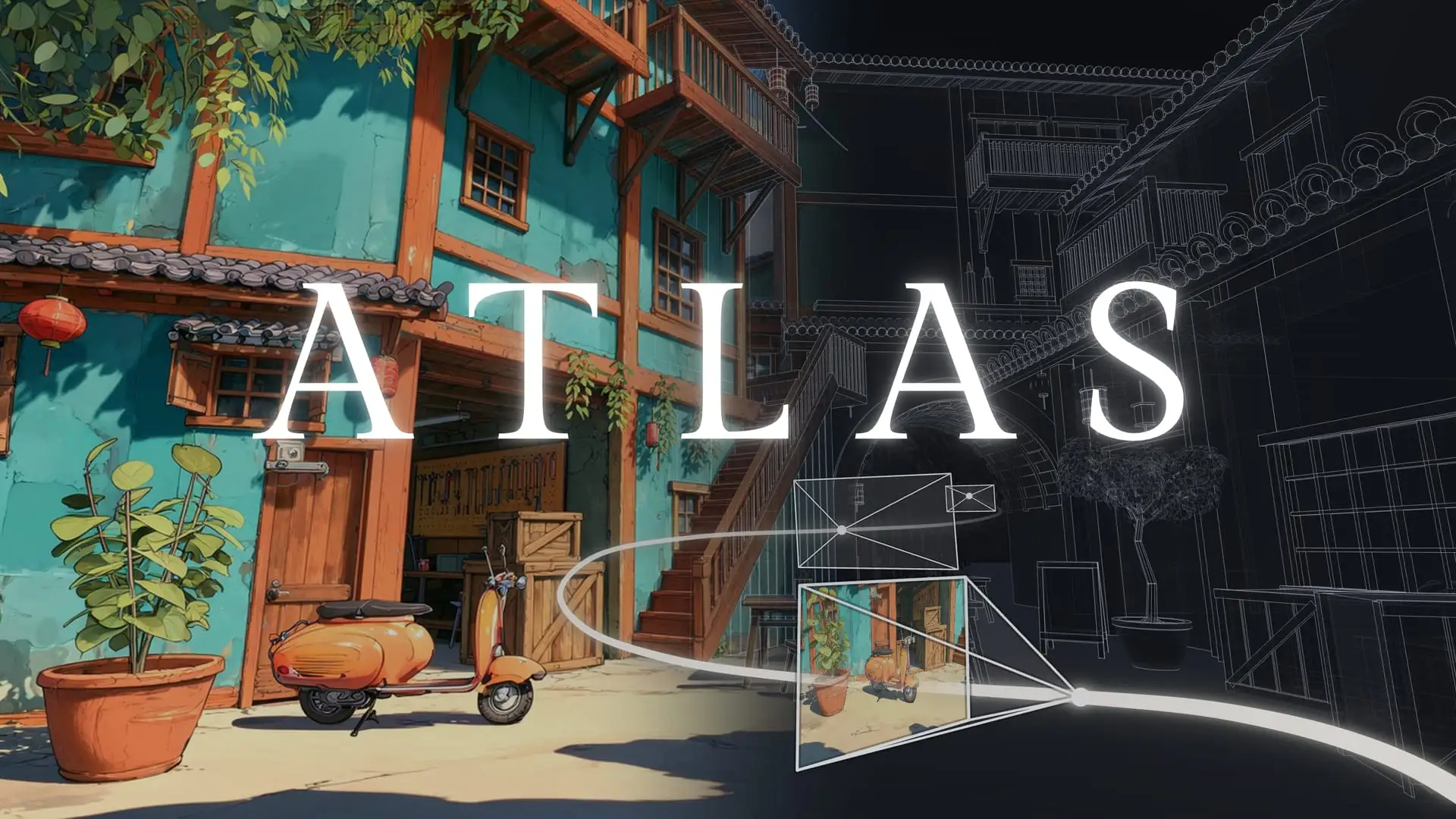
A photo is a frozen viewpoint. On November 12, World Labs opened Atlas to everyone, and its pitch is simple: feed it a few photos of a room and it hands back a place you can move through. Not a video clip of a place — a three-dimensional scene with real camera positions, which you can orbit, render, and export as a file you can open in Blender.
Atlas is not brand new. World Labs announced it on September 1, 2026, as a world model that takes text, images, video, depth, and 3D structure as input and writes scenes out as 3D Gaussian splats. Until this week it was in early access with selected partners. What changed on November 12 is the audience: anyone can now sign up and use it, through two browser apps and a public API. The model is still young, its pricing is only partly published, and no independent tests have verified World Labs' quality claims yet — but this is the right week to try it hands-on.
This guide walks through the full loop — three or four photos of a room, a camera-path render, and a mesh you can open in Blender — in about an hour, most of it waiting for the splat to build.
What Atlas actually does
A world model differs from an image or video generator: an image model gives you one picture, a video model a sequence of pictures. Atlas builds a scene with geometry behind it, so the camera can move and the world stays consistent. One photo is enough for it to imagine the scene around it; up to 64 overlapping photos reconstruct the real place, with a camera pose and depth map per frame.
Three things come out of it. First, keyframes and video clips: you set camera positions and Atlas renders the move between them. Second, 3D Gaussian splats — the standard way to capture real places in 3D — saved as SPZ or PLY files. Third, through a companion tool, a real polygon mesh with geometry you can use in a game engine or a 3D app.
Two honest limits before you start. Atlas is a closed product: no model weights, paper, or model card have been published, and it is only available through World Labs' own apps and API. And the headline numbers — World Labs says Atlas can generate up to a minute of video at 1440p from a small number of reference images — are the company's own claims, with no independent replication yet.
What you need before the first upload
You need a World Labs account, a phone, and a room. Pick a room with clear structure and steady light — a living room or bedroom beats a long empty corridor or a room full of mirrors. Shoot three or four photos to start, standing in different corners and overlapping each shot with the last by about half. Keep the exposure consistent — turn off auto-flash, avoid shooting straight into a window, and ask people to step out of frame. Moving objects confuse reconstruction, so still rooms work best.
You do not need a powerful computer: Viewfinder and Chisel run in the browser, and the heavy work happens on World Labs' servers. You will want Blender only at the end, if you plan to open the mesh — and Blender 5.3, released November 10, imports Gaussian splats natively, so no add-on is required.
Before creating an account, try Frameboy: it streams Atlas scenes to your browser in real time, at up to 15 frames per second, and you can now walk through worlds you created yourself. It is free and needs no sign-up — the fastest way to feel what a world model is.
Step 1: Reconstruct your room in Viewfinder
Open Atlas and sign in, then choose Viewfinder, the app that starts from images. Upload your three or four photos of the room. Atlas reconstructs the scene and hands you a camera to move through it — orbit around and check that walls, furniture, and doorways hold their shape from every angle. If a corner looks melted or a chair has doubled, add two or three more photos covering that spot and rebuild. More overlap is the cheapest fix in this workflow.
Once the scene looks solid, set a few camera keyframes along a path — a slow push-in from the door, a pan across the desk, a rise toward the window — and render the move as a video clip. This is the fastest way to judge quality: a still hides problems a moving camera exposes. If the render wobbles in one stretch, move that keyframe or add a photo from that viewpoint and render again.
Note the difference: one photo is enough for Atlas to generate a plausible scene, but that scene is the model's imagination, not your room. For a faithful reconstruction, use real overlapping photos.
Step 2: Shape the scene with Chisel
Viewfinder starts from images. Chisel starts from geometry, and it is the tool to reach for when the room is not quite what you want. You lay out planes, blocks, and basic shapes — walls, furniture, structure — the greyboxing stage of any 3D build, then style the scene with text prompts or reference images while an agent applies a sequence of revisions. Every camera view updates as you move things around.
Use Chisel for a different job than Viewfinder: not to copy a room, but to plan one. Block out a set for a short film, rearrange a room before moving real furniture, or sketch a game level and let Atlas fill in the surfaces. If your goal is a faithful copy of a real room, skip Chisel and stay in Viewfinder.
Step 3: Turn the splat into a mesh you can use
A splat is a great way to look at a place, but game engines, 3D apps, and simulators want a mesh. That is what Splats to Mesh does: it converts a Gaussian splat into a polygon mesh with real geometry. Relight, a second companion tool, re-lights splats after the fact — useful when the lighting in your photos was uneven.
The splat step is also where the first real cost appears. World Labs has published credit prices for splat creation: a refined splat run costs 5,000 credits ($5), a draft run costs 500 credits ($0.50), and failed runs are free. Credits convert at 1,000 per US dollar and do not expire. A refined run takes about 20 minutes. There is still no dedicated Atlas pricing page, and the prices for generation, video, and other API calls are unpublished — so budget the splat, and treat everything else as to be announced.
Run a draft splat first: at $0.50 it is the cheap way to find out whether your photos reconstruct cleanly, and you only pay for the refined run once the draft looks right. Download the result as SPZ or PLY, and keep the draft file — it is good enough to test in Blender before you spend more.
Step 4: Open it in Blender — and keep going from there
Open Blender 5.3 and import the SPZ or PLY file directly — native splat import arrived with this release, so no add-on is needed. Check the scale and ground plane first, since reconstructions sometimes arrive tilted or oversized, then orbit the scene for holes where the photos did not cover a surface. Small gaps are normal: patch them in Blender, re-render the camera path, or take the mesh into a game engine.
World Labs also ships an Atlas Blender extension that brings generation and editing inside Blender itself, and the public API at the Atlas docs covers the same workflow for developers: pose your images first, which returns a camera and depth map for each, then send those posed views back as context along with the new camera positions you want rendered. The API is credit-based and still labeled beta.
What Atlas costs right now
The short answer is: partly published. The splat prices above are the only Atlas numbers World Labs has put in writing, and there is no dedicated Atlas pricing page yet. Do not confuse Atlas with Marble, World Labs' earlier product, which sells monthly plans (free tier of 7,000 credits; paid tiers at $20, $35, and $95 a month). Those are Marble plans, not Atlas prices. One more thing to watch: AMD signed an agreement on September 28 to acquire World Labs for about $8.2 billion, expected to close by the end of 2026 — so keep an eye on pricing and terms as the deal completes.
Who should try it now — and who should wait
Try it this week if you prototype games, plan film sets, capture interiors or real estate, or need synthetic environments for robotics simulation. For those jobs, a rough-but-real mesh today beats a perfect mesh next quarter, and the draft-splat price makes the experiment cheap.
Wait if your work depends on published benchmarks, a complete price list, or a support agreement — Atlas has none of those yet. The same goes for anyone who needs exact measurements: reconstruction is approximate, and a splat is not a survey.
World models have stopped being demos. Atlas is the most tool-shaped of them so far: its pitch is not a better video, but a scene you can hand to Blender or a game engine. Take three photos of a room this weekend and find out whether the pitch holds. The draft splat will tell you in twenty minutes, for fifty cents.
Sources
- World Labs Atlas page — worldlabs․ai
- AI Frontier Post — aifrontierpost․com
- Radiance Fields — radiancefields․com
- World Labs Atlas API docs — docs․atlas․worldlabs․ai
- Frameboy — frameboy․worldlabs․ai