
Shopify Canvas vs Framer: Which AI Site Builder Should You Use?
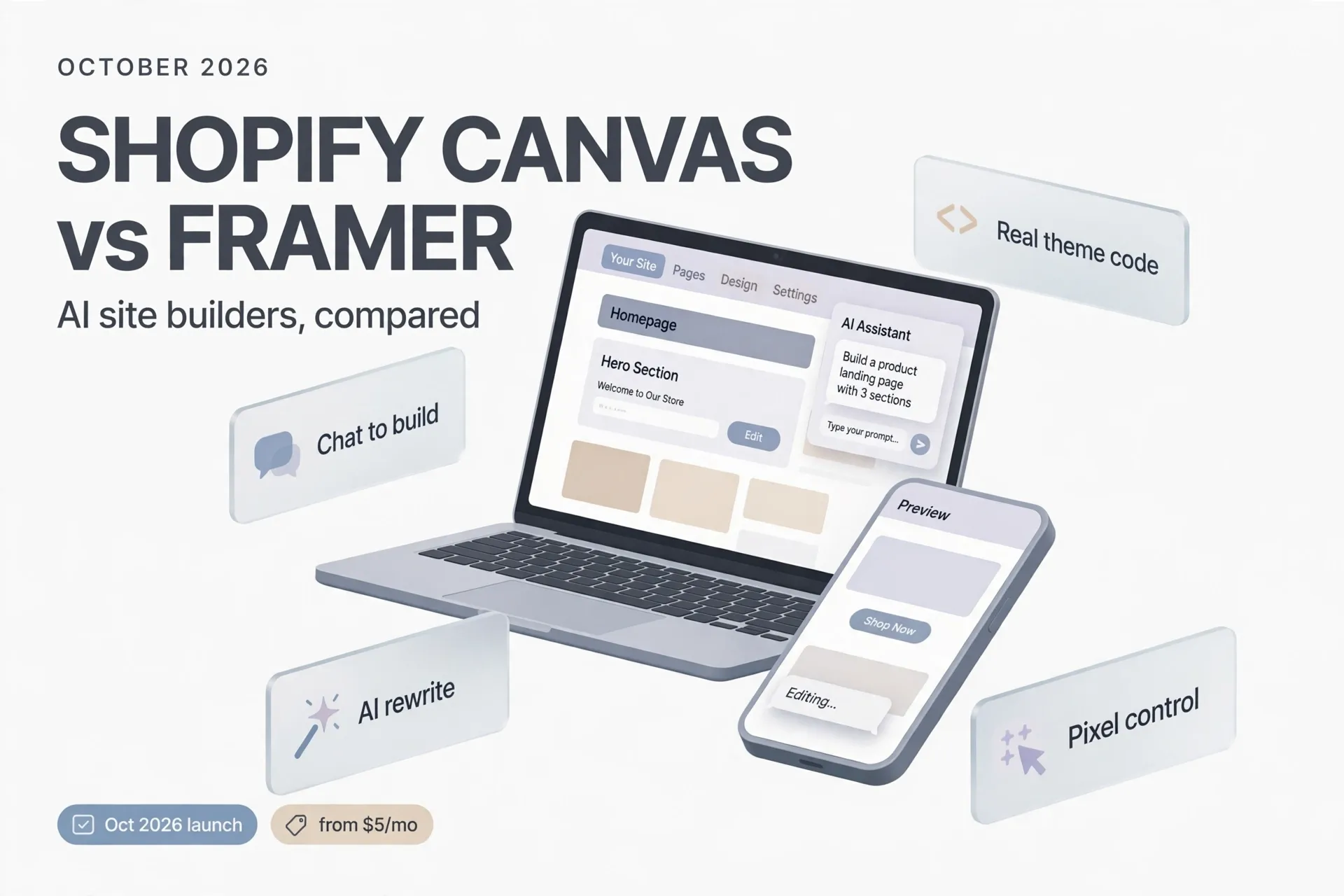
On October 1, 2026, Shopify announced Canvas, a new way to build an online store: describe what you want in a chat with Sidekick, Shopify's AI agent, and watch the storefront take shape in real time. It is the highest-profile entry yet in the race to make website building conversational — a race that already includes Wix, Squarespace, Webflow, and Framer, as TechCrunch noted in its launch coverage.
Framer is the natural point of comparison. It has spent years refining an AI-assisted, design-first builder with a Figma-like canvas, and it was recently ranked among the best AI website builders for designers. The two products approach the same problem — "build me a website" — from opposite ends: Canvas starts from commerce, Framer starts from design. This article compares them on what they actually do, who they fit, and where each falls short.
Shopify Canvas: build your store by chatting with Sidekick
Canvas is a new design surface inside Shopify where merchants build and customize their online store through conversation. Instead of picking a theme and rearranging sections and blocks in a settings panel, merchants tell Sidekick what they want in natural language — "make this hero feel bolder and more editorial," in Shopify's own demo — and the changes land on the page in real time.
The workspace is the interesting part. For the first time in Shopify, merchants can see every page of the store laid out together on one surface, pan across pages to judge how the whole store feels, and zoom in to work on details. Merchants who prefer direct control can still click on individual elements and edit them by hand.
According to Shopify, Canvas renders the real code behind the store rather than a static preview: merchants can preview pages with full interactivity and animation, test key pages with different products and collections, and check layouts across screen sizes before publishing. Sidekick works directly on the theme's files — Shopify says it simplified its theme architecture so the agent can understand a store's structure, logic, and design — and it inspects its own work by taking screenshots, the same way the merchant sees the result. As it builds, Sidekick asks questions, proposes approaches, and remembers earlier preferences so the conversation moves forward instead of revisiting settled choices.
Shopify positions Canvas as a coding agent designed specifically for commerce. The company says Sidekick has been writing code for some time — generating apps, building custom theme sections, and making more than 25 million edits to themes in the first half of 2026. Ben Sehl, Shopify's director of product, claims that "an entrepreneur on Shopify can build a fully custom store in twenty minutes" — a company claim, not an independent test, but it signals the ambition: bespoke design without a developer budget.
There are real caveats, and Shopify is upfront about most of them. Canvas is rolling out to merchants over the coming days from the October 1 announcement — it is not fully available to everyone yet. It does not replace the existing theme editor. TechCrunch reports that third-party theme support, app blocks and extensions, markets, translations, rollouts, and theme updates are all missing from the initial launch, and Canvas is desktop-only for now. Shopify says it plans to close those gaps over time. Pricing is the other open question: Shopify has not announced a separate price for Canvas — it ships as part of the Shopify platform for merchants on Shopify plans.
Framer: the designer's AI site builder
Framer takes the opposite approach. Where Canvas is a chat window over a commerce platform, Framer is a visual design canvas — closer to Figma or Webflow than to a template builder — with AI features layered on top. You design on a freeform canvas, and what you publish is a hosted site.
Framer's AI works in a few distinct ways. It can generate a first-draft page or section from a short text prompt, giving designers a starting layout to refine by hand. Its Text Rewrite tool rephrases copy with one click. AI Translation renders a whole site into other languages, and AI Style keeps the tone of every AI-generated or edited piece consistent with the brand's voice. Since June 2026, Framer has added monthly AI credits to its plans — according to Gizmodo's September 2026 review, Basic includes 1,000 AI credits a month and Pro includes 3,000.
The editor itself is Framer's real strength. Reviewers consistently praise its pixel-level layout control, native animations, and responsive design handling — building scroll motion and interactive elements directly on the canvas, without code or plugins. It suits designers and marketing teams who want a site to match an exact visual concept: portfolios, landing pages, campaign sites, and startup marketing pages.
Pricing is per site, which surprises some new users: each published site needs its own plan. As of recent reviews (prices change often, so check Framer's official pricing page before deciding), there is a free plan on a Framer subdomain with a Framer banner, intended for non-commercial use; paid tiers start around $5 per month for a basic custom-domain site (Mini), with Basic around $10 per month and Pro around $30 per month on annual billing, unlocking more pages, CMS capacity, staging, and A/B testing. Extra editor seats and each additional translated language cost extra.
Framer's limits are the mirror image of Canvas's strengths. It is not a commerce platform: if your core job is selling products online with checkout, inventory, and payments, Framer is the wrong foundation — even its own ecosystem partners suggest pairing it with Shopify for stores. Gizmodo's review also warns that an AI-generated draft "needs a lot of work to become a good site": Framer's AI is a shortcut for people who already design, not a replacement for design judgment, and its editor assumes you know design terms.
Canvas vs Framer: the key differences
| Shopify Canvas | Framer | |
|---|---|---|
| What it is | Chat-driven design surface inside Shopify, powered by the Sidekick AI agent | Visual AI site builder with a Figma-like canvas and hosted publishing |
| Announced / status | October 1, 2026; rolling out to merchants | Established product, continuously updated |
| Primary user | Shopify merchants and online sellers | Designers, marketers, startups building marketing sites |
| AI approach | Conversational: describe the store, Sidekick edits real theme code and shows results live | Assistive: prompt-to-draft pages, one-click text rewrite, AI translation and brand-tone tools |
| Commerce | Native — products, collections, checkout, and payments are the foundation | Not a commerce platform; selling needs third-party integrations |
| Design control | Guided by chat plus direct element editing; tasteful defaults from Shopify's design data | Pixel-level manual control; animations and responsive behavior built on canvas |
| Pricing | No separate price announced; included for merchants on Shopify plans | Free tier; paid plans roughly $5–$30+/mo per site, per-site billing |
| Free tier | None separately — requires a Shopify plan | Yes, on a Framer subdomain with banner, non-commercial |
| Notable launch limits | Desktop-only; no third-party themes, app blocks, markets, or translations yet | AI drafts need heavy refinement; per-site pricing adds up across projects |
Who should pick which
Choose Shopify Canvas if you are selling online — or plan to. If you already run a Shopify store, or you are starting an ecommerce business and want the store, the products, the checkout, and the design workflow in one place, Canvas is built for exactly that. The chat interface also lowers the barrier for non-technical founders: no theme settings maze, no developer needed for layout changes. Just remember it is brand-new and rolling out gradually, so early adopters should expect gaps — particularly if you rely on third-party themes or app extensions.
Choose Framer if design is the product. For a portfolio, a SaaS marketing site, a campaign landing page, or any project where visual craft matters more than transactions, Framer's canvas gives you control that a chat window cannot. It is also the cheaper way to experiment: the free tier lets you build and publish before spending anything.
Consider using both. A design-led brand can run its marketing site on Framer and its store on Shopify — some agencies already recommend exactly that pairing. Canvas then keeps the storefront fresh without design resources, while Framer handles the storytelling pages where pixel-level control pays off.
A note on timing: Canvas is days old. Framer has years of iteration behind it. If you need something battle-tested this week, that maturity gap matters more than any feature table. If you are choosing a platform for the next year, watch how fast Shopify closes Canvas's launch gaps — third-party theme support and app extensions will be the milestones to track.
The bottom line
Shopify Canvas and Framer represent the two current poles of AI site building: describe-it-in-words versus design-it-on-a-canvas. Canvas is the more ambitious bet — a conversational agent that edits real store code and checks its own work — but it is also the less proven one, limited to Shopify merchants, desktop-only, and missing several integrations at launch. Framer is the mature, designer-friendly choice with honest pricing and a genuinely free tier, but it will not run your store.
The practical rule is simple: if the website's job is to sell, start with Shopify Canvas. If its job is to persuade, start with Framer. Revisit the decision in six months — this category is moving too fast for any comparison to stay true for long.
References
- Sarah Perez, "Shopify debuts Canvas, a way to build online stores by chatting with AI," TechCrunch, October 1, 2026. https://techcrunch.com/2026/10/01/shopify-debuts-canvas-a-way-to-build-online-stores-by-chatting-with-ai/
- "Introducing Canvas: Opening the aperture on online store design," Shopify News, October 2026. https://www.shopify.com/news/introducing-canvas
- "Best AI Website Builder 2026: Which One Builds It for You?" Gizmodo, September 2026. https://gizmodo.com/best-website-builder/ai
- "Framer UX Design Software Review 2026: Pros & Cons," WhatIfDesign, September 2026. https://whatifdesign.co/feeds/blog/framer-ux-design-software-in-depth-review-2026