An open-source desktop workspace that keeps your AI agents always on, with browser, terminal and editor.
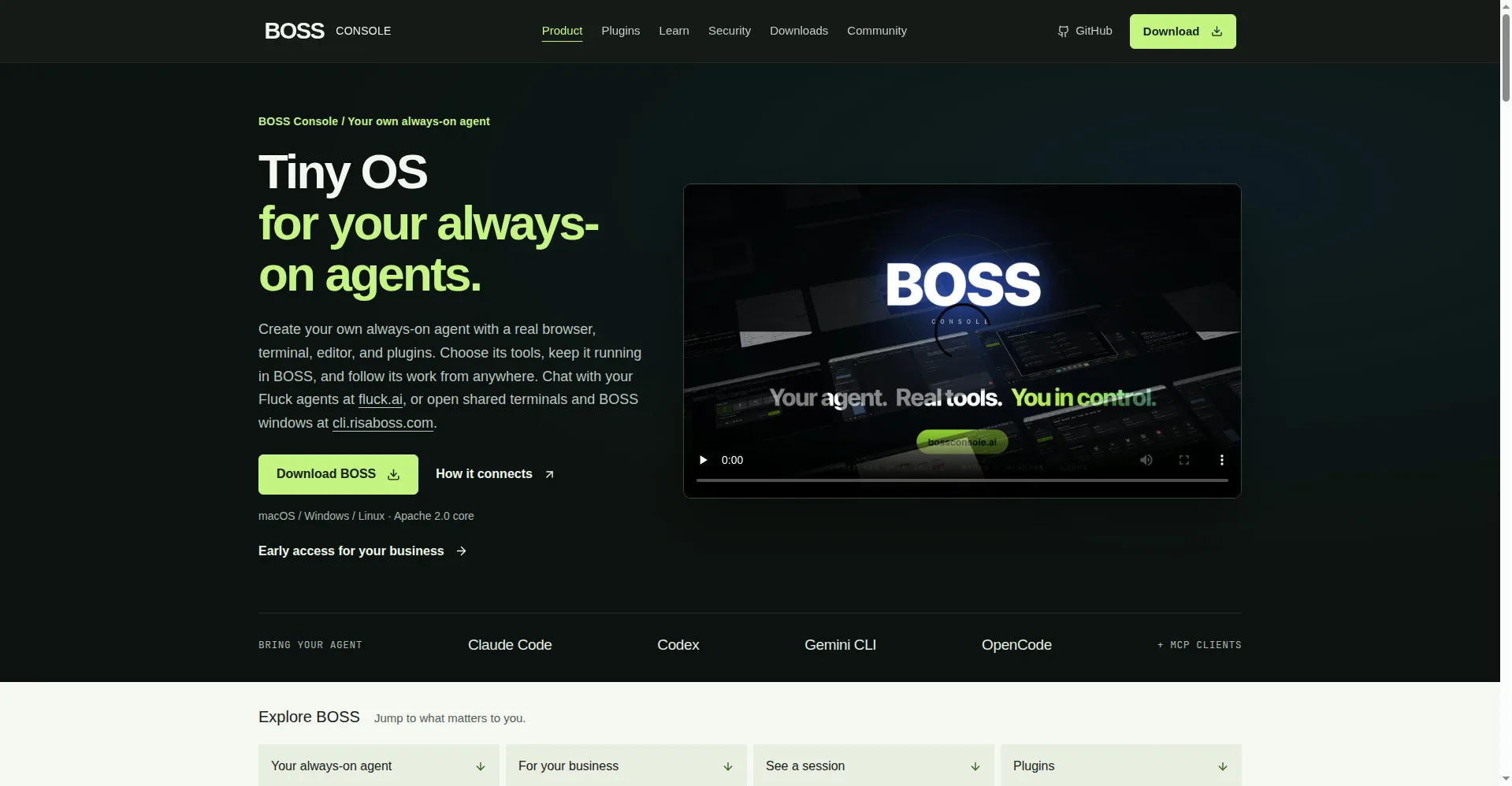
BOSS Console homepage
1 / 2Overview
What is BOSS Console?
A tiny operating system for always-on agents.
BOSS Console is a tiny operating system for always-on agents. Create your own agent with a real browser, terminal, editor and an extensible toolbox, choose its tools, keep it running in BOSS, and follow its work from anywhere.
Prefer the agent you already use? Bring Claude Code, Codex, Gemini CLI or OpenCode and connect them through the Toolbox MCP server, choosing exactly which BOSS tools each one can call. Everything lives in one workspace of split panes and saved Spaces.
BOSS Console is free and open source (Apache 2.0) for macOS, Windows and Linux, from Risa Labs.
Platforms and languages
BOSS Console Availability
Platforms
Languages
Capabilities
BOSS Console Key Features
Always-on agents
Create a Fluck agent with a real browser, terminal, editor and extensible toolbox; keep it running in BOSS and follow its work from anywhere.
Bring the agent you use
Connect Claude Code, Codex, Gemini CLI or OpenCode through Toolbox MCP and choose which BOSS tools each agent can call.
One workspace
Fluck Browser, BossTerm and BossEditor side by side — run commands, inspect files and review changes in split panes and saved Spaces.
Follow from anywhere
Return to your agents from another device; inspect or control shared terminals and windows remotely.
Open source
Apache 2.0 licensed on GitHub, built on the JVM with Kotlin and Compose Multiplatform.
Best for
Who uses BOSS Console?
Developers
Run always-on AI agents with a real browser, terminal and editor in one workspace
Plans and access
BOSS Console Pricing
Free
Common questions
BOSS Console FAQs
Is BOSS Console free?
Yes — it's open source under the Apache 2.0 license, free to download for macOS, Windows and Linux.
Which AI agents can I run in it?
Its own Fluck Agent, or bring Claude Code, Codex, Gemini CLI or OpenCode via the Toolbox MCP integration.
Can I check on my agents remotely?
Yes. Keep BOSS running on an online machine and follow your agents' work from another device.
Reviews
See what the community thinks and share your experience.
—
Based on 0 ratings
Rating distribution
Community reviews
No reviews
No written reviews yet.