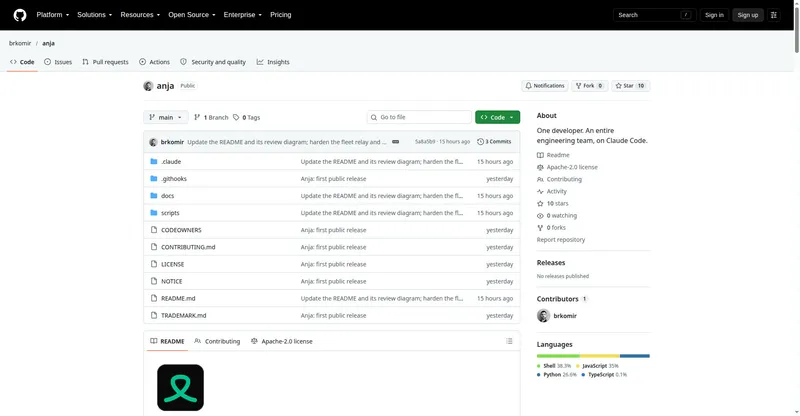
Free open-source Windows CLI toolkit managing dev accounts, disk space, ports, installs and updates from one menu.
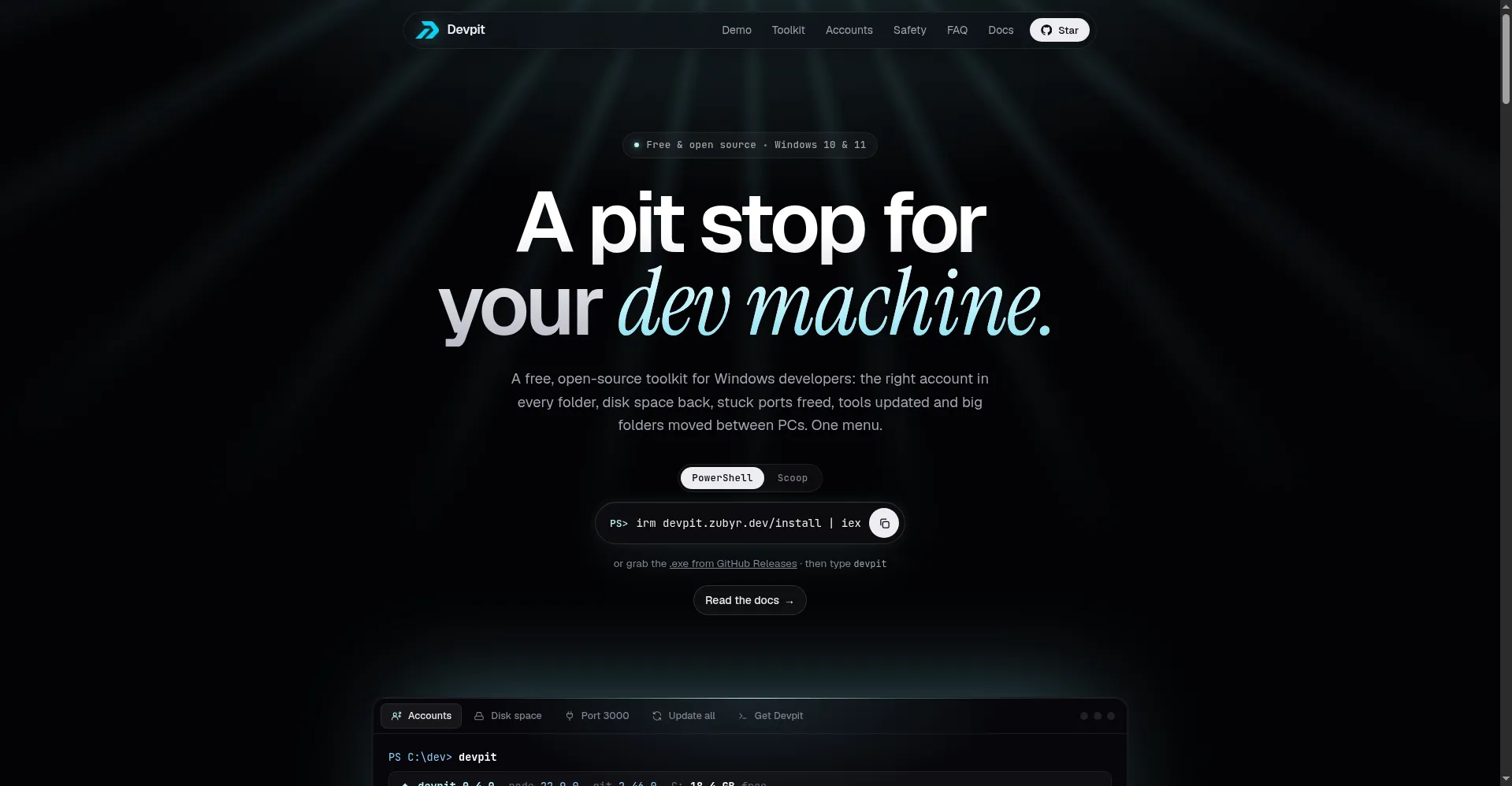
Homepage hero
1 / 3Overview
What is Devpit?
A pit stop for your dev machine.
Devpit is a free, open-source developer toolkit for Windows — one terminal menu for the chores of a dev machine. Its Accounts feature pins the right account per folder (Claude Code, Git, GitHub, Vercel, Firebase and more) with preview, revoke and verify, and Devpit itself never stores any token.
It also reclaims disk space from node_modules and caches (deleting only what you check), frees stuck ports, installs curated dev tools via Scoop/winget/Chocolatey, updates everything at once, and migrates big folders between PCs on the same network with resume support. Every action previews first, risky operations need typed confirmation, and releases are built by GitHub Actions with SHA256 checksums.
Devpit is MIT-licensed and free forever with no account. It runs on Windows 10/11 (x64 and ARM64); Linux and macOS are planned.
Platforms and languages
Devpit Availability
Platforms
Languages
Capabilities
Devpit Key Features
Accounts
Pin the right account per folder with preview, revoke and verify — Claude Code, Git, GitHub, Vercel and more; Devpit never stores tokens.
Disk cleanup
Finds node_modules, build folders and caches with sizes; deletes only what you check.
Port fixer
Finds the process holding a port (e.g. 3000) and frees it after your confirmation.
App installer & updates
Installs curated dev tools via Scoop/winget/Chocolatey and updates them all at once.
PC migration
Copies big folders between PCs on the same network with resume support.
Best for
Who uses Devpit?
Windows developers
Manage multiple dev-tool accounts, clean disk and fix ports from one terminal menu
Plans and access
Devpit Pricing
Free
Common questions
Devpit FAQs
Is Devpit really free?
Yes — MIT open source, free forever, no account needed.
Where are my tokens stored?
Devpit never stores, shows, copies or uploads tokens; each tool keeps its own login, and Devpit only records account names, emails and folder paths.
Does Devpit collect data?
Telemetry is off by default; only aggregate stats like total space freed are ever sent, never filenames or paths; setting DEVPIT_NO_TELEMETRY=1 disables it fully.
Does it support Mac or Linux?
Windows 10/11 only (x64 and ARM64) for now; Linux and macOS are planned.
Is it safe to run?
Releases are built by GitHub Actions with SHA256 checksums, the install script is short and auditable, and high-risk operations require typed confirmation.
Reviews
See what the community thinks and share your experience.
—
Based on 0 ratings
Rating distribution
Community reviews
No reviews
No written reviews yet.