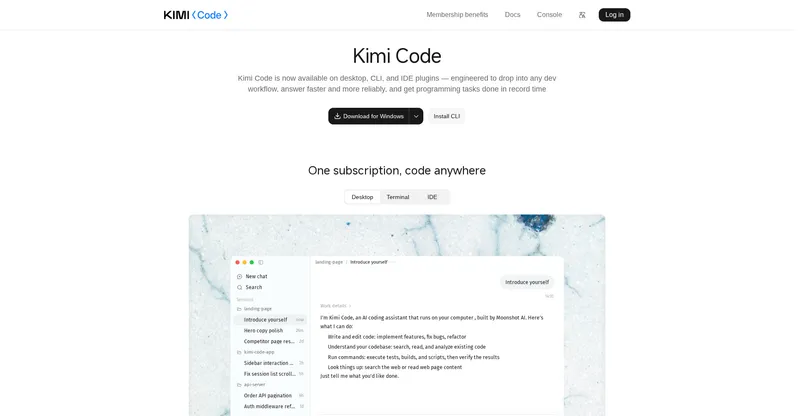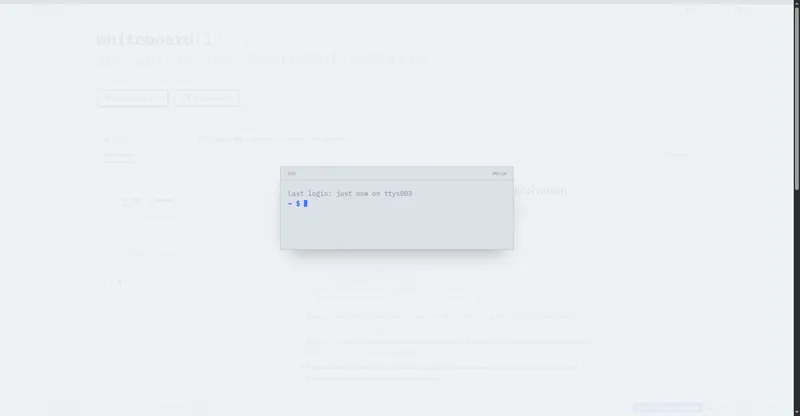
A self-learning AI coding agent for the terminal that reads your codebase and shares memory across CLI, chat and SDK.
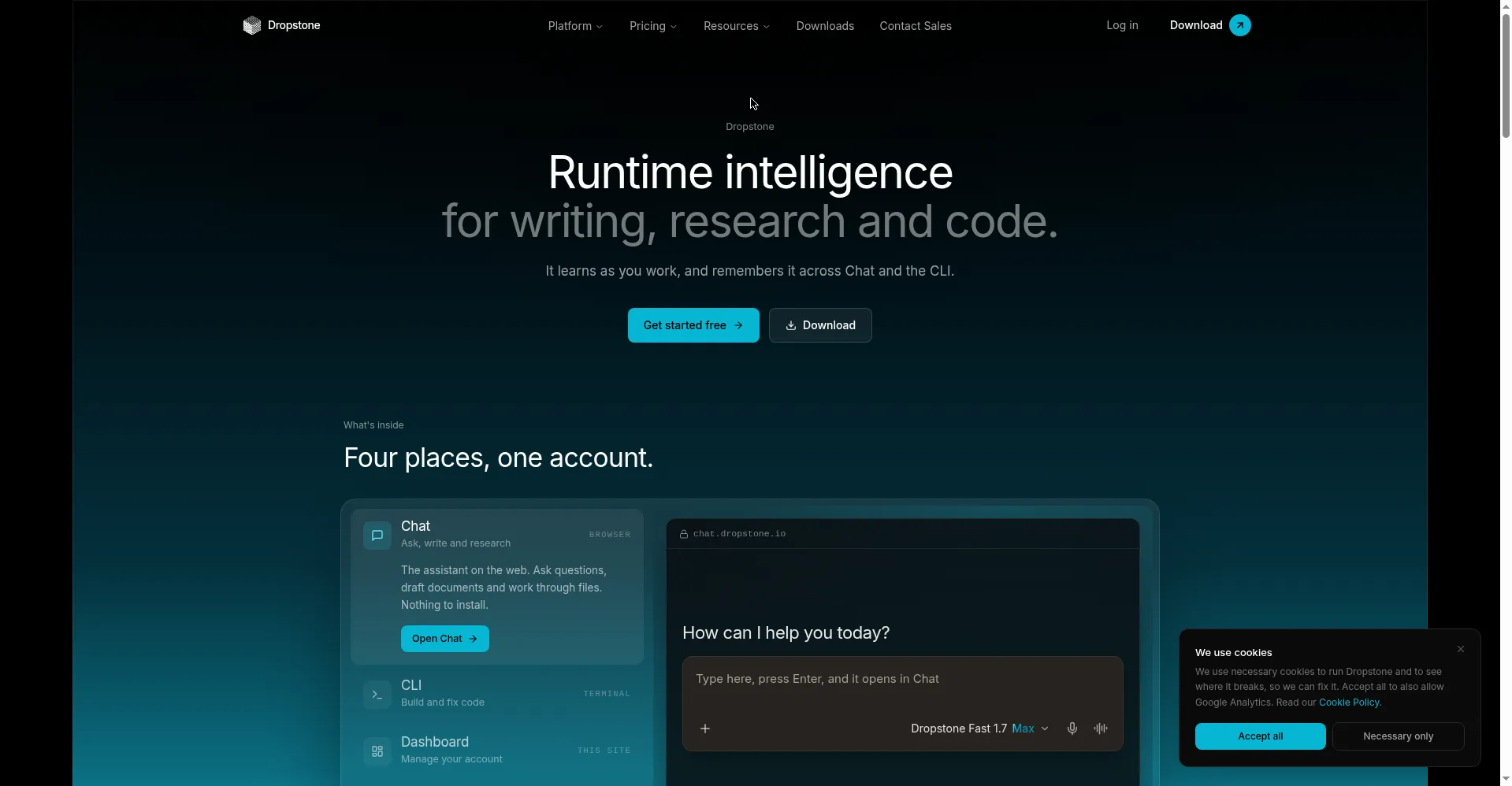
Homepage hero
1 / 3Overview
What is Dropstone CLI?
Runtime intelligence for writing, research and code.
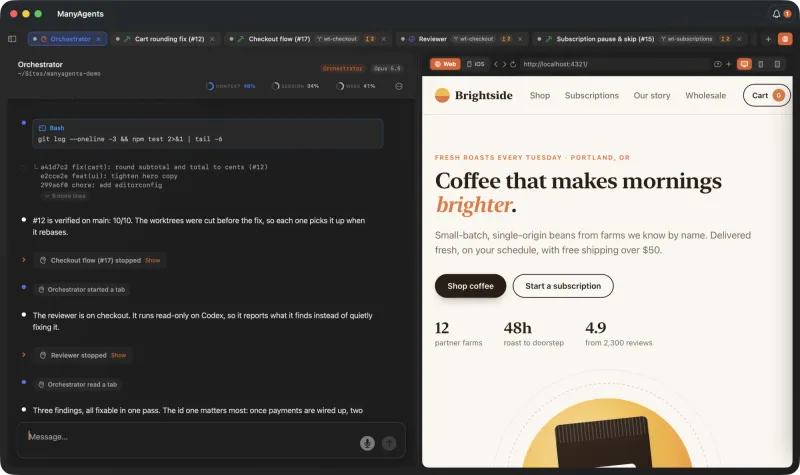
Dropstone is an AI coding agent with a memory — it learns as you work and remembers it across Chat and the CLI. The terminal agent reads and understands your codebase, makes coordinated edits across multiple files, runs builds, tests and commands while reading their output, and works alongside git, GitHub and GitLab. One memory is shared across the CLI, the web chat, the SDK and the VS Code extension, so the agent gets to know your project over time. It installs with a single curl command as a native build for macOS, Windows and Linux, and extends with skills, plugins, custom tools and MCP servers. Pricing: Free $0 (limited monthly usage, CLI and dashboard access), Lite $5/month (2x usage, computer use, 2 subagents), Pro $15/month (8x usage, Dropstone Heavy, larger context), Max from $75/month (priority queue, dedicated capacity), plus Team/Enterprise — annual billing saves 8–17%. The company states zero retention of prompts, code and outputs, and no customer data is used for training. Made for developers who want a terminal-based AI coding agent that remembers project context across sessions.
Platforms and languages
Dropstone CLI Availability
Platforms
Languages
Capabilities
Dropstone CLI Key Features
Codebase-aware editing
Read and understand the codebase, then make coordinated edits across multiple files.
Runs commands like you do
Run builds, tests and shell commands, read their output, and work alongside git, GitHub and GitLab.
Self-learning memory
One shared memory across the CLI, web chat, SDK and VS Code extension — the agent learns your project over time.
Extensible and IDE-connected
Extend with skills, plugins, custom tools and MCP servers; connect your editor via the VS Code extension.
One-command native install
Native builds for macOS, Windows and Linux installed with a single curl command.
Best for
Who uses Dropstone CLI?
Developers who want a terminal-based AI coding agent
Build and fix code with an agent that remembers project context across CLI, chat and SDK sessions
Plans and access
Dropstone CLI Pricing
Freemium
Free $0; Lite $5/mo; Pro $15/mo; Max from $75/mo; Team/Enterprise custom.
Common questions
Dropstone CLI FAQs
What can the Dropstone CLI do?
It reads and understands your codebase, makes coordinated edits across files, runs builds/tests/commands and reads their output, and works with git, GitHub and GitLab — plus it remembers context across Chat, CLI and SDK.
Is there a free plan?
Yes. The Free plan is $0 and includes CLI and dashboard access with limited monthly usage.
Which operating systems are supported?
macOS, Windows and Linux — native builds installed with one command; there is also a VS Code extension and a web chat.
Is my code kept or used for training?
No. The company states zero retention of prompts, code and outputs on all plans, and customer data is not used for model training.
Reviews
See what the community thinks and share your experience.
—
Based on 0 ratings
Rating distribution
Community reviews
No reviews
No written reviews yet.