A collaborative hand-drawn diagram workspace where you and AI agents (Claude, Cursor, VS Code) draw together in real time.
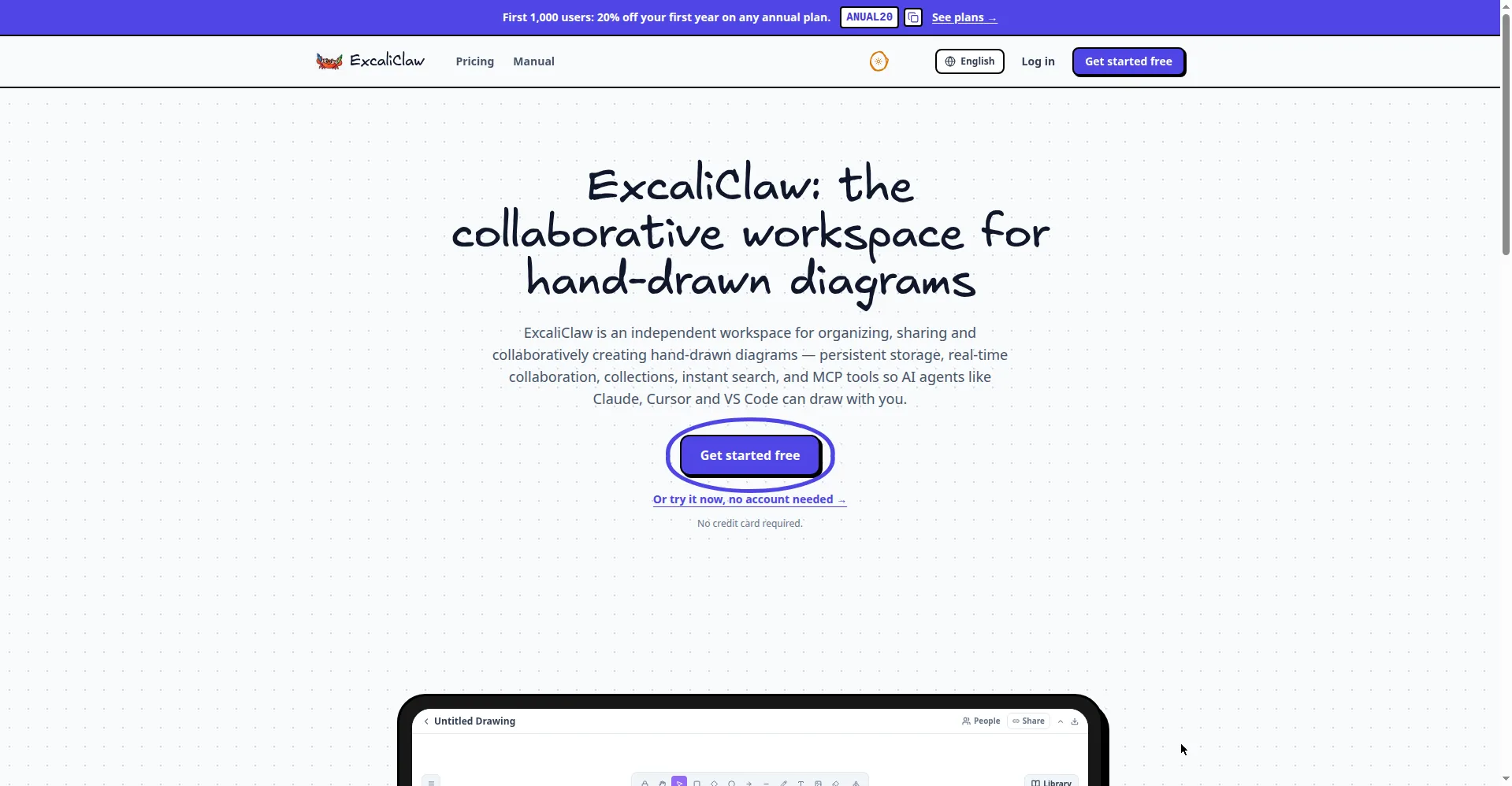
Homepage hero
1 / 3Overview
What is ExcaliClaw?
Hand-drawn diagrams your AI agent can draw with you.
ExcaliClaw is a collaborative workspace for hand-drawn diagrams — persistent, real-time and powered by MCP tools so AI agents can draw with you. Every stroke auto-saves, drawings organize into collections with instant full-text search, and sharing is one link or username away with control over who sees what. Real-time collaboration shows everyone's cursors live with zero setup, and MCP integrations let Claude, Cursor and VS Code draw diagrams directly for you — unlimited MCP/AI on every plan, including free. Pricing: Free $0 (200 designs), Starter $10.07/month, Pro $32.45/month (most popular), Enterprise custom; the first 1,000 annual users get 20% off the first year with code ANUAL20. Data stays portable with full export and import. Made for individuals and teams who sketch hand-drawn diagrams — flowcharts, wireframes, mind maps on an infinite canvas — and want to collaborate live, including side by side with an AI agent.
Platforms and languages
ExcaliClaw Availability
Platforms
Languages
Capabilities
ExcaliClaw Key Features
AI agents draw with you
MCP tools let Claude, Cursor and VS Code draw hand-drawn diagrams for you directly in the workspace — unlimited on every plan.
Persistent storage and search
Every stroke auto-saves, drawings organize into collections, and instant search works across all of them.
Real-time collaboration
Share a link and see everyone's cursors move live — no setup required; invite teammates by username or publish a public link.
Hand-drawn diagramming
Infinite canvas for flowcharts, wireframes and mind maps, with flexible sharing controls per link or person.
Export and import as backup
Full export and import of all your drawings as a backup — your data stays portable.
Best for
Who uses ExcaliClaw?
Individuals and teams who sketch hand-drawn diagrams
Collaboratively create flowcharts, wireframes and mind maps live, including side by side with an AI agent
Plans and access
ExcaliClaw Pricing
Freemium
Free $0 (200 designs); Starter $10.07/mo; Pro $32.45/mo; Enterprise custom; unlimited MCP/AI on every plan.
Common questions
ExcaliClaw FAQs
Is there a free plan?
Yes. The Free plan is $0 and includes 200 designs, 1 day of version history and unlimited MCP/AI usage.
Is the AI/MCP feature really unlimited on all plans?
Yes — unlimited MCP/AI is included on every plan, including the free one.
Which AI agents can draw with me?
Claude, Cursor, VS Code and more via MCP tools — your agent can draw diagrams for you directly in the workspace.
Can I export my data?
Yes. Full export and import of all your data is supported as a backup, so your drawings stay portable.
Reviews
See what the community thinks and share your experience.
—
Based on 0 ratings
Rating distribution
Community reviews
No reviews
No written reviews yet.