AI selfie editor: retouch, makeup, hairstyles, and fun face filters.
Features
1 / 2Overview
What is FaceApp?
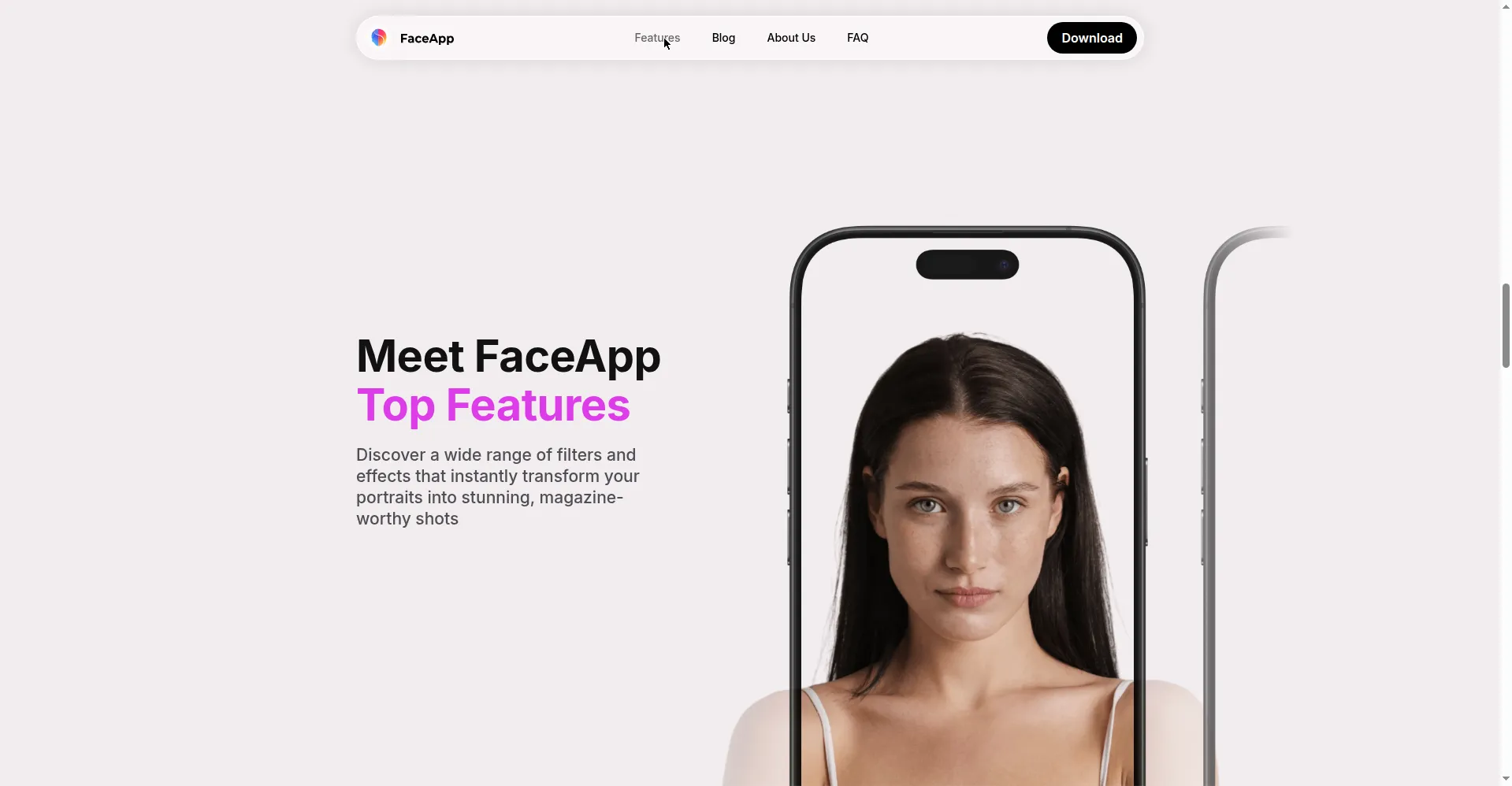
Meet FaceApp — top features
FaceApp is the AI selfie and portrait editor — 1B+ installs worldwide, App of the Year on App Store and Google Play.
Retouch: remove blemishes, even skin tone, magazine-worthy portraits. Impression: one-tap natural 'refresh' look. Makeup: try pro makeup looks in seconds. Hair Volume: add fullness. Emotions filters: change facial expressions in funny, dramatic, or unexpected ways. Hairstyles/Fun filters: preview new hairstyles and add playful effects.
Free to download with many popular features free. FaceApp Pro is a subscription (monthly/annual plans; exact prices in local currency shown in the app's PRO section; annual usually best value; free trial in some countries). Pro unlocks all filters and tools and removes watermarks. Cancel anytime via App Store/Google Play settings; payments processed by Apple/Google. Photos are protected with encrypted keys stored on your device. See faceapp.com for details.
Platforms and languages
FaceApp Availability
Platforms
Languages
Capabilities
FaceApp Key Features
Retouch
Remove blemishes and even skin tone for magazine-quality portraits.
Impression
One-tap natural 'refresh' look that highlights your best self.
Makeup
Try professional makeup looks in seconds.
Hair volume
Add fullness to hair.
Emotions filters
Change facial expressions in funny or dramatic ways.
Hairstyles & fun
Preview new hairstyles and playful photo effects.
Best for
Who uses FaceApp?
Mobile users
Beautify selfies and portraits with AI filters
Social media creators
Try hairstyles, makeup, and fun face effects for content
Plans and access
FaceApp Pricing
Freemium
Free download; Pro subscription, prices shown in-app.
Common questions
FaceApp FAQs
Is FaceApp free?
FaceApp is free to download with many popular features free; Pro subscription unlocks all filters and tools and removes watermarks.
How much does FaceApp Pro cost?
Monthly and annual plans; exact prices in local currency appear in the app's PRO section; annual is usually best value.
How do I cancel?
Cancel anytime via App Store or Google Play settings; keep access until the end of the current billing period.
How do payments work?
Payments go through Apple App Store or Google Play; FaceApp never charges your card directly.
Is my data safe?
Photos are protected with encrypted keys stored on your device; FaceApp follows industry security and privacy best practices.
Reviews
See what the community thinks and share your experience.
—
Based on 0 ratings
Rating distribution
Community reviews
No reviews
No written reviews yet.