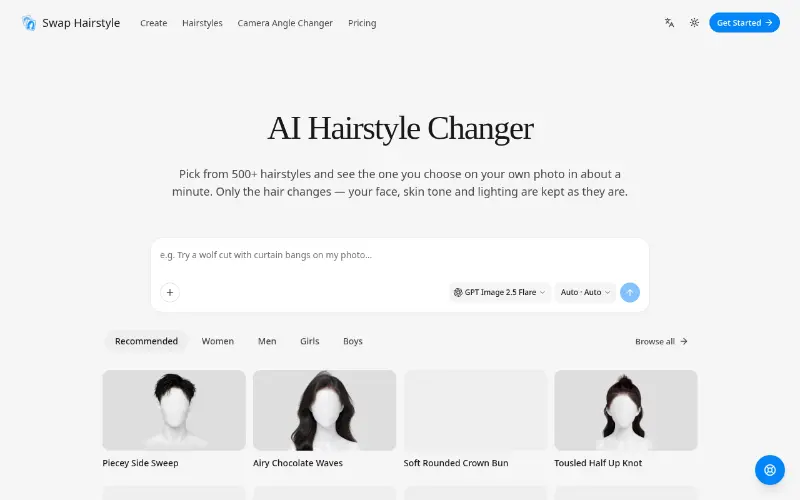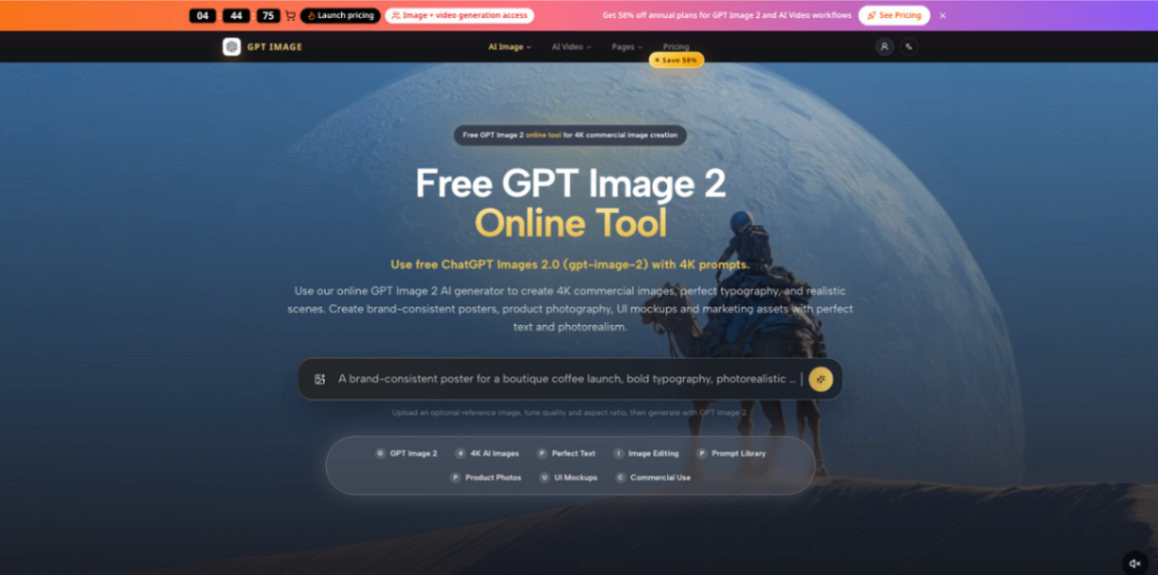
Free GPT Image 2 Online tool
Use free ChatGPT Images 2.0 (gpt-image-2) with 4K prompts. Use our online GPT Image 2 AI generator to create 4K commercial images, perfect typography, and realistic scenes. Create brand-consistent posters, product photography, UI mockups and marketing assets with perfect text and photorealism.
Product screenshot
Overview
What is Free GPT Image 2 Online tool?
Overview
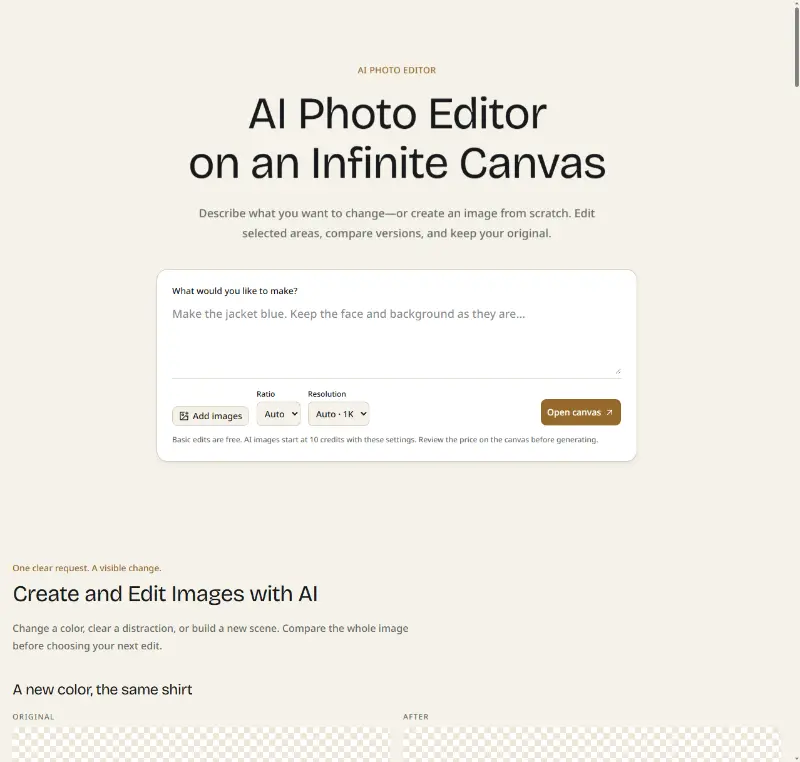
GPT Image is an online AI image generation and editing workspace for creators, marketers, founders, ecommerce teams, designers, and small businesses that need polished visual assets without running a full production process for every idea.
The product is built for practical creative work. Many AI image tools are useful for experimentation, but real workflows often need more structure: a product shot in the correct ratio, a poster with readable text, a social graphic that fits a campaign, a UI mockup with clean composition, or a reference-guided edit that preserves the parts that matter. GPT Image brings these needs into one focused web workspace.
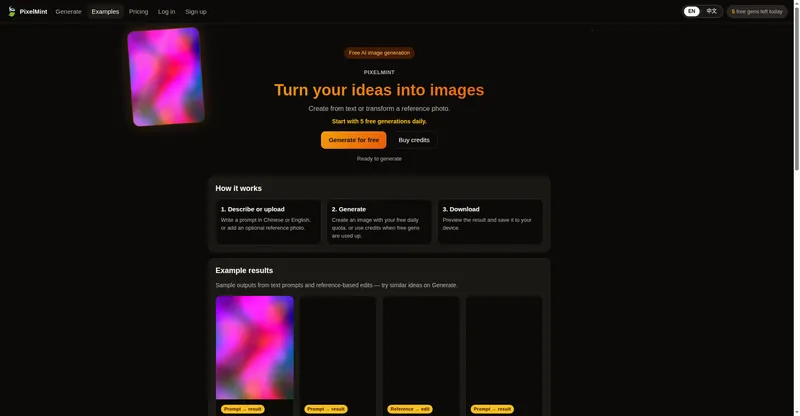
Users can generate images from text prompts, upload reference images for guided edits, reuse prompt examples, choose output sizes, save results, and manage credits without setting up APIs or moving between disconnected tools. The goal is simple: help people move from idea to usable visual draft faster.
GPT Image is an independent AI image service and is not affiliated with any underlying model provider.
What You Can Create
GPT Image is designed for commercial and creative image workflows where speed, clarity, and repeatability matter.
You can use it to create product photography concepts, ecommerce visuals, brand posters, social media graphics, UI mockups, educational diagrams, campaign images, article headers, pitch visuals, thumbnails, and concept art. It is especially useful when you need to test multiple creative directions before committing to final design, photography, or production work.
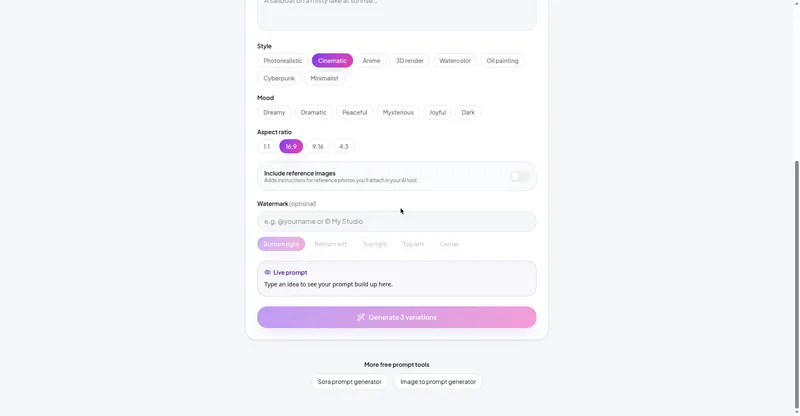
Instead of starting with a blank canvas, users can describe the visual they want in plain language. A strong prompt can define the subject, composition, lighting, camera angle, mood, colors, typography, aspect ratio, and intended use case. For more controlled results, users can upload reference images to guide style, layout, subject consistency, or editing direction.
Key Features
Text-to-image generation: Create visuals from detailed prompts that describe subject, composition, style, lighting, camera angle, color palette, typography, and final use case.
Image-to-image editing: Upload reference images and guide edits with natural language. This is useful for restyling, product direction, brand consistency, concept refinement, and controlled visual iteration.
Reference-guided creation: Use existing visuals to steer mood, composition, subject details, color palette, or creative direction while still allowing the AI model to generate a polished result.
High-resolution output options: Choose common creative formats such as square, landscape, portrait, 16:9, 9:16, 2K-oriented sizes, and 4K-oriented output options.
Reusable prompt examples: Explore structured prompt examples for posters, product scenes, dense infographics, travel cards, educational visuals, character consistency, branding concepts, and visual storytelling.
Saved generation workflow: Signed-in users can return to recent generated assets instead of treating every image as a one-off experiment.
Credit-based usage: GPT Image is built around real AI generation costs, with usage-aware generation flows, subscriptions, and credit packages.
Production-ready SaaS foundation: The product includes authentication, account management, billing, storage, dashboard pages, support, and deployment tooling.
Who It Is For
Creators and content teams can use GPT Image to create thumbnails, social graphics, visual cards, article headers, and campaign images without waiting on a long production cycle.
Marketing teams can generate campaign concepts, ad visuals, product launch graphics, landing page images, and social variations before moving into final production.
Ecommerce teams can explore product photography concepts, lifestyle scenes, packaging visuals, promotional images, and visual directions for online stores.
Founders and indie makers can quickly create pitch visuals, website graphics, product mockups, and launch assets when design resources are limited.
Designers can use the platform as an ideation tool to test style, layout, lighting, typography, and visual direction before manual refinement.
Educators and writers can create diagrams, explainers, knowledge cards, and visual summaries that make complex information easier to share.
Why GPT Image Is Useful
AI image generation is easy to try, but harder to turn into repeatable creative work. GPT Image focuses on the gap between casual prompting and a usable creative workflow.
The platform helps users work with clearer intent. Instead of simply asking for a beautiful image, users can define what the image is for, where it will be used, what it should contain, what style it should follow, and which elements need to remain consistent. This makes the output more useful for campaigns, ecommerce pages, social media, presentations, and product storytelling.
The built-in prompt examples also reduce friction. Many users know what they want visually but struggle to describe it with enough structure. Prompt examples show how to specify layout, lighting, typography, information density, and final purpose. This makes the product more approachable for non-technical users while still giving experienced creators a faster starting point.
The SaaS layer makes GPT Image suitable for ongoing work. Accounts, credits, billing, storage, and saved results allow creators and teams to use the product repeatedly instead of treating every generation as a disposable experiment.
Example Workflows
Product visual exploration: Start with a product idea, describe the environment, lighting, camera angle, and mood, then generate several commercial-style scenes for comparison.
Campaign poster creation: Write a prompt that defines the campaign theme, headline style, visual hierarchy, subject, background, and color palette. Generate poster concepts and refine the strongest direction.
Reference-based editing: Upload an existing image and describe what should change, what should stay consistent, and what final style you want.
Social media asset production: Create square, landscape, or vertical visuals for posts, thumbnails, reels covers, and carousel graphics.
Educational graphic generation: Use structured prompts to create diagrams, explainers, visual summaries, or high-save knowledge cards.
Suggested Short Descriptions
One sentence: GPT Image helps creators and teams turn prompts and reference images into polished commercial visuals faster.
Short version: GPT Image is an online AI image generation and editing workspace for creating product visuals, posters, social graphics, UI mockups, educational diagrams, and campaign assets from prompts or reference images.
Long version: GPT Image is a practical AI image creation platform built for commercial creative workflows. It combines text-to-image generation, image-to-image editing, reusable prompt examples, high-resolution output options, saved results, accounts, credits, and billing in one web workspace. It helps creators, marketers, founders, ecommerce teams, and designers move from idea to usable visual draft faster.
FAQ
What is GPT Image?
GPT Image is an online AI image generator and editing workspace for creating commercial visuals from prompts and reference images.
Who should use it?
It is built for creators, marketers, founders, ecommerce teams, designers, educators, and small teams that need fast visual drafts for real projects.
What can I create with it?
Product photos, marketing posters, social media graphics, UI mockups, campaign images, thumbnails, educational diagrams, brand concepts, and reference-guided edits.
Do I need API access or technical setup?
No. GPT Image is designed as a web workspace, so users can generate and edit images without setting up an API.
Can I upload reference images?
Yes. The image-to-image workflow supports reference uploads for controlled editing and restyling.
Is GPT Image only for designers?
No. Designers can use it for ideation, but it is also useful for marketers, founders, ecommerce operators, educators, and content creators.
Final Summary
GPT Image helps creators and teams turn prompts and references into usable commercial visuals faster. It is a focused AI image generation and editing workspace for marketing assets, ecommerce visuals, social graphics, posters, mockups, educational images, and creative prototypes. Instead of treating image generation as a one-off experiment, GPT Image wraps it in a practical workflow with prompt examples, reference uploads, size controls, saved results, credits, and billing.
Platforms and languages
Free GPT Image 2 Online tool Availability
Platforms
Languages
Compare similar tools
Free GPT Image 2 Online tool Alternatives
 YixYix is a browser-based AI image and video studio with multiple models, reference-image workflows, free prompt tools, and credit-based pricing.AI Image Generation
 CPagesCPages turns text prompts or photos into printable coloring pages.AI Image GenerationAI Illustration ToolsAI Design Toolscoloring pagesprintable arttext to image
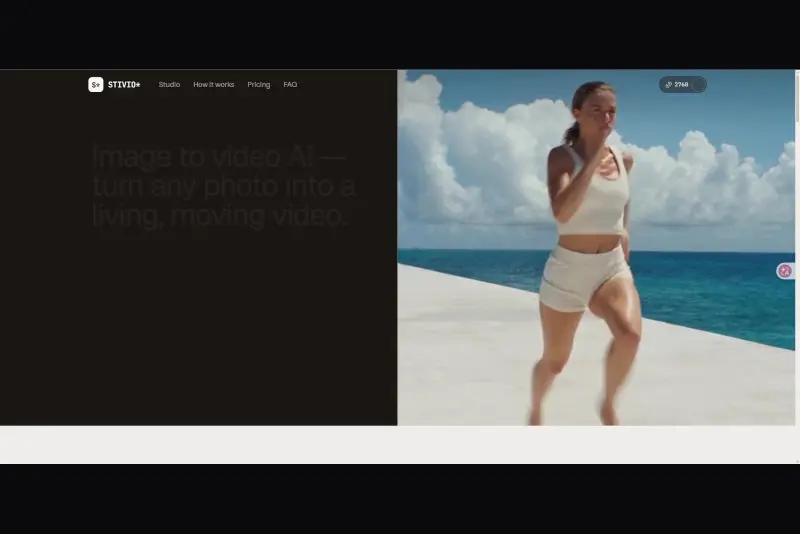 StivioStivio turns a single photo into a moving HD video. Upload an image, describe the motion in plain English, and six leading AI video models render an HD MP4 in one to five minutes.AI Video CreationAI Image GenerationAI Creation Generationimage to videoai video generatorphoto animation
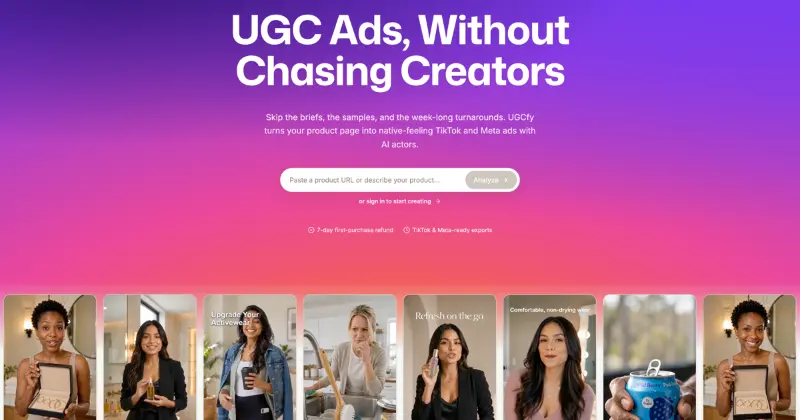 UGCfy AICreate AI-generated UGC-style video ads from product links, with scripts, hooks, AI actors, captions, and export-ready formats.5.0(1 reviews)AI Video CreationAI Marketing ToolsAI Content Generationugc adsai video adsecommerce marketing
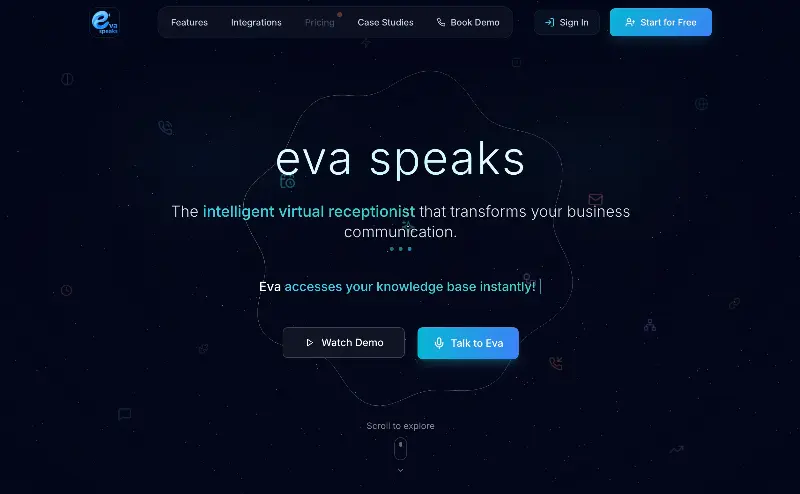 EvaSpeaksEvaSpeaks is an AI-powered virtual receptionist that answers calls 24/7, handles customer inquiries, schedules appointments, captures leads, and routes calls to the right team. It helps businesses improve response times, reduce missed opportunities, automate routine communication, and provide reliable customer support even outside regular business hours.5.0(1 reviews)AI Business SolutionsAI Voice RecognitionAI WorkflowAI receptionist
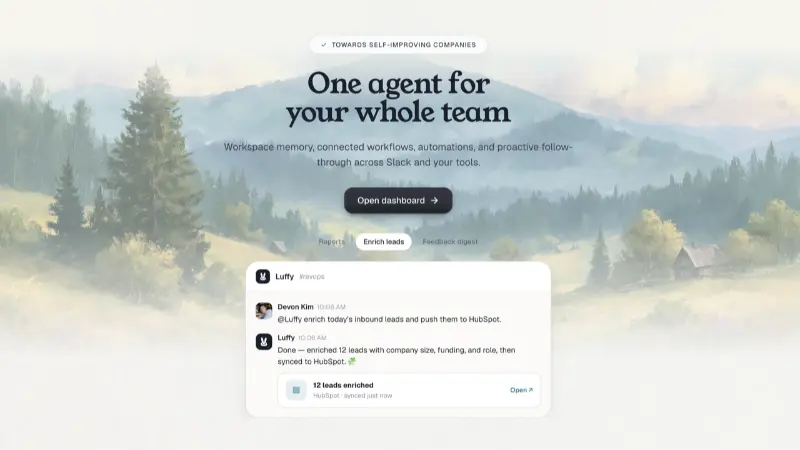 LuffyAI employee that gets work done directly in Slack5.0(1 reviews)AI Productivity ToolsAI Personal AssistantsAI WorkflowAI assistantautomationworkflow
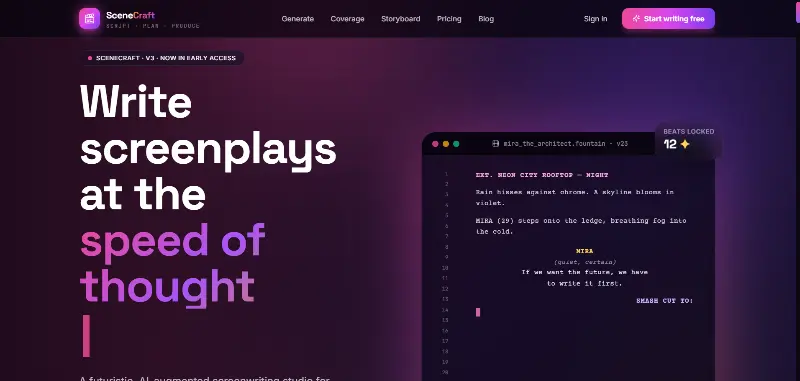 SceneCraft - AISceneCraft is an AI screenwriting studio. Generate full screenplays from an idea, get instant AI script coverage, and turn scenes into storyboards or full comic pages — all in industry-standard format, in 100+ languages. Built for screenwriters, showrunners, and indie filmmakers who want to move from idea to pre-production without switching tools.5.0(1 reviews)AI Image GenerationAI Text WritingAI StorytellingTurn any scene into a comic pagepanel by panel.
 OpuslyOpusly is an AI studio for creators — generate images and videos with auto-picked best models (Nano Banana 2, GPT-Image-2, Seedance 2.0), or use one-click scene templates like Italian Brainrot and MSPaintify. Free signup includes 30 credits.AI Image GenerationAI Video CreationAI Design Art
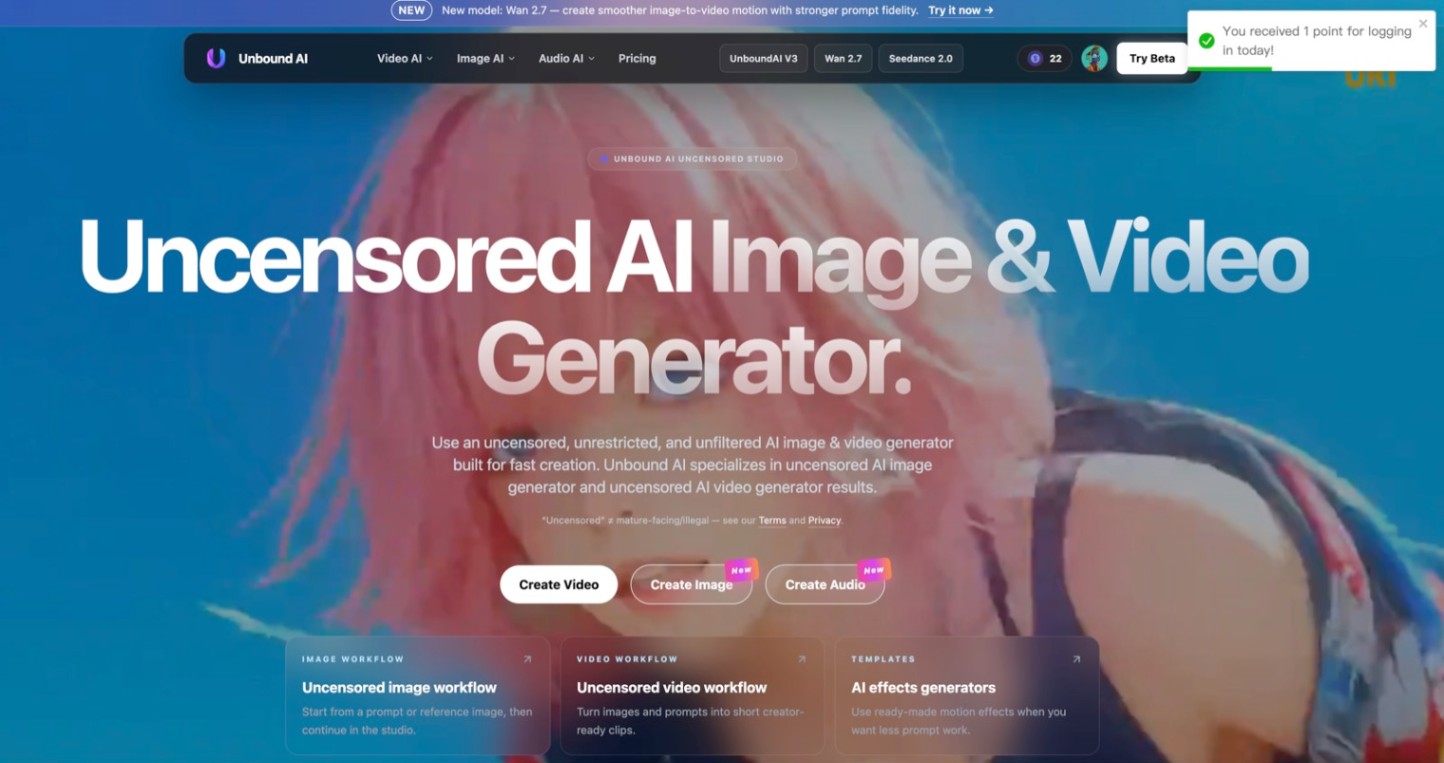 Unbound AICreate uncensored and unrestricted AI images and videos with optional music, voice, and sound effects.AI Image GenerationAI Video CreationAI Audio Tools
 ytzoloYTZolo is an AI-powered YouTube content generator that helps creators produce engaging scripts, SEO-friendly titles, descriptions, tags, and content ideas quickly to grow their channels more efficiently.AI Text WritingAI Marketing ToolsOther AI Toolsai ytzolo youtube script
Reviews
See what the community thinks and share your experience.
—
Based on 0 ratings
Rating distribution
Community reviews
No reviews
No written reviews yet.