A Chrome extension that reverse-engineers any AI image or video into its likely tool and a copyable prompt recipe.
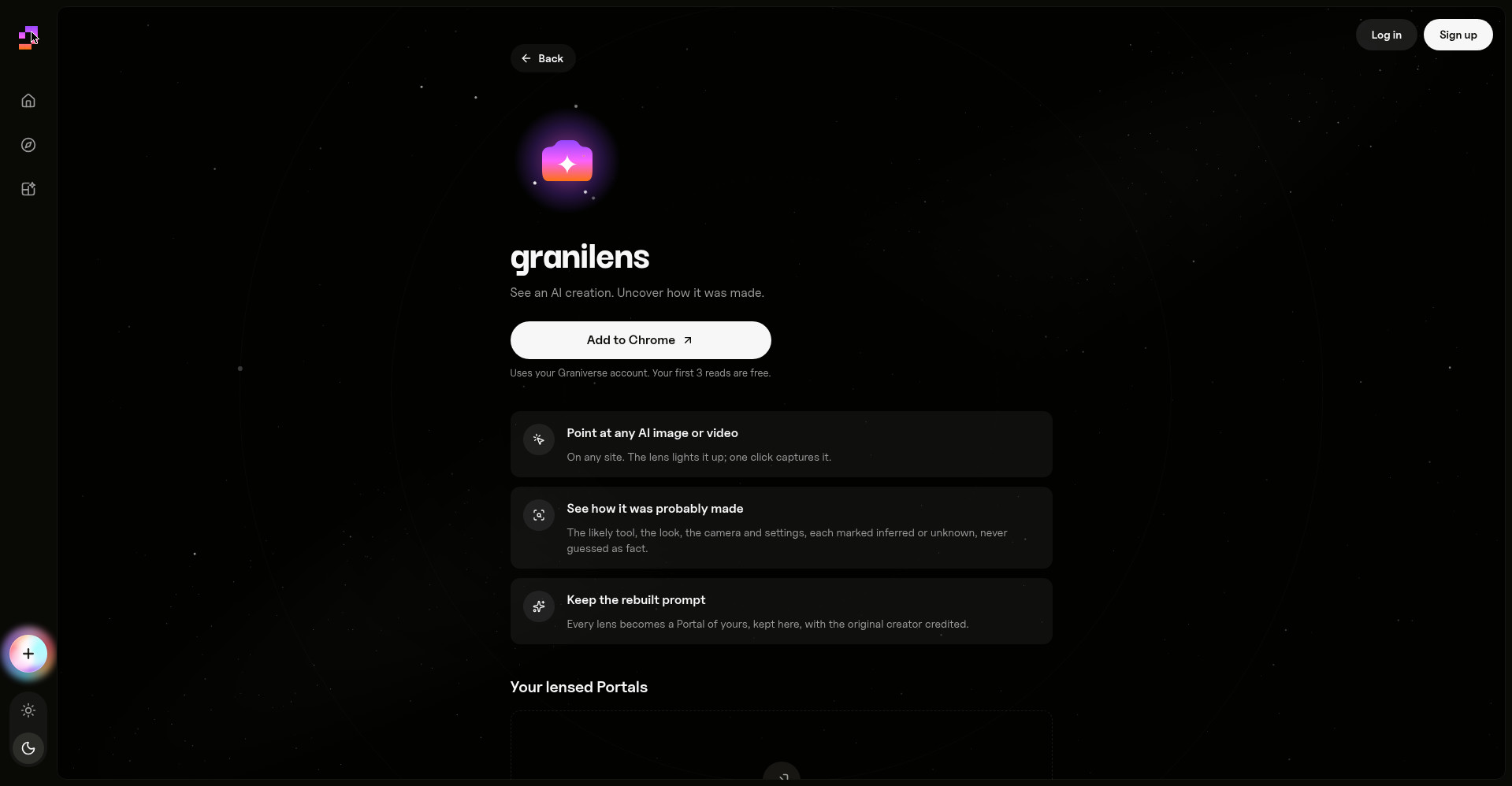
GraniLens homepage: point at any AI creation, uncover how it was made
1 / 3Overview
What is GraniLens?
Shazam for AI images and videos
What is GraniLens?
GraniLens is a Chrome extension from Graniverse that works like Shazam for AI images and videos. Every day you scroll past AI work you would love to make, with no way to find out how it was made. GraniLens fixes that: click any AI image or video on Pinterest, X, Instagram or YouTube, and in about 30 seconds it shows you the tool it was likely made with (with a match score), a rebuilt prompt to copy, the look, and the steps to make your own. Screens come with runnable code, and you can pass it all to your own AI tool or Claude.
Highlights
- Point at any AI image or video: on any site, the lens lights up the work and one click captures it.
- See how it was probably made: the likely tool, the look, camera and settings, each marked inferred or unknown, never guessed as fact.
- Keep the rebuilt prompt: every lens becomes a Portal of yours under your Graniverse account, with the original creator credited.
- Step-by-step recipe: measurable parameters such as aspect ratio, resolution and duration, with one-click copy of all prompts and settings.
- Wide browser support: installable from the Chrome Web Store and reported to work with Chrome, Edge, Brave, Arc and Opera.
Pricing
Your first 3 reads are free, no card required. Paid tiers beyond the free reads are not publicly listed on the site.
Platforms and languages
GraniLens Availability
Platforms
Languages
Capabilities
GraniLens Key Features
One-click capture on any site
Point at any AI image or video on sites like Pinterest, X, Instagram or YouTube; the lens highlights it and one click captures it for analysis.
Likely tool and settings detection
In about 30 seconds, see the tool the work was probably made with, with a match score, the look, camera and settings, each labeled as inferred or unknown rather than guessed as fact.
Rebuilt copyable prompt
Get a rebuilt prompt you can copy straight into your own AI tool or Claude, plus runnable code samples with each lens result.
Step-by-step recreation guide
Receive a practical recipe with measurable parameters such as aspect ratio, resolution and duration, and one-click copy of all prompts and settings.
Saved Portals library
Every lens is saved as a Portal under your Graniverse account, with the original creator credited, so you can revisit and reuse recipes.
Best for
Who uses GraniLens?
AI creators, designers and AI hobbyists
Find out how any AI image or video seen online was made, then recreate its look with your own tools
Plans and access
GraniLens Pricing
Freemium
Your first 3 reads are free, no card required; paid tiers are not publicly listed.
Common questions
GraniLens FAQs
What is GraniLens?
GraniLens is a Chrome extension from Graniverse that reverse-engineers AI images and videos: point at any AI-made work online and it identifies the likely creation tool, rebuilds a copyable prompt, and gives you a step-by-step recipe to make your own.
How does GraniLens work?
Click any AI image or video on a site such as Pinterest, X, Instagram or YouTube. In about 30 seconds GraniLens shows the likely tool with a match score, the look and settings, and a rebuilt prompt. Inferences are explicitly marked inferred or unknown, never presented as facts.
Is GraniLens free?
Your first 3 reads are free with no card required. Paid tiers beyond that are not publicly listed on the site.
Which browsers does GraniLens support?
The extension is published on the Chrome Web Store and is reported to work with Chrome, Edge, Brave, Arc and Opera. A Graniverse account is used to store your lens history as Portals on the web.
Who makes GraniLens?
GraniLens is built by the Graniverse team (makers on Product Hunt: David Jesse and Grant). Graniverse also runs a prompt marketplace where creators can buy or sell prompts behind AI-made work.
Reviews
See what the community thinks and share your experience.
—
Based on 0 ratings
Rating distribution
Community reviews
No reviews
No written reviews yet.