Open-source AI coding agent for VS Code, JetBrains, CLI, and cloud, with 500+ models and bring-your-own API keys.
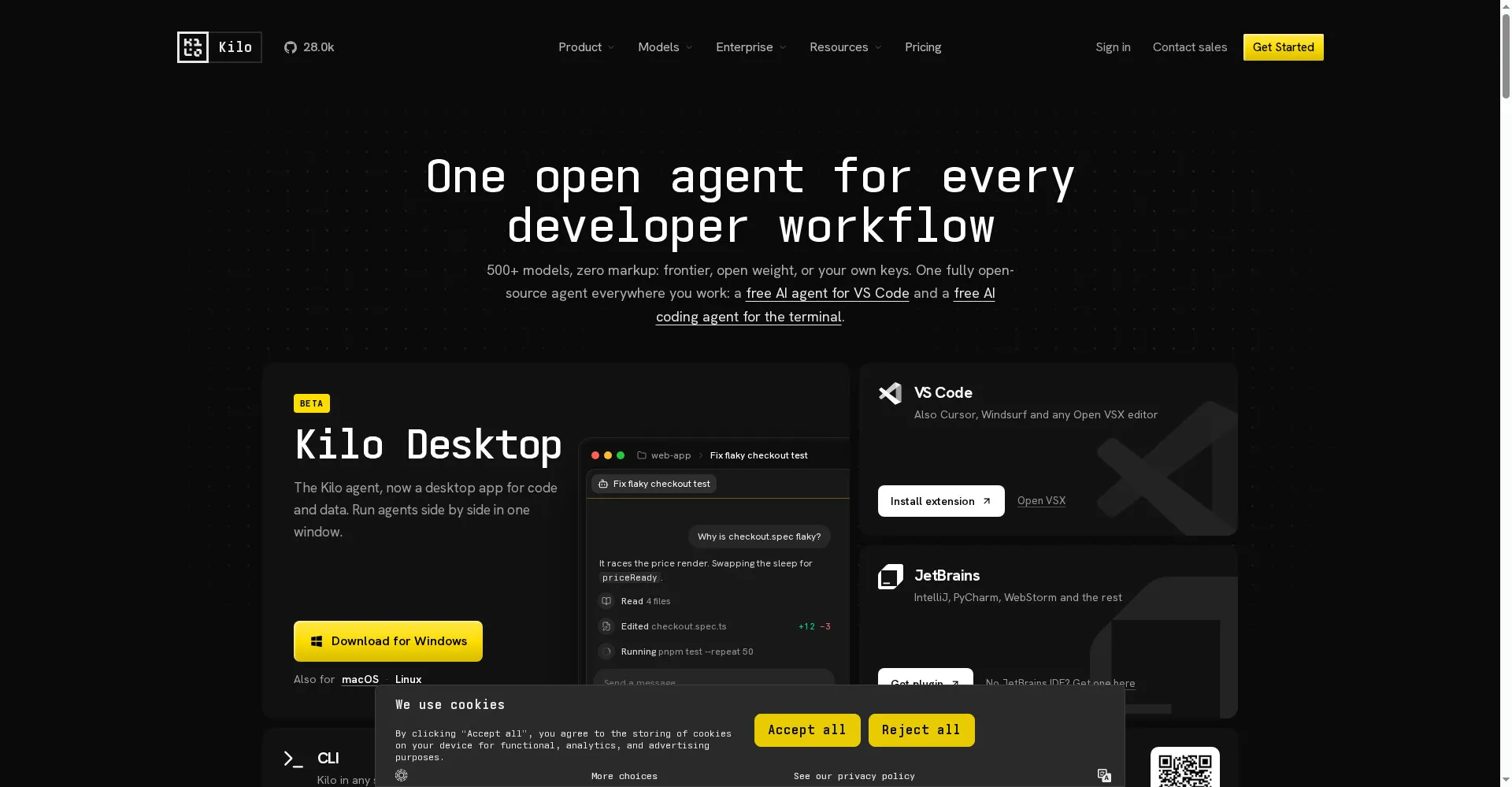
Kilo Code homepage — one open agent for every developer workflow
Overview
What is Kilo Code?
One open agent for every developer workflow
Kilo Code is an open-source AI coding agent that works where developers work: as an extension for VS Code and JetBrains IDEs, as a command-line tool, as a desktop app, and as cloud agents in the browser. It writes, debugs, refactors, and reviews code across the whole repository, and can run multi-step tasks autonomously.
The agent gives access to more than 500 AI models through one interface, including Claude, GPT, Gemini, DeepSeek, and local models via Ollama or LM Studio. Developers can bring their own API keys and pay providers directly at list prices with no markup, or top up pay-as-you-go credits. An Auto Model mode routes each task to the right model for the budget and the work at hand.
Kilo Code ships with specialized Code, Plan, Debug, and Ask agents, supports MCP servers, and never trains on user code. It is free to install under the MIT license, with optional paid credits and team plans.
Platforms and languages
Kilo Code Availability
Platforms
Languages
Capabilities
Kilo Code Key Features
Agentic coding in your IDE
Write, refactor, debug, and review production code with an agent that understands the whole codebase.
500+ models, zero markup
Access Claude, GPT, Gemini, DeepSeek, and more through one interface, or bring your own API keys.
Specialized agents
Switch between Code, Plan, Debug, and Ask agents, each tuned for a different kind of work, with native sub-agent delegation.
Auto Model routing
Pick Efficient, Frontier, or Free and let Kilo route each task to the right model strategy for the budget and the work.
CLI, cloud, and Slack
Run the same agent in any shell, as cloud agents connected to GitHub or GitLab, or from Slack, with sessions that resume locally.
MCP support
Connect any MCP server for live tool access, with a built-in marketplace for one-click installs of GitHub, Linear, Postgres, and more.
Plans and access
Kilo Code Pricing
Freemium
Common questions
Kilo Code FAQs
What is Kilo Code?
Kilo Code is an open-source AI coding agent for VS Code, JetBrains IDEs, the terminal, and the cloud. It writes, debugs, refactors, and reviews code across a repository.
Is Kilo Code free?
Yes. The VS Code extension, JetBrains plugin, and CLI are free and open source under the MIT license. Use free models, bring your own API keys, or top up pay-as-you-go credits.
Which AI models does Kilo Code support?
More than 500 models, including Claude, GPT, Gemini, DeepSeek, Mistral, Grok, and Qwen, plus local models via Ollama or LM Studio. You can bring your own keys for any provider.
Which IDEs and platforms does Kilo Code support?
VS Code and VS Code-based editors including Cursor and Windsurf, all JetBrains IDEs, a standalone CLI, a desktop app for macOS, Windows, and Linux, and cloud agents in the browser.
Reviews
See what the community thinks and share your experience.
—
Based on 0 ratings
Rating distribution
Community reviews
No reviews
No written reviews yet.