Mermaid
AI agent for your Mac. Text it from your phone
An AI agent that does tasks on your Mac while you text it from your iPhone, from anywhere.
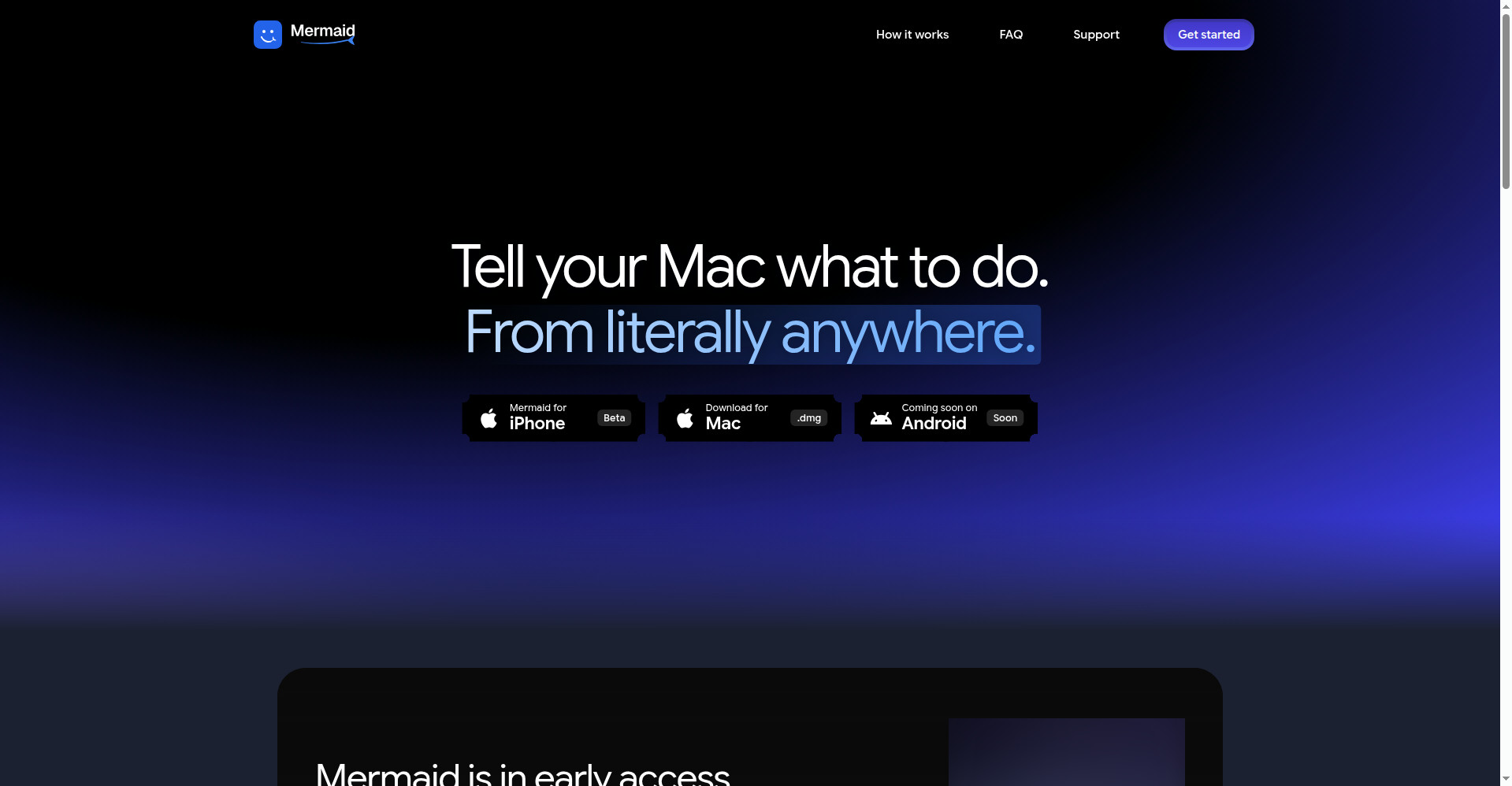
Mermaid homepage
1 / 2Overview
What is Mermaid?
AI agent for your Mac. Text it from your phone
Mermaid is one AI agent for your whole Mac — and you text it from your phone. Ask from your iPhone and Mermaid does the work on your Mac in your own apps: Safari, Chrome, Notes, Mail, Messages, VS Code, WhatsApp, Finder, Claude.
It checks the result and shows you when it's done. Before anything consequential — sending, deleting, buying — it asks for your approval on your phone, and you can stop it at any time. Pair once on the same Wi-Fi, then reach your Mac from literally anywhere. Live Screen and Take Over let you watch or grab control yourself.
Free during the beta with an AI usage allowance. Mac + iPhone today, Android coming soon.
Platforms and languages
Mermaid Availability
Platforms
Languages
Capabilities
Mermaid Key Features
Ask from your phone
Type or say what you need — e.g. 'Open Notes and write a shopping list' — and Mermaid does it on your Mac in your own apps.
Works in your Mac apps
Safari, Chrome, Notes, Mail, Messages, VS Code, WhatsApp, Finder, Claude — no setup, it uses the apps already on your Mac.
Approvals on your phone
Before sending, deleting or buying anything, Mermaid asks you to approve on your phone. Tap Stop at any time.
From anywhere
Pair once on the same Wi-Fi; after that Mermaid reaches your Mac over Wi-Fi or mobile data.
Live Screen and Take Over
Watch your Mac live, or take the trackpad and keyboard yourself — Mermaid waits until you hand back control.
Send files
Send files between your phone and Mac when both are on the same Wi-Fi.
Best for
Who uses Mermaid?
Mac users
Get things done on their Mac from their phone, wherever they are
Plans and access
Mermaid Pricing
Free
Free during beta, with an AI usage allowance.
Common questions
Mermaid FAQs
How much does Mermaid cost?
Free during the beta, with an AI usage allowance. Live Screen and Take Over don't use the allowance.
What do I need?
A Mac (Apple silicon or Intel, macOS 14+) and an iPhone (iOS 17+), with Mermaid on both signed in to the same account. Android is coming soon.
Do I need to be on the same Wi-Fi?
Only to pair the first time. After that, Mermaid reaches your Mac over Wi-Fi or mobile data — your Mac just needs to be awake and online.
Will it do things without asking me?
Before consequential actions like sending or deleting, it asks for approval on your phone, and you can tap Stop anytime.
Reviews
See what the community thinks and share your experience.
5.0
Based on 1 ratings
Rating distribution
Community reviews
No reviews
No written reviews yet.