Motionit.ai
MotionIt.ai is a software platform that uses artificial intelligence to produce slides and videos suited for a range of applications.
Product screenshot
Overview
What is Motionit.ai?
MotionIt.ai: AI-Powered Slide and Video Creation
MotionIt.ai is a revolutionary platform that leverages artificial intelligence to simplify the creation of high-quality slides and videos for various professional and educational purposes. Whether you're preparing a startup pitch deck, a conference presentation, or a school project, MotionIt.ai offers an intuitive solution that caters to a wide audience, from business owners and marketers to students and teachers.
Key Features
- AI-Driven Slide Design: The platform's AI automatically designs and formats slides, allowing users to concentrate on their content.
- Automatic Image Selection: A smart system selects appropriate visuals for each slide based on the content, enhancing the presentation's appeal.
- Document-to-Slide Transformation: Users can upload any document and instantly convert it into a professional slide deck, streamlining the preparation process.
- Export Options: Slides can be exported to Google Slides, downloaded as PowerPoint (PPTX) files, or saved as PDF, providing flexibility in how users share their presentations.
Main Use Cases
MotionIt.ai is ideal for:
- Business professionals needing to create impactful pitch decks and presentations.
- Educators and students looking to enhance their educational materials.
- Marketing teams aiming to produce engaging content for campaigns.
User Experience
Users have praised MotionIt.ai for its efficiency and ease of use, with many noting the significant time savings compared to traditional slide creation methods. The ability to transform hours of work into minutes has been particularly highlighted, along with the platform's capability to generate a variety of slide formats and styles based on user input.
How to Use
- Input Content: Provide keywords or upload a document.
- AI Processing: The AI designs the slides and selects appropriate images.
- Review and Customize: Users can review the generated slides and make any necessary adjustments.
- Export: Choose the preferred format (Google Slides, PPTX, PDF) and export the presentation.
Potential Limitations
While MotionIt.ai offers a powerful solution for slide and video creation, users may need to manually adjust some aspects of the generated content to ensure it perfectly matches their specific needs or brand guidelines. Additionally, the platform's AI capabilities are dependent on the quality and clarity of the input content provided by the user.
Platforms and languages
Motionit.ai Availability
Platforms
Languages
Compare similar tools
Motionit.ai Alternatives
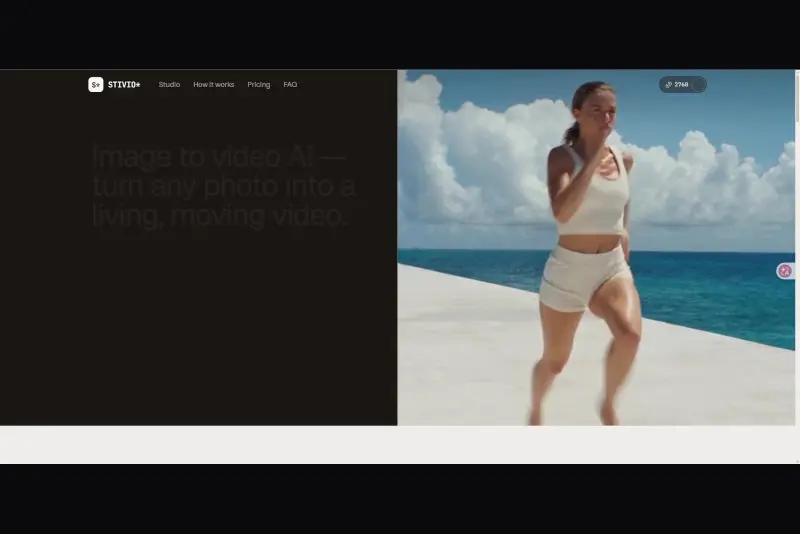 StivioStivio turns a single photo into a moving HD video. Upload an image, describe the motion in plain English, and six leading AI video models render an HD MP4 in one to five minutes.AI Video CreationAI Image GenerationAI Creation Generationimage to videoai video generatorphoto animation
 UGCfy AICreate AI-generated UGC-style video ads from product links, with scripts, hooks, AI actors, captions, and export-ready formats.5.0(1 reviews)AI Video CreationAI Marketing ToolsAI Content Generationugc adsai video adsecommerce marketing
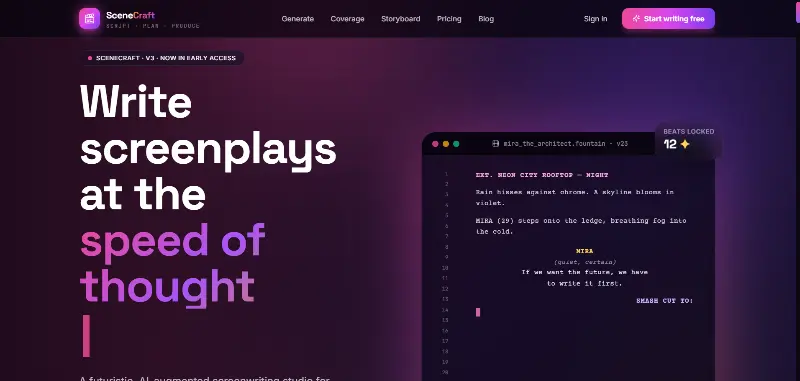 SceneCraft - AISceneCraft is an AI screenwriting studio. Generate full screenplays from an idea, get instant AI script coverage, and turn scenes into storyboards or full comic pages — all in industry-standard format, in 100+ languages. Built for screenwriters, showrunners, and indie filmmakers who want to move from idea to pre-production without switching tools.5.0(1 reviews)AI Image GenerationAI Text WritingAI StorytellingTurn any scene into a comic pagepanel by panel.
 OpuslyOpusly is an AI studio for creators — generate images and videos with auto-picked best models (Nano Banana 2, GPT-Image-2, Seedance 2.0), or use one-click scene templates like Italian Brainrot and MSPaintify. Free signup includes 30 credits.AI Image GenerationAI Video CreationAI Design Art
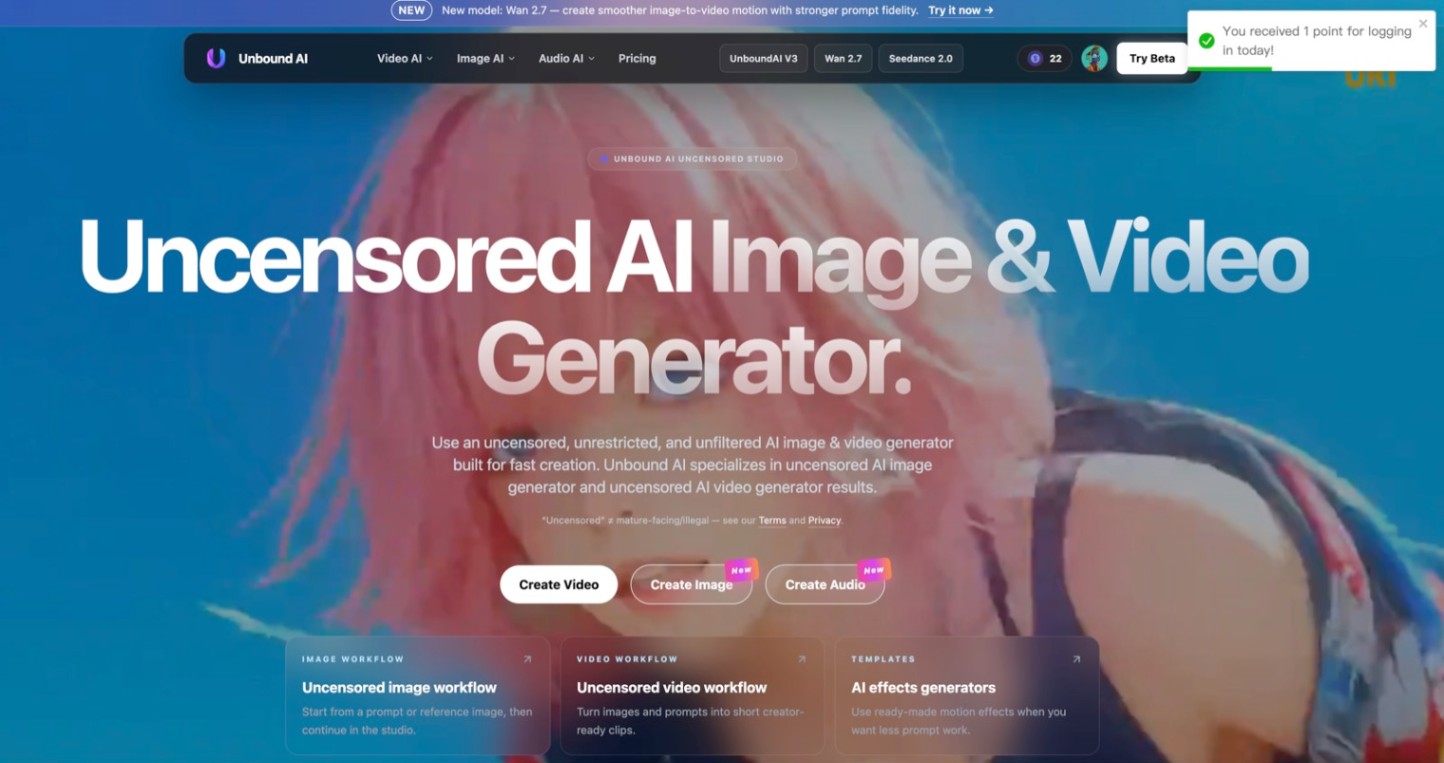 Unbound AICreate uncensored and unrestricted AI images and videos with optional music, voice, and sound effects.AI Image GenerationAI Video CreationAI Audio Tools
 ImgfreeImgfree is a free AI image and video generator that allows users to create stunning visuals from text prompts, offering unlimited access to various AI models without the need for credits.AI Image GenerationAI Video CreationAI Design Art
 Modellix.aiModellix is a MaaS (Model as a Service) platform that provides unified API access to maintream AI models, covering text-to-image, text-to-video, image-to-image, image-to-video, video editing, and more. Supported models include Nano Banana, Kling, Veo, Seedance, Seedream, Minimax, Qwen, Wanx, GPT, and others.
Whether you’re a developer building AI-powered applications or a creator producing visual content, Modellix provides the tools you need through a single API.AI Video CreationAI Marketing ToolsAI Image Generation
Modellix.aiModellix is a MaaS (Model as a Service) platform that provides unified API access to maintream AI models, covering text-to-image, text-to-video, image-to-image, image-to-video, video editing, and more. Supported models include Nano Banana, Kling, Veo, Seedance, Seedream, Minimax, Qwen, Wanx, GPT, and others.
Whether you’re a developer building AI-powered applications or a creator producing visual content, Modellix provides the tools you need through a single API.AI Video CreationAI Marketing ToolsAI Image Generation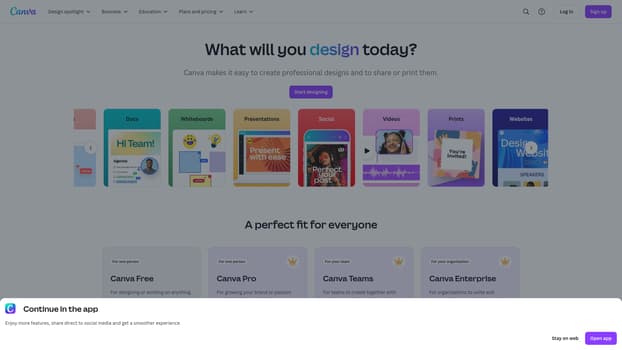 CanvaCanva is a free-to-use online graphic design tool. Use it to create social media posts, presentations, posters, videos, logos and more.5.0(1 reviews)AI Design ArtAI Productivity Toolsgraphic-designonline-designcollaboration
 IdoliAIIdoliAI for Image & Video GeneratorAI Creation GenerationAI Image GenerationAI Video CreationAI Image GeneratorAI Art GeneratorAI Video Generator
 AstreaCreate video ads with AI. Keep new ideas coming.AI Video CreationAI Marketing ToolsAI videovideo adsmarketing
Reviews
See what the community thinks and share your experience.
—
Based on 0 ratings
Rating distribution
Community reviews
No reviews
No written reviews yet.