Visual cloud infrastructure tool that lets teams design AWS setups on a canvas, review the plan and apply it to their own account.
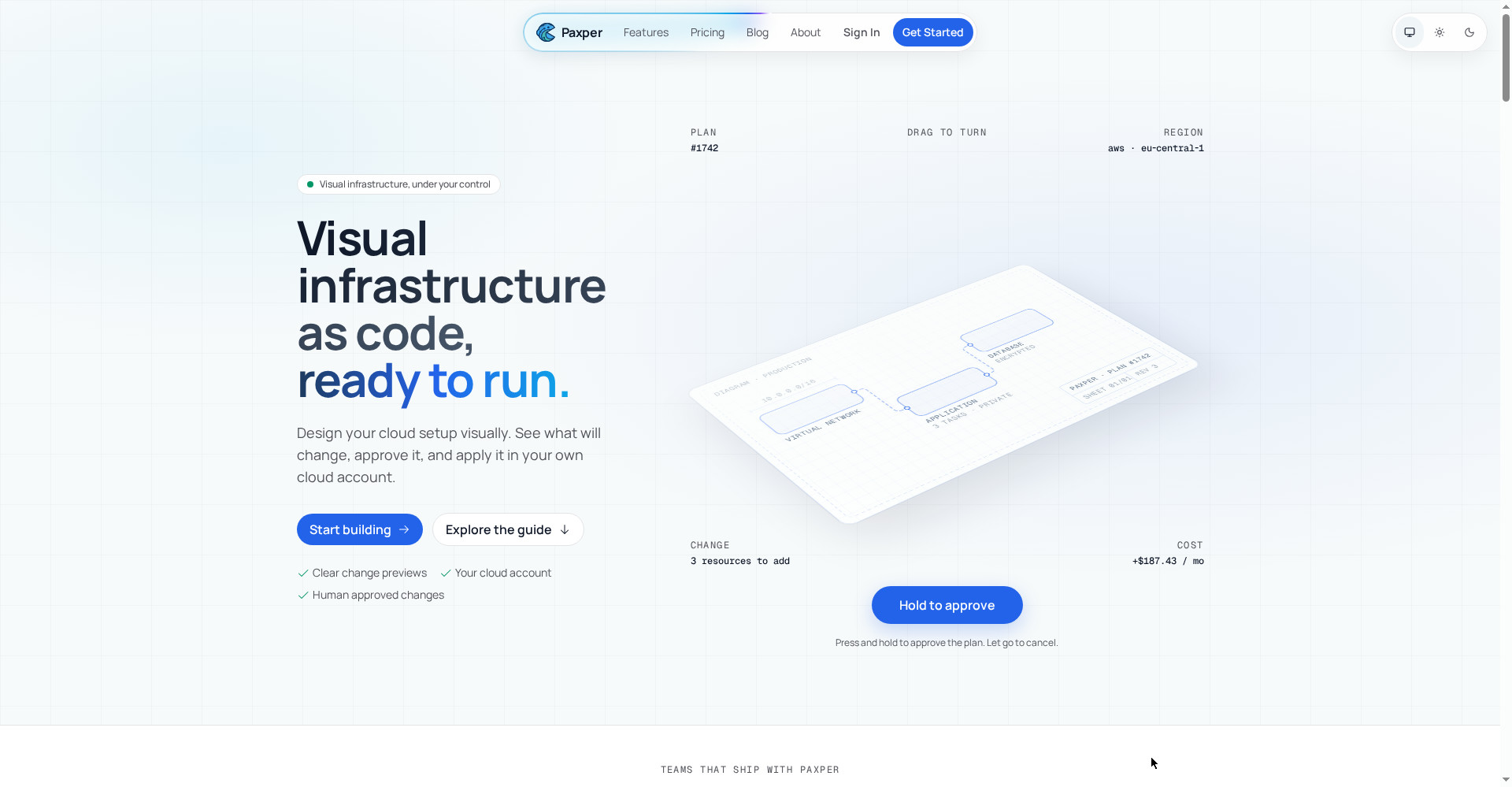
Paxper home — visual infrastructure as code
1 / 3Overview
What is Paxper?
Visual infrastructure as code, ready to run.
Paxper is a visual infrastructure-as-code tool for AWS. Instead of writing configuration files, you draw your cloud setup on a canvas, see what will change and what it will cost, and apply it to your own AWS account after a human review.
Its MCP server connects your AI assistant to your workspaces: the assistant can read your diagrams, look up valid AWS values and create edits in plain language, while your role and permissions still apply and nothing is applied without approval.
Paxper is free to start, with a Team plan at $49 per user per month for teams shipping product.
Platforms and languages
Paxper Availability
Platforms
Languages
Capabilities
Paxper Key Features
Visual canvas
Design your cloud setup visually instead of writing infrastructure code.
Human approval
Review the plan before anything is applied to your cloud account.
MCP server
Connect your AI assistant to read diagrams, look up valid AWS values and create edits in plain language.
Cost visibility
See what each change will cost before you apply it.
Your own account
Changes run in your own AWS account; your existing roles and permissions still apply.
Best for
Who uses Paxper?
Cloud and platform engineers managing AWS infrastructure
Design, review and apply cloud setups visually with AI assistance
Plans and access
Paxper Pricing
Freemium
Free $0; Team $49/user/mo; Enterprise custom
Common questions
Paxper FAQs
Is there a free plan?
Yes. The Free plan is $0 and includes unlimited projects, 1 workspace and community support.
Is there a free trial of the Team plan?
Yes, the Team plan offers a free trial. No credit card is required for the Free plan.
Which cloud does Paxper support?
Paxper supports AWS. Changes are applied to your own AWS account.
What does the MCP server do?
It connects your AI assistant to Paxper workspaces so it can read your diagrams, look up valid AWS values and create edits in plain language. A Viewer-connected MCP is read-only.
Reviews
See what the community thinks and share your experience.
—
Based on 0 ratings
Rating distribution
Community reviews
No reviews
No written reviews yet.